Guides
How to Search CCTV Footage After an Incident in India
Search CCTV footage after an incident in India: export from Hikvision or CP Plus, narrow the window, run timeline and AI search, and log under DPDP.
TL;DR
After an incident, search CCTV by confirming camera and time, exporting a bounded clip from your NVR, reviewing on the timeline, then indexing exports for natural-language search. Indian RWAs and plants should log who exported under DPDP before sharing.
How do you search CCTV footage after an incident in India when a housing society gate, factory shift, or retail store needs an answer tonight, not after a vendor visit? CCTV footage search usually fails for one of three reasons: the wrong camera channel, a time window wider than the NVR can export, or footage already overwritten. This guide is for RWAs, facility managers, plant security and IT teams running Hikvision, CP Plus, Dahua or Prama recorders. It connects export steps (detailed in our Hikvision NVR export guide), timeline review, AI video search on bounded clips, and DPDP-aware logging—without replacing legal advice on police requests or employment inquiries. For dock bays, forklifts, and multi-NVR campuses, use the dedicated warehouse CCTV search guide for India. When the investigation becomes a formal write-up, follow how to write an AI security incident report from CCTV.
What should you confirm in the first ten minutes?
Speed matters more than software. Before opening the recorder menu, collect facts on paper or in your incident chat:
| Field | Example | Why it matters |
|---|---|---|
| Site and recorder | Tower B, NVR-01 | Wrong login wastes time |
| Camera label | CH04 Main gate | Channels rarely match map names |
| Incident time | 23 Nov 2026, 22:14 IST | Phone clocks drift; note source |
| Padding | ±2 minutes | Context for entry and exit |
| Witnesses / phones | Guard booth, WhatsApp video | Cross-check timestamps |
| Who may receive copies | RWA committee only | Limits unlawful sharing |
If the incident spans multiple cameras—parking dispute flowing into a lobby—list every channel before export. Our how to search CCTV for a person, vehicle or event guide walks attribute-based questions once you have clips.
Check retention today. The Digital Personal Data Protection Act, 2023 does not print a universal retention day count, but Section 8(7) in the Gazette notification requires erasing personal data when the purpose ends unless another law requires keeping it. Many societies still run 15–45 day loops; warehouses often plan 30–90 days. If your loop is short, export immediately—search tools cannot recover overwritten sectors. See CCTV retention under DPDP for policy wording.
How do you export the right clip from an Indian NVR?
Search quality starts at export. Native H.264 exports preserve integrity; MP4 copies speed review on laptops and in indexing tools.
What is the fast path on the local monitor?
On the recorder attached to the guard desk:
- Log in with an account that has backup/export rights.
- Open Playback or Search.
- Select the channel and start/end times with padding.
- Export to USB or network folder; label
site-camera-date-case. - Play back on the NVR before you unplug storage.
Worked maths: One 1080p channel at roughly 4 Mbps H.264 for 20 minutes is about 600 MB—fine for USB and upload. Sixteen channels for a full day at that rate is ~43 GB per camera, which is why you must narrow the window instead of exporting everything. Use the CCTV storage calculator with your real bitrate when planning retention.
How do facilities teams export from a PC?
iVMS-4200 remains common on Indian integrator laptops. Hikvision's US support article on IVMS-4200 export lists Download by Date steps with a configured save path. Individual Download by File selections cannot exceed 2 GB per Hikvision's how-to PDF—split long incidents into consecutive windows.
When VLC will not play the export, Hikvision documents encryption on some files and recommends VSPlayer with its Convert tool for MP4. Keep the native file as your integrity copy; mark converted files clearly.
CP Plus and OEM-branded units usually mirror the same playback → export pattern with different menu labels. If export is grayed out, check user permissions, disk health and whether the segment is still on disk.
How do you search on the NVR timeline before using AI?
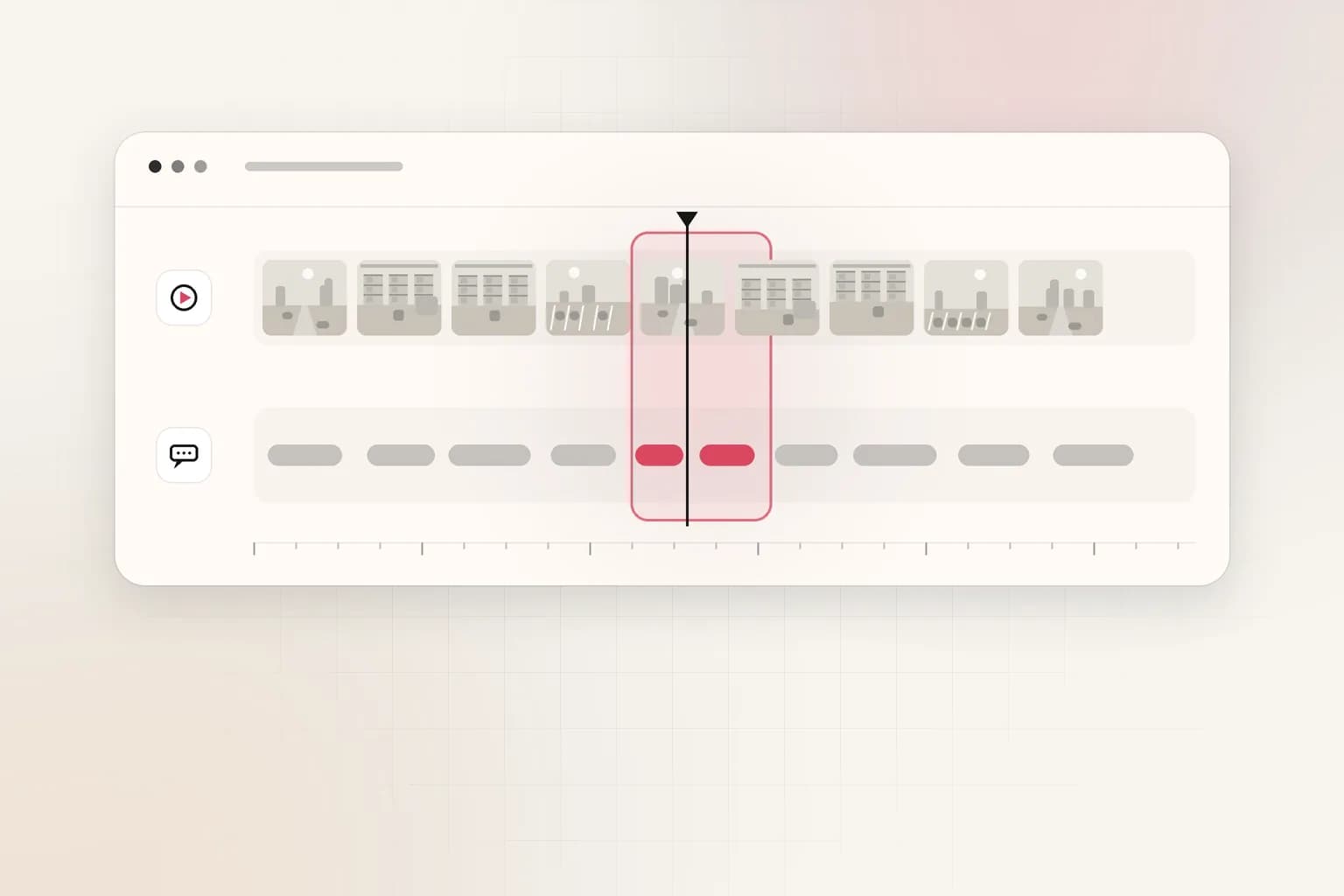
The recorder is your first search engine—limited to time and channel, not spoken words or shirt colour.
- Open playback for the exported window (or live disk segment).
- Set speed to 4× or 8× for quiet periods; drop to 1× around the event.
- Use digital zoom only if the sensor has pixels to spare—digital zoom does not create detail.
- Note timecode of each interesting frame for your incident log.
- Repeat per camera if the subject moved.
If the NVR supports smart search (motion, line cross, face—vendor-dependent), run it only within your padded window to avoid thousands of false hits on busy gates.
For night incidents, expect noise and IR bloom. Searching for vehicle colour under sodium lamps fails often—prefer plate fragments, vehicle type, or entry direction, matching methods in our find a moment in hours of CCTV guide.
When does AI CCTV search help after export?
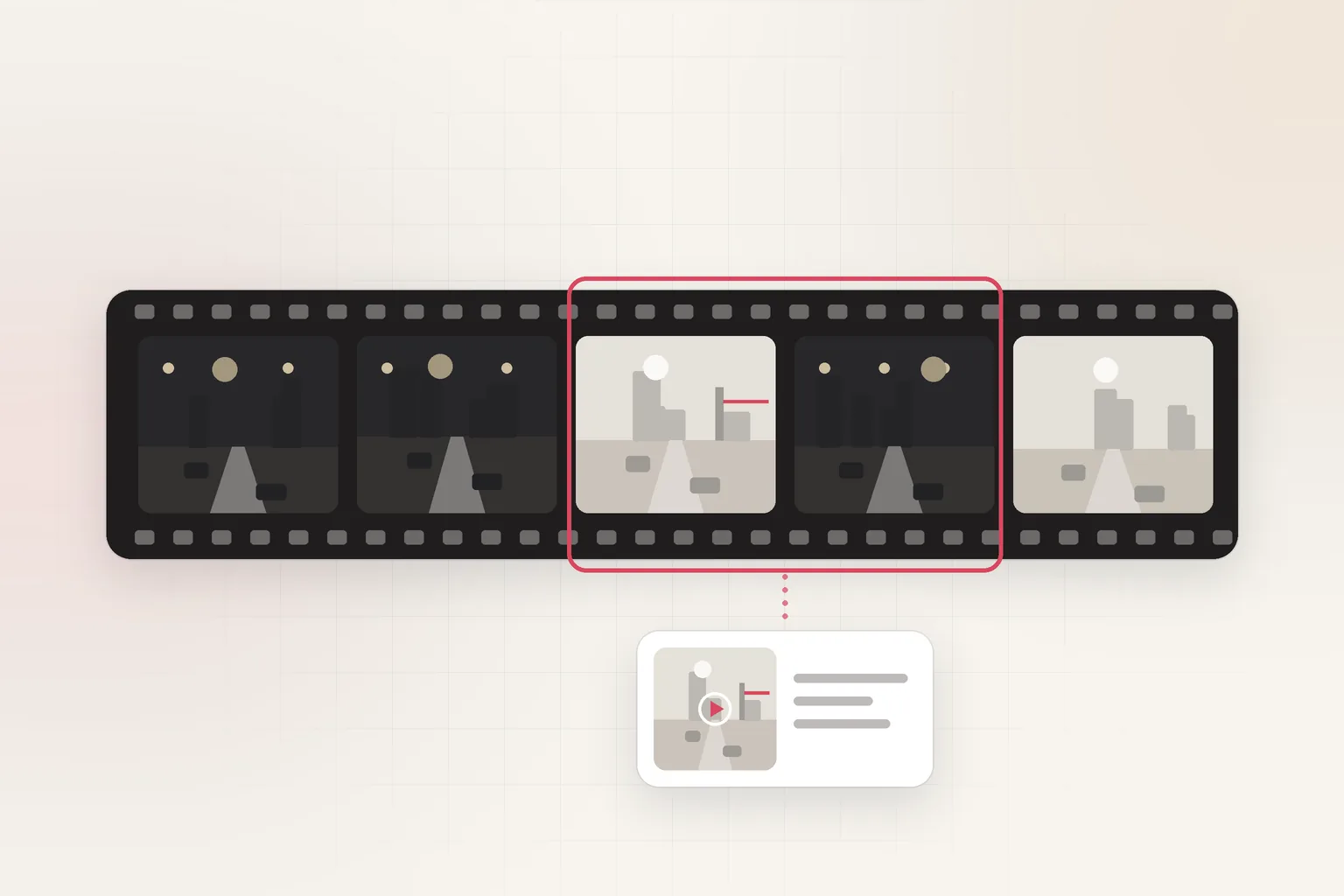
AI video search indexes what appears, what is said and what is on screen, then answers plain-language questions with time ranges. It does not replace the NVR; it runs on clips you lawfully export.
Typical queries after an Indian site incident:
- "Person with white helmet entering from the service road"
- "Two-wheeler without helmet at the boom barrier"
- "When did the guard open the secondary gate?"
- "Did anyone mention the contractor name in the audio?"
Indexing turns those questions into retrieval over embeddings and transcripts, described in what video indexing is and how AI video search works.
What should you upload?
- Short, bounded MP4 or native converts per camera, not full weeks.
- Stable timecode—note if conversion shifted audio.
- Separate files per angle when possible; merge mentally during investigation.
Ceptory indexes uploaded files or URLs you add through the dashboard or API—$0.042 per minute indexed plus $0.0015 per minute infrastructure, search $4 per 1,000 queries, with 60 minutes indexed free (/pricing). It does not sell cameras or NVR licences. Search runs across scenes, speech and on-screen text once indexing completes.
Compare manual cost: if a guard spends three hours at ₹500/hour scrubbing six cameras, that is ₹1,500 before management review—use the video review cost calculator with your own wage figures.
How do you investigate across multiple cameras?
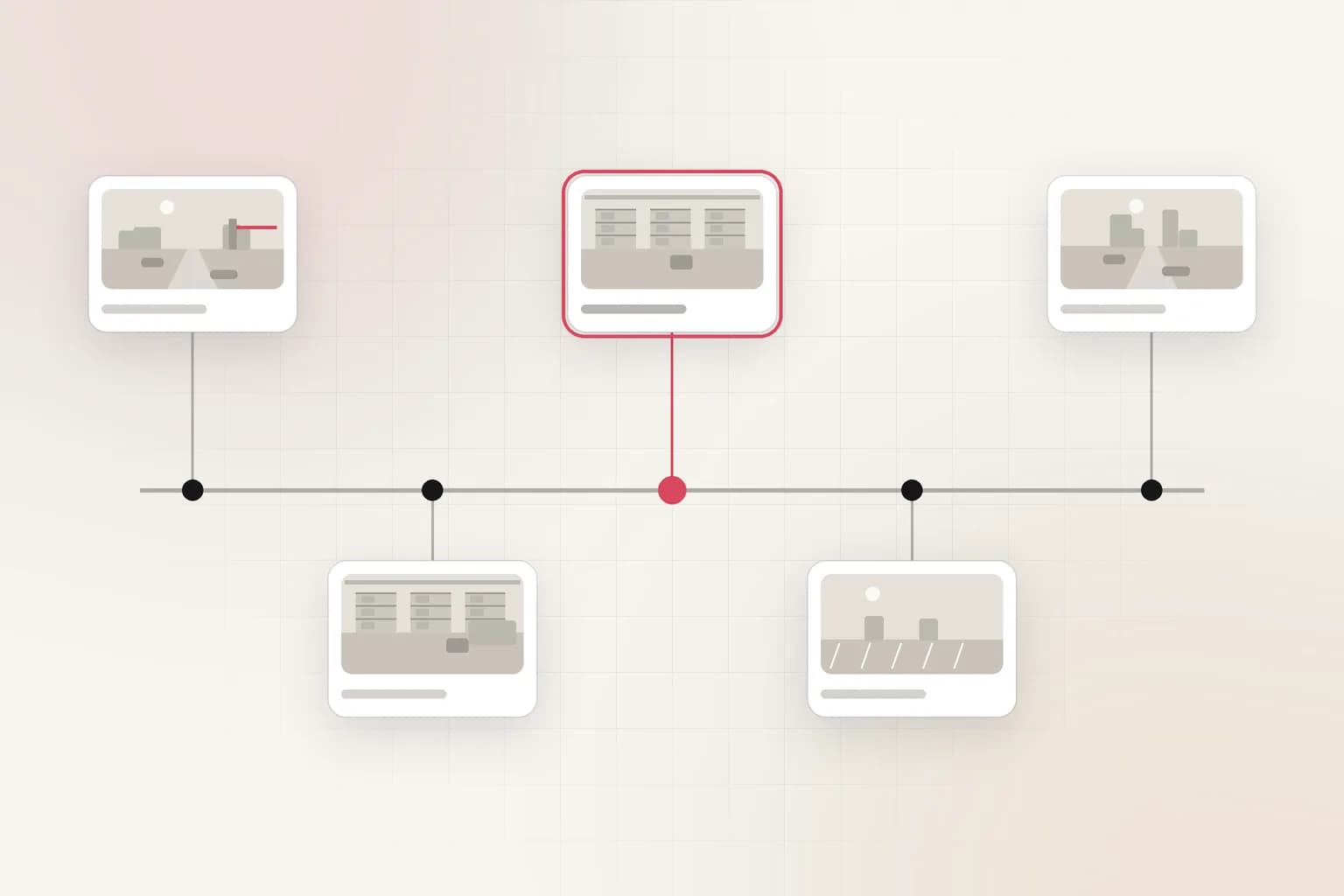
Many Indian incidents—illegal parking, after-hours intrusion, bag left in lobby—cross three to twelve channels. A sensible sequence:
- Anchor camera — the clearest view of the trigger event (gate, lift lobby).
- Direction of travel — export the next camera downstream on the likely path.
- Overlap timestamps — align using NTP-synced clocks when possible; if not, use phone video or access control logs as tie-breakers.
- Search each clip with the same natural-language attributes once indexed.
- Stop when paths split — document uncertainty instead of guessing.
Ceptory's movement workflow on live cameras can follow a person across cameras on a site when Desktop monitoring is deployed; for recorded-only sites, you still achieve much of the same by exporting each channel and searching with consistent descriptors. See after-hours intrusion alerts for alert design that reduces how often you need marathon search sessions.
What logging and sharing steps does DPDP expect?
Searching footage is still processing personal data. Before emailing clips to a committee member or insurer:
| Step | Action |
|---|---|
| Purpose | Tie export to security, safety or dispute resolution |
| Access log | Who exported, when, time range, destination |
| Minimization | Share the shortest clip that proves the fact |
| Retention of copies | Delete committee copies when the dispute closes |
| Police requests | Follow counsel; do not volunteer unrelated residents |
MeitY published the Digital Personal Data Protection Rules, 2025 on 13 November 2025 (Rules PDF), adding security safeguards and breach reporting duties that interact with who can log into the NVR. Video files and login logs are not always the same retention class—confirm with counsel.
When residents ask whether they appear in footage, your society notice and access process matter as much as search technology. For face-heavy disputes, read privacy guidance on our network site BGBlur if you need redacted copies for third parties—redaction is not automatic in every indexer.
How should you write the incident report from video?
Search finds moments; reports persuade committees, insurers and employers. Use the incident report template and:
- Paste timecodes and camera IDs beside each claim.
- Attach still frames, not only narrative.
- State what is not visible (mask, plate angle).
- Keep native and MP4 hashes or file names in an evidence log.
Our seven-step incident report from video guide expands courtroom-ready habits.
What should you do now?
- Verify retention on the NVR and note overwrite date for the incident night.
- Export padded clips per camera using the steps above; keep native + MP4 where needed.
- Log the export under your DPDP procedure before sharing.
- Timeline-review each clip at 1× around the event; note timecodes.
- Index bounded exports and run natural-language queries for speech and visual cues.
- Reconstruct movement across cameras; stop when evidence ends.
- Draft the report with citations and delete spare copies when the case closes.
Indian buyers comparing detection boxes versus search should read what video analytics software means in India—analytics raises alerts; search answers after-the-fact questions on exports you already have.
When the workflow is stable, Ceptory helps teams index incident clips, search in plain language, and—where Ceptory Desktop monitors cameras—triage alerts before another night of manual scrubbing. It does not replace lawful notice, retention policy, or the export discipline this guide starts with.
What mistakes should Indian teams avoid during footage search?
After a person-down or fall alert, follow the factory-specific export and zone rules in person down detection on factory CCTV in India before you widen the search to unrelated cameras. Waiting until Monday is the most common failure mode when retention loops are short. Exporting an entire day from sixteen channels is the second—guards burn disks and upload time, then still miss the ten-second event. Sharing full clips on WhatsApp before your DPDP log exists creates copies you cannot trace. Assuming AI finds plates when the camera angle never resolved characters wastes budget; run timeline review first, then index. Mixing phone time with NVR time without noting drift produces reports committees reject. Fix these habits before you buy software; search tools amplify discipline, they do not create it.
Frequently asked questions
How do I search CCTV footage after an incident in India?
Note camera number and time, export a narrow clip from the NVR (Hikvision, CP Plus or Dahua), verify playback, search inside the clip on the recorder timeline or in an indexing tool with natural-language queries, then log who exported and why for DPDP.
Can I search CCTV without exporting from the NVR?
On the NVR you can only scrub by channel and time. Semantic search across speech and scenes needs a copy of the clip in an indexing platform. Most Indian sites export first because analytics clouds rarely have live VMS integration.
How long do I have before footage is overwritten?
It depends on your retention setting and disk size. Many Indian housing societies run 15–45 day loops; factories often use 30–90 days. Check the NVR schedule today—do not assume yesterday's video still exists.
Does exporting CCTV for search need a DPDP log?
Footage with identifiable people is personal data under the Digital Personal Data Protection Act, 2023. Log exporter, purpose, time range, recipients and storage location. Erasure should follow your published retention policy.
What export format works best for AI video search?
Keep the native export for integrity. For search tools, convert to MP4 with vendor tools such as VSPlayer when needed so audio and timecodes stay stable. Upload bounded clips rather than whole weeks of disk.
Can Ceptory search live Hikvision streams?
No. Ceptory indexes recorded video you upload or add by URL. Export incident clips from the NVR, ingest them, then search scenes, speech and on-screen text. Ceptory Desktop can monitor IP cameras on a site PC, but search still runs on recorded pieces.
Ceptory
Search your own footage in plain language. The free tier indexes 60 minutes of video.