Security & Surveillance
Hikvision AI Video Search (AcuSeek): Setup and Limits
Hikvision AcuSeek AI video search: supported NVRs, Hik-Connect flow, limits, and when to index exports for natural-language search.
TL;DR
Hikvision AcuSeek matches natural-language queries to indexed objects on supported I/VPro, DeepinMind, and Fusion NVRs and in Hik-Connect 6. Export and index in Ceptory when your recorder lacks AcuSeek or you need cross-site search.
Hikvision AI video search—branded AcuSeek—lets security staff describe what they want in plain language and get matching clips in seconds on supported NVRs and in Hik-Connect 6 or HikCentral Professional. It is not on every Hikvision recorder sold in India or abroad; many installs still rely on time, motion, and export. This guide explains how AcuSeek works per Hikvision, which hardware ships it, Hik-Connect cloud flow, and when exporting to Ceptory is the honest workaround.
Start from the Hikvision integration page if you already export MP4s from iVMS or Hik-Connect into a video intelligence workflow.
What is Hikvision AI video search (AcuSeek)?
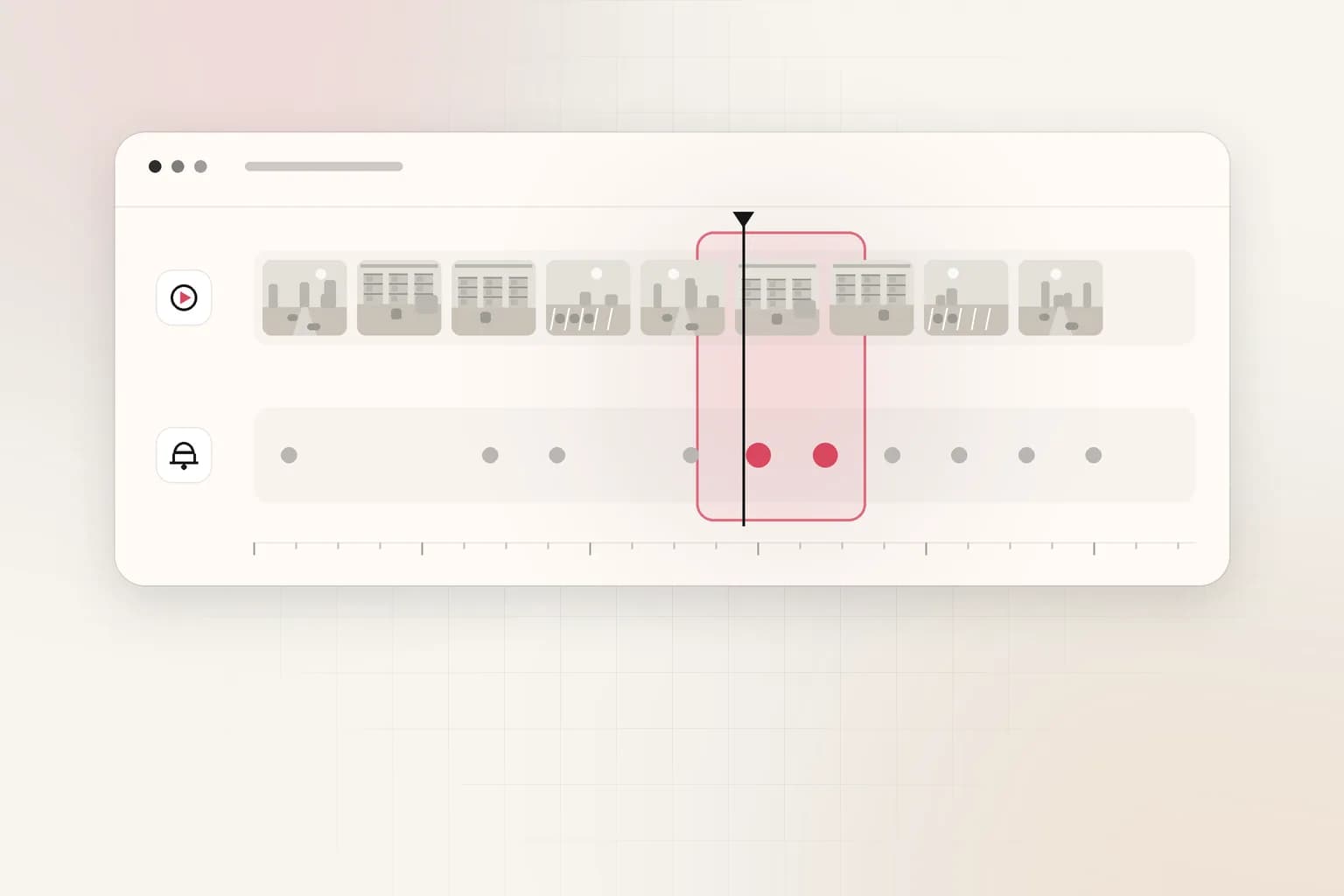
AcuSeek is Hikvision’s natural-language video search. The vendor says users enter commands such as “person wearing red clothes,” “white van,” or “person dragging a suitcase while smoking” and receive precise video results in a few seconds (AcuSeek NVR overview).
Mechanism, in Hikvision’s description:
- Real-time modeling stores searchable profiles for elements in the stream.
- Query conversion turns text into image feature vectors.
- Matching returns relevant frames from the indexed store.
The same article positions Guanlan large multimodal models behind the feature. A September 17, 2025 news release adds image-based search, voice on Hik-Connect 6, and integration across HikCentral Professional and Hik-Connect 6 (Hikvision AcuSeek platform news).
Hikvision AI video search in buyer conversations usually means this AcuSeek stack, not generic motion search on entry-level DVRs. Sites on Ubiquiti consoles face a parallel decision set; see our UniFi Protect AI search guide for AI Key limits and export paths.
Which Hikvision products include AcuSeek?
Hikvision’s AcuSeek NVR lineup, as described in its newsroom, includes:
| Tier | Hikvision positioning | AcuSeek notes (vendor) |
|---|---|---|
| I/VPro Series | Entry-level intelligence | Up to 64-channel AcuSeek with AcuSense cameras |
| DeepinMind Pro | Advanced intelligence | AcuSeek with AcuSense or some channels with non-AI cameras; open-vocabulary detection on capable models |
| Fusion Server Ultra | Large deployments | Up to 256 channels, clustering, OVD and structured face/person/vehicle modeling |
The VPro product page adds voice search via Hik-Connect, multi-language shortcuts, and the AcuSeek then AcuSearch flow to track one object across scenes (VPro Series with AcuSeek).
If your site runs older DS-7xxx recorders without AcuSeek SKUs, treat AI video search as unavailable on-box until hardware refresh or platform subscription—verify model numbers on the purchase order, not the camera brand alone.
How does Hikvision AI video search work on Hik-Connect 6?
Hikvision’s HikSnap article on Hik-Connect 6 describes Personal versus Team modes:
- Personal Mode: A cloud AI agent on AWS interprets intent (time, location, camera), sends search parameters to the local NVR, matching runs on-premises, and encrypted clips return to the app (AcuSeek on Hik-Connect 6).
- Team Mode: Time-only queries may hit a cloud event index; object queries follow the device-side path; person/vehicle searches can use cloud indexes on compatible detectors even when AcuSeek is off on the NVR, per the same article.
Implications for security architects:
- Data residency and vendor cloud review are part of rollout, not an afterthought.
- Not every query path keeps all pixels on the LAN—read which mode your housing society or plant enables.
- TLS and regional routing are part of Hikvision’s stated controls; your DPA still governs employee and resident footage.
For on-prem-first policies, favor NVR-local AcuSeek and limit cloud-assisted Team features until legal sign-off.
How do you run Hikvision AI video search day to day?
On supported NVRs (local UI):
- Confirm firmware and AcuSeek license on the exact NVR model.
- Pair AcuSense cameras where Hikvision recommends them for best recall.
- Set time and area in the client—vendor examples include “red vehicles that exited the East Gate during the last five days.”
- Review hits at normal speed; export native clips for incident reports.
On Hik-Connect 6 mobile:
- Type or speak a natural sentence (“front door last night”).
- Wait for device-side matching per architecture above.
- Save exports using steps in how to export CCTV from a Hikvision NVR in India.
When AcuSeek is missing:
- Narrow time and camera as in search CCTV footage methods.
- Export MP4 and index in Ceptory or another video intelligence tool.
- Search speech and signage, not only objects, if the incident involves radio calls or screen text.

When should you index Hikvision exports in Ceptory instead?
Ceptory is a video intelligence platform that indexes uploaded recordings and supports natural-language search over scenes, speech, and on-screen text. It does not ship Hikvision firmware or toggle AcuSeek. Pricing: $0.042/min indexed, $0.0015/min infrastructure, $4 per 1,000 searches, 60 free indexed minutes (pricing).
| Scenario | AcuSeek on Hikvision | Ceptory on exports |
|---|---|---|
| Supported AcuSeek NVR, live investigation | First choice inside Hik-Connect / HikCentral | Optional for speech-heavy review |
| Legacy Hikvision NVR, no AcuSeek SKU | Not available | Practical path |
| Multi-brand campus (Hikvision + others) | Siloed per vendor | One index for cross-camera questions |
| Need transcript / OCR cues | Depends on SKU | Built into search workflow |
Honest limits: Ceptory does not stream live RTSP from the NVR; you export first. Search hits remain leads—verify every clip. There are no published accuracy guarantees.
The older Hikvision video analysis integration article explains platform positioning; this post tracks AcuSeek-specific 2025–2026 product news.
India-focused readers should pair this with search CCTV after an incident in India and CCTV retention under DPDP.
How does Hikvision AcuSeek compare to third-party video search?
On-device AcuSeek keeps investigations inside the VMS experience your guards already open. Latency is low when indexes are warm and cameras qualify. Third-party indexing—uploading exports to Ceptory or another video intelligence layer—adds steps but wins on flexibility.
Strengths of native Hikvision AI video search:
- No export queue for supported live archives.
- AcuSearch tracking after an initial AcuSeek hit on capable tiers (VPro Series).
- Mobile parity on Hik-Connect 6 for small teams.
Strengths of export + Ceptory:
- Works when SKU lacks AcuSeek—common on budget Indian housing society deployments.
- Speech and on-screen text queries alongside visual descriptions.
- Mixed-vendor sites (Hikvision plus CP Plus/Dahua) in one index.
- API-driven pipelines for SOC tools without replacing NVR UI.
Neither replaces proper narrowing. Even AcuSeek returns noise on busy scenes if time bounds are too wide. Start with gate logs, RFID, or intercom timestamps, then run language search inside the remaining window—the same discipline as how to find a moment in hours of footage.
Forensics note: When police or insurers request native files, export before third-party transcode. The FBI’s guidance on native retrieval (cited in our CCTV search methods article) still applies: keep an untouched original, work on copies.
Axis and other vendors ship free-text search on their own VMS tiers (Axis ACS free-text white paper). Multivendor estates often standardize on export indexing so query syntax is one training program, not five.
What query tips work for AcuSeek text search?
Hikvision’s September 2025 release cites concrete text such as “search for red vehicles that exited the East Gate during the last five days,” with time and location inferred from camera names (platform news). Axis’s free-text search white paper adds a cross-vendor pattern: describe objects with a few descriptors (“person in a red sweater”) and avoid counting or subjective emotion in prompts (Axis ACS free-text white paper). Treat those as guardrails:
- Prefer “white sedan at east gate” over “suspicious car.”
- Add time and camera names when Hik-Connect must infer location.
- Retry with synonyms if the first query under-recalls.
Language: Hikvision documents 30+ languages on Hik-Connect 6 for September 2025 releases (platform news). On-prem NVR UI language may differ—confirm with your distributor.
What should you ask before buying AcuSeek hardware?
- Exact NVR model on the quote—does it list AcuSeek explicitly?
- Channel count versus camera types (AcuSense versus non-AI).
- Hik-Connect tier and whether Team cloud indexes are allowed by policy.
- Retention days—AcuSeek cannot search overwritten days.
- Fallback workflow when cloud or AI services are down (export + Ceptory).
Use the CCTV storage calculator and bandwidth calculator so AcuSense streams do not outrun uplinks during incident exports.
What should you do now?
- Inventory recorders and mark AcuSeek-capable versus legacy.
- Pilot one natural-language query on Hik-Connect 6 or HikCentral if licensed.
- Document export steps for sites without AcuSeek SKUs.
- Test Ceptory indexing on a 10-minute export to compare speech search hits.
- Link integrators to Hikvision integration and Ceptory search.
How do Indian installers explain AcuSeek to RWAs and plant security?
Resident welfare associations often buy Hikvision for gates and lifts without AcuSeek SKUs. Committee members hear “AI search” in marketing and assume every blue-box NVR can run “find the white Swift.” Set expectations early: check the recorder label, not the camera logo.
Factory security may have AcuSense on perimeter lines but analog bullet cameras on older bays. DeepinMind marketing allows some AcuSeek channels on non-AI cameras, but recall drops when resolution and angle are poor—budget export review for critical incidents.
IT integrators should document two runbooks: (A) AcuSeek live and (B) export → index → search. Train night shift on (B) before (A) fails during firmware maintenance. Link (B) steps to monitor CCTV footage with AI when you want a Ceptory-first checklist.
Related reading: what is AI video search, video intelligence platforms vs VMS, and enterprise video search in natural language.
Conclusion
Hikvision AI video search through AcuSeek is fast object search on the right hardware and Hik-Connect tiers, with cloud-assisted paths you must govern explicitly. Where AcuSeek is absent, export and index remains the credible plan. Compare live Hikvision integration options with Ceptory on the home page when one search layer must span more than Hikvision alone.
Frequently asked questions
What is Hikvision AI video search?
Hikvision markets it as AcuSeek: natural-language text or voice queries matched to objects and scenes indexed on supported NVRs or through Hik-Connect 6 and HikCentral Professional, with results in seconds on vendor documentation.
Which Hikvision devices support AcuSeek AI video search?
Hikvision lists I/VPro, DeepinMind Pro, and Fusion Server Ultra NVR lines with AcuSeek, plus Hik-Connect 6 and HikCentral Professional for remote search. Older recorders without those SKUs need export-based search instead.
Does Hikvision AI video search work in India?
Yes where supported hardware and Hik-Connect accounts are licensed. Many Indian sites use Hikvision recorders without AcuSeek SKUs; those teams export clips and use third-party indexing for natural-language search on recordings.
Can you search Hikvision footage by voice?
Hikvision states voice input is available on Hik-Connect 6 alongside text search. On-prem NVR search is typically text-driven from the local UI or client.
What are the limits of Hikvision AcuSeek?
Results depend on camera angle, lighting, and what was indexed. Open-vocabulary features vary by NVR tier. Cloud-assisted Hik-Connect paths send query parameters to devices while keeping matching on the NVR per Hikvision's architecture description.
When should you use Ceptory instead of AcuSeek?
Use Ceptory when the NVR lacks AcuSeek, you need search across speech and on-screen text on exports, or you combine Hikvision clips with non-Hikvision video in one index. Ceptory does not replace Hik-Connect live search on supported hardware.
Ceptory
Search your own footage in plain language. The free tier indexes 60 minutes of video.
Related reading