
Guides
Create reports from video with AI
Six step-by-step guides, each with a free template and the exact prompt Ceptory runs. Follow them on your own footage in the dashboard.
Security & investigations
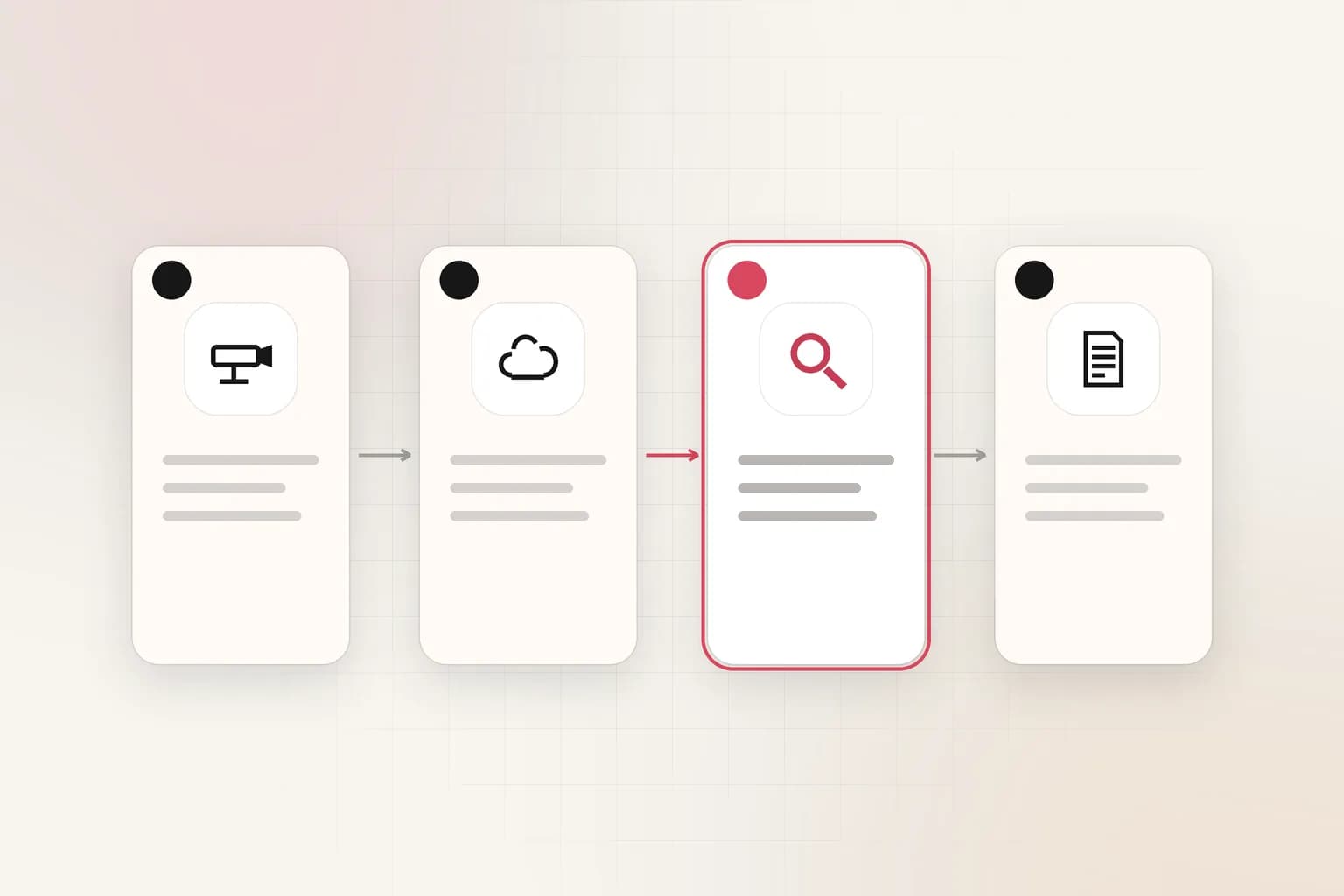
How to write a security incident report with AI, straight from CCTV footage
Turn camera exports from an incident window into a timestamped incident report: what happened, in what order, and which clips prove it.
Read the guide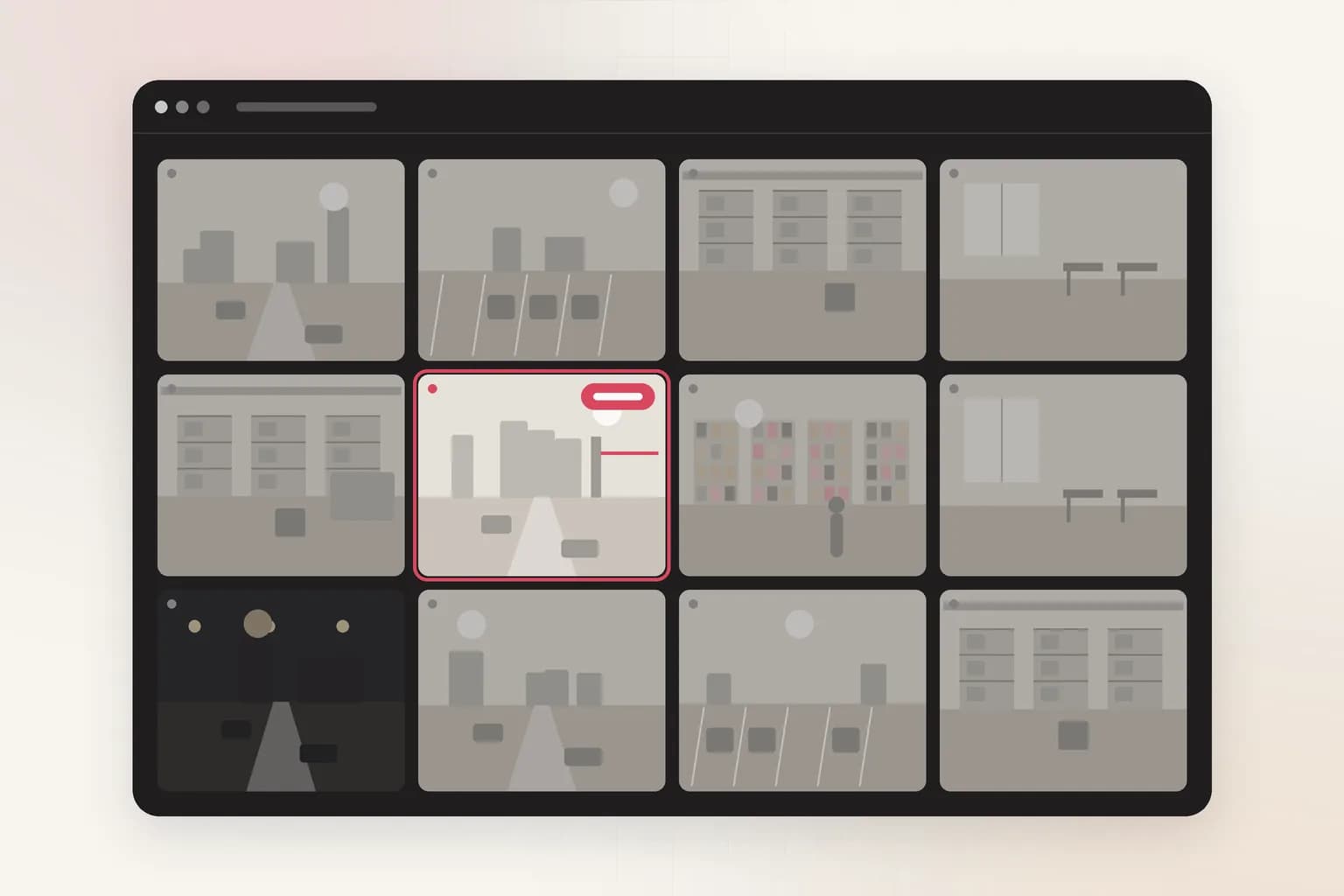
Security monitoring
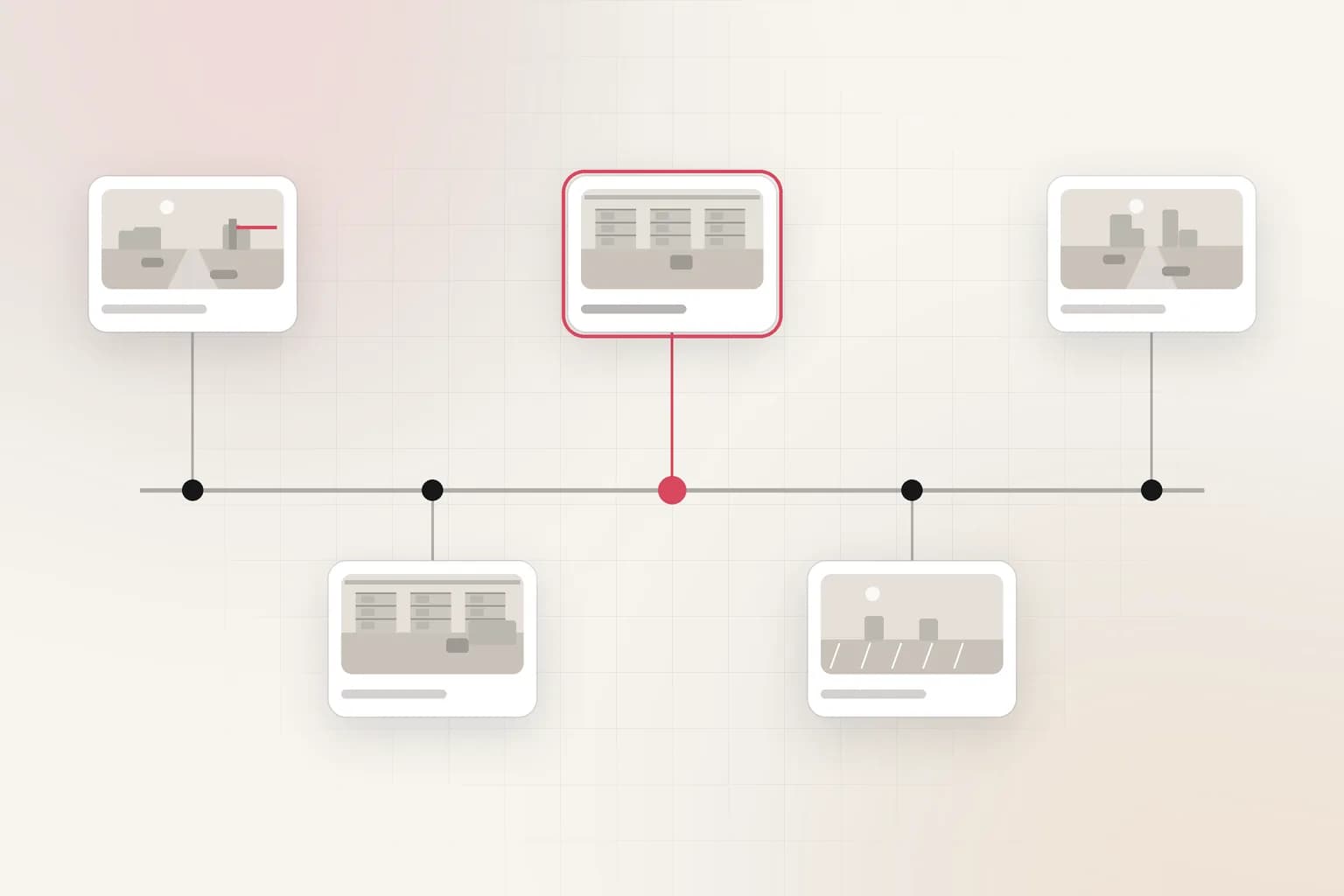
How to monitor CCTV footage with AI: review a day of cameras in minutes
Stop scrubbing. Index a day or a night of camera footage from one site or many, search it for the events you care about, and get a daily CCTV review report that tells you what happened and what needs a look.
Read the guide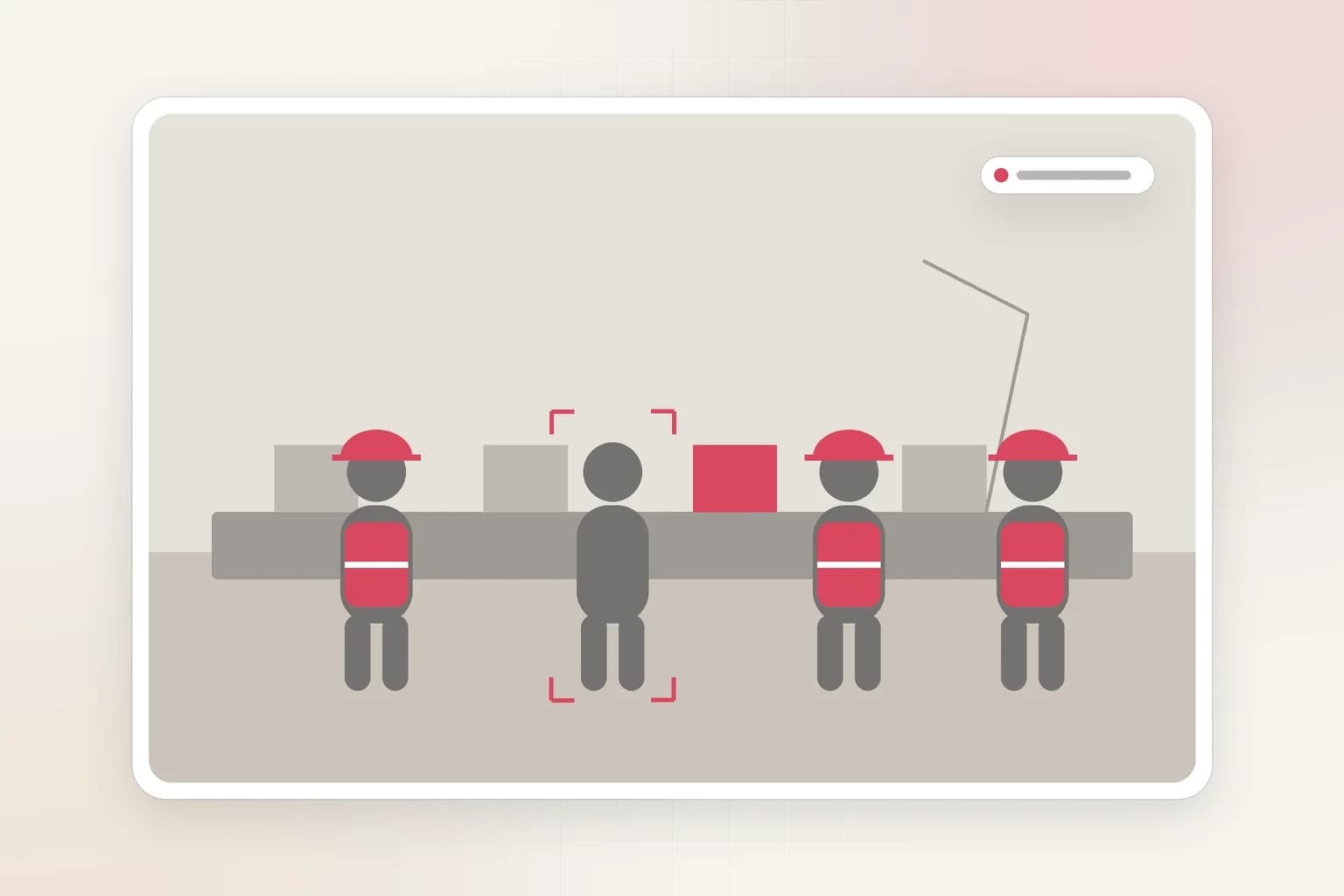
Operations & safety
How to create a safety observation report from video with AI
Review a shift of floor or site footage for PPE violations, at-risk acts and unsafe conditions, and turn it into a safety observation report your EHS lead can act on.
Read the guide
Logistics & warehousing
How to write an end-of-shift report with AI from warehouse and dock cameras
Turn a shift of dock and yard footage into a handover report: arrivals and departures, handling events, exceptions, and what the next shift needs to know.
Read the guide
Construction & drone
How to create a construction daily report from site cameras and drone footage
Turn a day of jobsite camera footage or a drone flight into the daily report: work performed by area, crews and equipment on site, deliveries, safety observations, and delays.
Read the guide
Media & archives
How to log video footage with AI: a timecoded shot log and highlights
Log long recordings such as matches, events, interviews and webinars without scrubbing: get a timecoded shot log, pull quotes, and the highlights your editors can cut from.
Read the guideGet started
Turn your next hour of footage into a finished report
Pick a guide, upload a sample, and get the report in minutes.