Video intelligence solutions
Turn video you already record into answers, alerts, and evidence.
Ceptory is video intelligence software that lets teams search footage in plain language, detect events across live and recorded video, and export evidence-ready clips. It works with the CCTV, NVR, drone, and archive footage you already have.
- Works on the cameras and archives you already have
- Ask a question, get the clip: search that reads the footage itself
- Run it in your own environment when footage cannot leave the building
- One review layer for operations, security, and media teams
Search
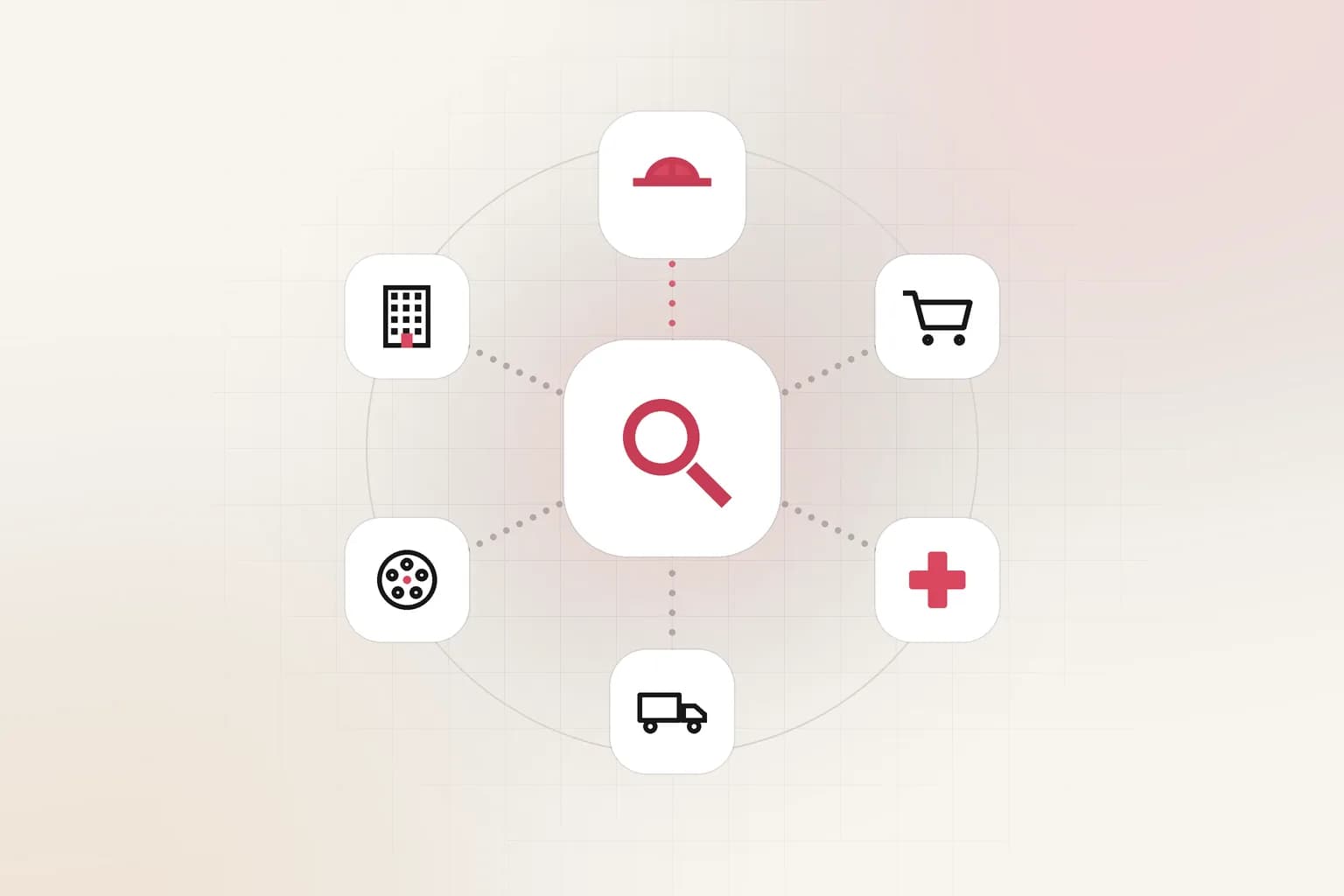
Plain language
Ask for a scene, phrase, object, or event instead of scrubbing a timeline.
Sources
CCTV, NVR, drone, files
No re-recording, no re-tagging, no new cameras.
Deployment
Cloud or private
Keep regulated footage inside your own environment.
What is video intelligence?
From hours of footage to the one moment that matters
Most organizations record far more video than anyone can watch. Cameras run around the clock, archives grow every week, and the footage is only opened after something goes wrong. Reviewing it means scrubbing timelines by hand or relying on timestamps and tags that were never reliable.
Video intelligence changes that. Ceptory indexes what is actually in the footage: people, vehicles, objects, spoken words, on-screen text, and the order events happen in. Teams then ask questions the way they would ask a colleague, such as "forklift near the loading dock after 10pm" or "every clip where the CEO mentions pricing", and get the exact moments back.
The same index powers real-time monitoring, automated reports, and clip export, so security, operations, compliance, and editorial teams work from one source of truth instead of five separate tools.
- Search video by meaning, not by filename or tag
- Detect and track people, vehicles, and objects
- Monitor live feeds and raise alerts on defined events
- Export evidence-ready clips with context and audit trail
Capabilities
Four jobs, one video intelligence platform
Pick the job your team needs done. Each capability has its own page with workflows, integrations, and FAQs.
Find and retrieve
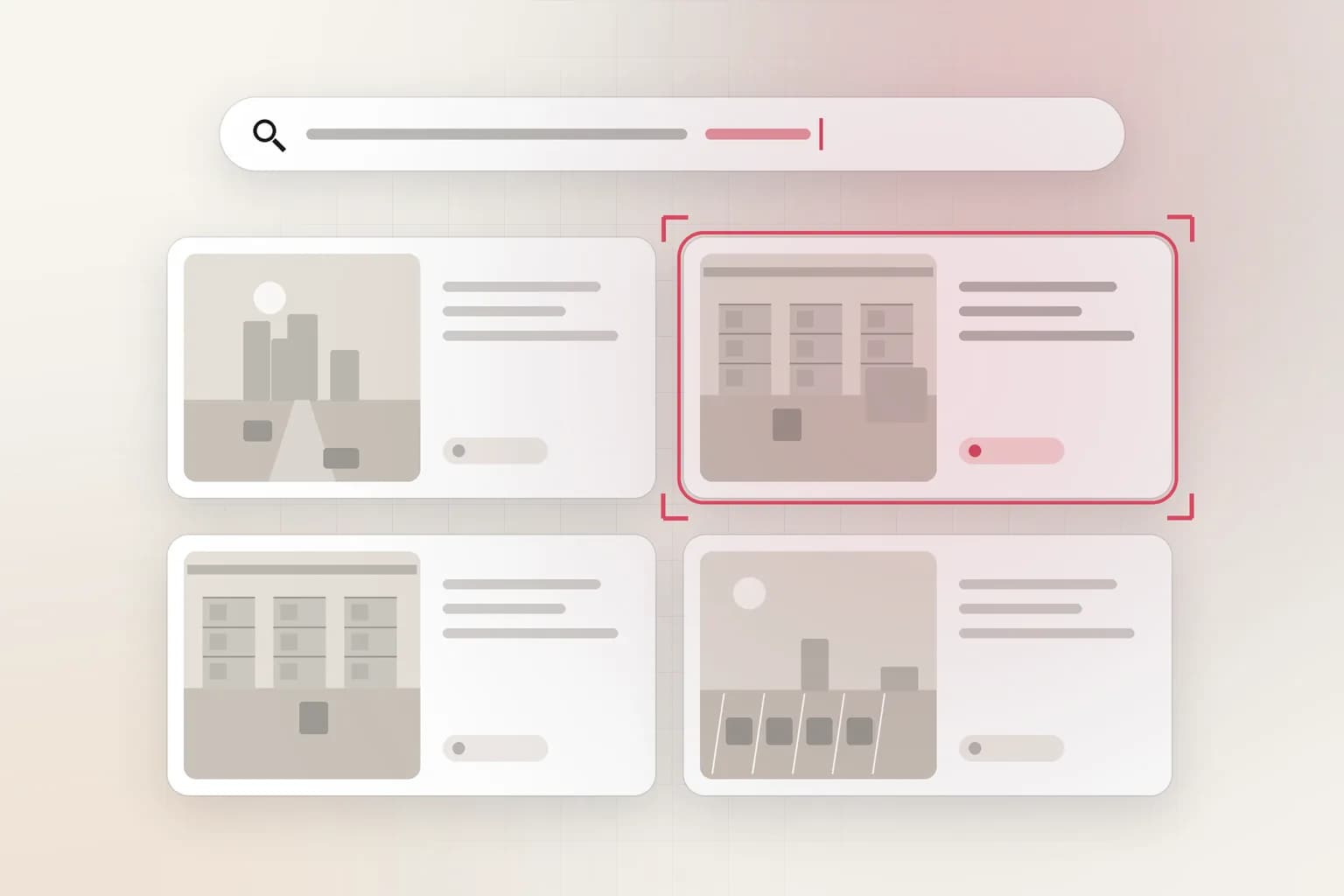
Natural-language video search that returns the exact scene, quote, or event sequence from hours of footage.
Aerial and integrations
Drone footage monitoring and integrations with existing camera systems, including Hikvision NVRs.
Spotlight
Where most teams start
The capabilities teams turn on first, and what each one does for you.
Video search
Search every camera and archive like you search the web
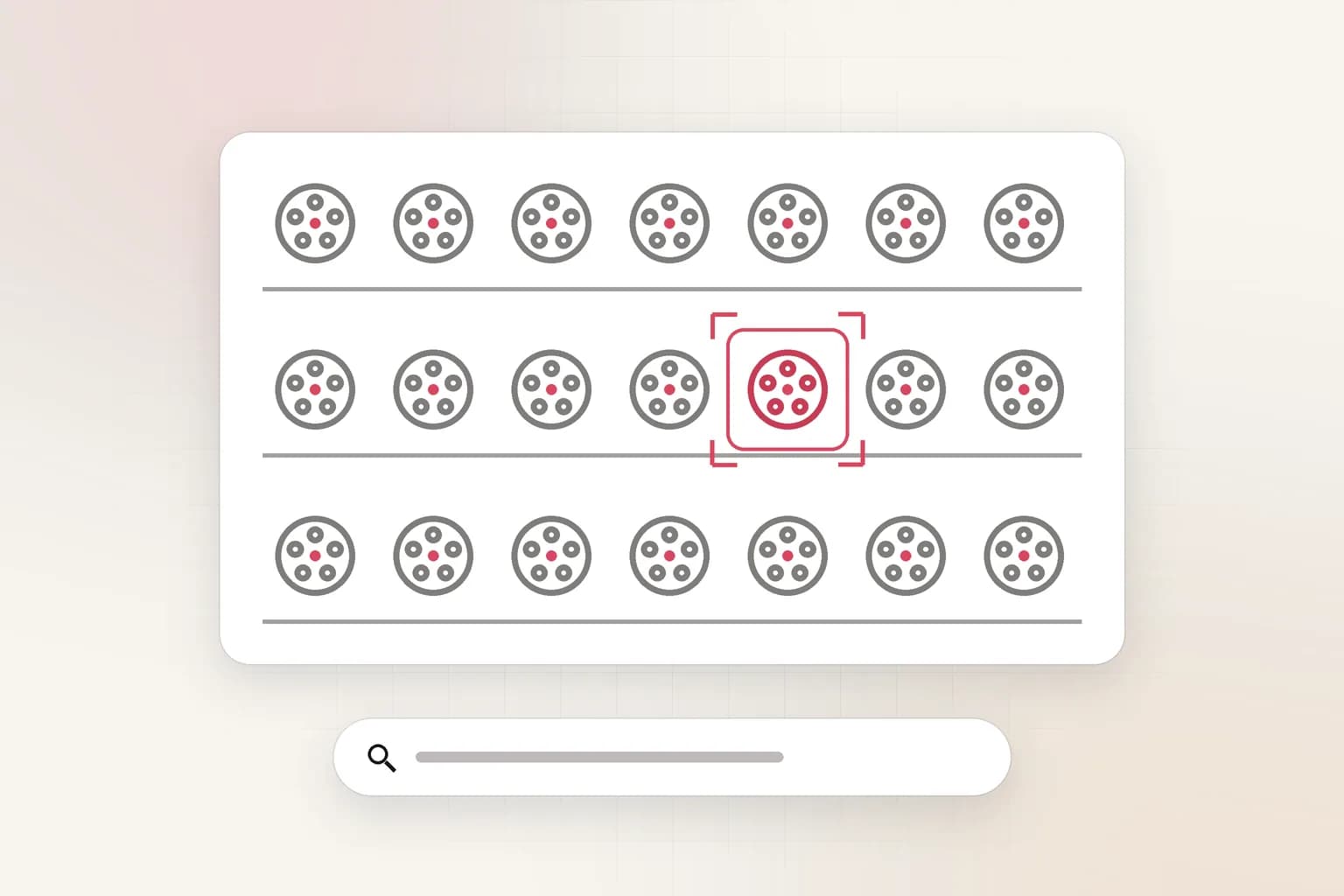
Type what you are looking for and Ceptory returns ranked moments across all of your footage. Results include the clip, the timestamp, and why it matched, so reviewers can confirm in seconds instead of hours.
- Query by scene, object, person, spoken phrase, or on-screen text
- Works across live-recorded video, uploads, and historical archives
- Jump straight to the matching moment and export the clip

Object detection
Detect people, vehicles, and safety events without a rewrite of your camera setup
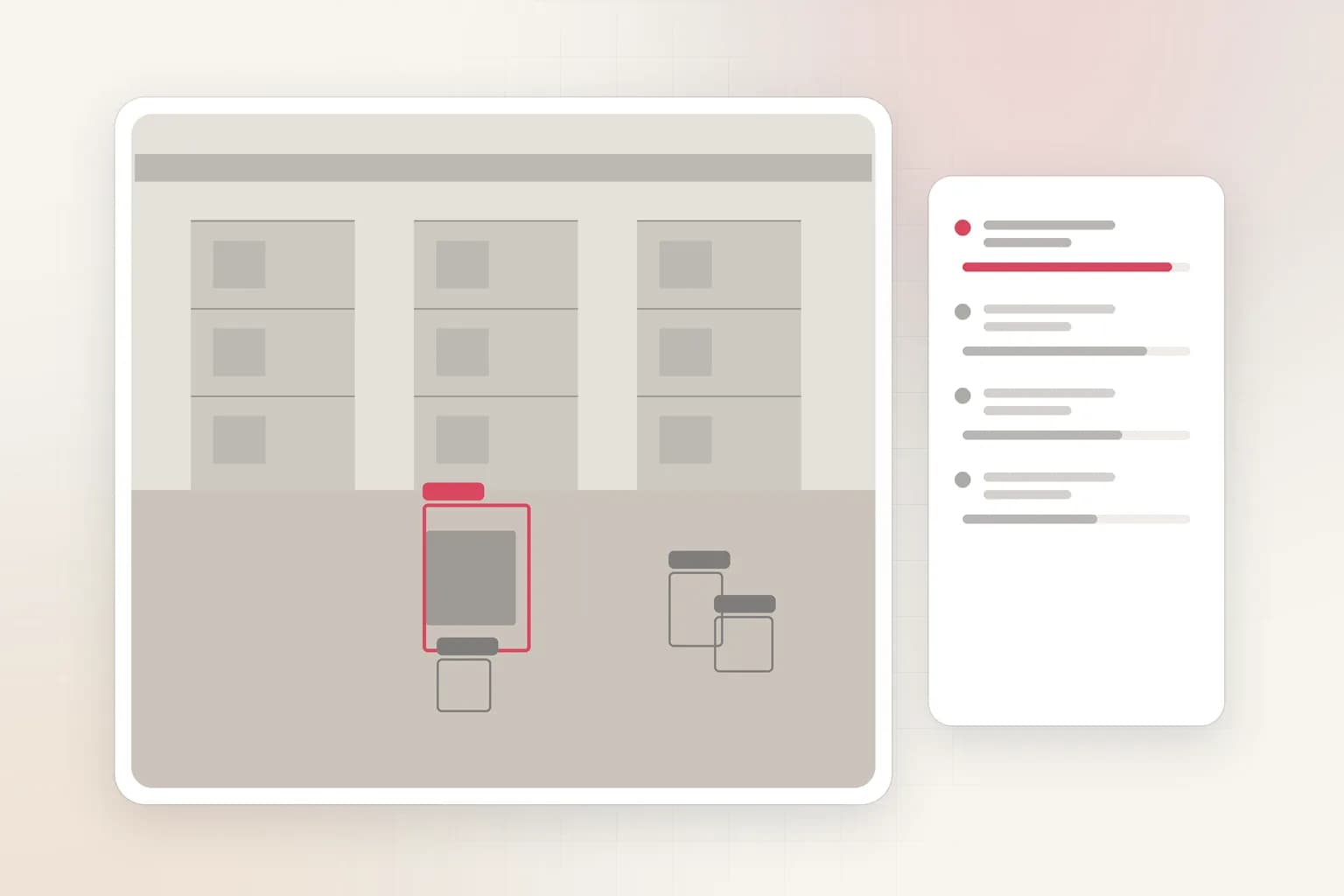
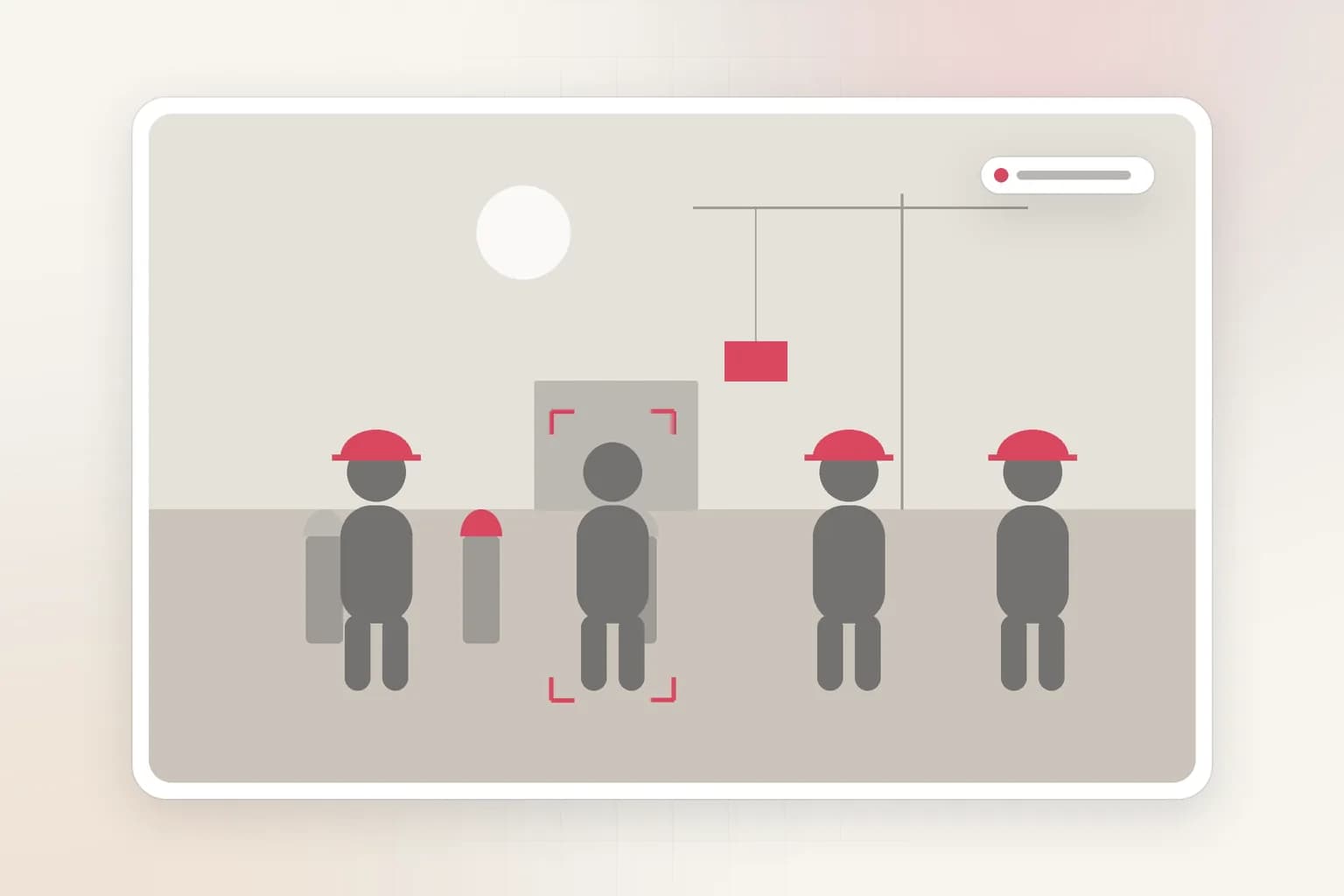
Run detection on the video you already capture. Count people, spot vehicles, check PPE, and watch restricted zones using the cameras that are already installed.
- People, vehicle, and object detection with confidence scores
- PPE and safety-zone checks for plants, sites, and warehouses
- Structured output you can send to your own systems by API
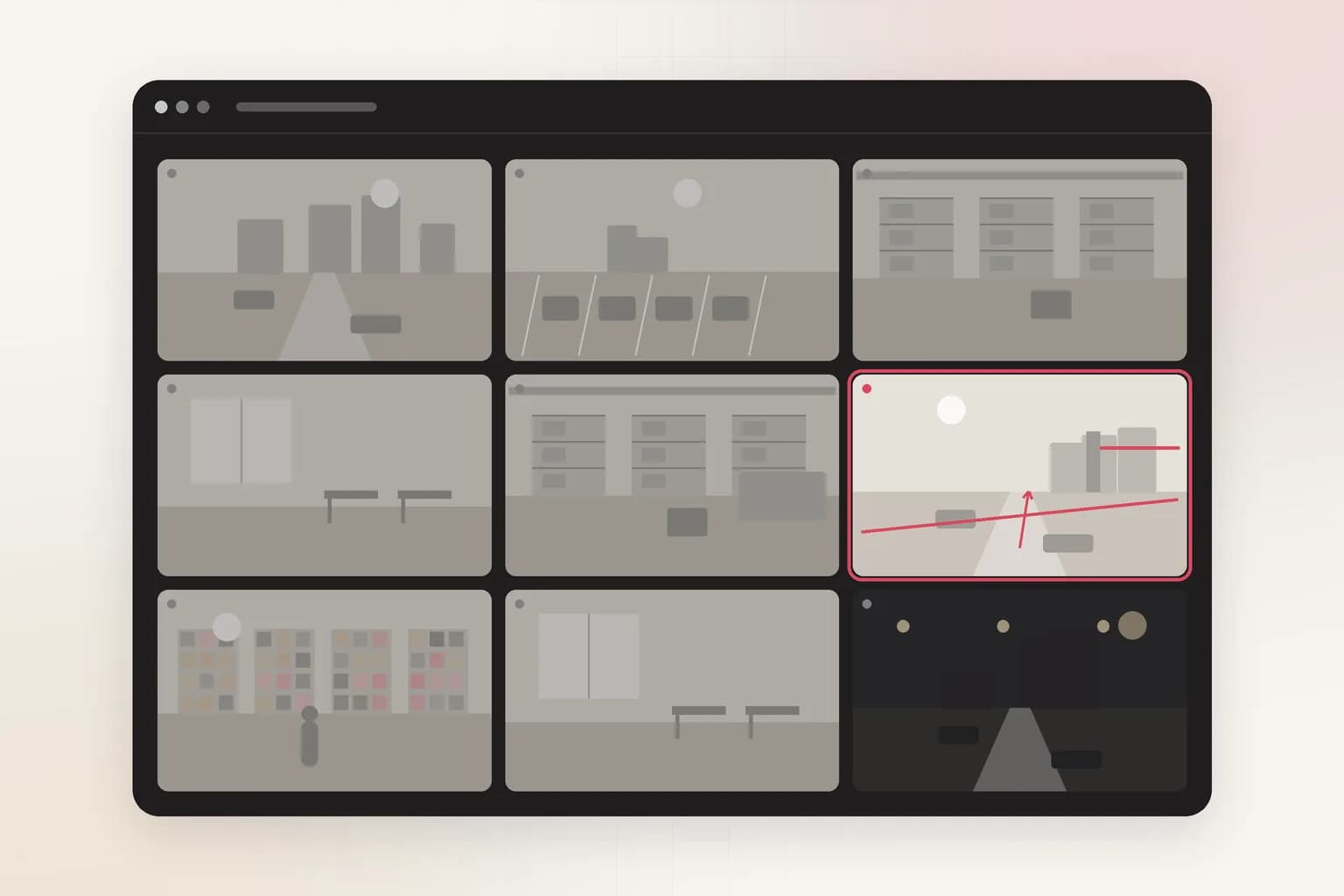
Live monitoring
Monitor camera walls and get alerted on what matters
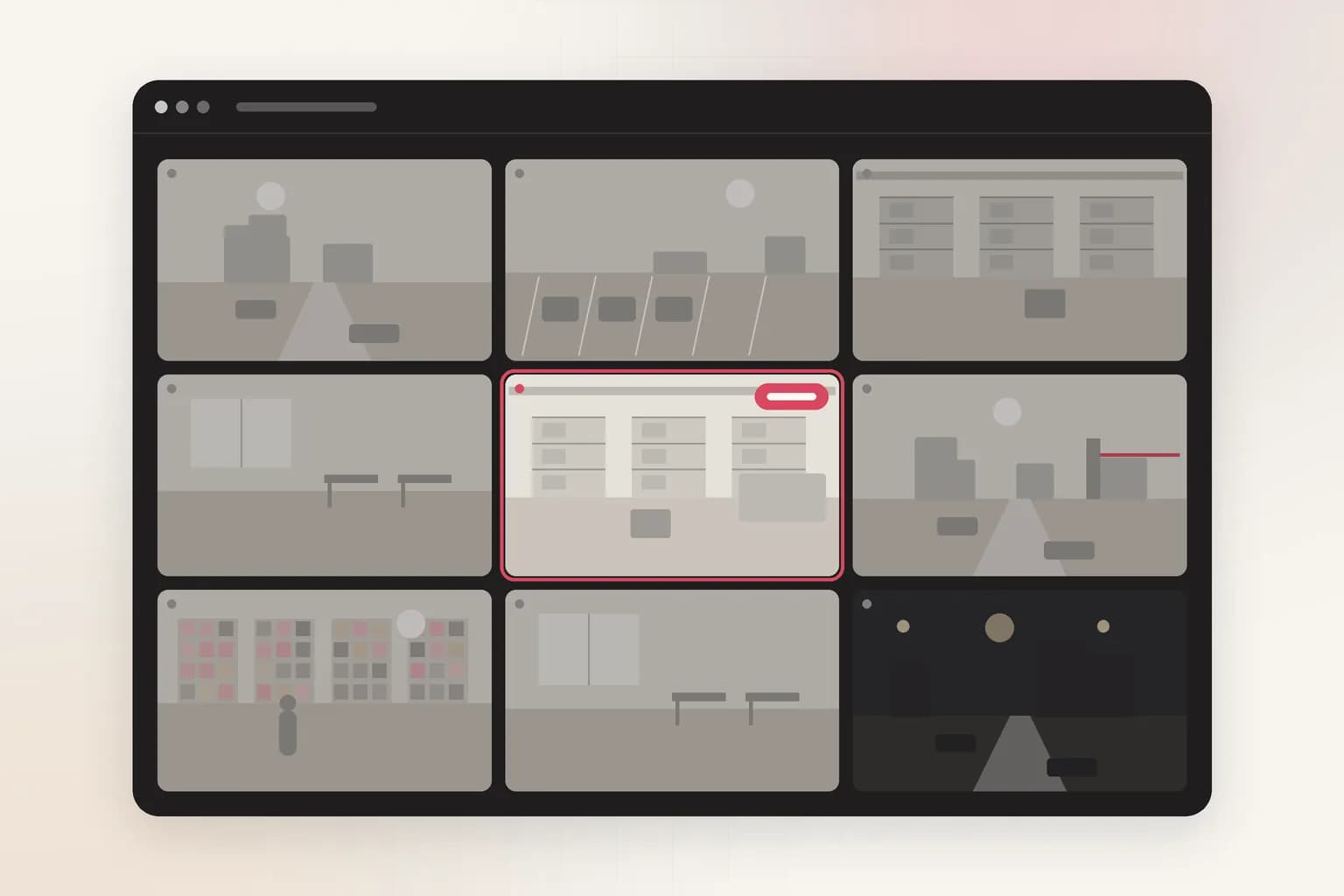
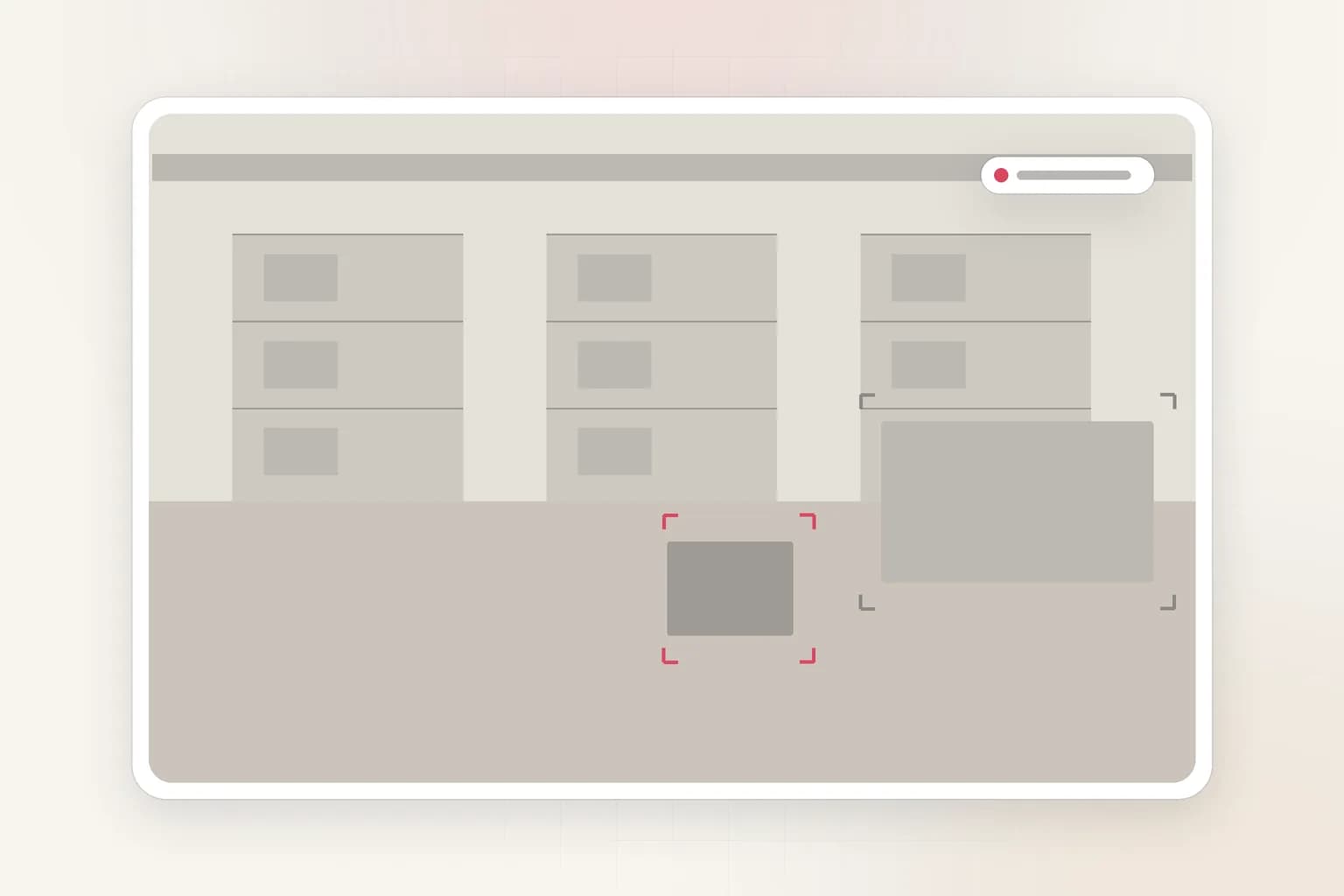
Define the events that need attention, such as line crossings, restricted-zone entry, or unusual activity, and Ceptory flags them across every feed so operators are not staring at screens.
- Rules for line crossing, zone entry, motion, and counts
- One alert queue across sites with clip context attached
- Review history to tune rules and cut false alarms
Drone footage monitoring
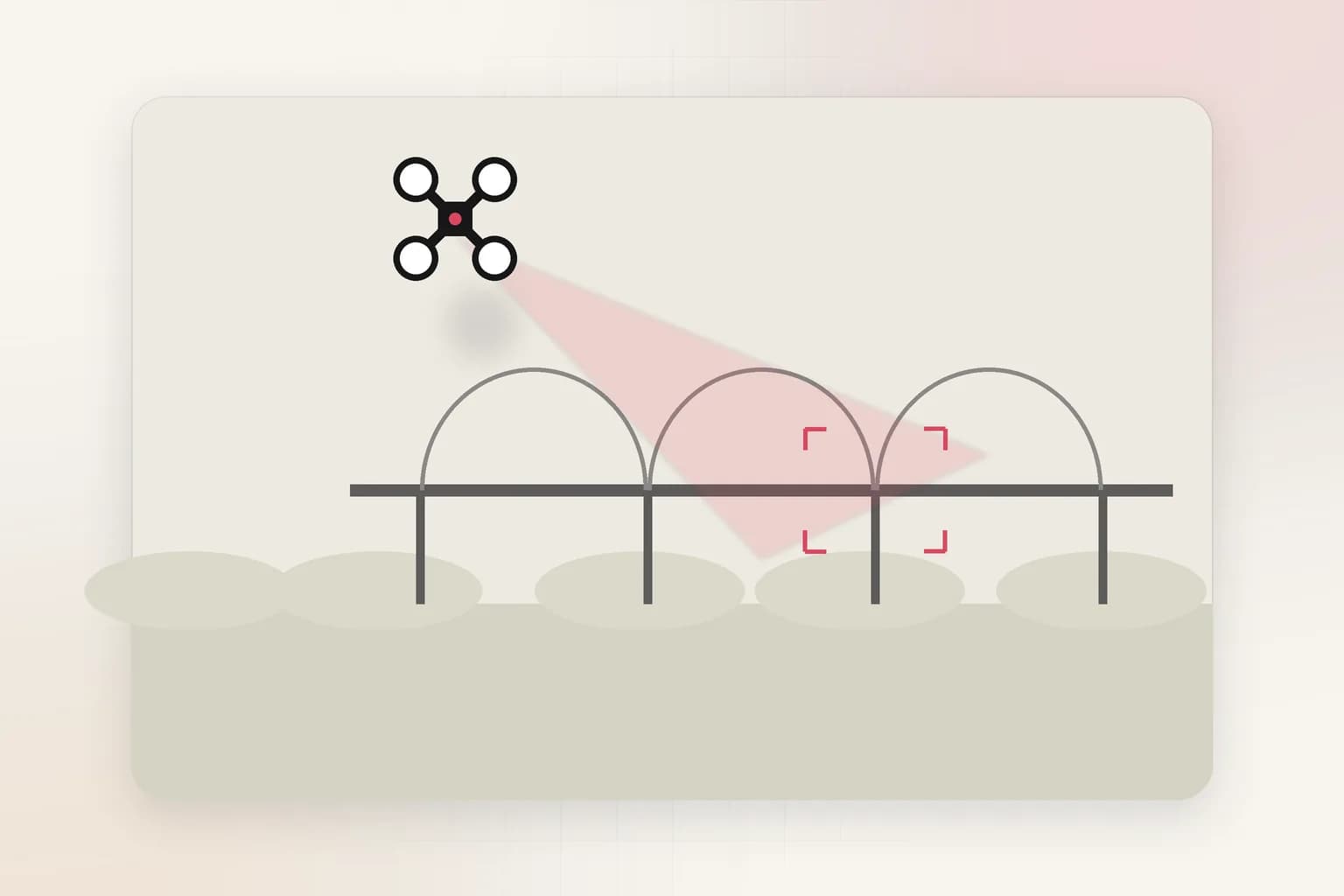
Make drone and aerial footage searchable and comparable over time
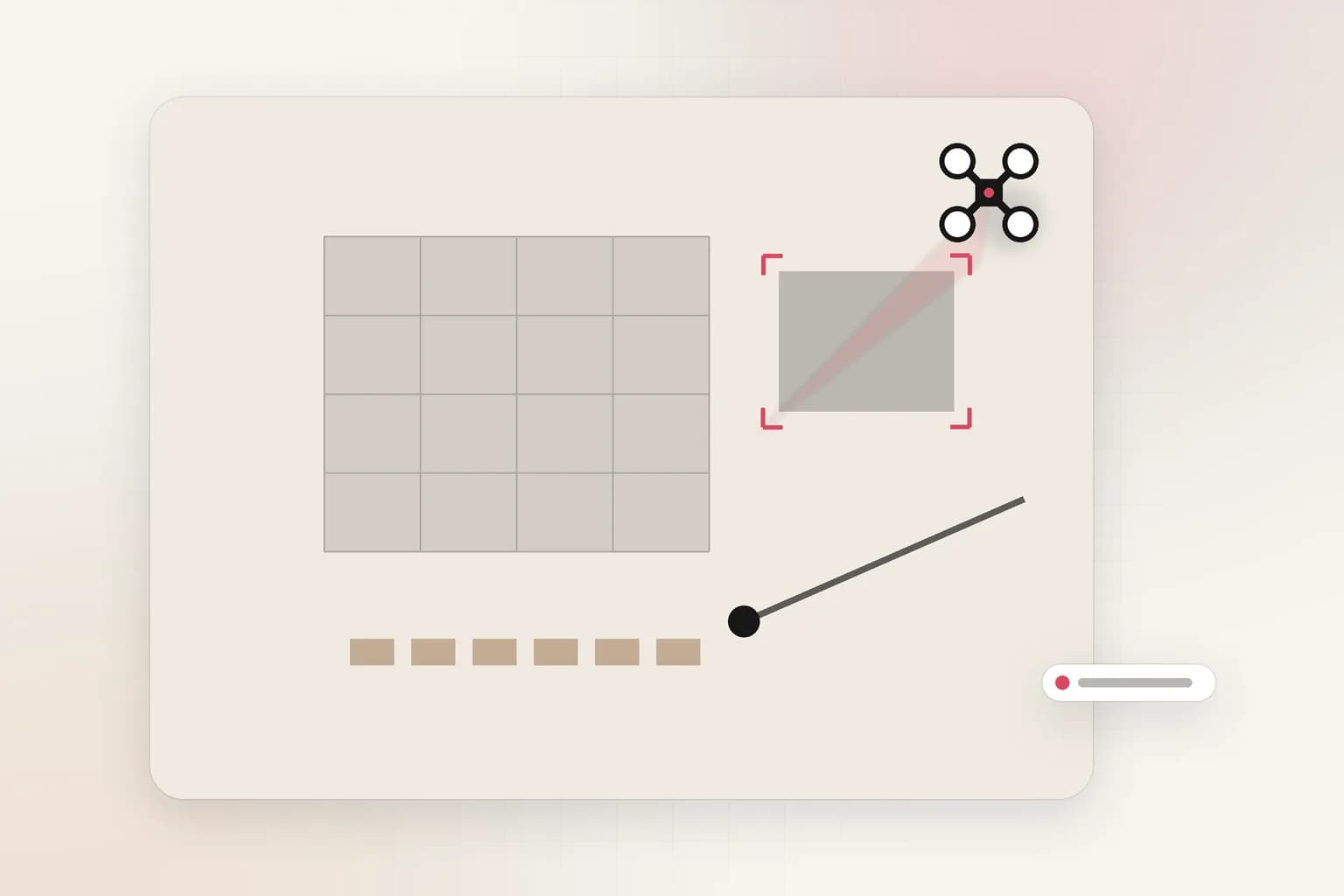
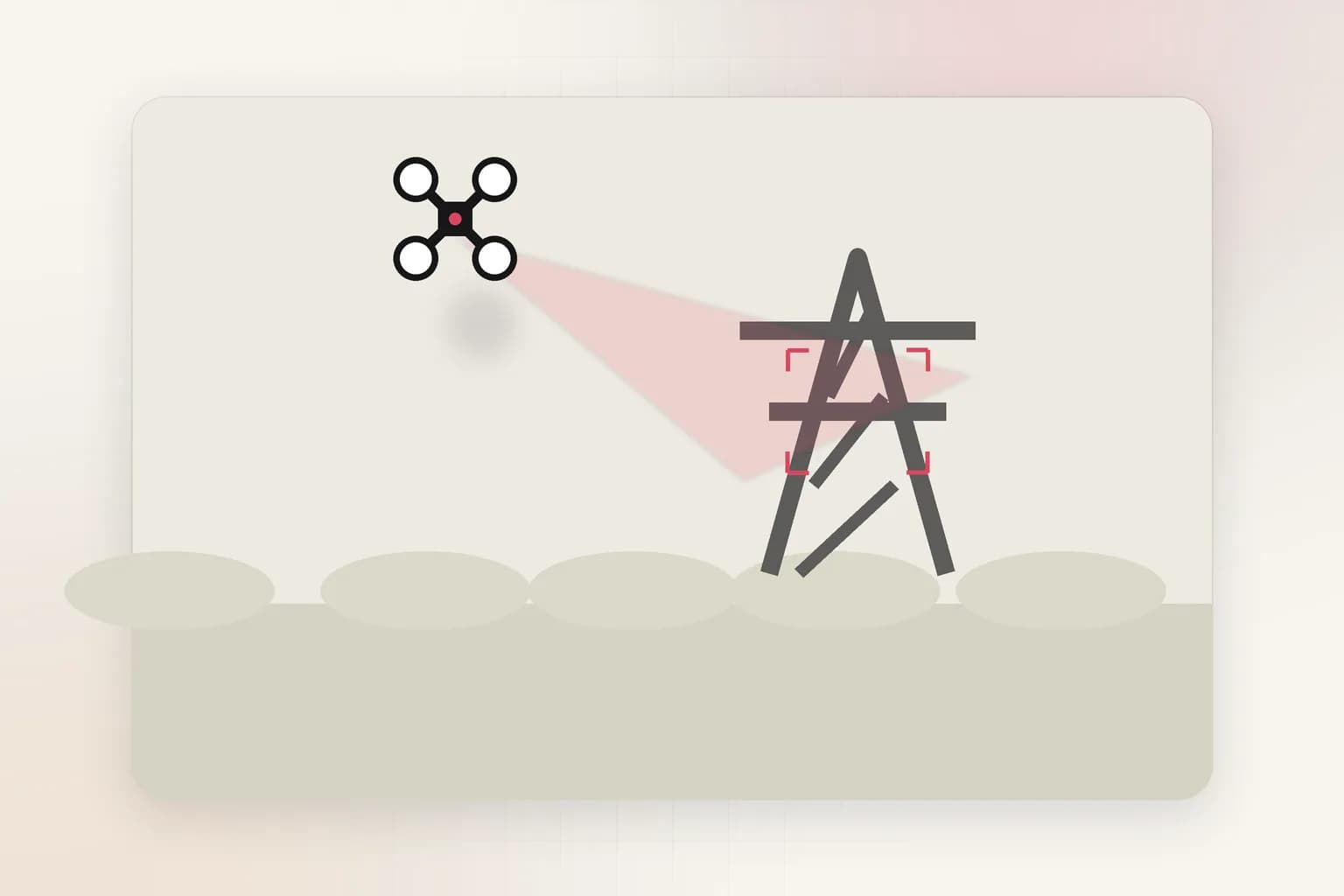
Inspections, construction progress, crop health, and perimeter patrols all produce hours of aerial video. Ceptory indexes it so you can find the asset, the anomaly, or the change without replaying every flight.
- Search by asset, location, or condition across flights
- Compare captures over time for progress and change
- Built for construction, energy, agriculture, and infrastructure
How it works
Connect. Index. Act.
Your footage stays where it is. Ceptory adds the layer that makes it searchable and actionable.
- 1
Connect your footage
Link camera streams, NVR or VMS recordings, drone captures, uploads, or an existing archive. Nothing has to be re-shot, re-encoded by hand, or manually tagged.
- 2
Ceptory indexes what happened
Scenes, objects, faces of interest, speech, on-screen text, and event order are indexed together, so every clip becomes searchable by what actually occurred.
- 3
Your team acts on it
Search in plain language, set alerts, generate reports, and export clips with context into the case, editorial, or operations tools you already use.
Industries
Video intelligence for your industry
The same core platform, tuned to the footage, rules, and review habits of each field. Choose your industry to see workflows, deployment guidance, and FAQs.
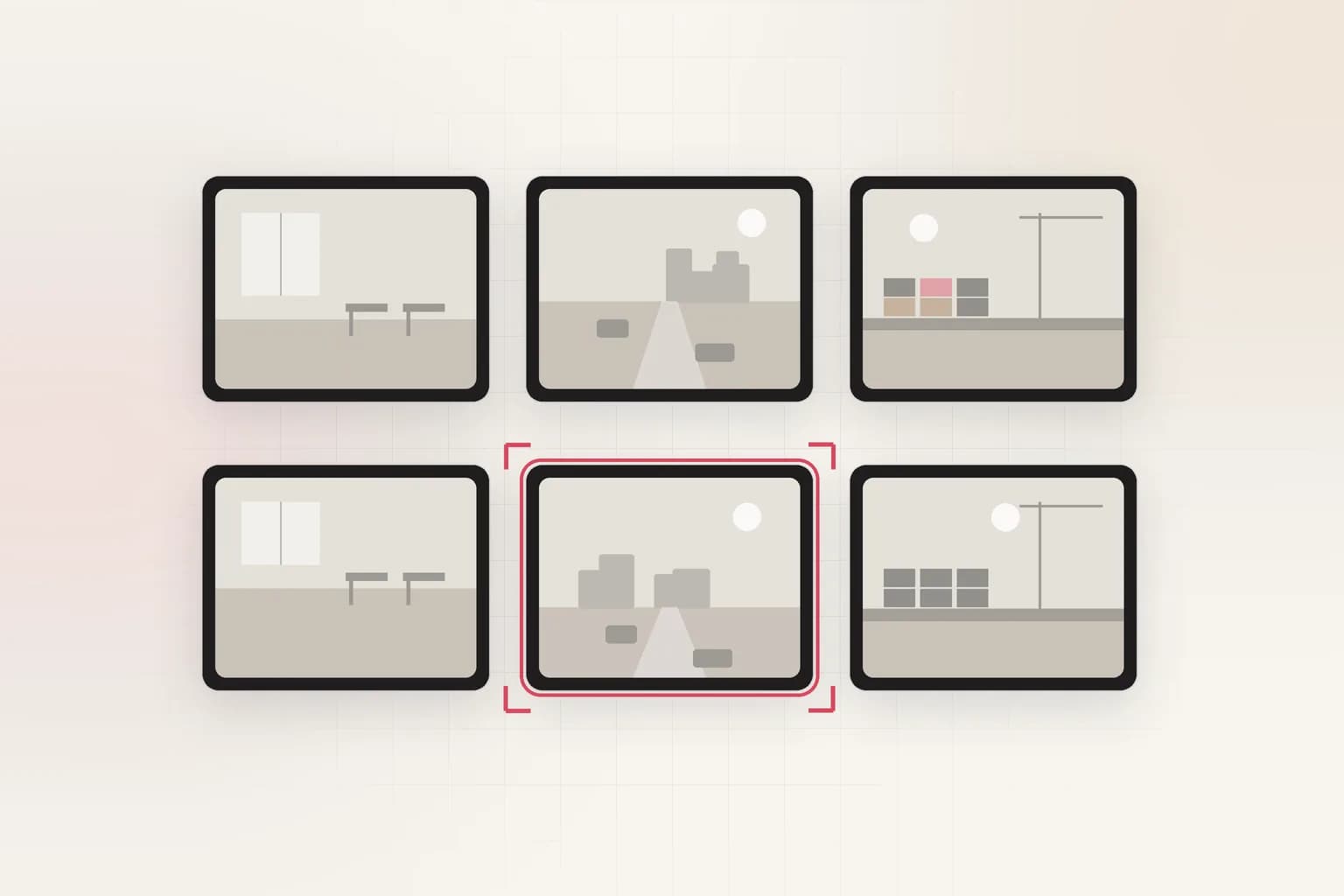
Media & Entertainment
Find the shot, not the file
Newsrooms, studios, and sports archives locate a quote or a play in seconds and cut it without a logging backlog.
Media & Entertainment solution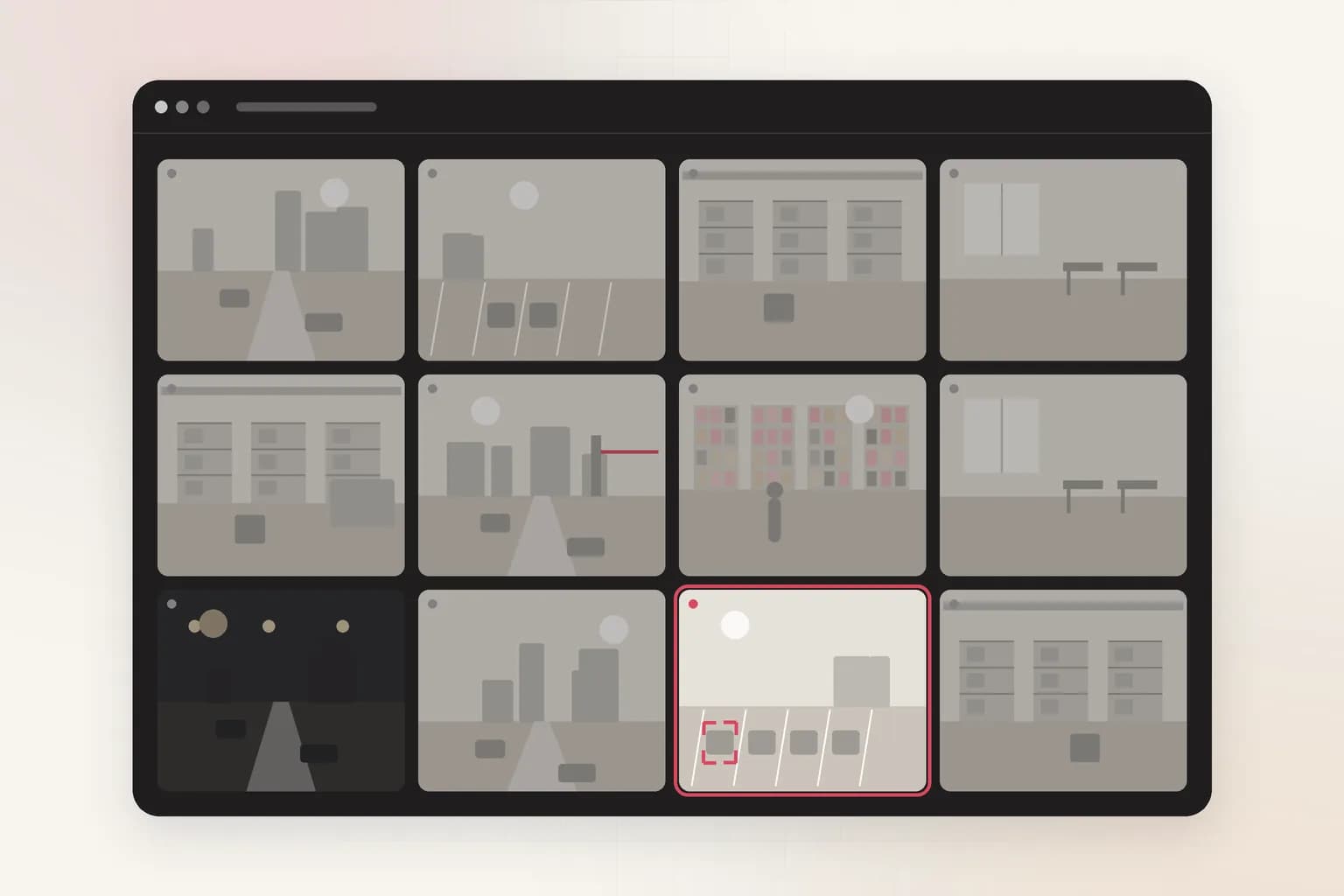
Government & Security
Reconstruct an incident from every angle
Analysts follow a person or vehicle across cameras and hand over a clean, documented clip package.
Government & Security solution
Automotive
See what happened on the line and the lot
Plants, dealerships, and test tracks review events and quality moments without watching whole shifts.
Automotive solution
Advertising
Know what is in every frame you ship
Brand and creative teams audit placements, find reusable footage, and check assets before a campaign goes live.
Advertising solution
Retail & E-commerce
Turn store cameras into a floor-level view
Queues, shelf gaps, and foot traffic become answers merchandising and operations can act on this week.
Retail & E-commerce solution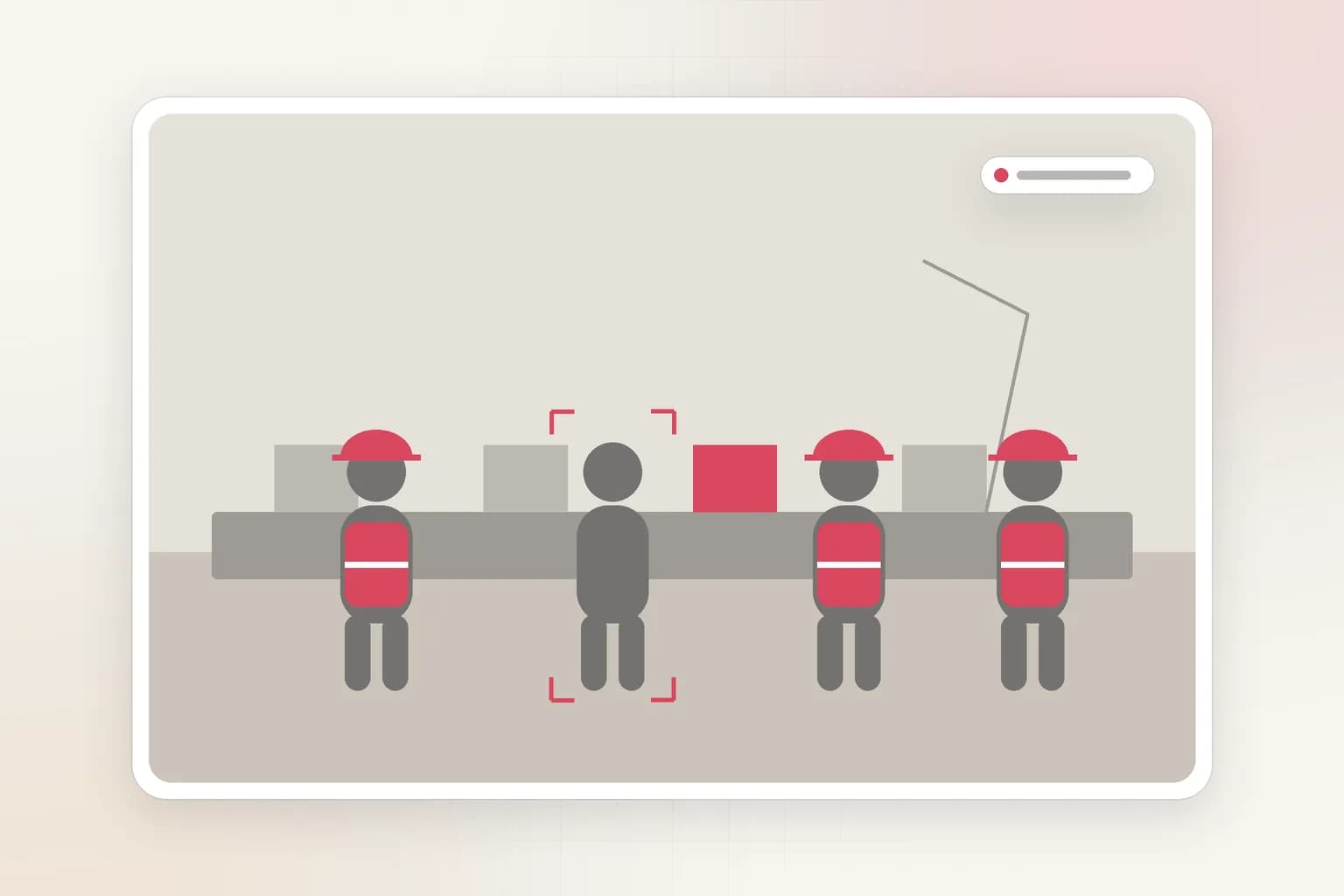
Manufacturing & Industrial
Catch the safety lapse before the audit does
Check PPE, restricted zones, and near-misses across shifts, with proof attached to every flag.
Manufacturing & Industrial solution
Workplace & Corporate Operations
Understand how your spaces are really used
Facilities and security teams review occupancy, access, and meetings with controls on who sees what.
Workplace & Corporate Operations solution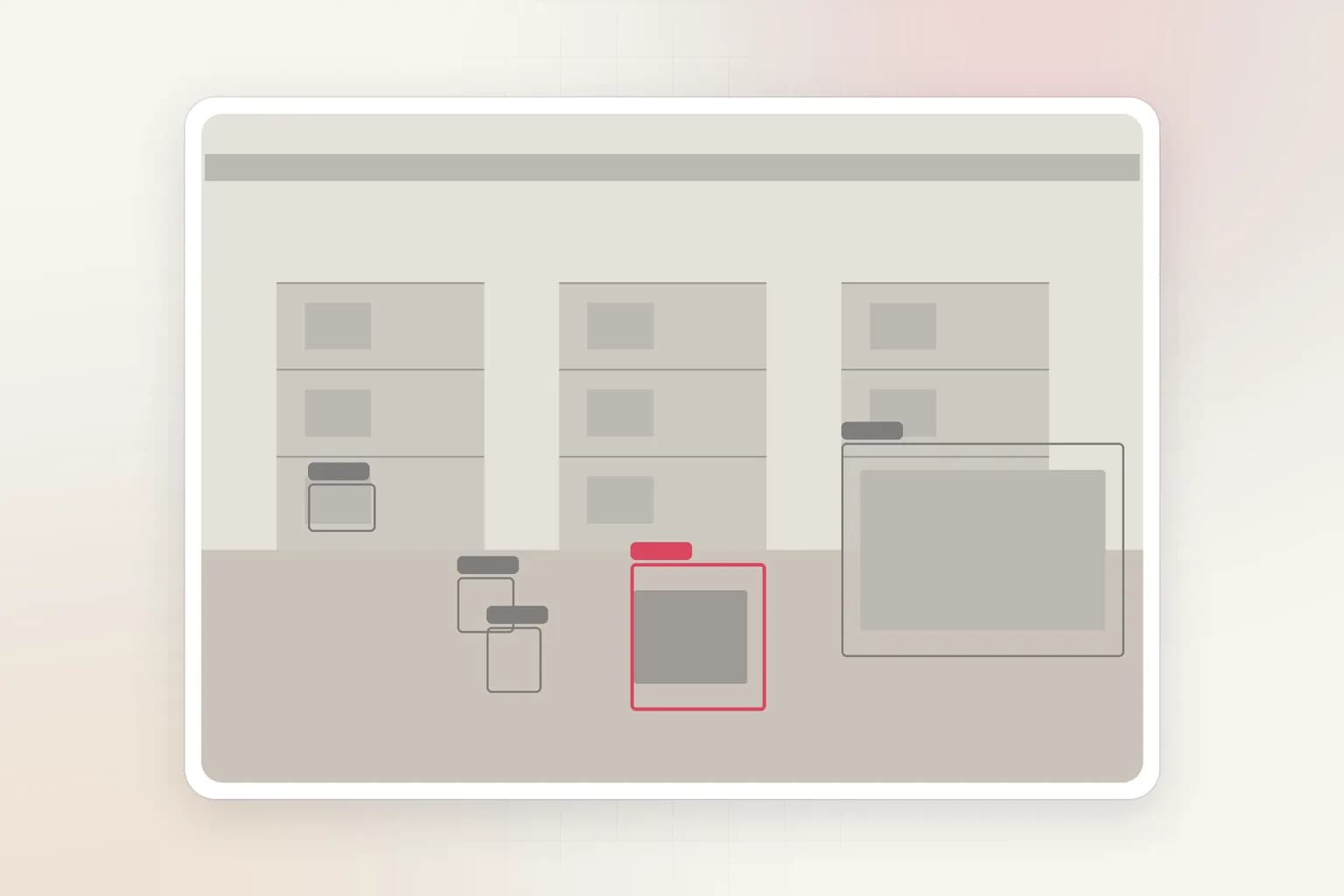
Logistics & Supply Chain
Settle a dock dispute with footage, fast
Trace a pallet, a late truck, or a damaged load through yards and docks without replaying hours of video.
Logistics & Supply Chain solution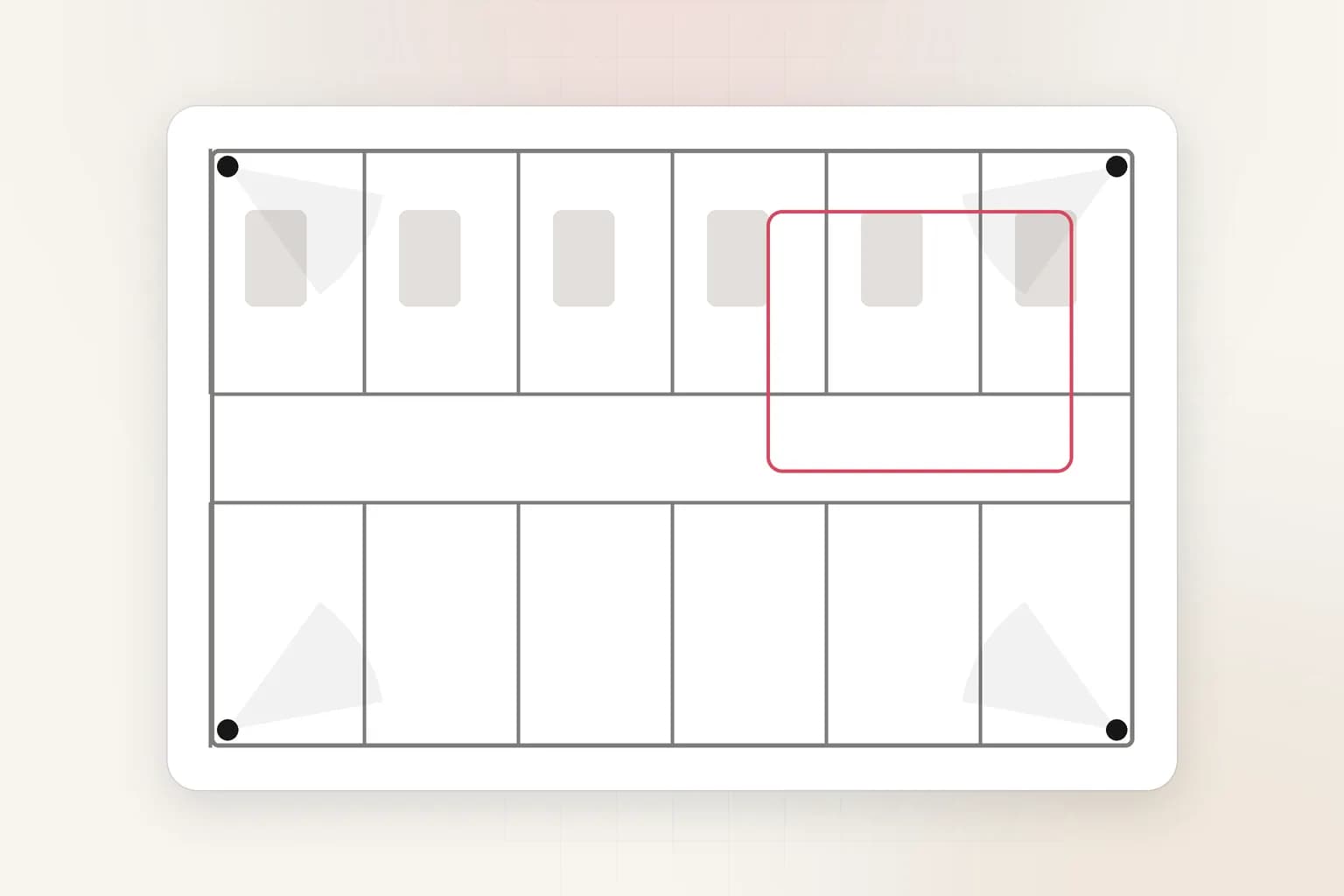
Healthcare
Support safety and flow, protect privacy
Hospitals review incidents and patient-flow bottlenecks with privacy controls built into every export.
Healthcare solutionDo not see your industry? Tell us about your footage.
Popular workflows
Start with a concrete job to be done

Deployment and governance
Built for footage that cannot leave your control
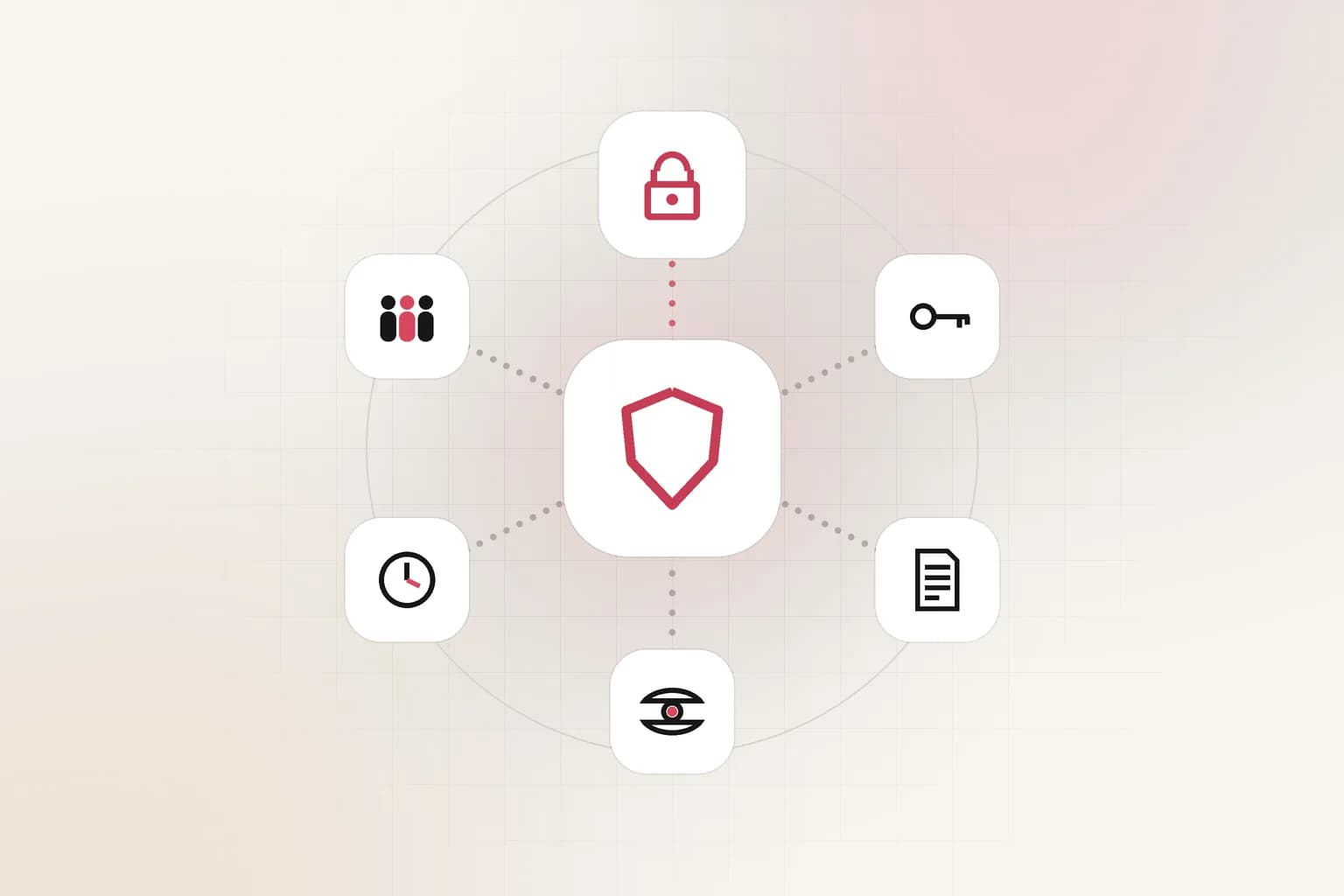
Video is sensitive. It can contain employees, customers, license plates, and incident evidence. Ceptory is designed so security and compliance teams stay in control of where footage lives and who can see it.
- Hosted, dedicated, or fully self-managed: you choose where video lives
- Role-based access, retention policies, and audit trails
- Privacy controls such as redaction for shared clips
- API-first outputs for SIEM, case management, and BI tools
FAQ
Video intelligence solutions: common questions
What are video intelligence solutions?
Video intelligence solutions use AI to understand what is in video, including people, objects, speech, text, and events, so teams can search, monitor, and analyze footage instead of watching it. Ceptory provides this as a platform with natural-language video search, object detection, live monitoring, and reporting.
Can Ceptory work with our existing CCTV cameras and NVR?
Yes. Ceptory is designed to work with the cameras, NVRs, and video management systems you already have, including Hikvision recorders, as well as uploaded files and drone footage. You do not need to replace cameras to get started.
How is video search different from motion detection or tagging?
Motion detection only tells you something moved, and tagging depends on someone labeling footage. Ceptory indexes the content itself, so you can search by what happened, such as an object, a spoken phrase, or a sequence of events, without manual metadata.
Which industries use Ceptory?
Ceptory is used for media and entertainment archives, government and security operations, automotive, advertising, retail and e-commerce, manufacturing and industrial sites, corporate workplaces, logistics and supply chain, and healthcare. Each has a dedicated solution page with workflows and deployment guidance.
Can we deploy Ceptory on our own infrastructure?
Yes. Ceptory supports cloud, private cloud, and on-prem deployment so teams with regulated or sensitive footage can keep video inside their own environment, with role-based access, retention controls, and audit trails.
Can Ceptory analyze drone footage?
Yes. Ceptory indexes aerial footage so you can search by asset, location, or condition and compare captures over time. It is used for construction progress, infrastructure inspection, energy assets, and agriculture.
How do we get started?
Start free to try search on your own footage, or book a demo and we will map the search, monitoring, and deployment setup for your team. Bring a few hours of video and a question and we will show you the answer.
Get started
See it on your own footage.
Bring a few hours of video and a question. We will show you the answer, not a slide.