Security
AI Intrusion Detection for CCTV and Perimeters
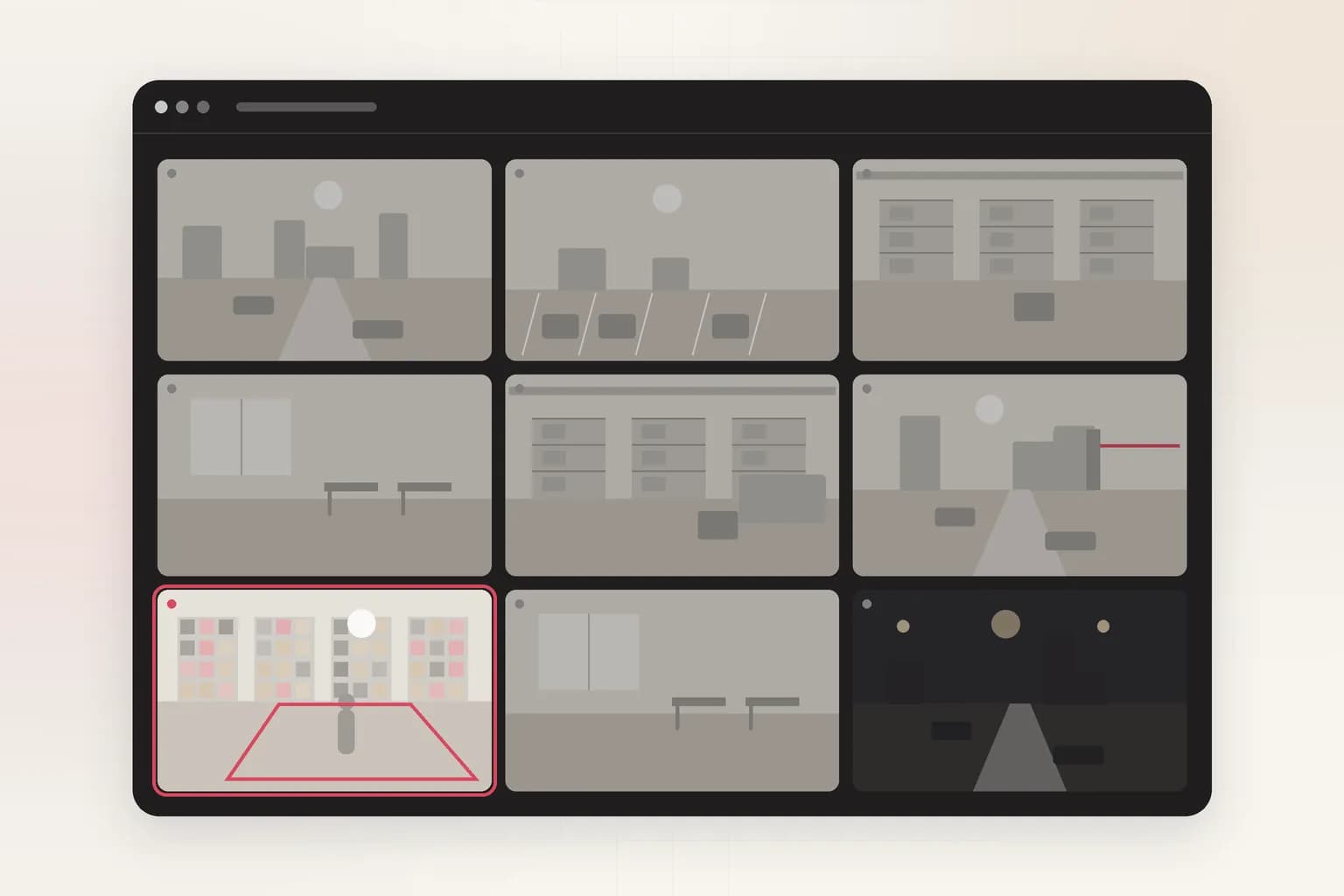
Draw the area that should be empty, choose people, vehicles or animals, and Ceptory alerts you when something enters it, only during the hours you choose. Have a recording from last night? Upload it and ask who came in, when and how.
Attach a clip and send. The task is filled in; change it to anything you need.
Alerts on
People, vehicles, animals
Choose any combination.
Live check
Every 4 s
Only when something moves.
Schedule
Always or set hours
Armed only when the area should be empty.
How it works
Check a clip in minutes, or watch cameras around the clock
Upload a clip
For footage you already have: an incident, a shift, a day on site.
- 01Attach a recording (MP4, MOV and most video formats, up to 2 GB) in the box at the top of this page or in a new dashboard chat.
- 02Send the prompt as it is, or change it: “List everyone who appears in this video after 10 PM, with timestamps.”
- 03Get the answer with timestamps and frames, ask follow-ups, and export a report to PDF or Word.
Alert on anyone entering a restricted area
Draw the zone, choose people, vehicles or animals, set the hours, and Ceptory checks every 4 seconds when there's movement.
- 01Open Cameras and choose Connect a camera. Intrusion is already picked when you come from this page.
- 02Choose the source: a webcam on this computer, an IP camera or NVR (RTSP or ONVIF, through Ceptory Edge or the desktop app), a live stream pushed from OBS, a drone or an encoder, or one of our example videos.
- 03Draw the area to watch: the restricted area, such as a back fence, a yard after closing, a rooftop or a server room door.
- 04Set the rules: what counts as an intruder (people, vehicles, animals) and when to watch: always, or only between set hours such as 8 PM to 6 AM.
- 05Choose where alerts go and how long a clip to keep, then save. The camera starts watching straight away.
What it finds
What Intrusion Detection picks up
People in restricted areas
Vehicles
Animals
The whole visit
Rules you control
Set it up for your site
- What counts
- People (on by default), vehicles and animals.
- Schedule
- Always, or only between set hours in your time zone, such as overnight or weekends.
- Zone
- Draw the exact restricted area; public pavements and roads in view are ignored.
- Re-alert wait
- 5 minutes by default between alerts from the same camera.
Every alert
What each alert includes
- The frame that triggered it, with the person, object or vehicle boxed
- A 10, 20 or 30 second clip around the moment (half before, half after), if you turn clips on
- Camera name, site, time and the rule that fired
- Delivery to Slack, Microsoft Teams, Discord, email or a signed webhook, plus push to the Ceptory phone app and an optional alarm on the monitoring desk
- One click to turn the alert into a full incident report you can export to PDF or Word
Use cases
Where teams use it
Perimeters and yards
Fences, gates and storage yards watched overnight without a guard staring at screens.
Construction sites
Theft of tools and materials after hours, with the frame and clip for the police.
Data centres and plant rooms
Anyone at a restricted door outside working hours.
Compared
Doing it by hand vs. with Ceptory
Without Ceptory
- Motion alarms fire on trees, rain, headlights and cats
- Guards watch dozens of screens and miss most events
- Next-morning review of a whole night's footage
With Ceptory
- Alerts only on the people, vehicles or animals you choose
- Every camera watched continuously, armed on your schedule
- Ask last night's recording who came in and get timestamps
Good results
Tips for accurate results
- Draw the zone inside your boundary so people walking past on the street don't count.
- Turn animals off on outdoor cameras unless you need them.
- Use set hours so normal daytime activity never alerts.
- Pair with face access on doors where you need to know who came in.
Cameras
Works with the cameras you have
Any IP camera or NVR with RTSP or ONVIF, a webcam, or a live stream from OBS, a drone or an encoder. Ceptory Edge runs on a mini PC, NAS or Raspberry Pi on the camera network; nothing is opened to the internet.
FAQ
Intrusion Detection: common questions
How is this different from motion detection?
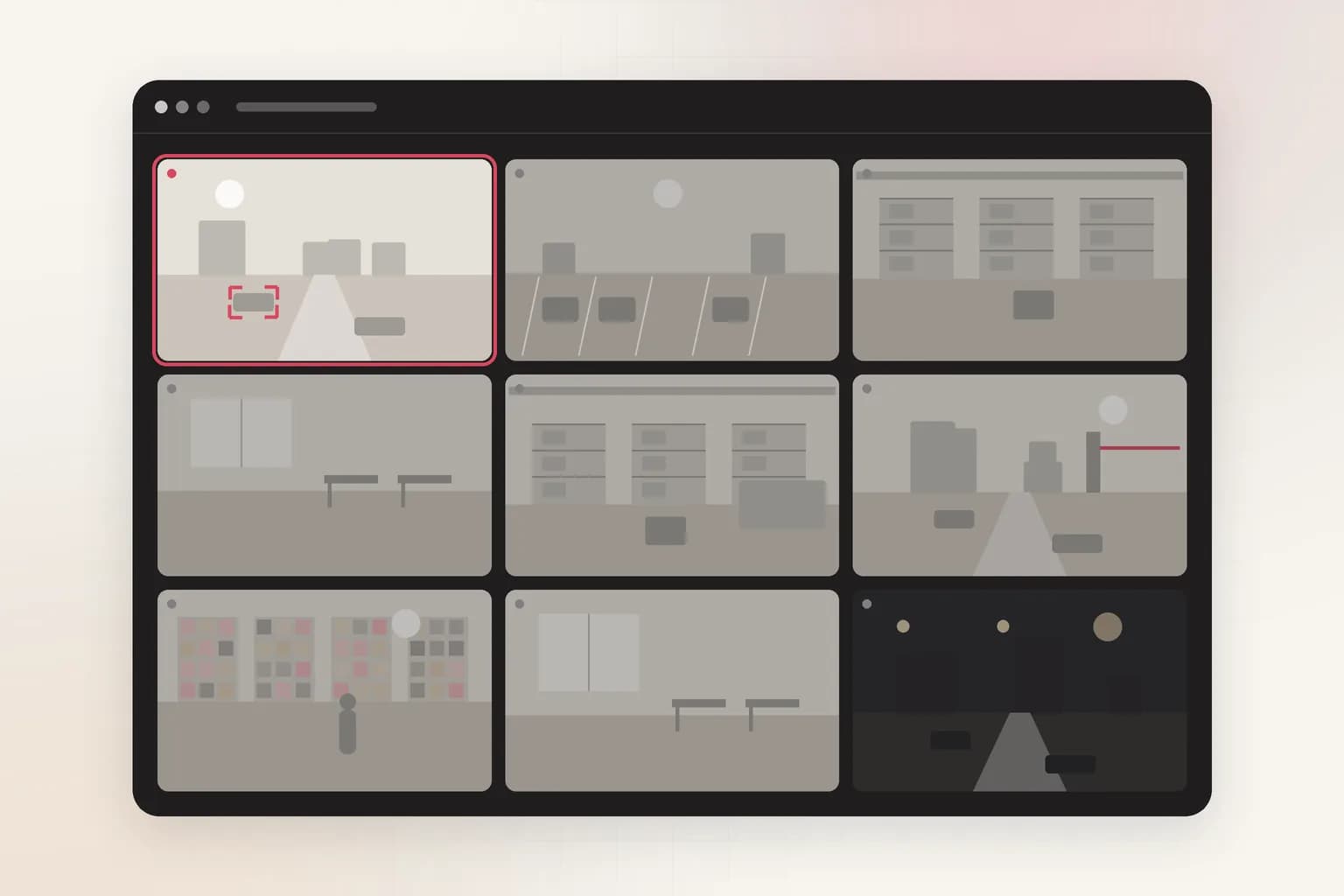
Motion detection alerts on anything that changes: trees, rain, headlights, shadows. Ceptory only alerts when a person, vehicle or animal (your choice) is inside the zone you drew, which removes most false alarms.
Can I arm it only at night?
Yes. Set the schedule to the hours the area should be empty, such as 8 PM to 6 AM in your time zone, and the camera won't alert during the day.
Does it work with my existing cameras and NVR?
Yes. Any IP camera or NVR channel with an RTSP stream or ONVIF works, including Hikvision, Dahua, CP Plus, Axis, Reolink and UniFi Protect.
Can I review a recording for intruders?
Yes. Upload the footage and ask who entered, when and what they did. Ceptory answers with timestamps and frames, and can write a security incident report.
Where do intrusion alerts go?
Push to the Ceptory phone app, Slack, Microsoft Teams, Discord, email or a webhook to your own system, with an optional alarm on monitoring computers.
Related
More detection features
Security
Face Recognition Access
Face recognition for restricted areas on existing CCTV: match faces to your staff list and watchlist, and get alerts on unknown people or watchlist matches.
See the feature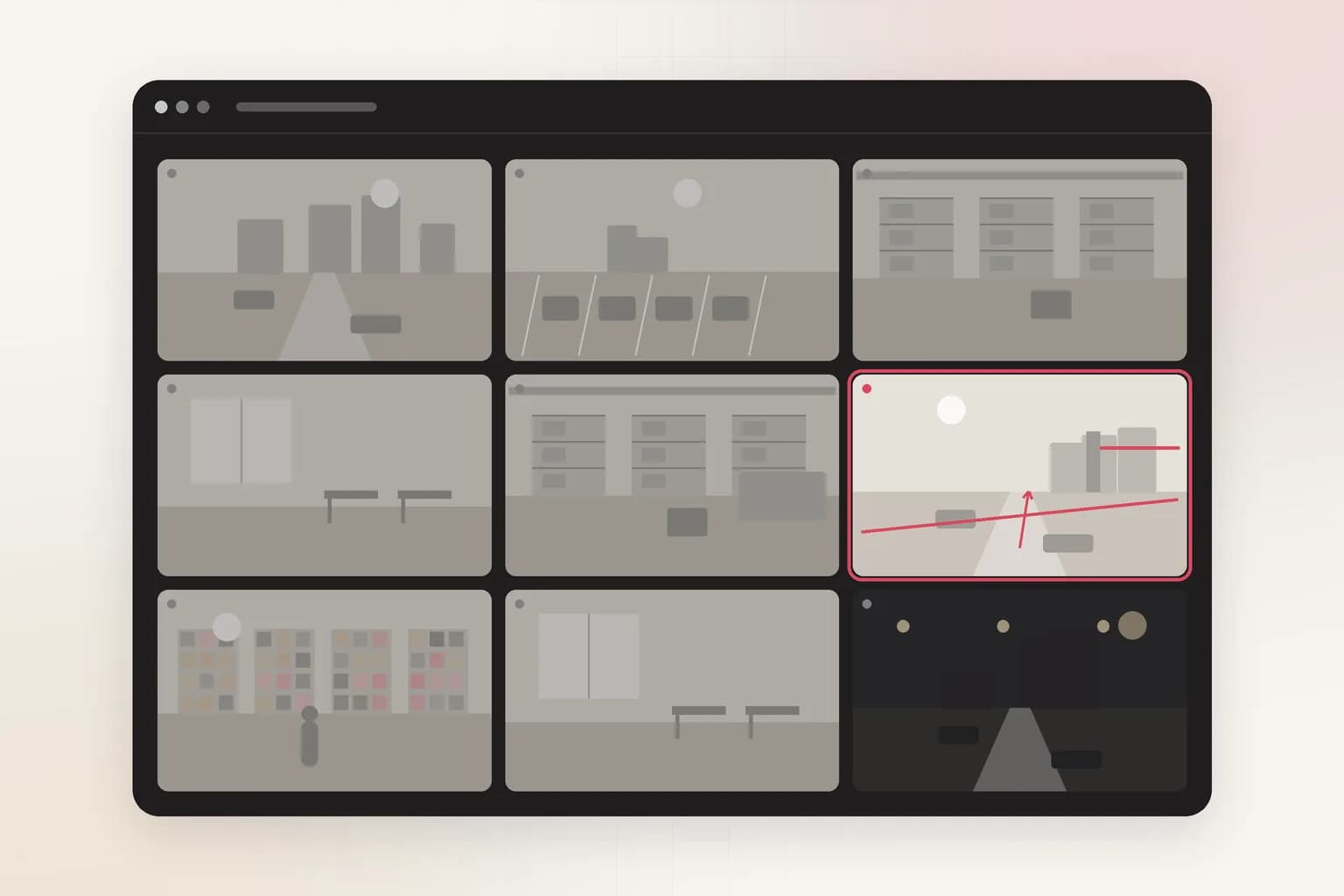
Security
Loitering Detection
Loitering detection for existing CCTV: an alert when someone stays in an area longer than you allow, at entrances, ATMs, car parks and stores. Try it on a clip.
See the feature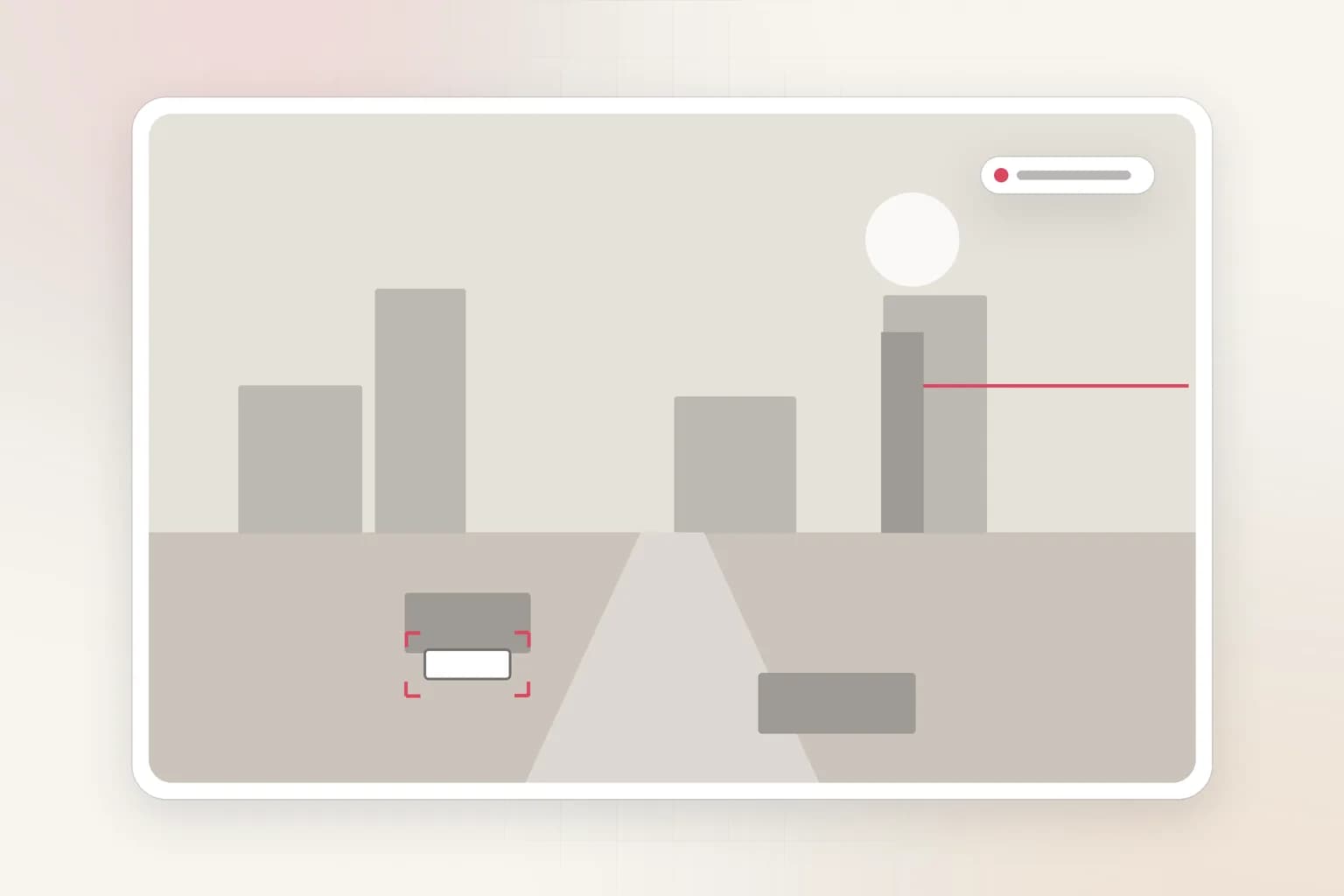
Vehicles & traffic
License Plate Recognition (ANPR)
AI license plate recognition (ANPR/ALPR) for existing cameras: read plates, keep allowed and watch lists, and get alerts on illegal parking.
See the feature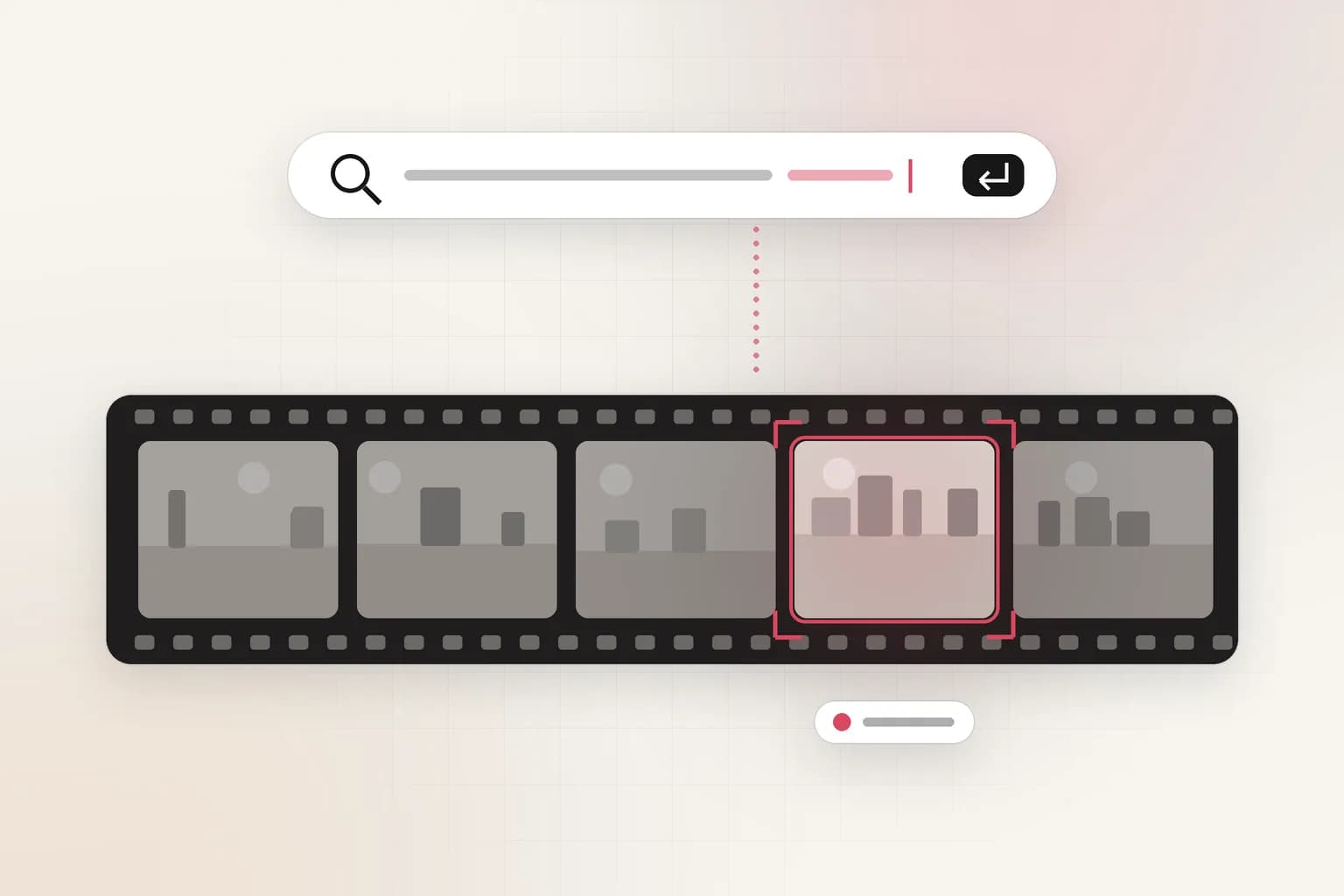
Search, reports & insights
CCTV Video Search
Search CCTV and recorded video in plain English: 'red truck at gate 2 after 10 PM'. Upload a clip or connect cameras and get the exact moments with timestamps.
See the feature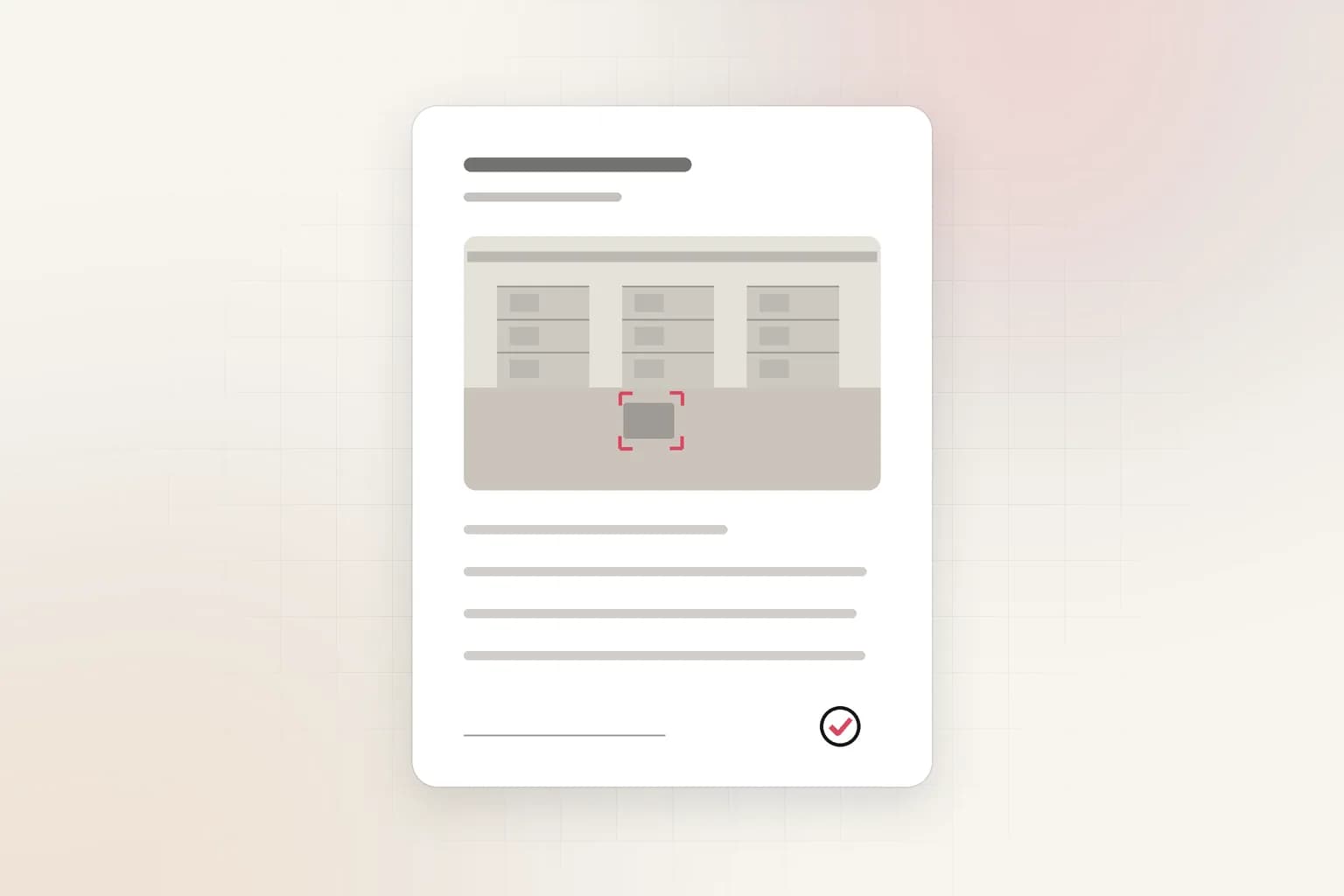
Search, reports & insights
AI Incident Reports
Turn CCTV footage or a camera alert into a complete incident report: AI-drafted timeline, people at the scene, actions taken. Export to PDF or Word in minutes.
See the featureGet started
Start intrusion detection today
Free to start. Upload a clip or run it on our example footage before you connect a single camera.