Workplace safety
AI Fall Detection for Cameras You Already Have
Ceptory watches your cameras for someone who has fallen or is lying on the floor and alerts your team within seconds, with the frame and a short clip. Have footage of an incident already? Upload it and ask exactly when and how the fall happened.
Attach a clip and send. The task is filled in; change it to anything you need.
Live check
Every 3 s
When there is movement in view.
Detects
Falls and lying down
People on the floor inside your zone.
Alert to
Phone, Slack, Teams
With the frame and a clip.
How it works
Check a clip in minutes, or watch cameras around the clock
Upload a clip
For footage you already have: an incident, a shift, a day on site.
- 01Attach a recording (MP4, MOV and most video formats, up to 2 GB) in the box at the top of this page or in a new dashboard chat.
- 02Send the prompt as it is, or change it: “Find every slip, trip or fall in this clip with timestamps.”
- 03Get the answer with timestamps and frames, ask follow-ups, and export a report to PDF or Word.
Get an alert the moment someone goes down
Draw the floor area to watch; Ceptory checks it every 3 seconds when there's movement and alerts on a person down.
- 01Open Cameras and choose Connect a camera. Person down is already picked when you come from this page.
- 02Choose the source: a webcam on this computer, an IP camera or NVR (RTSP or ONVIF, through Ceptory Edge or the desktop app), a live stream pushed from OBS, a drone or an encoder, or one of our example videos.
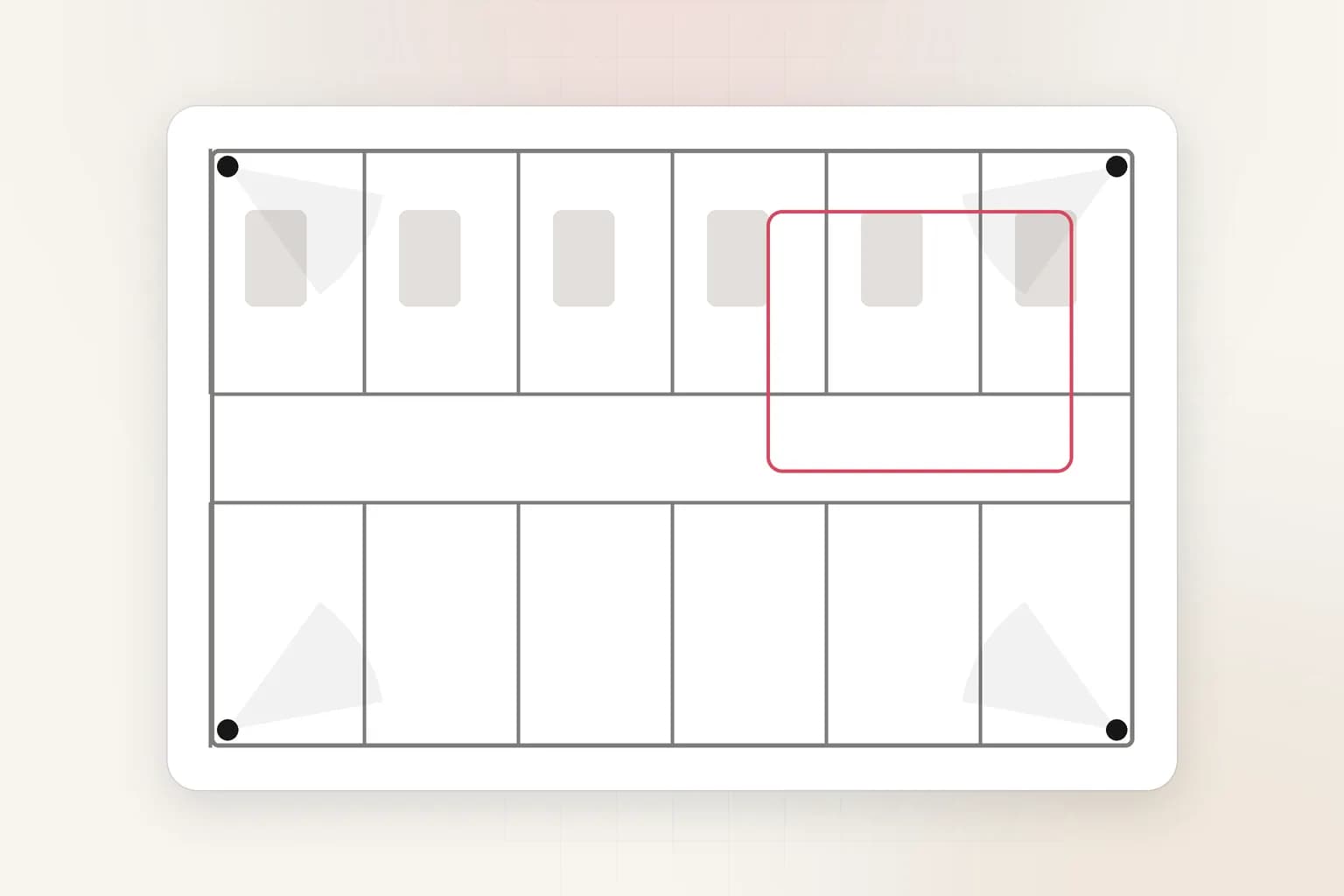
- 03Draw the area to watch: the floor area, such as a corridor, a resident's room, a warehouse aisle or a stairwell landing.
- 04Set the rules: how long to wait before alerting again on the same camera, and when the camera should watch (always, or set hours).
- 05Choose where alerts go and how long a clip to keep, then save. The camera starts watching straight away.
What it finds
What Fall Detection picks up
A fall as it happens
Someone lying on the floor
Unattended after a fall
Where it happened
Rules you control
Set it up for your site
- Floor zone
- Draw the floor area; beds, sofas and areas where lying down is normal can be left out.
- Re-alert wait
- 5 minutes by default, so one fall raises one alert.
- Motion gating
- Frames are checked when something moves, every 3 seconds, which keeps costs low on quiet cameras.
- Alarm on the desk
- Optionally sound an alarm on every computer showing Ceptory, for night staff and monitoring desks.
Every alert
What each alert includes
- The frame that triggered it, with the person, object or vehicle boxed
- A 10, 20 or 30 second clip around the moment (half before, half after), if you turn clips on
- Camera name, site, time and the rule that fired
- Delivery to Slack, Microsoft Teams, Discord, email or a signed webhook, plus push to the Ceptory phone app and an optional alarm on the monitoring desk
- One click to turn the alert into a full incident report you can export to PDF or Word
Use cases
Where teams use it
Care homes and assisted living
Night-time falls in corridors and common rooms reach staff phones in seconds.
Hospitals
Falls in wards, bathrooms and waiting areas, with the clip for the incident review.
Warehouses and factories
Lone workers and falls from ladders or loading docks, where nobody else is around.
Retail and public spaces
Slip-and-fall claims answered with the exact footage and timeline.
Compared
Doing it by hand vs. with Ceptory
Without Ceptory
- Falls found on the next round, sometimes hours later
- Wearable pendants that residents forget to wear
- Claims investigated by scrubbing through footage
With Ceptory
- An alert within seconds, on the phone of whoever is on shift
- Works from existing cameras, nothing to wear or charge
- Ask the recording when the fall happened and get the timestamp
Good results
Tips for accurate results
- Point cameras so the whole floor area is visible; a person who falls behind furniture can't be seen.
- Leave beds and sofas out of the zone so lying down to rest doesn't alert.
- Use set hours if you only need fall alerts overnight.
- Test with the example care-room video first to see what an alert looks like.
Cameras
Works with the cameras you have
Any IP camera or NVR with RTSP or ONVIF, a webcam, or a live stream from OBS, a drone or an encoder. Ceptory Edge runs on a mini PC, NAS or Raspberry Pi on the camera network; nothing is opened to the internet.
FAQ
Fall Detection: common questions
How does AI fall detection work with CCTV?
Ceptory takes frames from your camera (every 3 seconds when there's movement), finds the people in them and checks whether anyone inside your floor zone has fallen or is lying on the floor. If so, it sends an alert with the frame and a short clip.
Do residents or workers need to wear anything?
No. Fall detection runs on the camera feed, so there is no pendant or wearable to forget, lose or charge.
Can I check old footage for a fall?
Yes. Upload the recording and ask when the fall happened, what led up to it and how long until help arrived. Ceptory answers with timestamps you can jump to.
Will people lying in bed set it off?
Draw the zone over the floor only and leave beds and sofas out of it. People resting outside the zone don't trigger alerts.
Where do fall alerts go?
To the Ceptory phone app as a push notification, to Slack, Microsoft Teams, Discord, email or a webhook, and optionally as an audible alarm on monitoring computers.
Does it work at night?
It works on whatever the camera can see, including infrared night images, as long as the person is visible and large enough in the frame.
Related
More detection features
Workplace safety
PPE Detection
AI PPE detection for CCTV and recorded video. Check every worker for a hard hat, hi-vis vest and gloves, get alerts with the frame, and export safety reports.
See the feature
Workplace safety
Fire & Smoke Detection
Video fire and smoke detection from existing CCTV: alerts for flames, smoke, flooding and storms with the frame and a clip. Check a recording or watch live.
See the feature
Search, reports & insights
AI Incident Reports
Turn CCTV footage or a camera alert into a complete incident report: AI-drafted timeline, people at the scene, actions taken. Export to PDF or Word in minutes.
See the feature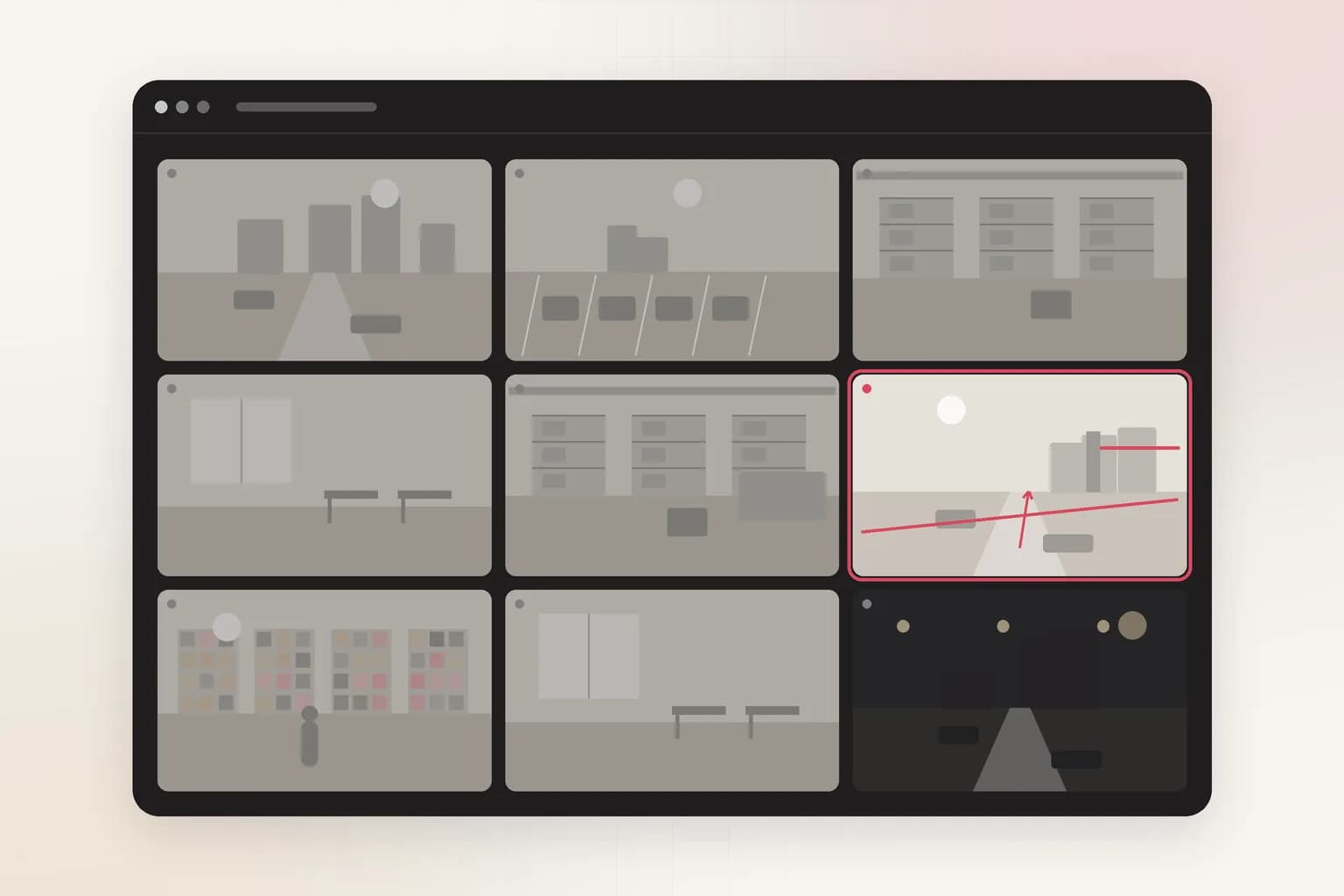
Security
Loitering Detection
Loitering detection for existing CCTV: an alert when someone stays in an area longer than you allow, at entrances, ATMs, car parks and stores. Try it on a clip.
See the feature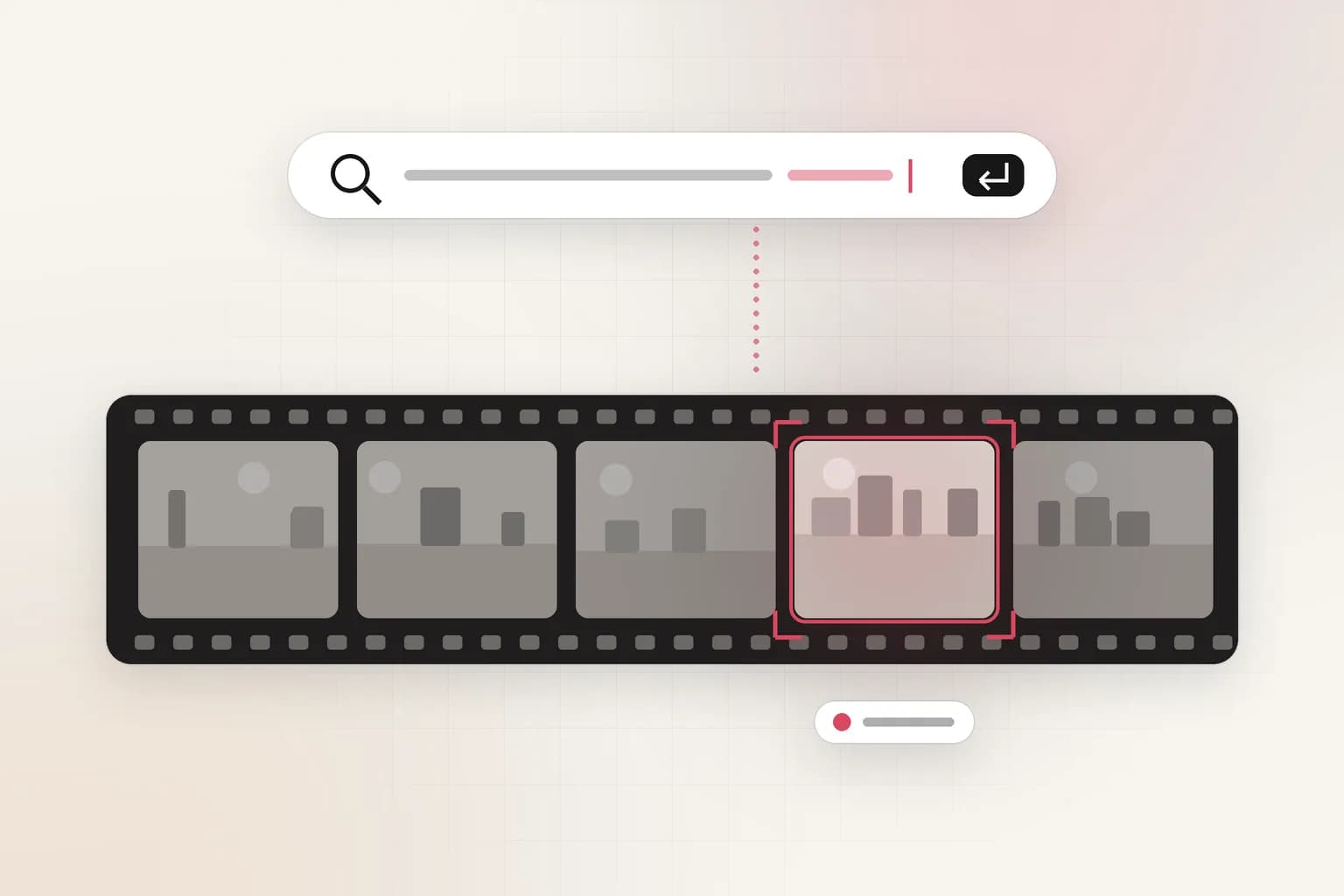
Search, reports & insights
CCTV Video Search
Search CCTV and recorded video in plain English: 'red truck at gate 2 after 10 PM'. Upload a clip or connect cameras and get the exact moments with timestamps.
See the featureGet started
Start fall detection today
Free to start. Upload a clip or run it on our example footage before you connect a single camera.