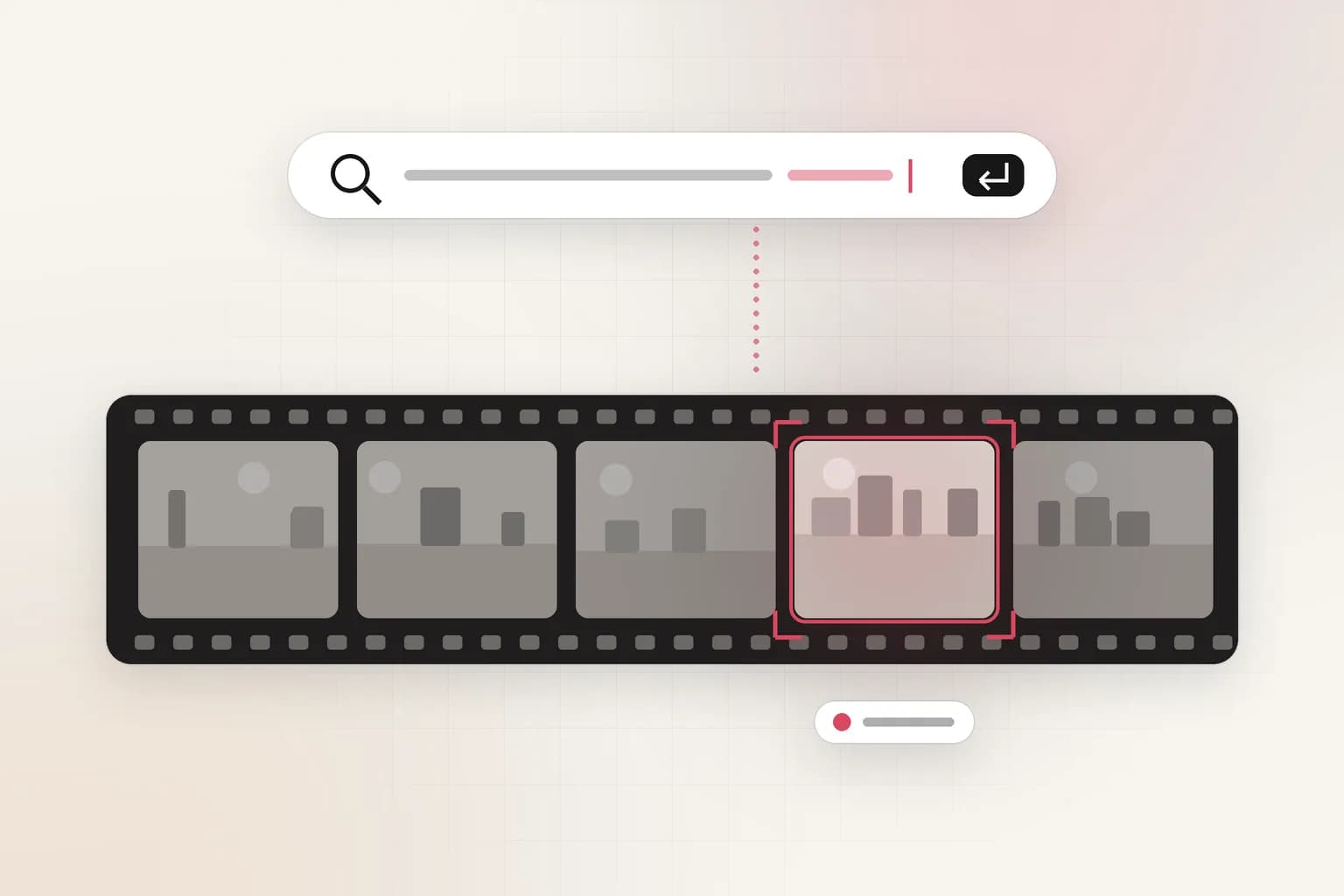
Search, reports & insights
AI CCTV Video Search: Find Any Moment in Plain English
Stop scrubbing through hours of footage. Upload a clip, or ask about your connected cameras, and describe what you're looking for: 'the man in the red jacket', 'a white van at Gate 2 after 10 PM'. Ceptory answers with the exact moments and timestamps.
Attach a clip and send. The task is filled in; change it to anything you need.
Ask in
Plain language
People, vehicles, actions, sequences.
Answers with
Timestamps
Jump straight to each moment.
Sources
Clips and cameras
Uploads, live cameras and clusters.
How it works
From a question to an answer in minutes
Upload a clip
For footage you already have: an incident, a shift, a day on site.
- 01Attach a recording (MP4, MOV and most video formats, up to 2 GB) in the box at the top of this page or in a new dashboard chat.
- 02Send the prompt as it is, or change it: “Show every white van in this footage and when it arrives and leaves.”
- 03Get the answer with timestamps and frames, ask follow-ups, and export a report to PDF or Word.
- 01Open the dashboard and start a new chat.
- 02Attach a recording (up to 2 GB), or pick a connected camera or a cluster of cameras.
- 03Ask what you're looking for in plain language. Follow-up questions keep the context.
- 04Jump to each moment from its timestamp, and export the answer as a report.
What it finds
What CCTV Video Search picks up
People
Vehicles
Events and actions
Sequences
Options
Built for real work
- Follow-ups
- Ask a second question in the same chat; the context carries over.
- Camera clusters
- Ask one question across a group of cameras, such as a whole site.
- Reports
- Turn an answer into a formatted report and export it to PDF or Word.
Every answer
What you get back
- A direct answer to your question, not just a list of clips
- Timestamps for each matching moment
- Frames from the video so you can confirm the match
- Export to PDF or Word for the case file
Use cases
Where teams use it
Security investigations
Find the moments that matter after an incident in minutes, not hours.
Compared
Doing it by hand vs. with Ceptory
Without Ceptory
- Hours of scrubbing at 4x speed
- Searches limited to motion events and timestamps
- Easy to miss the moment
With Ceptory
- Describe what you need, get the moments
- Understands people, vehicles, actions and order
- Every answer has timestamps you can check
Good results
Tips for accurate results
- Be specific: clothing colours, vehicle types and times narrow results fast.
- Ask a follow-up instead of starting over; the chat keeps the context.
Cameras
Works with the cameras you have
Any IP camera or NVR with RTSP or ONVIF, a webcam, or a live stream from OBS, a drone or an encoder. Ceptory Edge runs on a mini PC, NAS or Raspberry Pi on the camera network; nothing is opened to the internet.
FAQ
CCTV Video Search: common questions
How do I search CCTV footage with AI?
Upload the recording to Ceptory (or pick a connected camera) and describe what you're looking for in plain language. Ceptory answers with the matching moments, timestamps and frames.
What can I search for?
People by appearance, vehicles by type or colour, actions and events, text on screen, and sequences such as 'who came in after the delivery'.
How long can the video be?
You can upload clips up to 2 GB from the dashboard. Longer archives can be indexed through the API.
Can I search across several cameras?
Yes. Group cameras into a cluster and ask one question across all of them.
Is there an API?
Yes. The video intelligence API indexes video and answers natural-language searches as JSON, for building search into your own tools.
Related
More detection features
Search, reports & insights
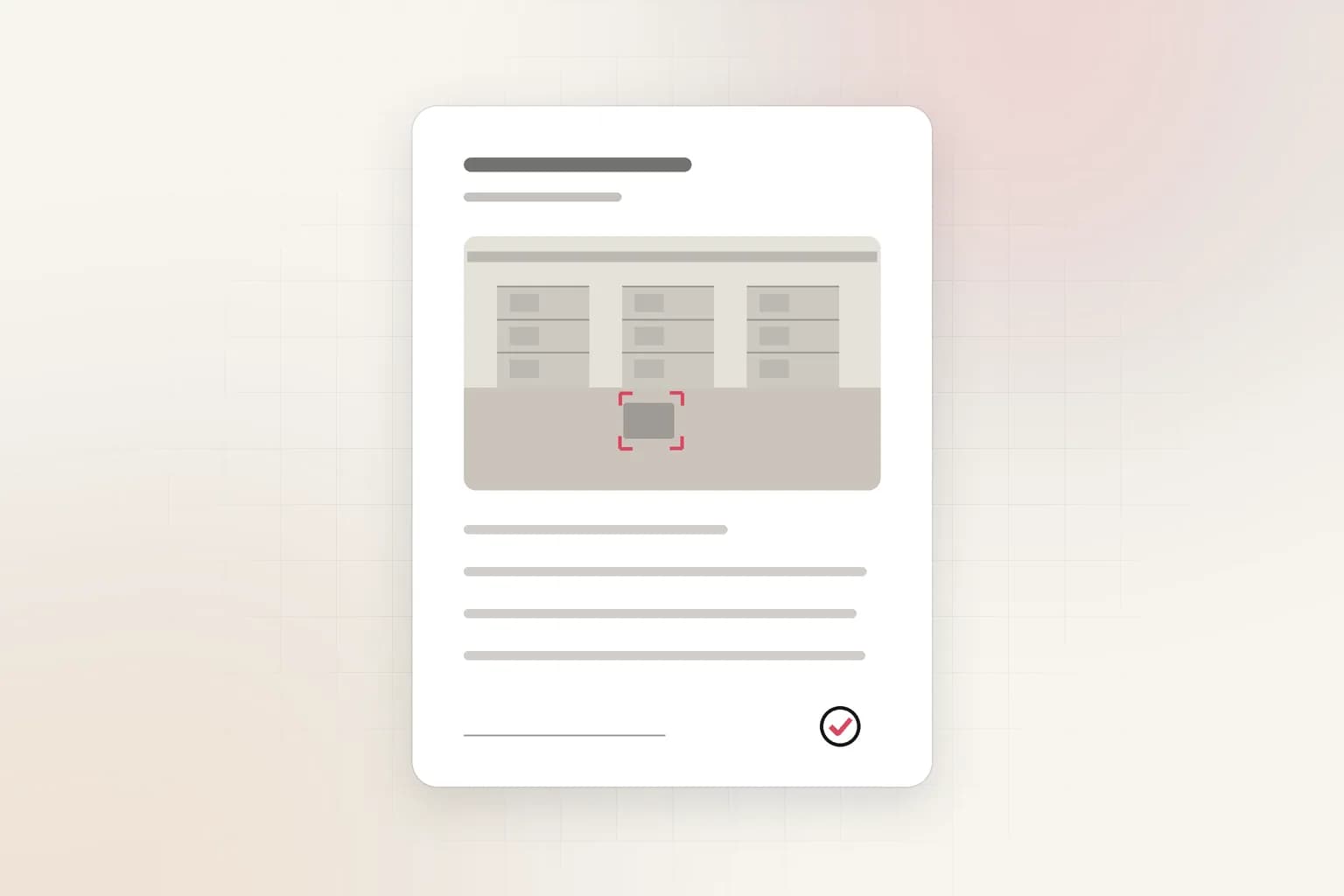
AI Incident Reports
Turn CCTV footage or a camera alert into a complete incident report: AI-drafted timeline, people at the scene, actions taken. Export to PDF or Word in minutes.
See the feature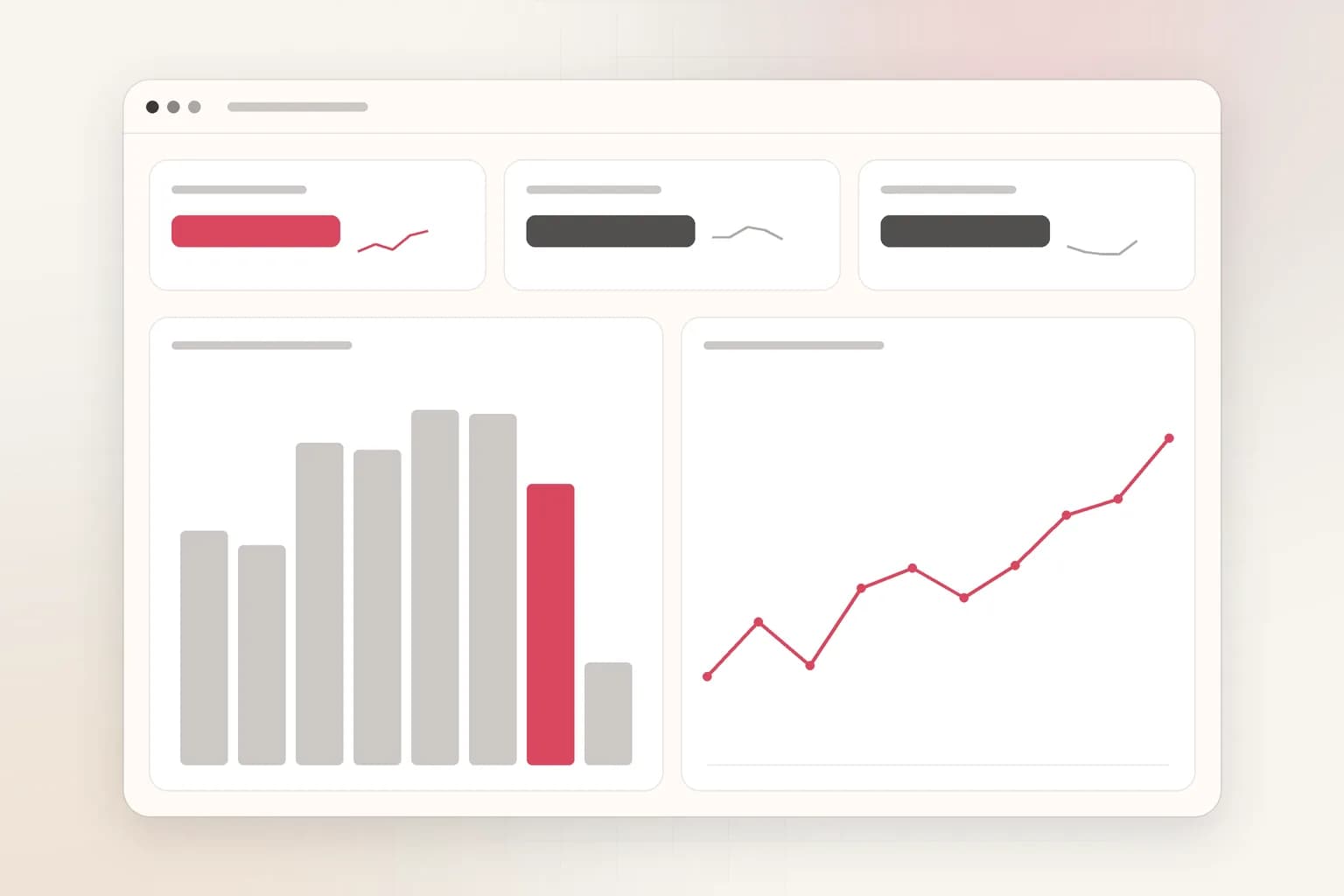
Search, reports & insights
CCTV Analytics Dashboard
One dashboard for every camera's alerts and trends: incidents by site, camera and hour, camera reports, and AI insights you can ask questions of. Free to start.
See the feature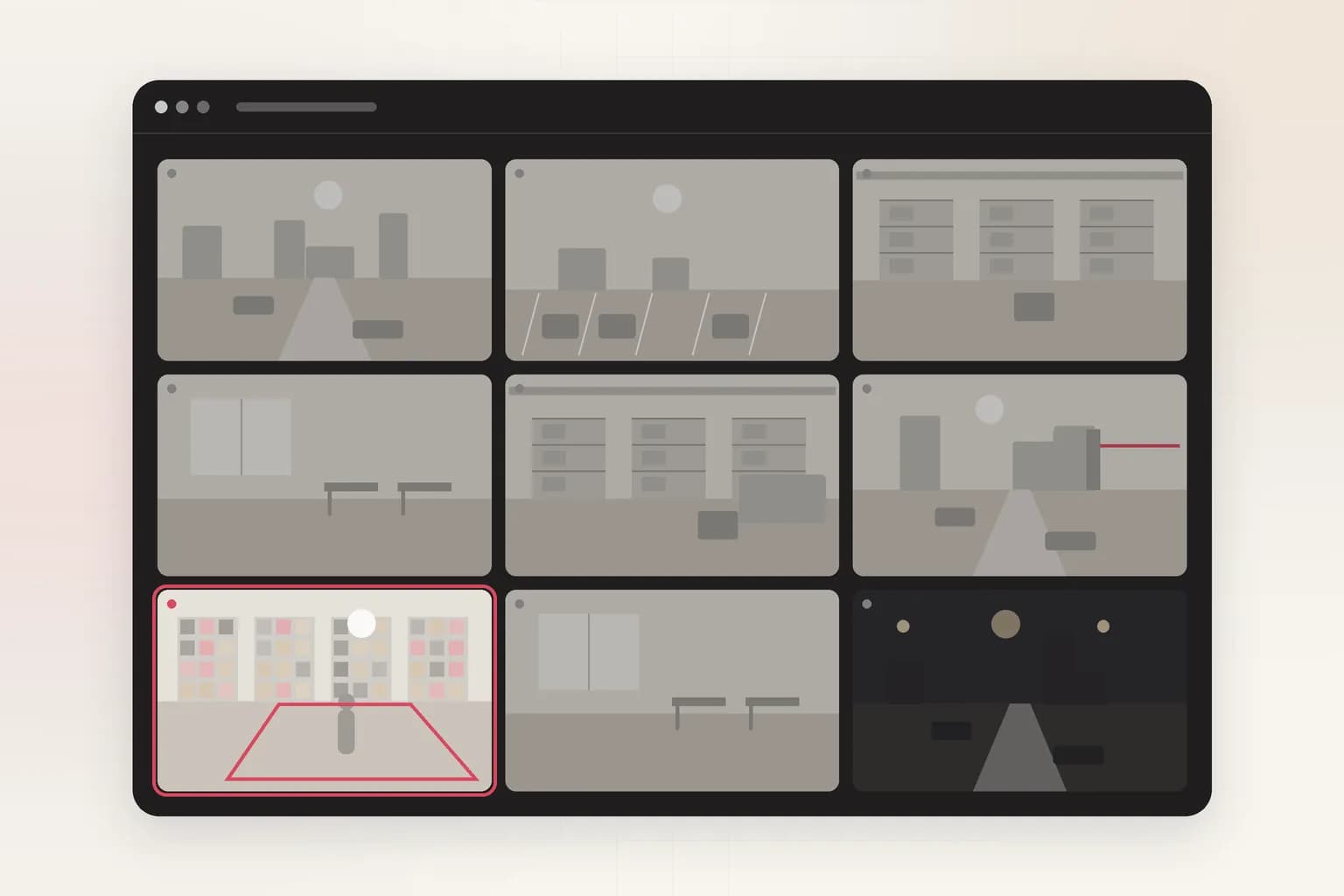
Security
Intrusion Detection
AI intrusion detection for existing cameras: alerts when a person, vehicle or animal enters a restricted area on your schedule, with the frame and clip.
See the feature
Vehicles & traffic
License Plate Recognition (ANPR)
AI license plate recognition (ANPR/ALPR) for existing cameras: read plates, keep allowed and watch lists, and get alerts on illegal parking.
See the feature
Workplace safety
PPE Detection
AI PPE detection for CCTV and recorded video. Check every worker for a hard hat, hi-vis vest and gloves, get alerts with the frame, and export safety reports.
See the featureGet started
Try cctv video search on your footage
Free to start. Upload a clip or run it on our example footage before you connect a single camera.