Security
AI People Counting and Crowd Detection
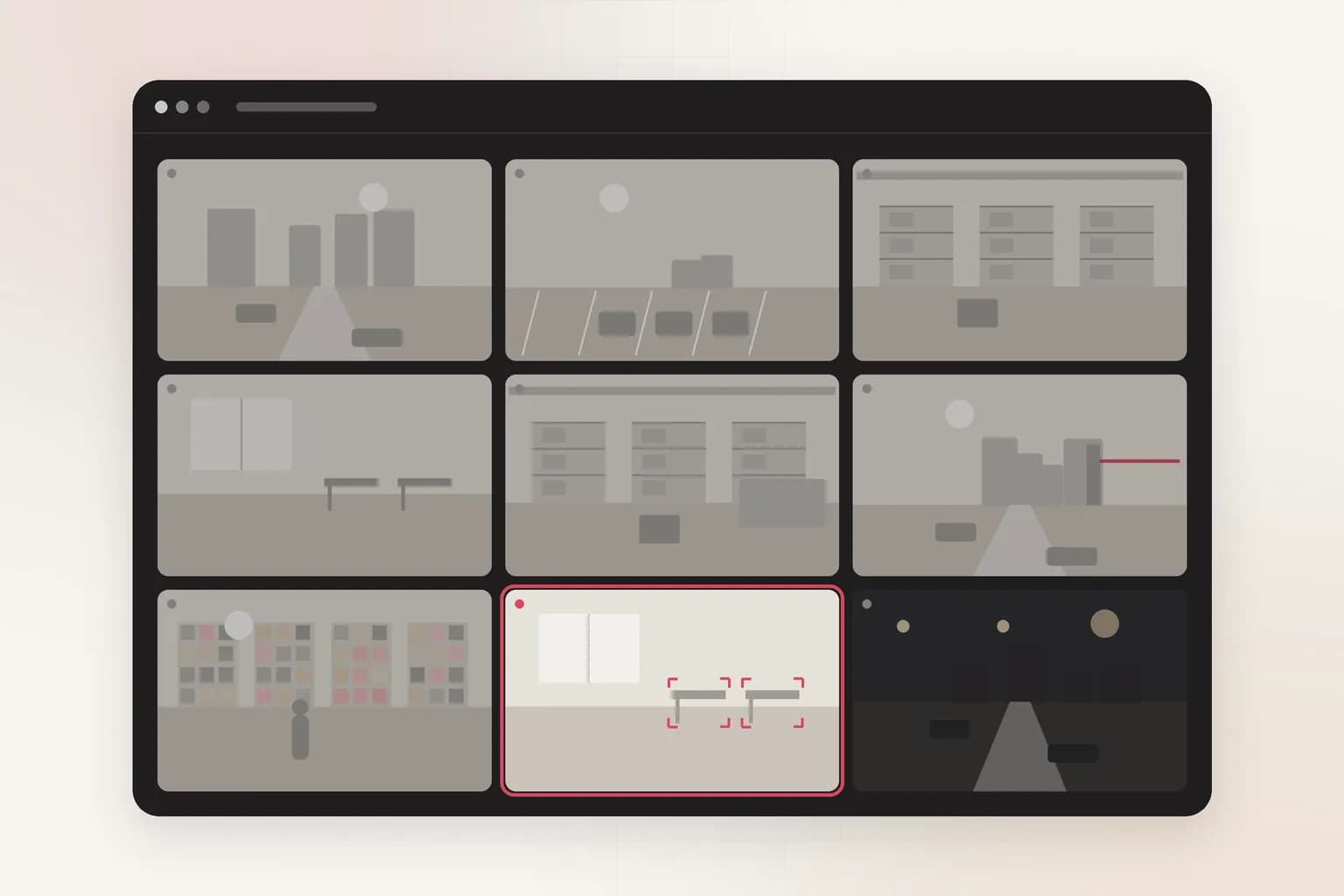
Ceptory counts the people in any area your cameras see and alerts you when there are more than you allow. Upload a clip to count visitors, find peak moments and measure queues.
Attach a clip and send. The task is filled in; change it to anything you need.
Counts
Up to 500
People in the area at once.
Live check
Every 10 s
Whether or not anything moves.
Trends
In Insights
Busy hours and patterns over time.
How it works
Check a clip in minutes, or watch cameras around the clock
Upload a clip
For footage you already have: an incident, a shift, a day on site.
- 01Attach a recording (MP4, MOV and most video formats, up to 2 GB) in the box at the top of this page or in a new dashboard chat.
- 02Send the prompt as it is, or change it: “What's the most people in view at once, and when?”
- 03Get the answer with timestamps and frames, ask follow-ups, and export a report to PDF or Word.
Alert when an area is over capacity
Draw the area to count, set the maximum, and Ceptory counts every 10 seconds.
- 01Open Cameras and choose Connect a camera. Crowd limit is already picked when you come from this page.
- 02Choose the source: a webcam on this computer, an IP camera or NVR (RTSP or ONVIF, through Ceptory Edge or the desktop app), a live stream pushed from OBS, a drone or an encoder, or one of our example videos.
- 03Draw the area to watch: the area to count, such as a lobby, a shop floor, a platform or a venue entrance.
- 04Set the rules: the most people allowed in the area (10 by default, up to 500) and how long to wait before alerting again.
- 05Choose where alerts go and how long a clip to keep, then save. The camera starts watching straight away.
What it finds
What People Counting & Crowd Limits picks up
Over-capacity areas
Crowding and queues
Busy hours
Counts per area
Rules you control
Set it up for your site
- Maximum people
- The most people allowed in the area: 10 by default, from 1 to 500.
- Count zone
- Draw the exact area to count; corridors and windows can be left out.
- Re-alert wait
- 10 minutes by default between alerts from the same camera.
Every alert
What each alert includes
- The frame that triggered it, with the person, object or vehicle boxed
- A 10, 20 or 30 second clip around the moment (half before, half after), if you turn clips on
- Camera name, site, time and the rule that fired
- Delivery to Slack, Microsoft Teams, Discord, email or a signed webhook, plus push to the Ceptory phone app and an optional alarm on the monitoring desk
- One click to turn the alert into a full incident report you can export to PDF or Word
Use cases
Where teams use it
Compared
Doing it by hand vs. with Ceptory
Without Ceptory
- Clickers at the door and guesswork
- Dedicated counting sensors at every entrance
- Crowding noticed only once it's a problem
With Ceptory
- Counts from cameras you already have
- Any area a camera sees, not just doorways
- An alert as soon as the limit is passed
Good results
Tips for accurate results
- Higher, wider camera angles count crowds better than eye-level ones, where people hide each other.
- Set the limit below the legal maximum so staff have time to act.
Cameras
Works with the cameras you have
Any IP camera or NVR with RTSP or ONVIF, a webcam, or a live stream from OBS, a drone or an encoder. Ceptory Edge runs on a mini PC, NAS or Raspberry Pi on the camera network; nothing is opened to the internet.
FAQ
People Counting & Crowd Limits: common questions
Can my existing CCTV count people?
Yes. Ceptory counts people in frames from any IP camera, NVR channel or webcam. There's no special counting hardware to install.
How do crowd alerts work?
Draw the area and set the maximum number of people. Ceptory counts every 10 seconds and alerts when the count goes over your limit, then waits (10 minutes by default) before alerting again.
Can I count people in a recorded video?
Yes. Upload the clip and ask for the peak count, when it happened and how the count changed over time.
Does people counting identify individuals?
No. Counting finds people in each frame; it doesn't recognise who they are.
Related
More detection features
Security
Loitering Detection
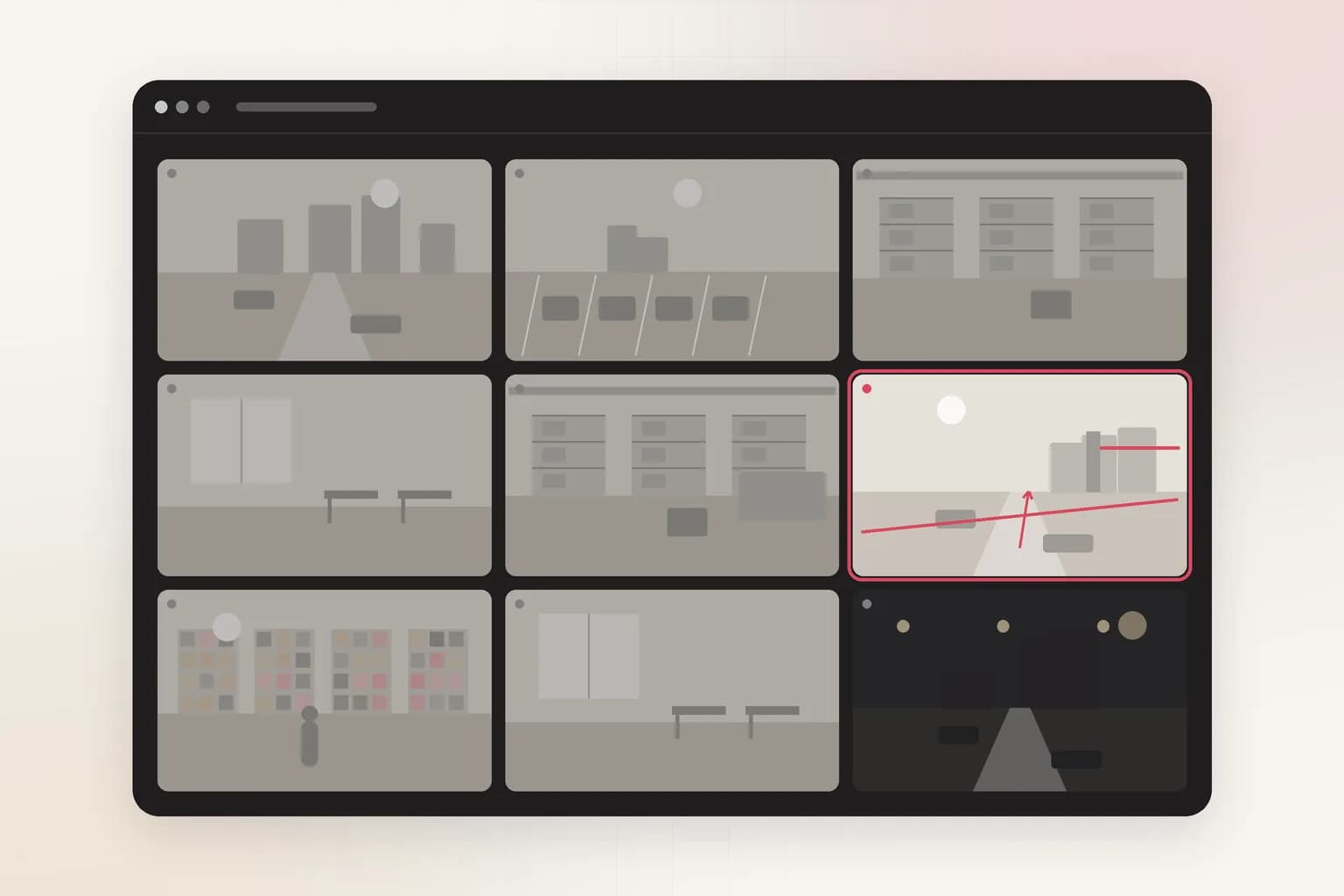
Loitering detection for existing CCTV: an alert when someone stays in an area longer than you allow, at entrances, ATMs, car parks and stores. Try it on a clip.
See the feature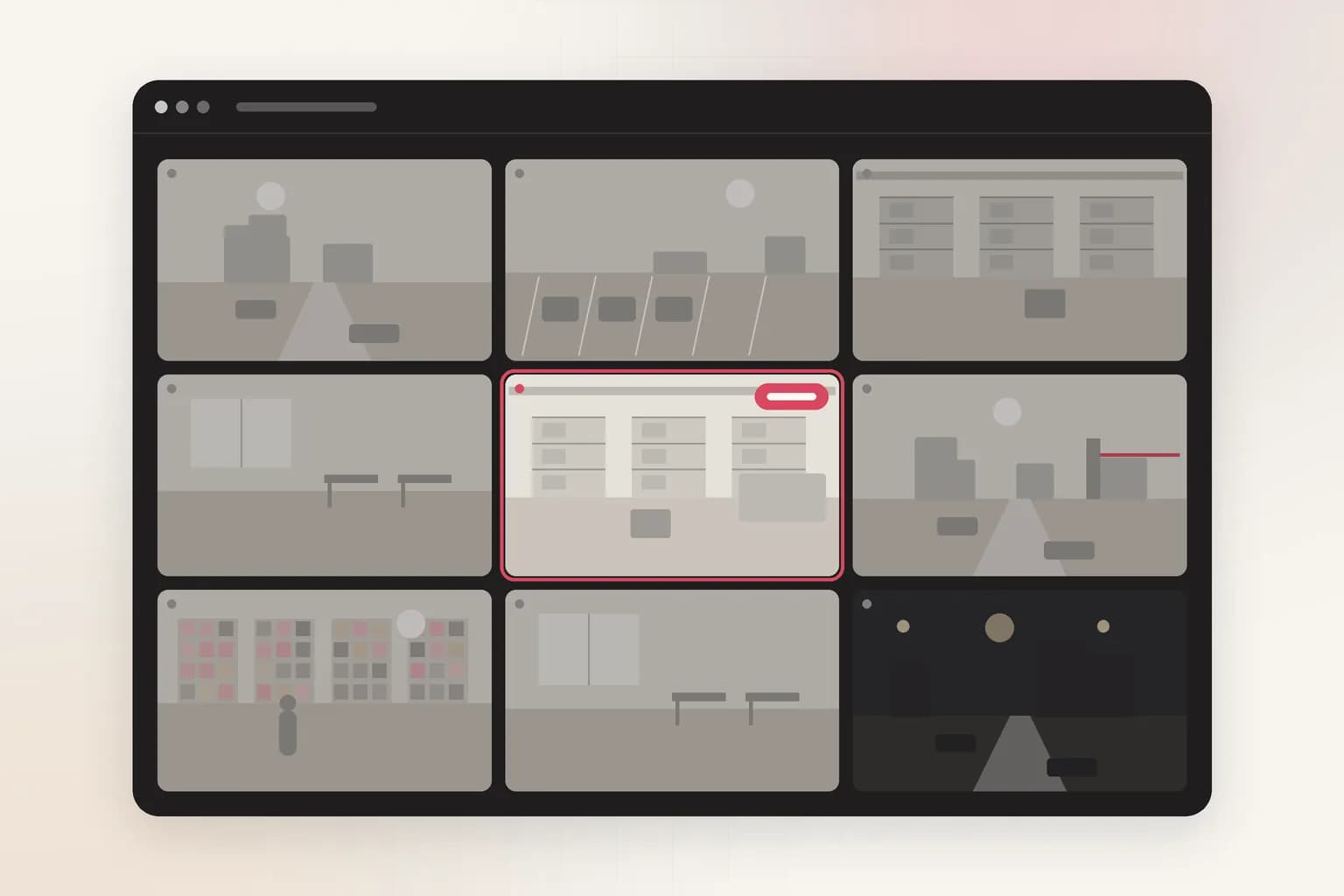
Security
Abandoned Object Detection
AI unattended bag and abandoned object detection for CCTV in lobbies, stations and venues: an alert when a bag or suitcase is left alone longer than you allow.
See the feature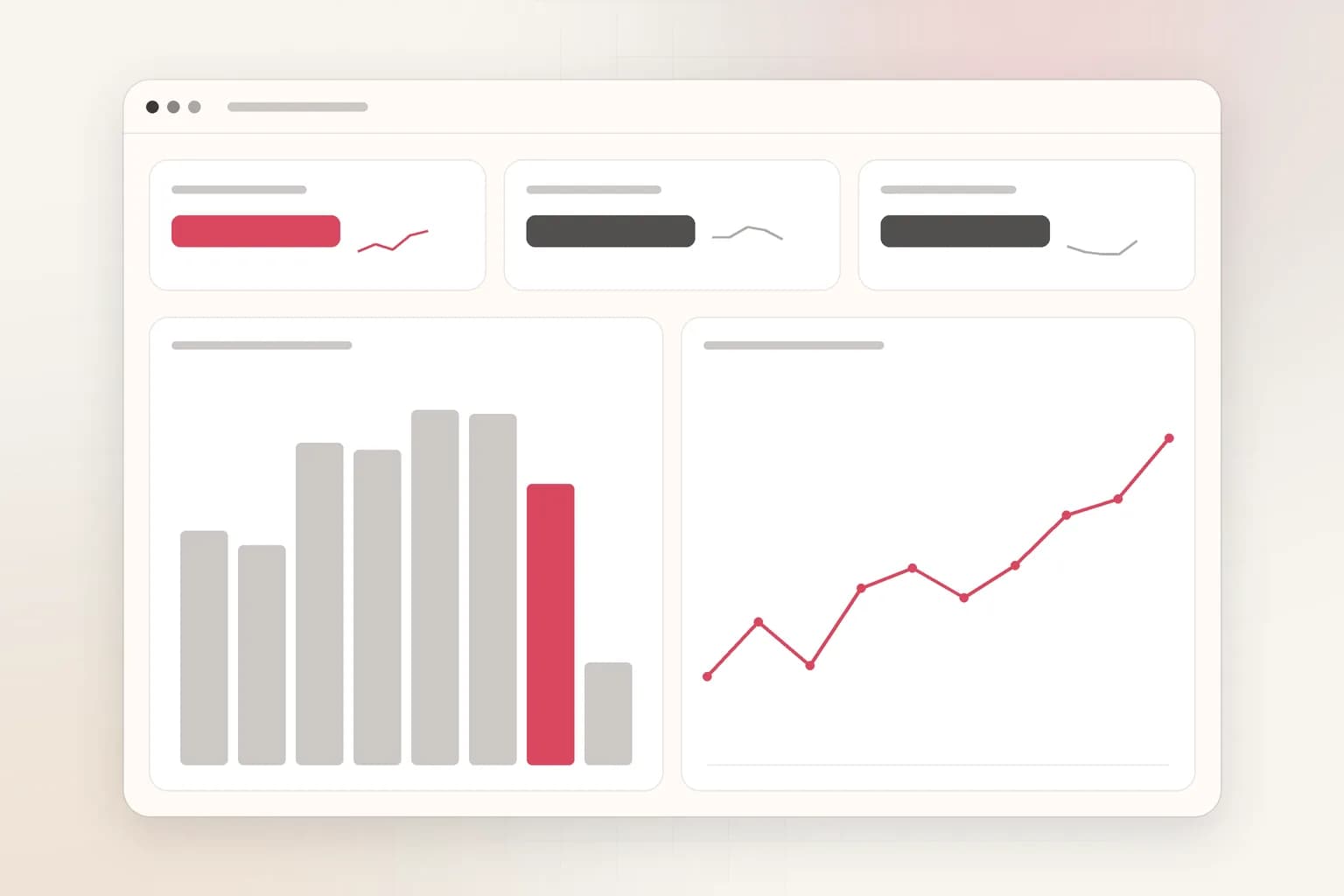
Search, reports & insights
CCTV Analytics Dashboard
One dashboard for every camera's alerts and trends: incidents by site, camera and hour, camera reports, and AI insights you can ask questions of. Free to start.
See the feature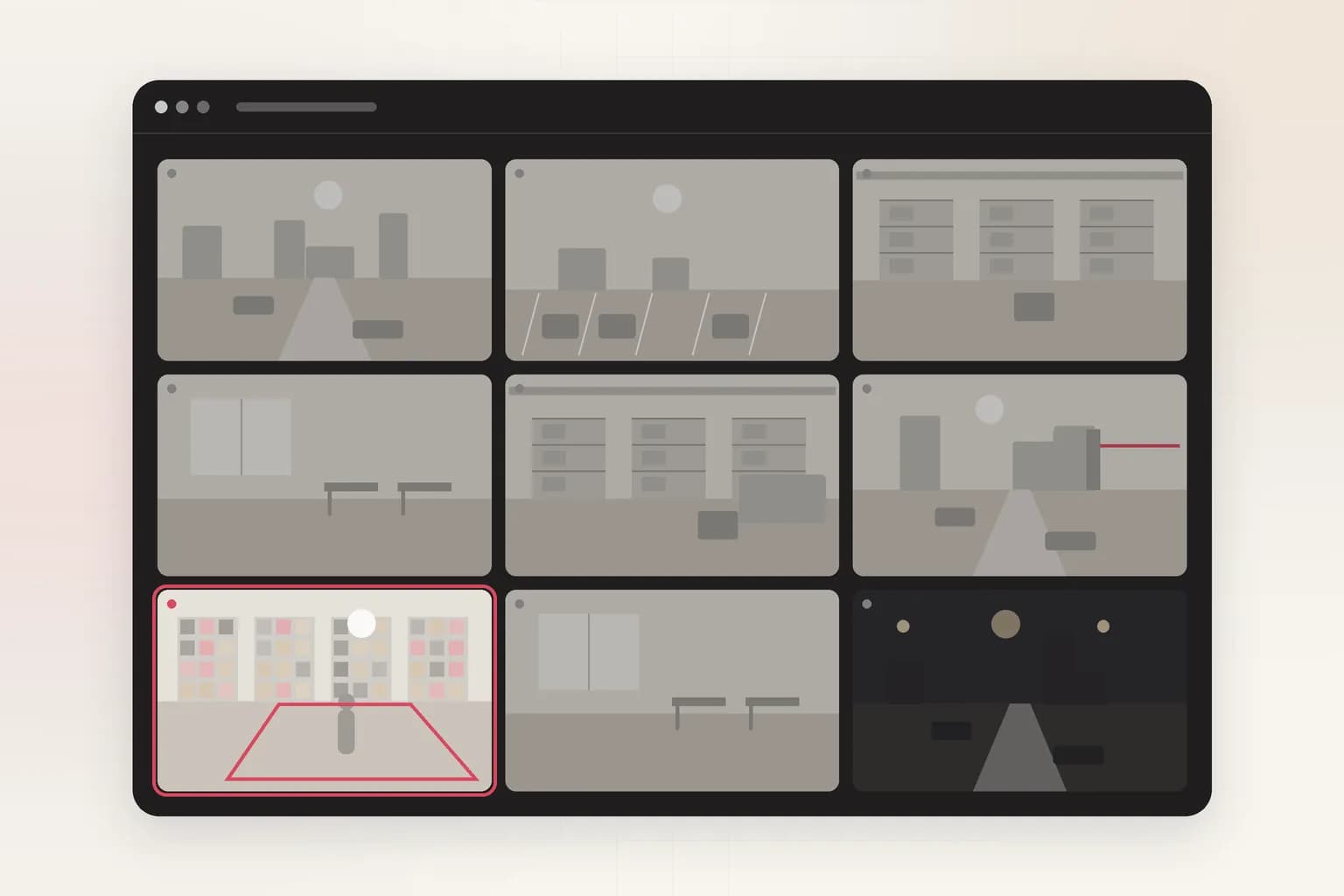
Security
Intrusion Detection
AI intrusion detection for existing cameras: alerts when a person, vehicle or animal enters a restricted area on your schedule, with the frame and clip.
See the feature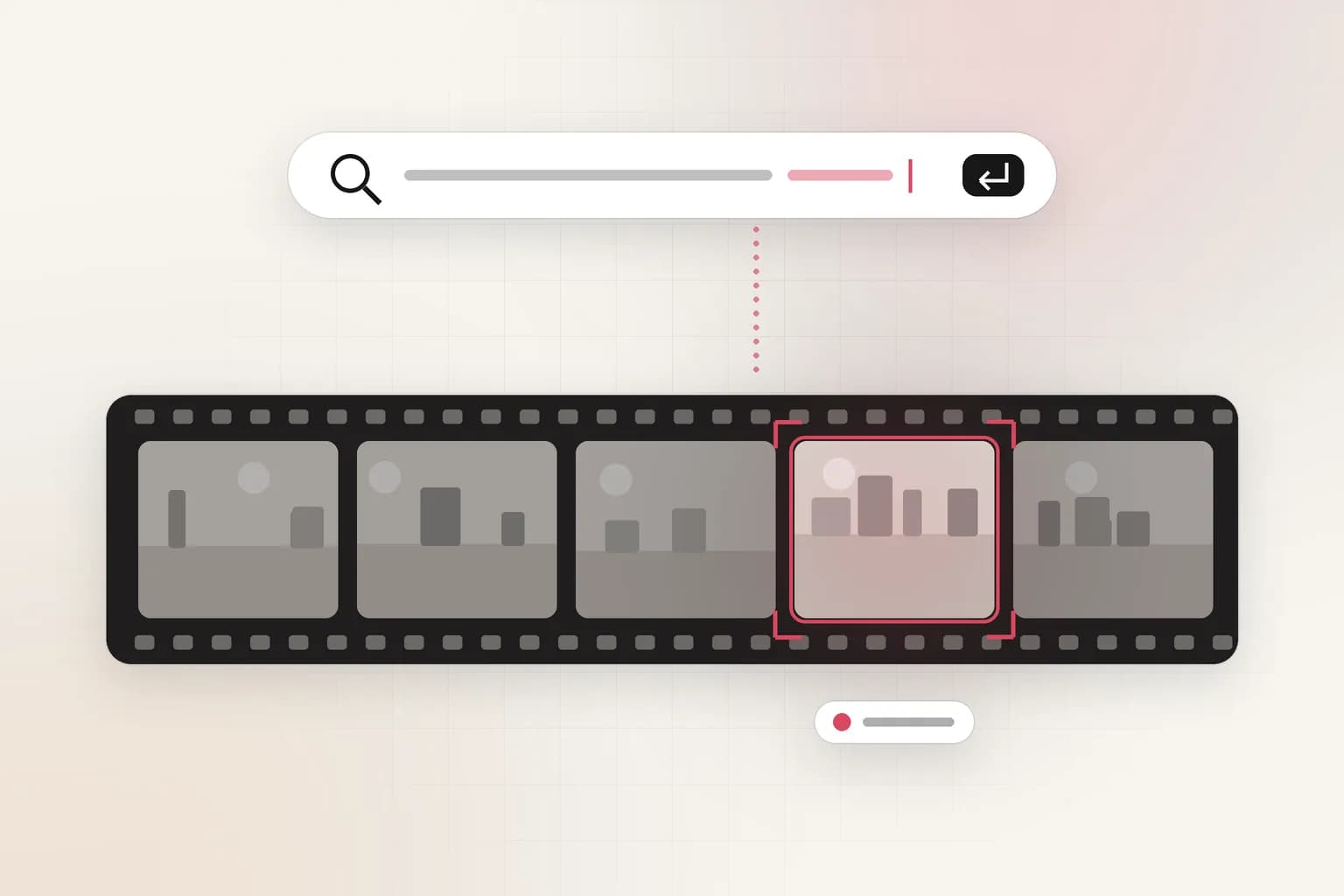
Search, reports & insights
CCTV Video Search
Search CCTV and recorded video in plain English: 'red truck at gate 2 after 10 PM'. Upload a clip or connect cameras and get the exact moments with timestamps.
See the featureGet started
Start people counting & crowd limits today
Free to start. Upload a clip or run it on our example footage before you connect a single camera.