
Attendance & presence analytics
Track real workforce presence without biometric hardware.
Ceptory helps teams replace fingerprint scanners, RFID cards, and manual punch-in systems with camera-based attendance intelligence that tracks actual presence rather than just entry and exit.
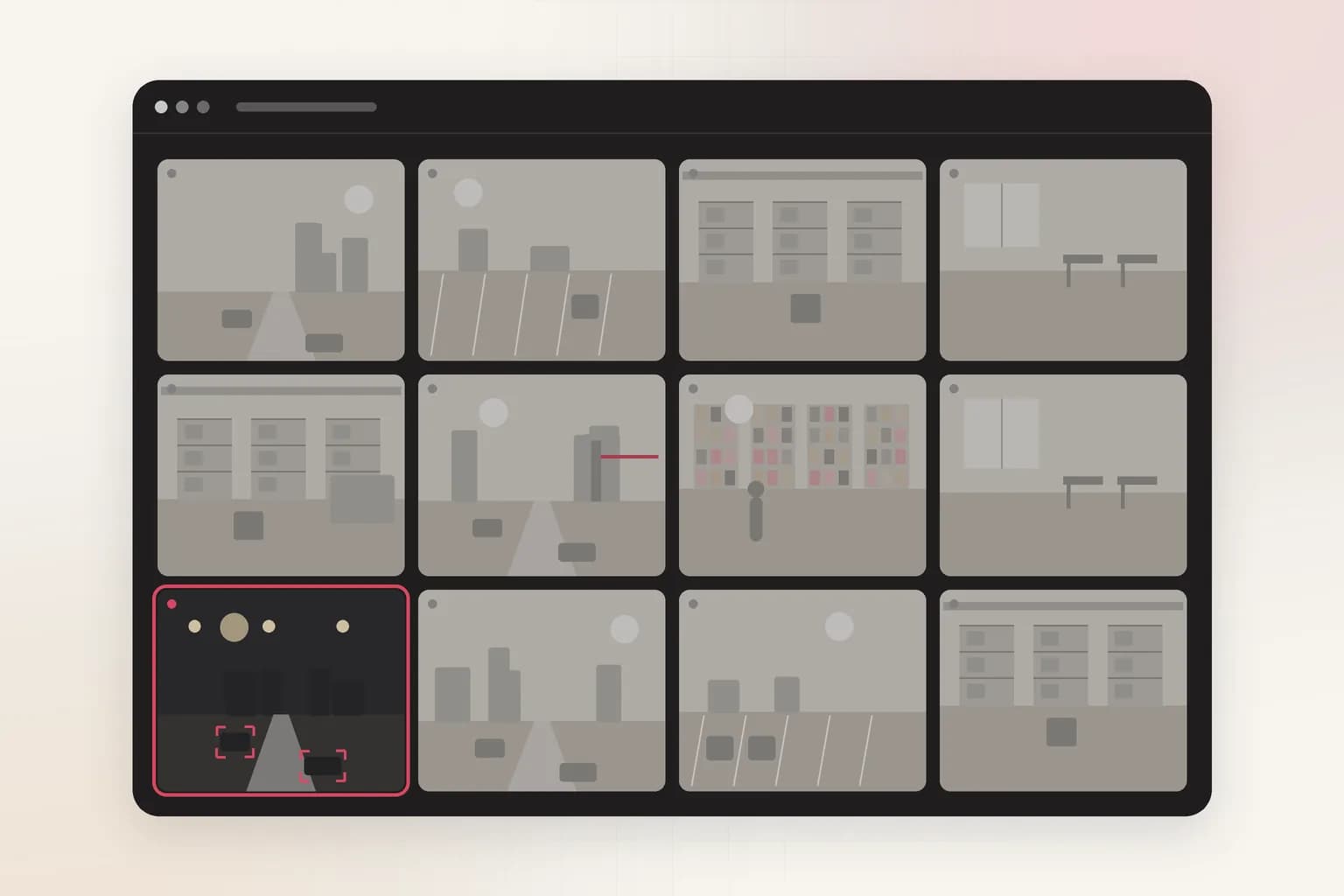
Tracking mode
Camera-based
No fingerprint scanners, RFID cards, or manual punch-in systems required.
Presence scope
Continuous
Track active time, idle periods, and zone movement rather than just entry and exit.
Output format
Structured logs
Generate attendance records, shift summaries, and payroll-ready exports.
The problem
Attendance systems built around biometrics, badges, or manual punch-ins only capture isolated check-in events. They miss continuous presence, working-time quality, zone movement, and proxy attendance issues while adding hardware and operational overhead.
The outcome
Ceptory turns camera coverage into searchable attendance evidence so teams can measure real presence, spot shift exceptions, and export structured logs for HR and payroll review without adding dedicated biometric infrastructure.
Signals
What Ceptory indexes
Ceptory helps HR, operations, and facilities teams turn existing CCTV into a continuous attendance and presence layer. Instead of depending on costly biometric devices and single-point check-ins, teams get automated attendance logs, zone-level presence data, and payroll-ready outputs from the same camera infrastructure already in place.
- Entry and exit detection across entry points, workstations, and monitored zones
- Active time, idle periods, and dwell time across shifts and work areas
- Multi-camera presence continuity as employees move between different zones
- Late arrivals, early exits, absenteeism, and other attendance exceptions for HR review
Workflow
One review path from ingest to action
- 1
Connect workplace camera feeds
Ingest existing CCTV streams from entry points, production floors, workstations, and common areas without replacing camera hardware.
- 2
Index presence across shifts
Map employee presence, movement, zone transitions, and timestamps into a searchable attendance layer with shift-level context.
- 3
Surface attendance exceptions
Flag late arrivals, early exits, extended idle time, absenteeism, and other deviations from expected workforce patterns.
- 4
Export HR-ready records
Send attendance logs, shift summaries, and workforce distribution records into HR systems, payroll tooling, or internal dashboards.
Outputs
What your team gets back
Attendance logs
Structured records of employee presence, shift timing, and attendance exceptions.
Shift summaries
Condensed view of workforce distribution, idle periods, and attendance anomalies per shift.
Payroll exports
Working-hour summaries prepared for downstream HR and payroll review workflows.
Governance
Deployment and review
Deployment
- Route attendance outputs into HR platforms, payroll systems, or workforce management tooling.
- Deploy in cloud, private cloud, or on-prem depending on facility governance requirements.
- Keep footage access and exported workforce records aligned with internal review and privacy controls.
Review loop
- Teams retain a human review step before attendance records are used for disciplinary or payroll decisions.
- HR and operations teams can move from summary to exact footage when presence exceptions need validation.
- Final workforce actions remain under human-controlled policy and governance processes.
Related
Explore adjacent workflows
Workplace
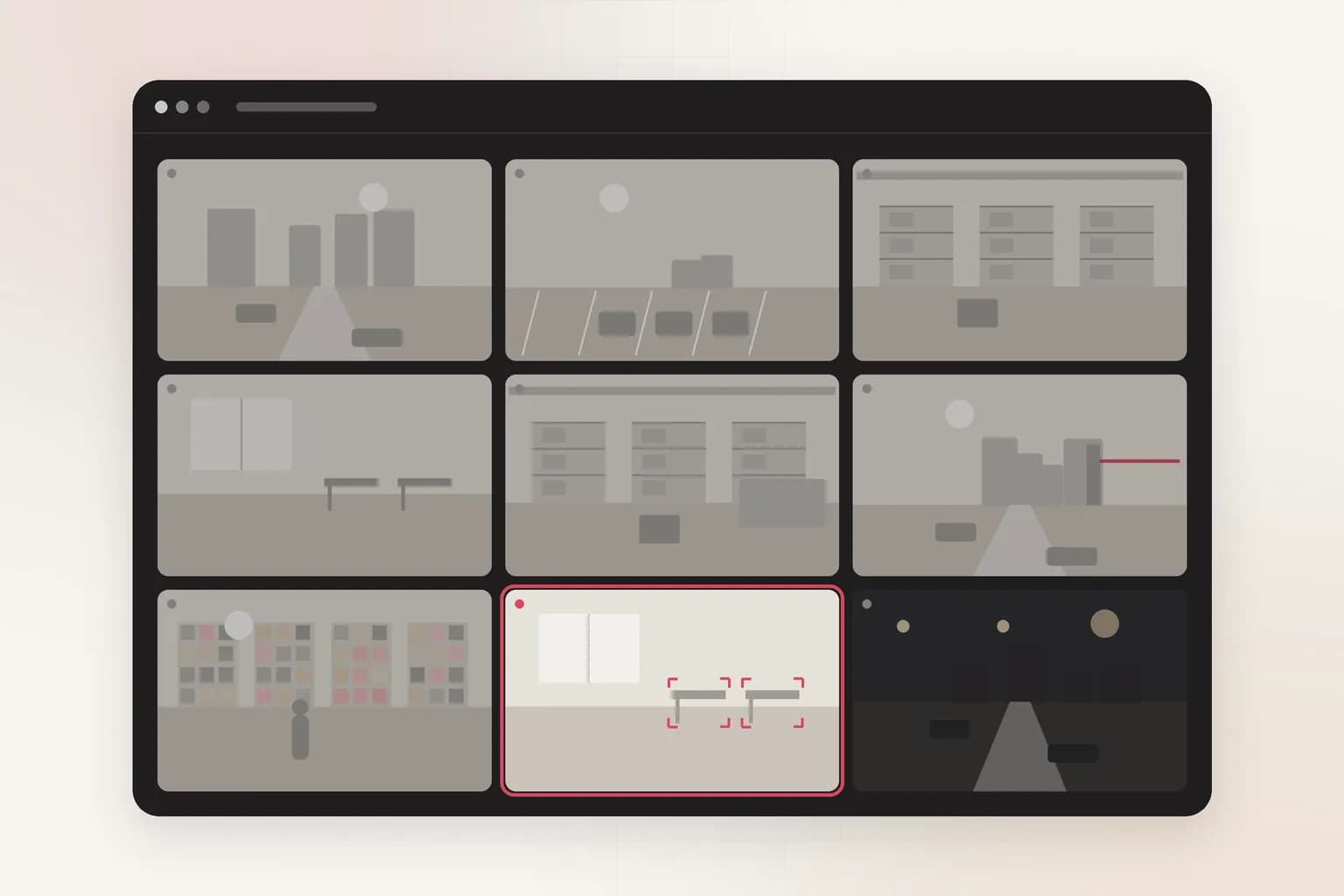
CCTV productivity monitoring
Ceptory helps operations teams search camera footage, flag process delays, and quantify floor activity with structured outputs instead of endless playback.
Learn more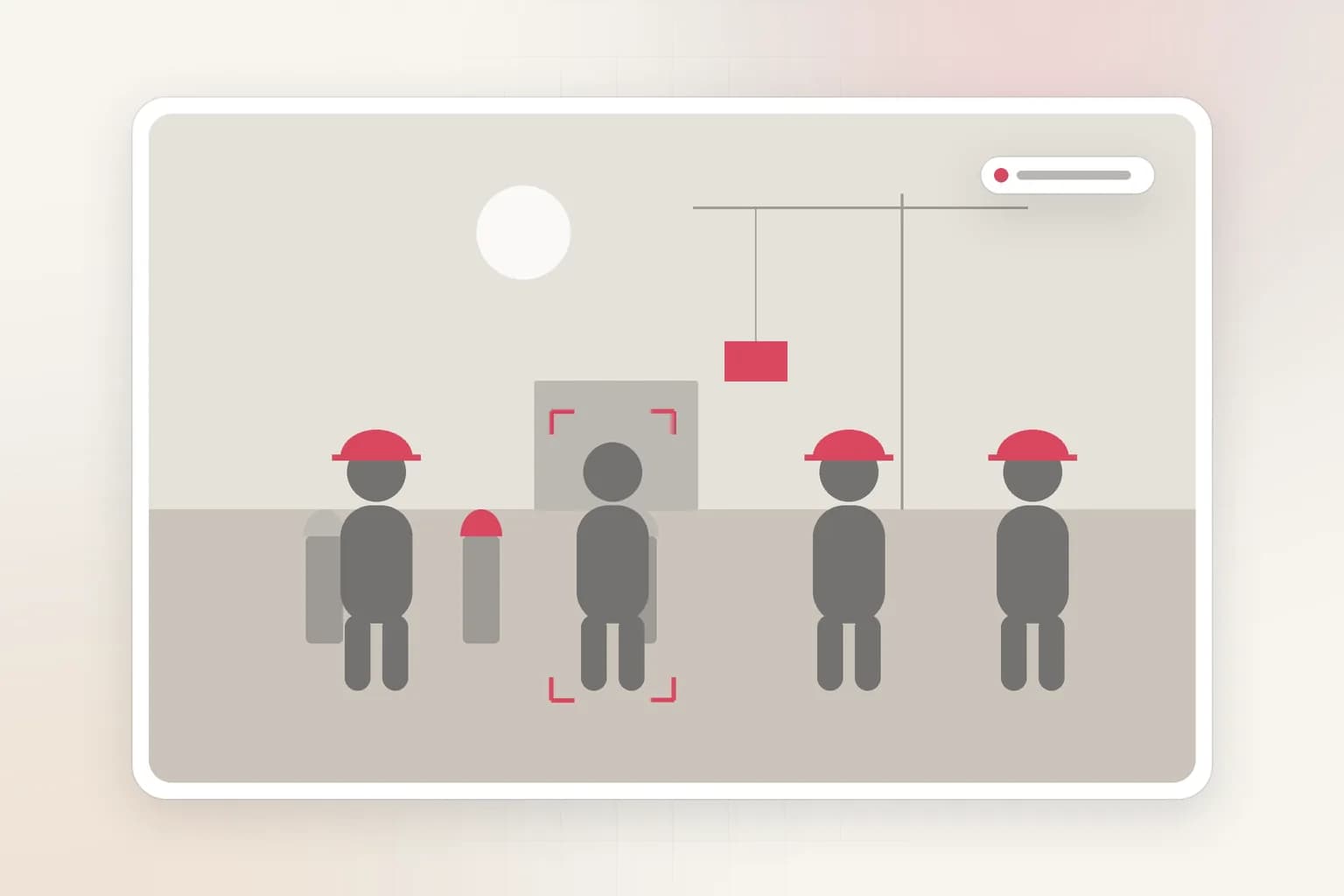
Workplace
PPE safety compliance
Ceptory helps safety and operations teams detect missing protective equipment, flag zone violations, and generate compliance records with structured outputs instead of endless playback.
Learn moreAttendance & presence analytics execution model
This use case is documented for teams deploying enterprise video intelligence in real operations with clear accountability, review controls, and measurable outcomes.
Use the workflow details to align platform teams and business owners on implementation scope, integration, and KPI tracking.
- Operational event definitions and review boundaries.
- Integration path into enterprise systems and reporting workflows.
- Outcome metrics for rollout quality and sustained performance.
Get started
See attendance & presence analytics on your footage
Bring a sample and we'll index it live, then walk through search, review, and outputs.