
CCTV productivity monitoring
Monitor workplace throughput without turning footage into manual review work.
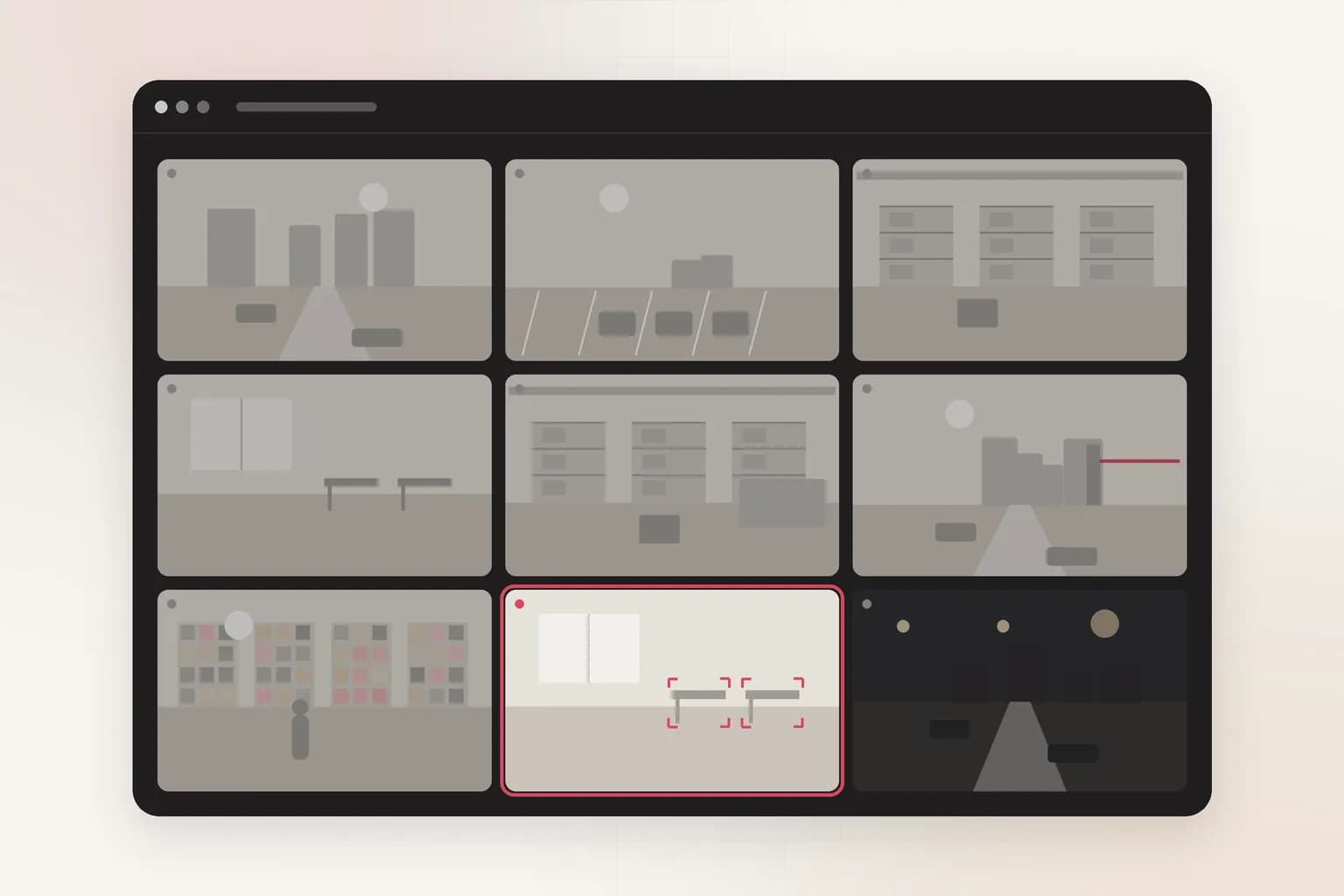
Ceptory helps operations teams search camera footage, flag process delays, and quantify floor activity with structured outputs instead of endless playback.
Review scope
24/7
Monitor live and archived footage from workplace cameras.
Search mode
Natural language
Ask for idle workstations, queue buildup, or repeated handoff delays.
Output format
Structured events
Turn observations into summaries, incident markers, and exportable records.
The problem
Most CCTV systems record everything and explain nothing. Teams still rely on ad hoc review, anecdotal reports, and rough timestamp hunting when they need to understand why a station slowed down or where output dropped.
The outcome
Ceptory indexes continuous footage into searchable operational evidence so managers can review patterns, verify exceptions, and hand downstream teams a concise narrative instead of raw clips.
Signals
What Ceptory indexes
For workplace teams, CCTV becomes useful when video can explain queue buildup, workstation idle time, missed handoffs, and shift-level throughput patterns in a form that supervisors can act on quickly.
- Queue growth and dwell time around entrances, exits, and service stations
- Station occupancy, idle periods, and repeated workflow interruptions
- Movement patterns between work zones, checkpoints, and packaging areas
- Speech and event timing when workplace audio is available
Workflow
One review path from ingest to action
- 1
Ingest workplace camera feeds
Connect archived CCTV and active camera streams across offices, production floors, or retail backrooms.
- 2
Index operational signals
Map time, movement, occupancy, and events into a searchable layer that preserves sequence and context.
- 3
Trigger exception review
Surface moments where queue time spikes, handoffs fail, or a workstation remains inactive beyond expected thresholds.
- 4
Export decision-ready output
Send summaries, clips, and event records into internal reporting, workforce tooling, or supervisory review loops.
Outputs
What your team gets back
Shift summary
Condensed review of throughput bottlenecks, idle zones, and notable delays per shift.
Escalation markers
Timestamps and clips for moments that need supervisor review or process escalation.
Operational evidence
Structured event logs for dashboards, internal tools, or compliance documentation.
Governance
Deployment and review
Deployment
- Deploy in cloud, private cloud, or on-prem depending on camera governance and retention policy.
- Segment workplace video data by site, department, or operating region.
- Keep review outputs aligned with internal reporting systems and access controls.
Review loop
- Supervisors validate flagged sequences before any operational action is taken.
- Analysts can move from summary to exact footage without leaving the same workflow.
- Teams retain a human approval step for escalations, coaching, and audit trails.
Related
Explore adjacent workflows
Security
Loading dock incident review
Security teams can search vehicle arrivals, personnel movement, access violations, and sequence-of-event changes without replaying every camera angle manually.
Learn more
Operations
Meeting compliance audit
Ceptory helps operations and compliance teams search meeting recordings, isolate required moments, and produce structured review notes for internal governance workflows.
Learn moreCCTV productivity monitoring execution model
This use case is documented for teams deploying enterprise video intelligence in real operations with clear accountability, review controls, and measurable outcomes.
Use the workflow details to align platform teams and business owners on implementation scope, integration, and KPI tracking.
- Operational event definitions and review boundaries.
- Integration path into enterprise systems and reporting workflows.
- Outcome metrics for rollout quality and sustained performance.
Get started
See cctv productivity monitoring on your footage
Bring a sample and we'll index it live, then walk through search, review, and outputs.