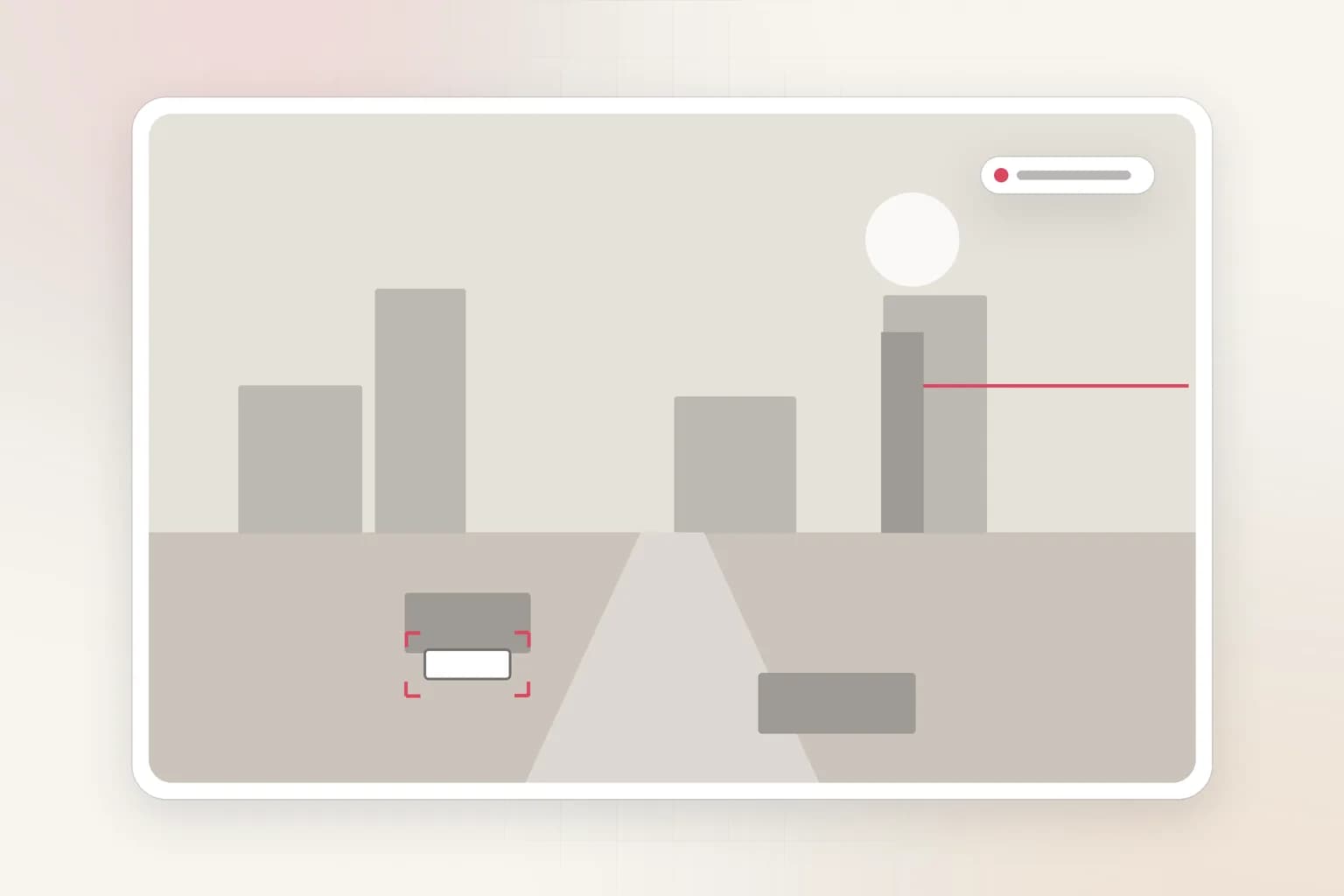
Vehicles & traffic
License Plate Recognition (ANPR) for Your Cameras
Ceptory reads the plates of vehicles in your car park or no-parking zone, checks them against your allowed and watch lists, and alerts you about vehicles that shouldn't be there. Upload a recording to list every plate with the time it arrived and left.
Attach a clip and send. The task is filled in; change it to anything you need.
Reads
Plates of parked vehicles
In the area you draw.
Lists
Allowed and watch
Named lists per camera.
Grace period
10 min default
Before a vehicle is reported.
How it works
Check a clip in minutes, or watch cameras around the clock
Upload a clip
For footage you already have: an incident, a shift, a day on site.
- 01Attach a recording (MP4, MOV and most video formats, up to 2 GB) in the box at the top of this page or in a new dashboard chat.
- 02Send the prompt as it is, or change it: “Does a vehicle with this plate appear in the video? When?”
- 03Get the answer with timestamps and frames, ask follow-ups, and export a report to PDF or Word.
Alert on vehicles that shouldn't be parked
Add your allowed plates and watch lists, draw the no-parking area, and set a grace period.
- 01Open Cameras and choose Connect a camera. Illegal parking is already picked when you come from this page.
- 02Choose the source: a webcam on this computer, an IP camera or NVR (RTSP or ONVIF, through Ceptory Edge or the desktop app), a live stream pushed from OBS, a drone or an encoder, or one of our example videos.
- 03Draw the area to watch: the no-parking or residents-only area, such as a fire lane, a gate, reserved bays or a loading zone.
- 04Set the rules: your allowed plates, extra named lists (allowed, or alert as soon as seen), and how long a vehicle may stay before it's reported (10 minutes by default).
- 05Choose where alerts go and how long a clip to keep, then save. The camera starts watching straight away.
What it finds
What License Plate Recognition picks up
Unauthorised parking
Watchlist vehicles
Overstays
Every plate, logged
Rules you control
Set it up for your site
- Allowed plates
- Residents, staff and fleet vehicles that may park.
- Named plate lists
- Extra lists that are either allowed or alert the moment a plate is seen.
- Grace period
- How long a vehicle may stay before it's reported: 10 minutes by default, 0 to 24 hours.
- Check rate
- A frame every 30 seconds by default, suited to parked vehicles.
Every alert
What each alert includes
- The frame that triggered it, with the person, object or vehicle boxed
- A 10, 20 or 30 second clip around the moment (half before, half after), if you turn clips on
- Camera name, site, time and the rule that fired
- Delivery to Slack, Microsoft Teams, Discord, email or a signed webhook, plus push to the Ceptory phone app and an optional alarm on the monitoring desk
- One click to turn the alert into a full incident report you can export to PDF or Word
Use cases
Where teams use it
Housing societies and residential
Visitor and unknown vehicles in residents' bays, with photo evidence.
Fire lanes and loading zones
Vehicles blocking access routes, reported after a short grace period.
Compared
Doing it by hand vs. with Ceptory
Without Ceptory
- Guards write plates down by hand
- Disputes settled with blurry screenshots
- Dedicated ANPR cameras at every entrance
With Ceptory
- Plates read automatically from your existing cameras
- Each report has the frame, plate and time
- Allowed and watch lists managed in one place
Good results
Tips for accurate results
- Plates need to be readable: point a camera at the bays or gate at a shallow angle, with plates at least 100 to 150 pixels wide.
- At night, an infrared camera reads plates better than a colour one.
- Use a grace period so drop-offs and deliveries don't count.
Cameras
Works with the cameras you have
Any IP camera or NVR with RTSP or ONVIF, a webcam, or a live stream from OBS, a drone or an encoder. Ceptory Edge runs on a mini PC, NAS or Raspberry Pi on the camera network; nothing is opened to the internet.
FAQ
License Plate Recognition (ANPR): common questions
Do I need special ANPR cameras?
No. Ceptory reads plates from ordinary IP cameras, as long as the plate is large and sharp enough in the frame. A camera aimed at the bays or the gate at a shallow angle works best.
How do allowed and watch lists work?
Add the plates that may park (residents, staff, fleet). Any other vehicle in the area past the grace period is reported. You can also add named lists that alert the moment a plate is seen.
Can I search a recording for a plate?
Yes. Upload the video and ask for every plate with arrival and departure times, or whether a specific plate appears.
Where do parking reports go?
To Slack, Microsoft Teams, Discord, email, a webhook or the Ceptory phone app, each with the frame and the plate.
Related
More detection features
Vehicles & traffic
Rider Helmet Detection
AI helmet detection for motorcycle and scooter riders on existing CCTV, with triple-riding alerts. For campuses, factory gates, societies and traffic cameras.
See the feature
Security
Intrusion Detection
AI intrusion detection for existing cameras: alerts when a person, vehicle or animal enters a restricted area on your schedule, with the frame and clip.
See the feature
Search, reports & insights
CCTV Video Search
Search CCTV and recorded video in plain English: 'red truck at gate 2 after 10 PM'. Upload a clip or connect cameras and get the exact moments with timestamps.
See the feature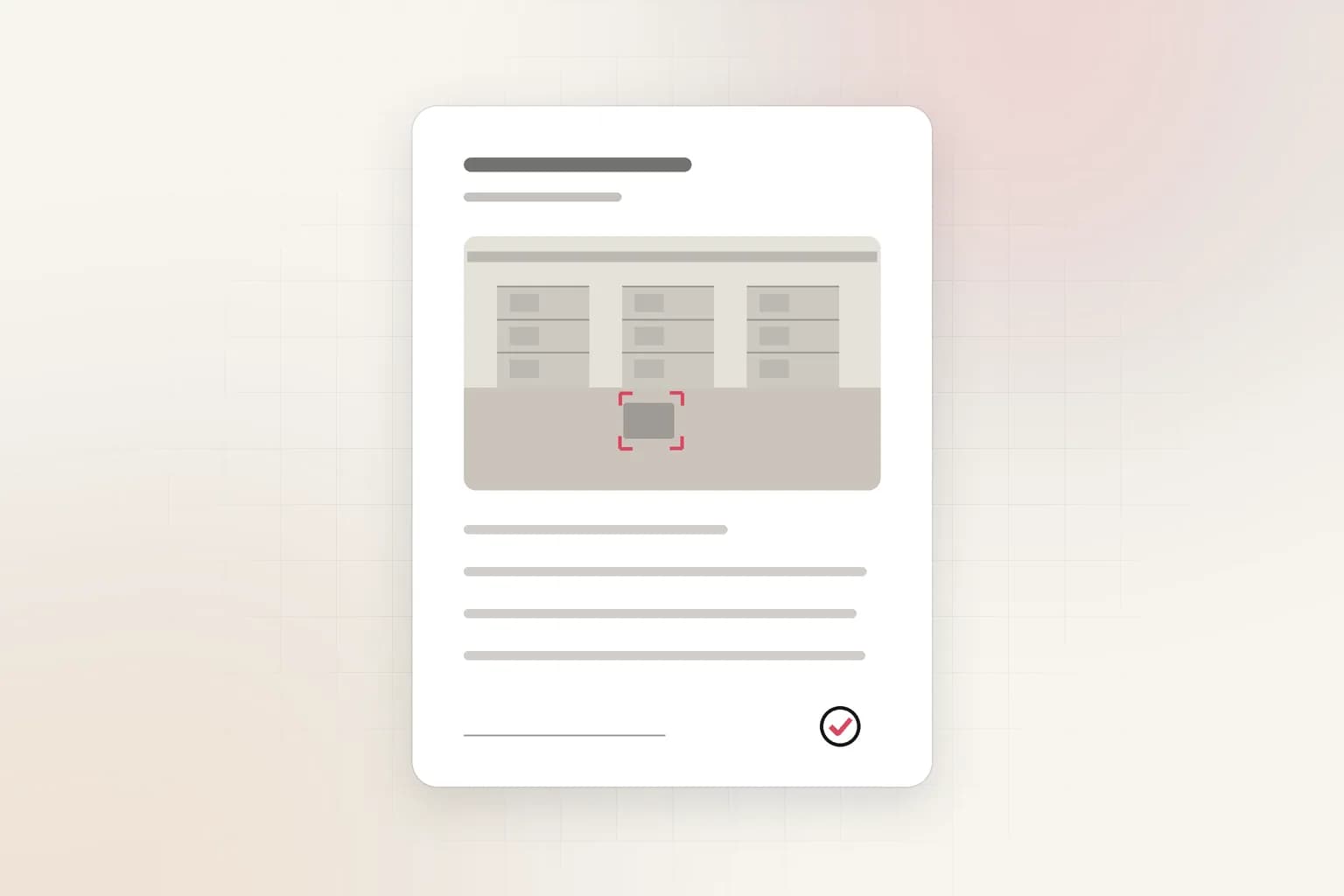
Search, reports & insights
AI Incident Reports
Turn CCTV footage or a camera alert into a complete incident report: AI-drafted timeline, people at the scene, actions taken. Export to PDF or Word in minutes.
See the feature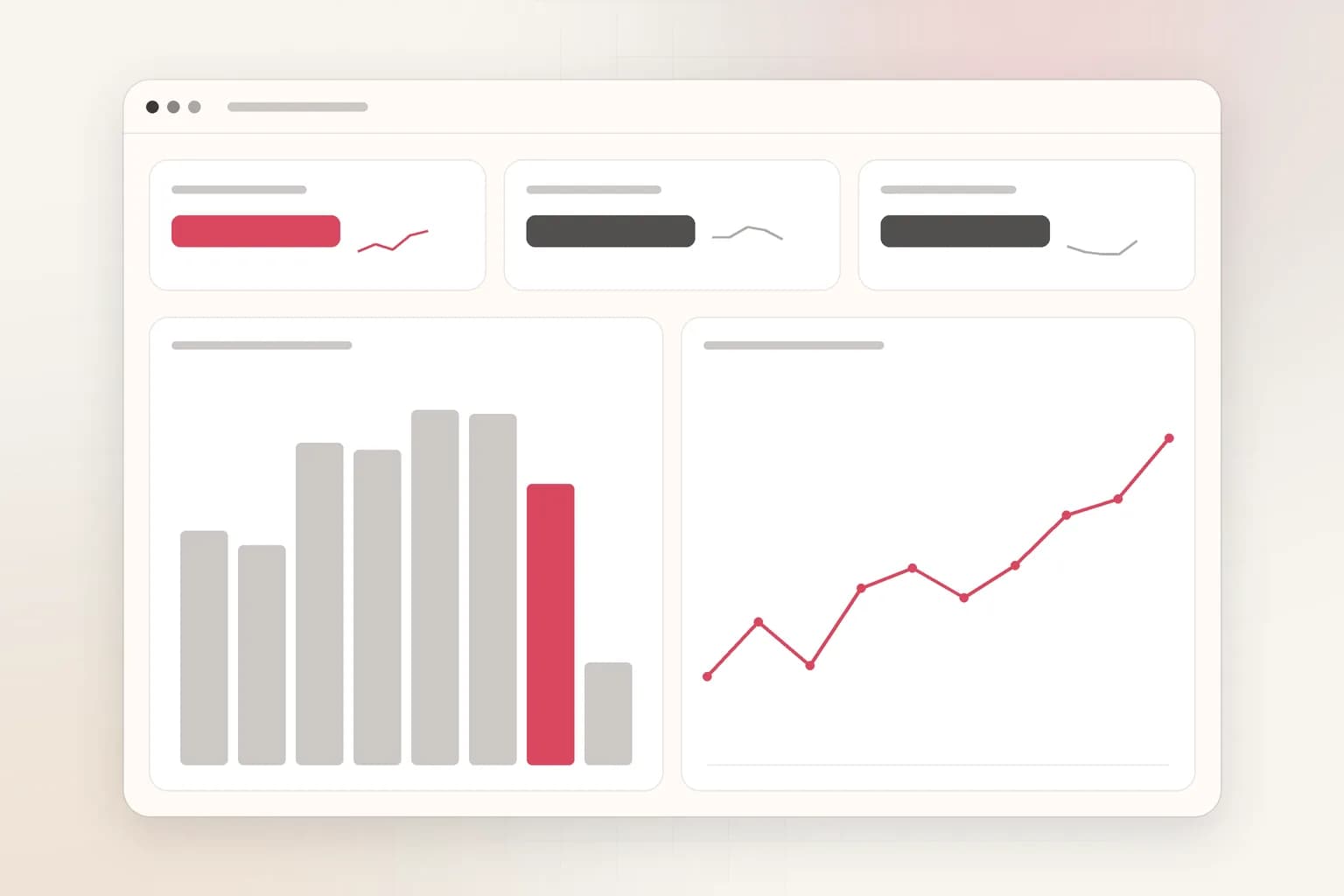
Search, reports & insights
CCTV Analytics Dashboard
One dashboard for every camera's alerts and trends: incidents by site, camera and hour, camera reports, and AI insights you can ask questions of. Free to start.
See the featureGet started
Start license plate recognition today
Free to start. Upload a clip or run it on our example footage before you connect a single camera.