Security
Abandoned Object and Unattended Bag Detection
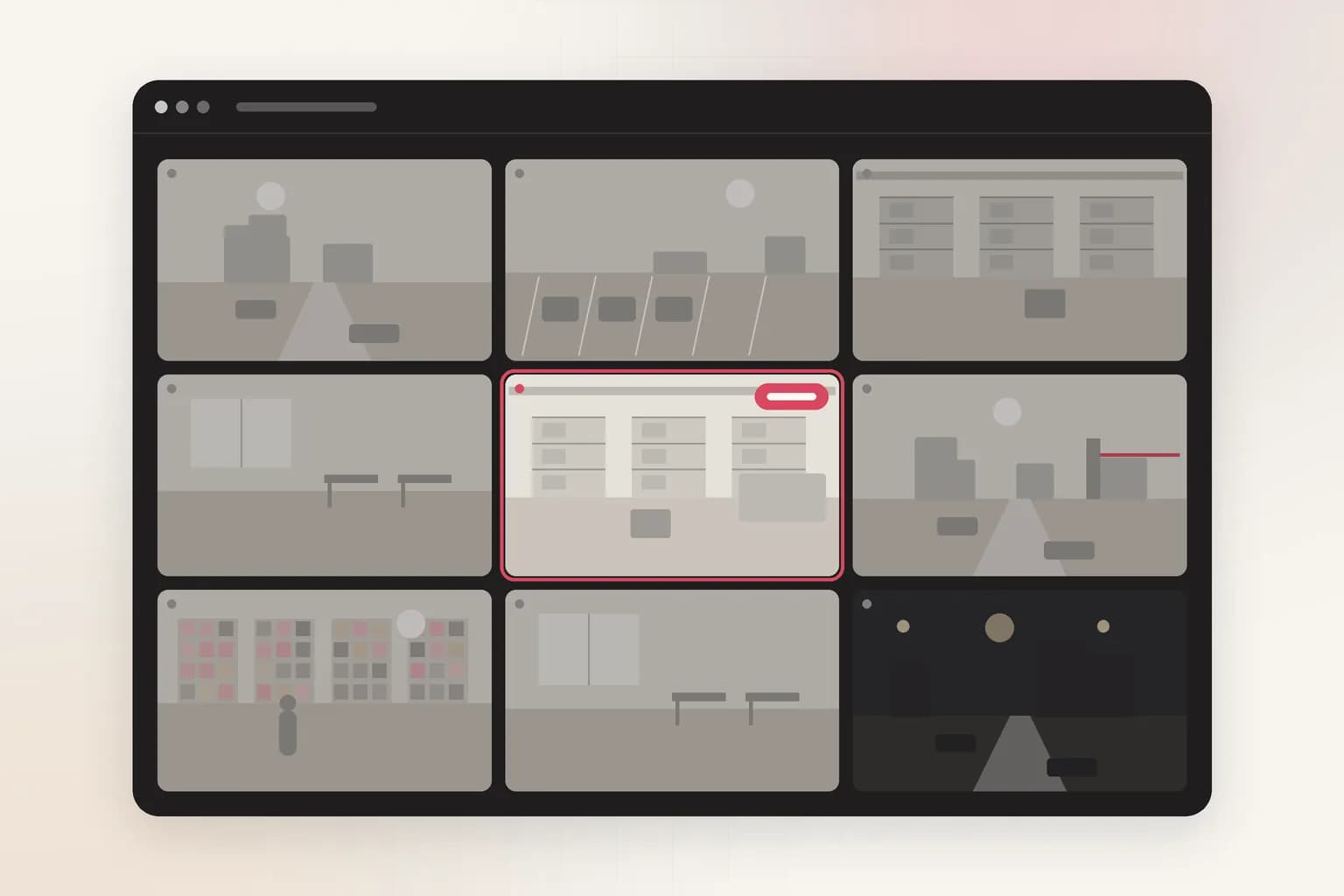
Ceptory watches lobbies, stations and venues for a bag or suitcase left alone and alerts your team when it has been unattended longer than you allow. With a recording, ask who left it and where they went.
Attach a clip and send. The task is filled in; change it to anything you need.
Detects
Bags and suitcases
Left alone in your zone.
Time limit
2 min default
1 minute to 24 hours.
Live check
Every 10 s
Whether or not anything moves.
How it works
Check a clip in minutes, or watch cameras around the clock
Upload a clip
For footage you already have: an incident, a shift, a day on site.
- 01Attach a recording (MP4, MOV and most video formats, up to 2 GB) in the box at the top of this page or in a new dashboard chat.
- 02Send the prompt as it is, or change it: “Who put the bag down, and where did they go afterwards?”
- 03Get the answer with timestamps and frames, ask follow-ups, and export a report to PDF or Word.
Alert on bags left alone
Set how long a bag may stay unattended and draw the area; Ceptory checks every 10 seconds.
- 01Open Cameras and choose Connect a camera. Unattended bags is already picked when you come from this page.
- 02Choose the source: a webcam on this computer, an IP camera or NVR (RTSP or ONVIF, through Ceptory Edge or the desktop app), a live stream pushed from OBS, a drone or an encoder, or one of our example videos.
- 03Draw the area to watch: the area to watch, such as a lobby, a station concourse, a venue entrance or a waiting area.
- 04Set the rules: how long a bag may be left alone before an alert (2 minutes by default).
- 05Choose where alerts go and how long a clip to keep, then save. The camera starts watching straight away.
What it finds
What Abandoned Object Detection picks up
Unattended bags
Suitcases and luggage
Who left it
How long it stayed
Rules you control
Set it up for your site
- Time limit
- How long a bag may be alone before an alert: 2 minutes by default.
- Zone
- Draw the area; luggage racks and cloakrooms can be left out.
- Check rate
- A frame every 10 seconds by default.
Every alert
What each alert includes
- The frame that triggered it, with the person, object or vehicle boxed
- A 10, 20 or 30 second clip around the moment (half before, half after), if you turn clips on
- Camera name, site, time and the rule that fired
- Delivery to Slack, Microsoft Teams, Discord, email or a signed webhook, plus push to the Ceptory phone app and an optional alarm on the monitoring desk
- One click to turn the alert into a full incident report you can export to PDF or Word
Use cases
Where teams use it
Transport hubs
Stations, bus terminals and airports, where left luggage needs a fast response.
Venues and stadiums
Entrances, concourses and queues on event days.
Compared
Doing it by hand vs. with Ceptory
Without Ceptory
- Left items spotted only when someone walks past
- Finding who left a bag means rewinding footage
- No record of how long it sat there
With Ceptory
- Every camera watched for items left alone
- Ask the recording who left it and where they went
- Each alert records how long it was unattended
Good results
Tips for accurate results
- Use a short limit (1 to 2 minutes) in high-risk public areas, longer in offices.
- Leave luggage racks and cloakrooms out of the zone.
- Pair with crowd limits on event days.
Cameras
Works with the cameras you have
Any IP camera or NVR with RTSP or ONVIF, a webcam, or a live stream from OBS, a drone or an encoder. Ceptory Edge runs on a mini PC, NAS or Raspberry Pi on the camera network; nothing is opened to the internet.
FAQ
Abandoned Object Detection: common questions
How does unattended bag detection work?
Ceptory checks a frame every 10 seconds for bags and suitcases inside your zone with nobody next to them. If an item stays alone longer than your limit (2 minutes by default), it sends an alert with the frame.
Can it find who left the bag?
On a recording, yes: upload the clip and ask who put the bag down and where they went. Ceptory answers with timestamps you can jump to.
Will bags people are carrying set it off?
No. It only alerts on items left alone longer than your limit, not bags next to their owners.
Does it work on my existing CCTV?
Yes, with any IP camera or NVR that has an RTSP stream or ONVIF.
Related
More detection features
Security
Loitering Detection
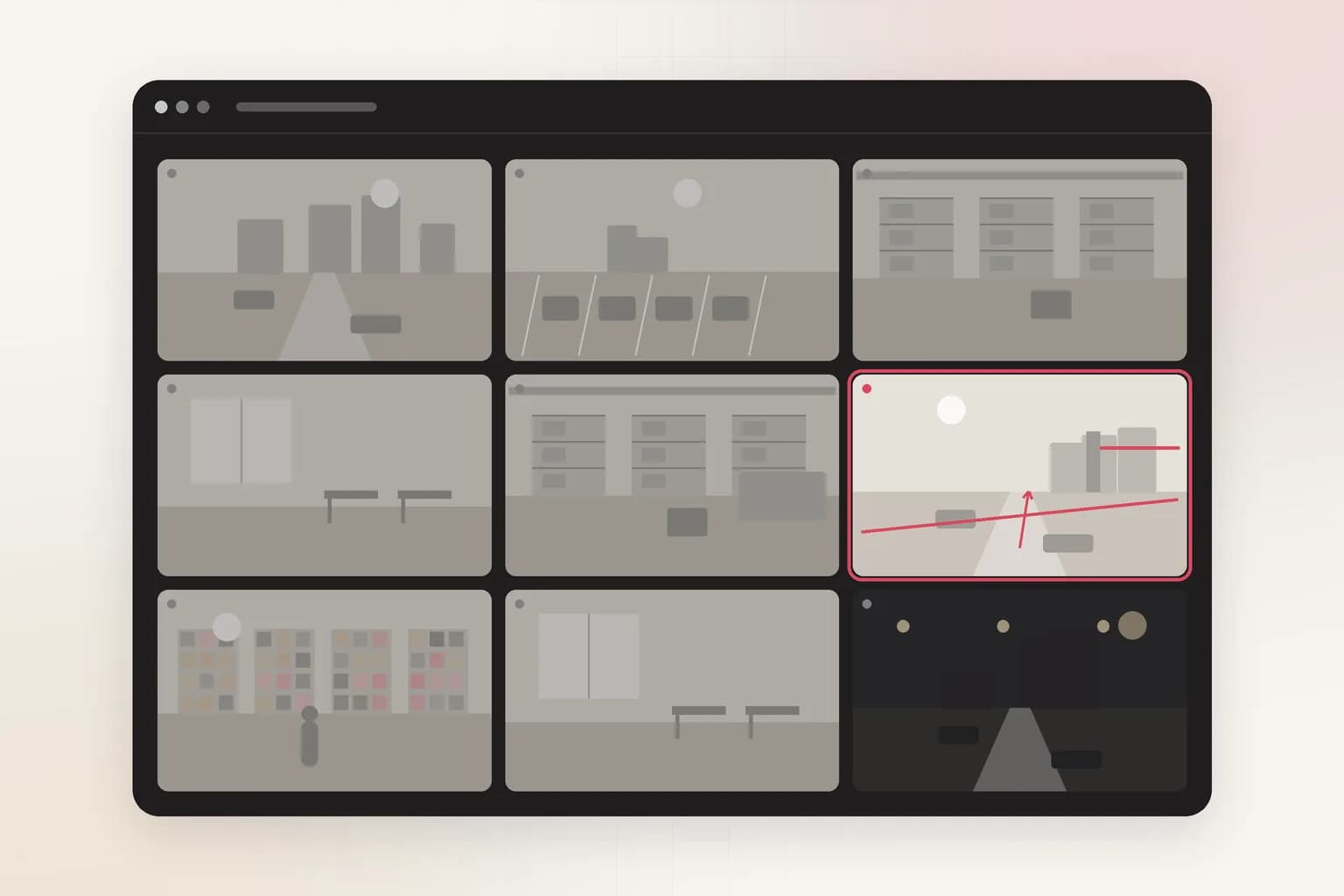
Loitering detection for existing CCTV: an alert when someone stays in an area longer than you allow, at entrances, ATMs, car parks and stores. Try it on a clip.
See the feature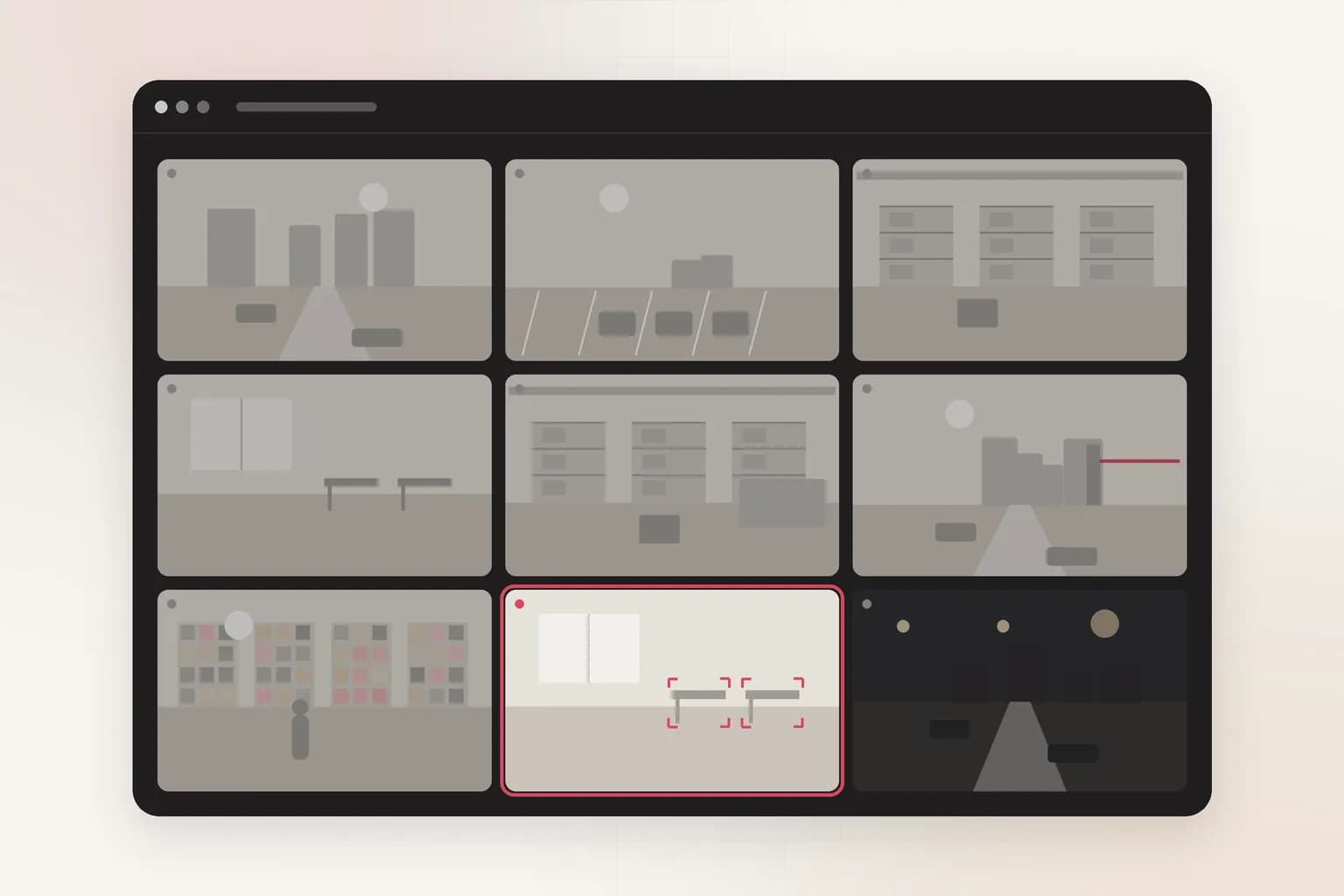
Security
People Counting & Crowd Limits
Count people on existing CCTV and get an alert when an area is over its limit. Occupancy, crowd and footfall for stores, venues and offices. Try it on a clip.
See the feature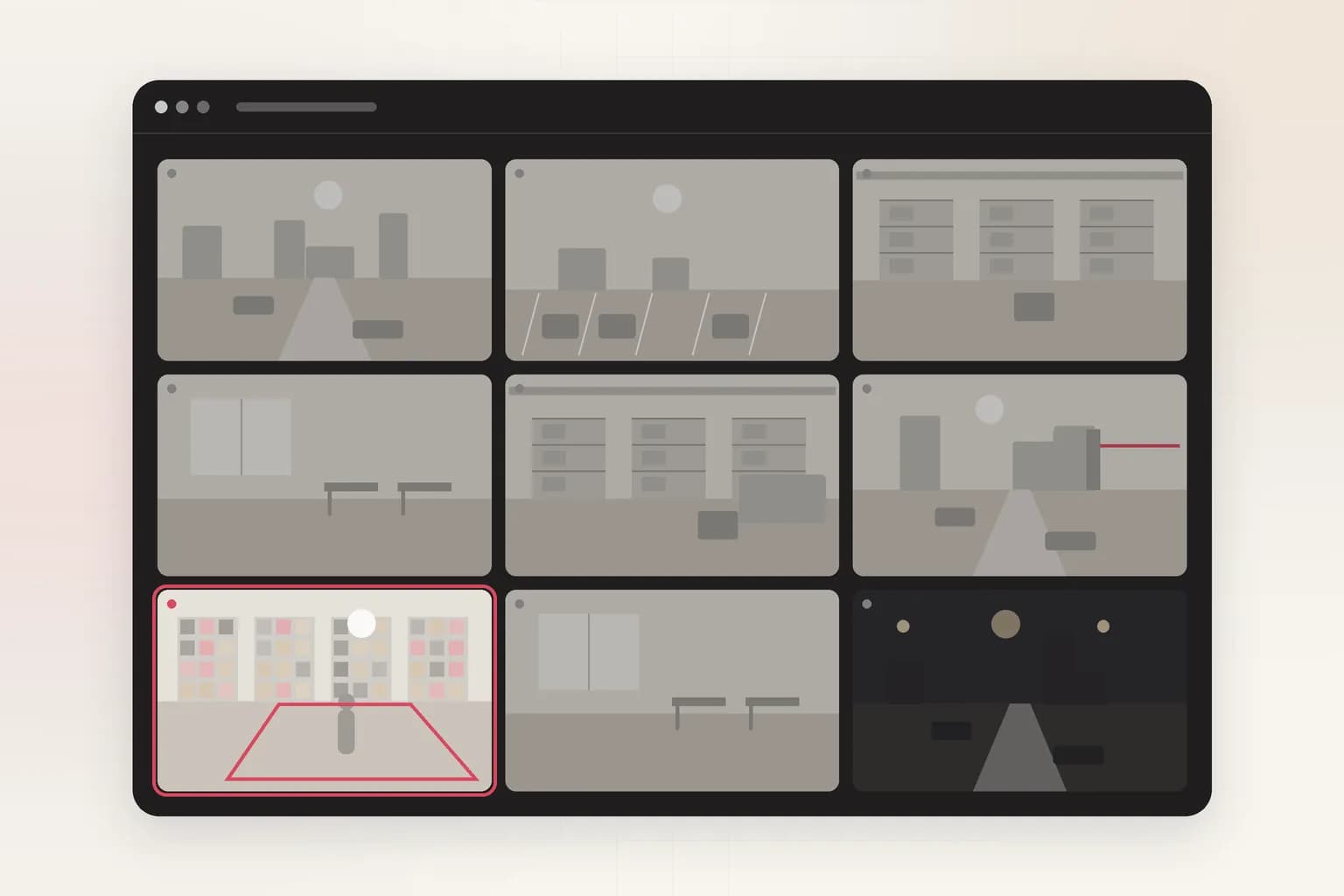
Security
Intrusion Detection
AI intrusion detection for existing cameras: alerts when a person, vehicle or animal enters a restricted area on your schedule, with the frame and clip.
See the feature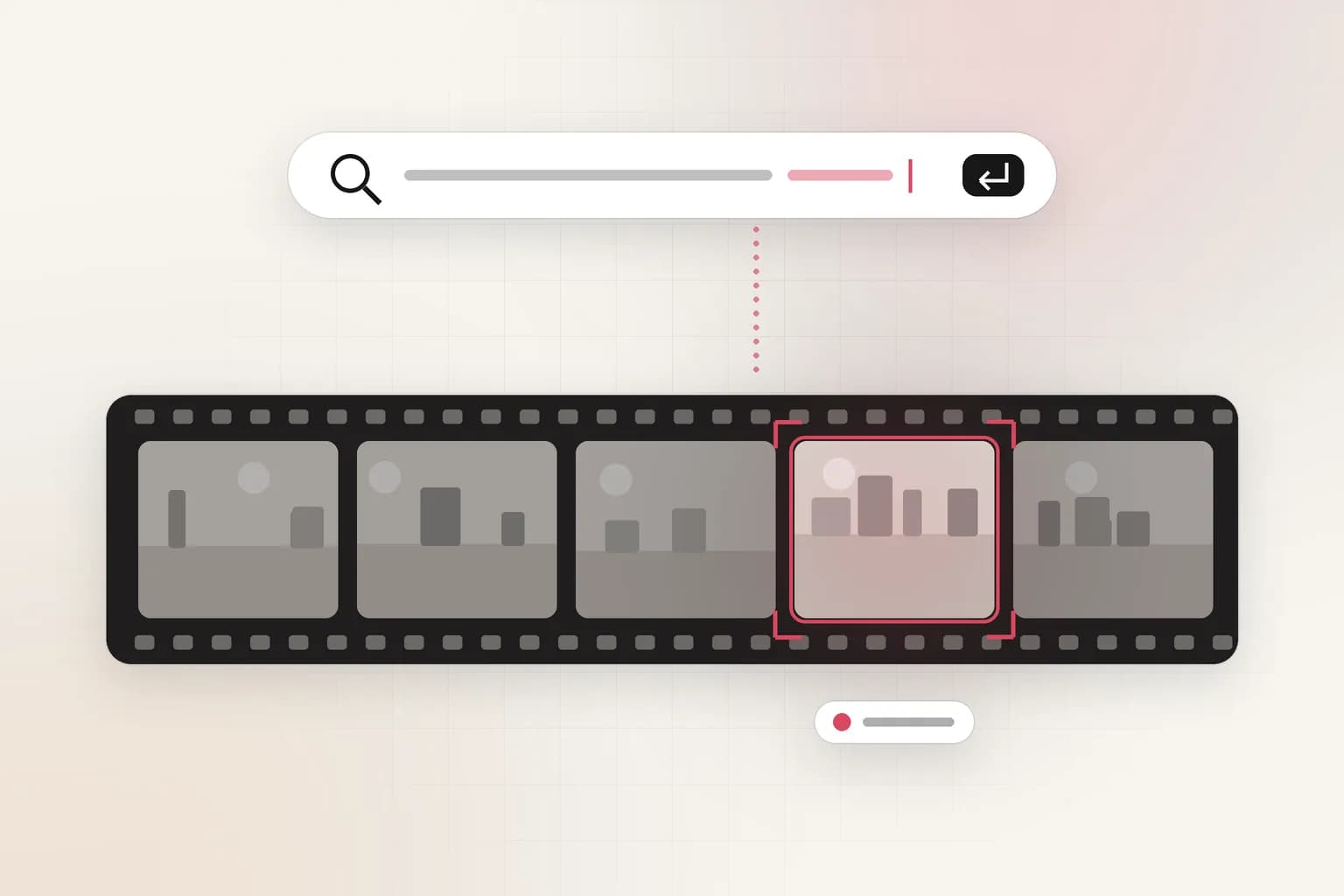
Search, reports & insights
CCTV Video Search
Search CCTV and recorded video in plain English: 'red truck at gate 2 after 10 PM'. Upload a clip or connect cameras and get the exact moments with timestamps.
See the feature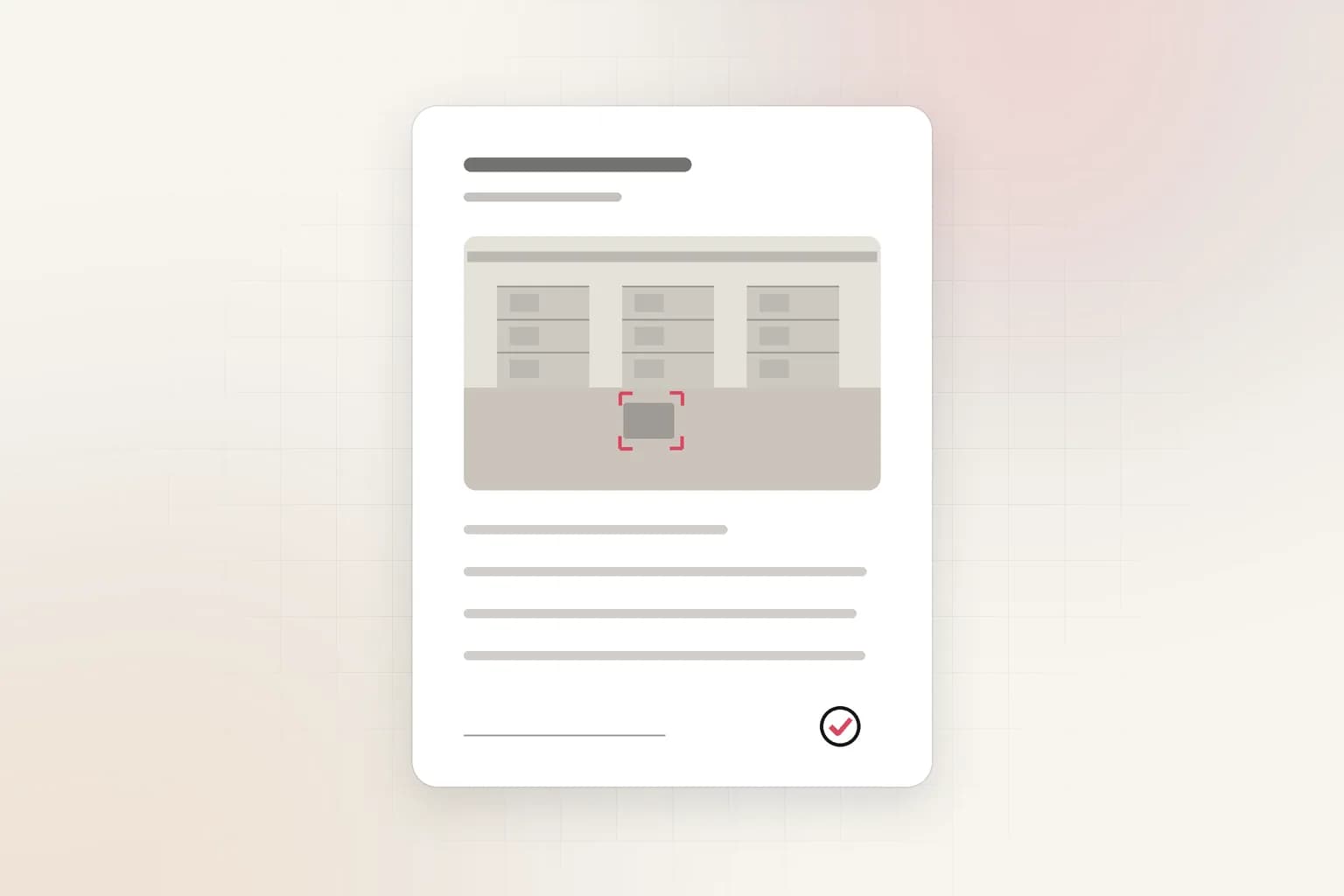
Search, reports & insights
AI Incident Reports
Turn CCTV footage or a camera alert into a complete incident report: AI-drafted timeline, people at the scene, actions taken. Export to PDF or Word in minutes.
See the featureGet started
Start abandoned object detection today
Free to start. Upload a clip or run it on our example footage before you connect a single camera.