Security & Surveillance
How to Find a Moment in Hours of CCTV Footage
How to find one moment in hours of CCTV footage: shrink the window, align timecodes, sample frames, then search by scene or speech. Steps, tables, and tools.
TL;DR
To find a moment in hours of CCTV footage, define the event window and camera list first, sync timecodes across recorders, skim at higher speed or on motion events, extract stills for anchors, then run natural-language search on exported clips—not the whole archive.
How do you find a moment in hours of CCTV footage when an incident might be a 45-second interaction buried inside an overnight shift on dozens of cameras? You treat the job like evidence triage, not like watching TV: define the event, cut the time window, pick cameras on the path, align clocks, skim before you binge, then search exports instead of whole NVR volumes. This guide walks that workflow with worked numbers, tables you can paste into SOPs, and links to Ceptory tools that show cost and file size before anyone buys software.
Why does one moment hide in so many hours?
One moment hides because recorders never stop while human attention does. A 16-camera site filming 12 hours overnight creates 192 camera-hours of video. At normal playback speed, that is 192 hours of review—almost five full work weeks for one investigator.
The video review cost calculator makes the labour line visible. Even at a modest $45 per hour fully loaded rate, 192 hours is $8,640 before overtime. That is why narrowing beats any feature demo.
Investigators also lose time when camera clocks disagree. Camera A labels 02:14:18 while the door controller says 02:13:52. You scrub past the real moment because the haystack timecode is wrong. The timecode calculator helps convert wall-clock incident times to frame-accurate notes after you pick a reference clock.
Our guide on how to search CCTV footage for a person, vehicle or event compares five end-to-end methods. This article goes deeper on moment-finding inside a long file once you already know roughly when something happened—or think you do.
What should you define before you press play?
Before playback, write a half-page incident brief your team can share:
-
Event type — theft, slip, altercation, vehicle strike, policy check.
-
Earliest and latest plausible time — from witness statements, access control, POS, or 911 CAD if you have lawful access.
-
Subjects and attributes — clothing colours, vehicle plate partial, direction of travel.
-
Camera list hypothesis — entries, exits, cash wrap, loading bay, not every hallway.
-
Legal or policy constraints — who may view, whether body-worn or partner footage joins the set.
The FBI's guidance on retrieving video evidence stresses pulling native recorded data when possible to preserve integrity and image quality (FBI best practices for digital CCTV retrieval). Export pristine masters and work on copies when you trim or transcode.
If the moment might include speech—a radio call, a shouted warning—note that early. Speech-first cues are easier to find after video indexing than by guessing which camera had the microphone.
How do you shrink the time window with confidence?
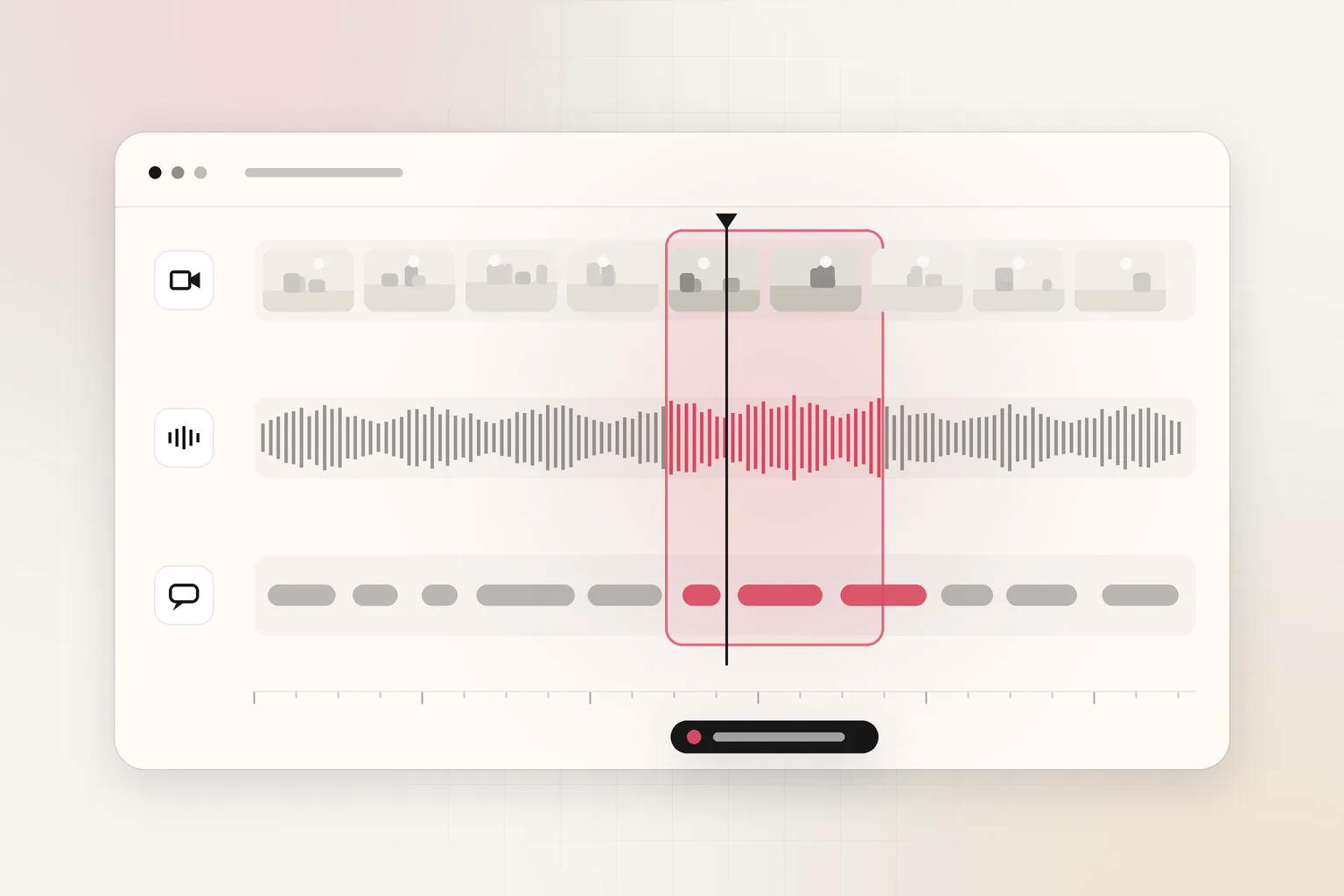
Use independent clocks to bracket the search. Each source gives a fence; the overlap is your first review window.
| Signal source | What it narrows | Example |
|---|---|---|
| Access control badging | Who entered which door | Badge at Bay 3 at 02:11 |
| Alarm or video analytics event | Motion on a zone | Loading dock trip at 02:13 |
| Witness interview | Human-visible start/stop | "Around 2:10 near the roller door" |
| POS or tills | Transaction anchor | Refund key pressed 02:16 |
| 911 or CAD timestamp | External report time | Call logged 02:18 |
Suppose witnesses place an altercation between 2:00 and 2:30 a.m., and access control shows a badge at the roller door at 2:11. Start reviewing 2:08 to 2:20 on three cameras—not the full midnight to 6:00 shift on all sixteen feeds.
Add five minutes of padding on each side for clock drift, then tighten once you spot clothing or vehicle continuity.
Which cameras belong in the first pass?
Draw a movement graph on paper:
-
Entry vectors — parking lot lanes, pedestrian doors.
-
Must-pass choke points — corridors between lot and cash wrap.
-
Static witnesses — cameras that see faces, not just hats.
Rank cameras A, B, C for first playback. Defer D-list angles unless A–C miss continuity.
| Priority | Camera role | Why it is first pass |
|---|---|---|
| A | Covers incident anchor (door, register) | Highest chance of the moment |
| B | Adjacent angle for identification | Confirms face or plate |
| C | Long-shot context | Shows approach or escape path |
| D | Peripheral | Review only if A–C fail |
This is the same path logic drone programs use when they refuse to watch entire flights; see how to review drone inspection footage faster.
How do you sync time across recorders?
Multi-vendor sites often run different NVR firmware with distinct timezone menus. Before sync:
-
Photograph or export each recorder's clock settings screen.
-
Pick one reference time—usually the access control server or GPS-synchronized NVR.
-
Note offset minutes per recorder in your incident log.
-
When exporting, burn in UTC or local time overlays if the VMS allows without destroying evidence.
-
Use the timecode calculator to document start and end frame numbers for reports.
NIST's work on interoperable CCTV export with the FBI (NIST assessment of digital video recording and export) highlights why standardized exports still lag in the field. Practically, you will often deliver MP4 segments per camera with manual offset notes. That is acceptable if the chain of custody documents the adjustment.
What playback speed and motion filters are safe?
Speed review is legitimate triage, not a conclusion. Investigators commonly use:
| Playback rate | Best for | Risk |
|---|---|---|
| 2x | Reading body language on a known camera | Misses brief handoffs |
| 4x to 8x | Scanning empty corridors | Loses short events under two seconds |
| 16x plus | Checking if anything moved at all | Unreliable for identification |
Pair speed review with motion bookmarks when the VMS supports them. Filter region of interest around the roller door, not the whole frame, to cut false trips from headlights.
When motion search returns 40 events in twenty minutes, sort by largest contour or longest duration, watch the top five at 1x, then stop if continuity is restored.
When should you extract still frames?
Still frames anchor reports and help witnesses confirm identity without sending multi-gigabyte video by email.
Use the video frame extractor on exported segments after you locate a candidate window. Pull:
-
Full-body at entry and exit.
-
Face or plate if resolution allows.
-
Wide shot showing relationship between people and fixtures.
Still images belong in the incident report template workflow described in how to write an incident report from video footage.
Before attaching video to a ticket, estimate size with the video file size calculator. A 10-minute 1080p H.264 clip at 4 Mbps is roughly 300 MB—small enough for many case systems; two hours is not.
How does natural-language search fit after narrowing?
Natural-language search belongs after you export bounded clips, not while the entire week's footage still sits on the NVR. Indexing everything is slow and costly; indexing the 18-minute window on three cameras is realistic.
Workflow:
-
Export 02:08–02:20 from cameras A, B, C in native format when possible.
-
Upload copies to a video intelligence platform or your approved tool.
-
Query with plain language tied to your brief: "person in a reflective vest forcing the roller door" or "white panel van U-turn in lot."
-
Watch every hit at 1x before citing it in a report.
-
Log in and out timecodes with the timecode calculator.
Ceptory indexes recorded video you upload or add by URL through the REST API, then searches scenes, speech, and on-screen text. Pricing is $0.042 per minute indexed plus $0.0015 per minute infrastructure, $4 per 1,000 searches, with the first 10 minutes free (/pricing). At roughly $63 to index one full day from one camera (1,440 minutes), exporting the incident slice is the economical path, as explained in how much storage CCTV cameras need.
For prompt consistency across analysts, use the AI video report prompt builder.
What does a worked example look like?
Scenario: Retail back lot, 16 cameras, incident believed 2:00–2:30 a.m., report due noon.
| Stage | Footage volume | Review approach | Approximate analyst time |
|---|---|---|---|
| Initial (no narrowing) | 16 × 12 h = 192 h | 1x all cameras | 192 h (impractical) |
| After time + camera cut | 3 × 12 min = 36 min | 8x skim, 1x confirm hits | ~1.5 h |
| After motion filter | 3 × 4 min = 12 min | 1x on five motion events | ~25 min |
| Index 12 min for search | 12 min | Two NL queries + verify 4 hits | ~20 min |
| Report + stills | — | Frame extractor + template | ~30 min |
Total about 2.5 hours versus 192 hours at the naive approach—a 98 percent reduction before overtime.
The beyond manual video review article shows why automation investments pay off above 50 camera-hours per week.
How do you document the moment for stakeholders?
Your final package should include:
-
Narrative paragraph with UTC or local times defined.
-
Clip list with SHA-256 or vendor hash if your policy requires.
-
Still sheet with camera name and timecode.
-
Limitations — blind spots, glare, frame rate.
-
Next steps — HR, law enforcement handoff, or policy change.
Link policy readers to multimodal video analysis for operational review when speech and on-screen text matter as much as pixels.
What should teams do this week?
-
Add a moment-finding checklist to your incident SOP: time fence, camera map, clock offsets, export naming.
-
Run the video review cost calculator on last month's longest case; socialise the dollar cost of un-narrowed review.
-
Test one real export through Ceptory search on a sub-15-minute clip before bidding a full integration.
-
Train shift leads to capture door, POS, and radio times at the start of an incident, not after twelve hours of scrubbing.
-
Schedule recorder clock audits quarterly; drift is cheaper to fix than re-opened cases.
Where does this leave your VMS?
A VMS remains the system of record for live view and retention. Video indexing sits on exports investigators choose. The comparison in video intelligence platforms versus traditional VMS is blunt: storage does not equal search.
When you must find one moment in hours of CCTV footage, the winning pattern is shrink, sync, skim, still, search. Start a trial on a single incident clip at Ceptory or read the government and security solution page for workflow fit.
Frequently asked questions
How do you find one moment in eight hours of CCTV?
Start from witness times, access logs, or alarm timestamps to cut the window, pick only cameras on the subject's path, skim at 4x to 8x on those clips, then verify hits at 1x. Export just that slice before deeper search or reporting.
Why do investigators miss moments in long CCTV files?
Clock drift between cameras, wrong timezone on the NVR, and reviewing every camera for the full shift are the usual causes. Sync timecodes to a single reference and shrink cameras before playback.
Does motion search always find the right moment?
No. Motion filters catch movement but also flags, shadows, and rain. Use them to skip empty minutes, then confirm each candidate clip manually or with AI search on a narrowed export.
When should you use natural-language video search?
After you have exported a bounded clip or set of clips, natural-language search matches descriptions like 'person in a high-vis vest at the roller door' against indexed scenes, speech, and on-screen text.
How do timecode tools help with multi-camera review?
The timecode calculator converts wall-clock times to frame numbers for reports, while a shared incident start time lets you line up feeds that use different filename schemes.
Can Ceptory search my live CCTV streams?
No. Ceptory indexes recorded video you upload or add by URL through its API. Export the relevant segment from your VMS, index it, then search. It sells no cameras and needs no hardware change.
Ceptory
Search your own footage in plain language. The free tier indexes 60 minutes of video.
Related reading
Keep reading

Security & Surveillance · 8 min read
How to Search CCTV Footage for a Person or Vehicle: 5 Methods
Read article
Security & Surveillance · 9 min read
Surveillance Footage Search: Transforming Forensic Review with Natural Language
Read article
Security & Surveillance · 8 min read