Guides
What Is Video Indexing? Enterprise Footage Explained
Video indexing makes footage searchable by scenes, speech and on-screen text. Learn how it differs from a VMS and when ops teams need it.

TL;DR
Video indexing analyzes recorded video to extract searchable signals—visual scenes, speech, on-screen text and timing—so teams query by what happened instead of scrubbing timelines. It complements VMS storage; it does not replace cameras or retention policy.
What is video indexing? It is the process of analyzing recorded video so teams can search and analyze footage by what appears, what is said, and what is shown on screen—not only by camera name and clock time. If you manage CCTV, drone inspections, body-worn archives, or newsroom masters, indexing is the step that turns passive storage into retrievable intelligence.
This guide explains how indexing works, how it differs from a video management system (VMS), what signals get extracted, and how operations and security teams use the results in real investigations.
What problem does video indexing solve?
Recorded video scales faster than human attention. A modest 32-camera site at 15 frames per second generates on the order of tens of terabytes per month when you model bitrate with a CCTV storage calculator. Security and operations staff cannot watch every shift to find one pallet tip, one tailgate entry, or one missed lockout.
Traditional playback assumes you already know which camera and approximately when. Investigations rarely start that way. Witnesses say "Tuesday evening near the loading dock." Drone program managers ask "when did corrosion spread past the east flange." Compliance leads ask "find every mention of the bypass switch on last week's toolbox talks."
Video indexing closes that gap by building a searchable representation of the content inside the file. Once indexed, a query like "forklift near pedestrian walkway without spotter" returns candidate moments linked to timecode—workflows covered in how to search CCTV footage. For how teams query that index in practice, see what AI video search is.
How is video indexing different from VMS storage?
A VMS excels at live view, recording rules, retention, and playback by channel. It is the system of record for which camera recorded what interval. That role is non-negotiable for most enterprises.
Indexing does not replace the VMS. It adds a parallel intelligence layer on files the VMS already stored (or on exports uploaded elsewhere). Compare the split in video intelligence platforms versus traditional VMS.
| Capability | Typical VMS | Video indexing layer |
|---|---|---|
| Primary job | Record and play by camera | Search by content and meaning |
| Search keys | Channel, date, time, manual tags | Natural language, objects, speech, OCR |
| Best when | Live monitoring, standard export | Investigations, audits, cross-site review |
| Data created | Video files plus light metadata | Transcripts, text detections, embeddings, alerts |
Many deployments export MP4 or MKV clips from the VMS or object storage and index those copies. Live analytics at the edge remain optional; indexing is often post-capture, which suits legal review and drone programs that already land files in a data lake.
What gets extracted during indexing?
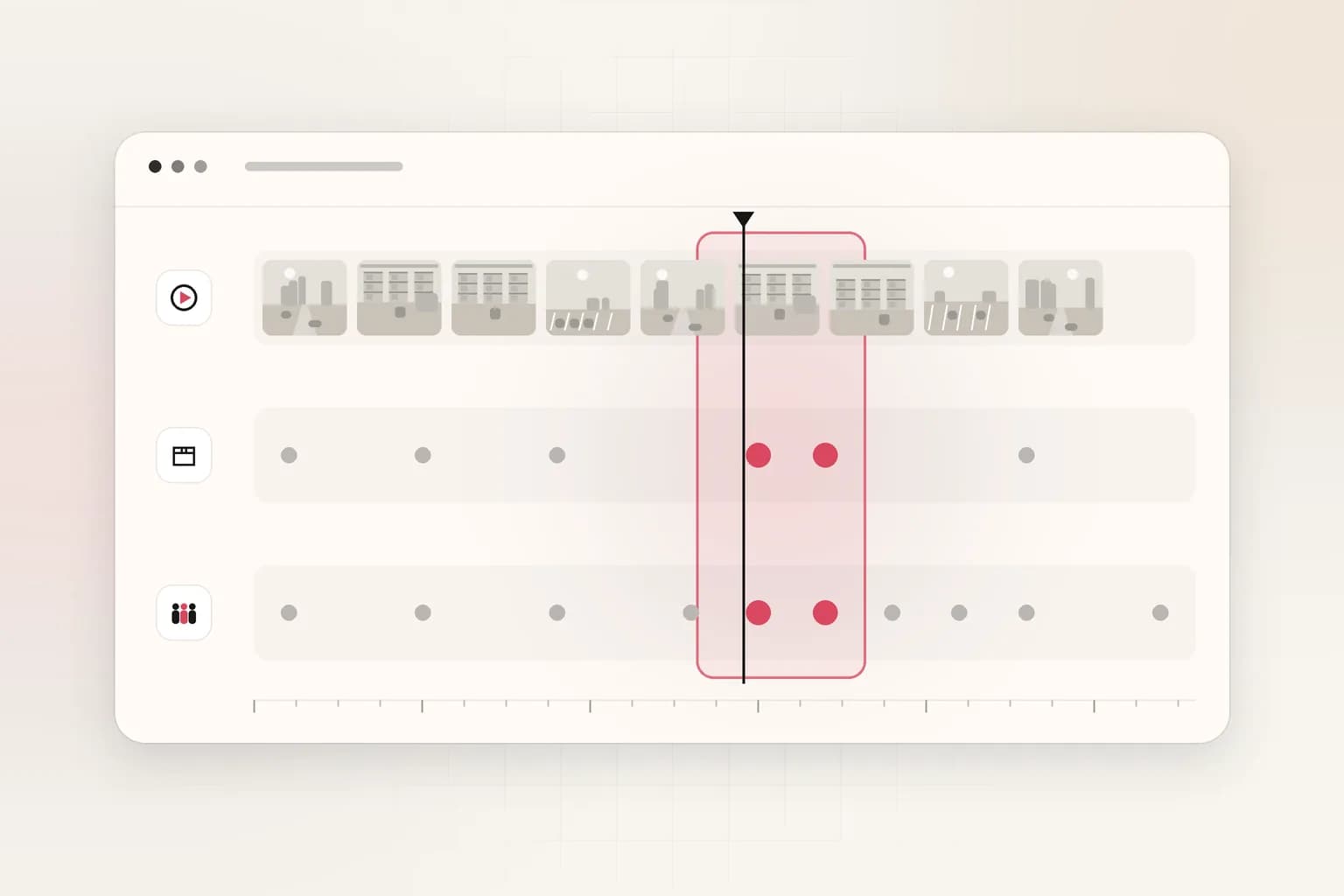
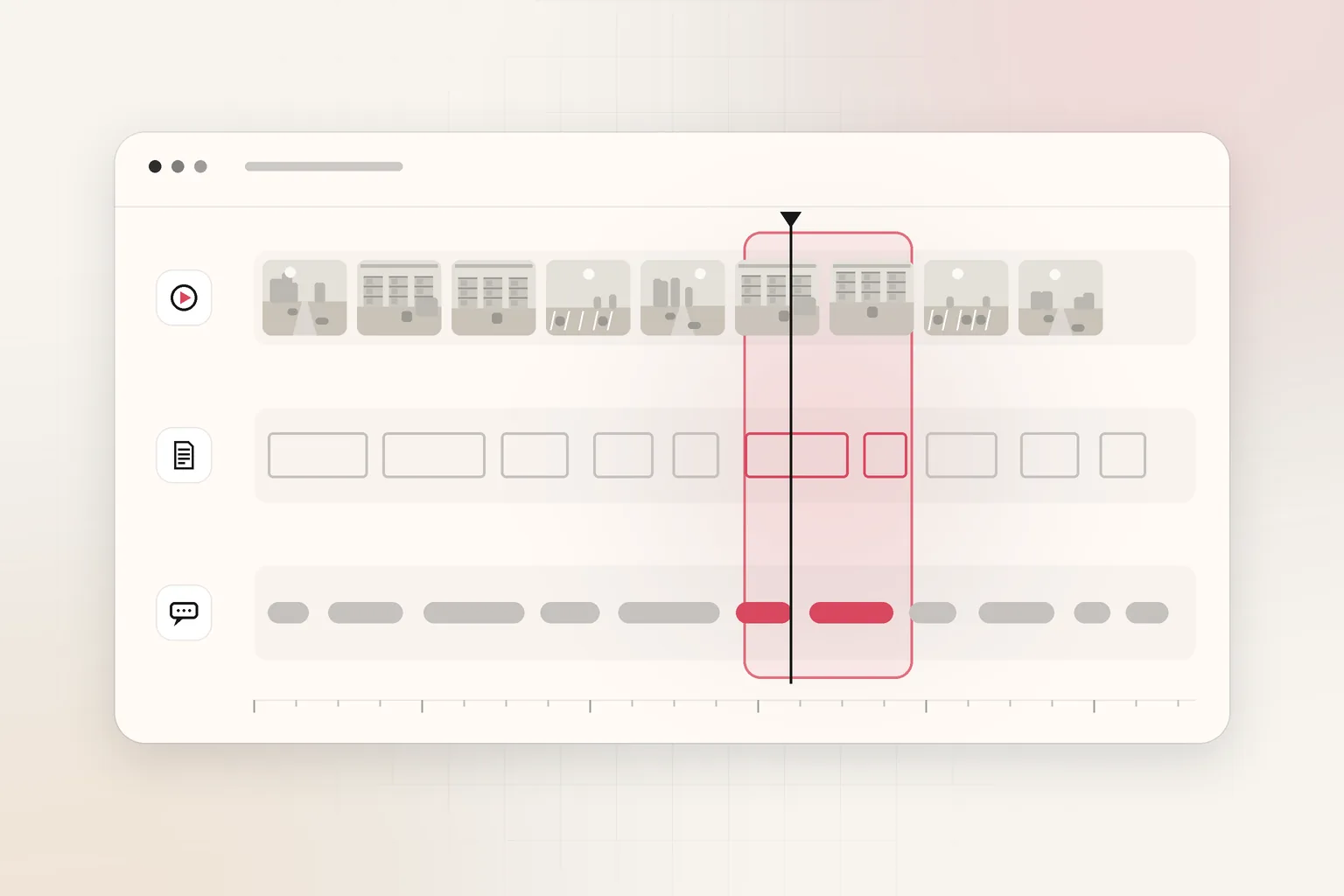
Exact pipelines vary by vendor, but enterprise video intelligence products usually derive several multimodal tracks you can query together:
Visual and motion signals
Models detect people, vehicles, PPE, packages, equipment states, scene changes, and motion regions across frames. Outputs may include bounding regions, labels, or embedding vectors that represent "what the scene looks like" without storing a text tag for every object.
This visual layer powers queries such as "red vest missing in machining cell" or "drone view when insulator strings were visible."
Speech and audio
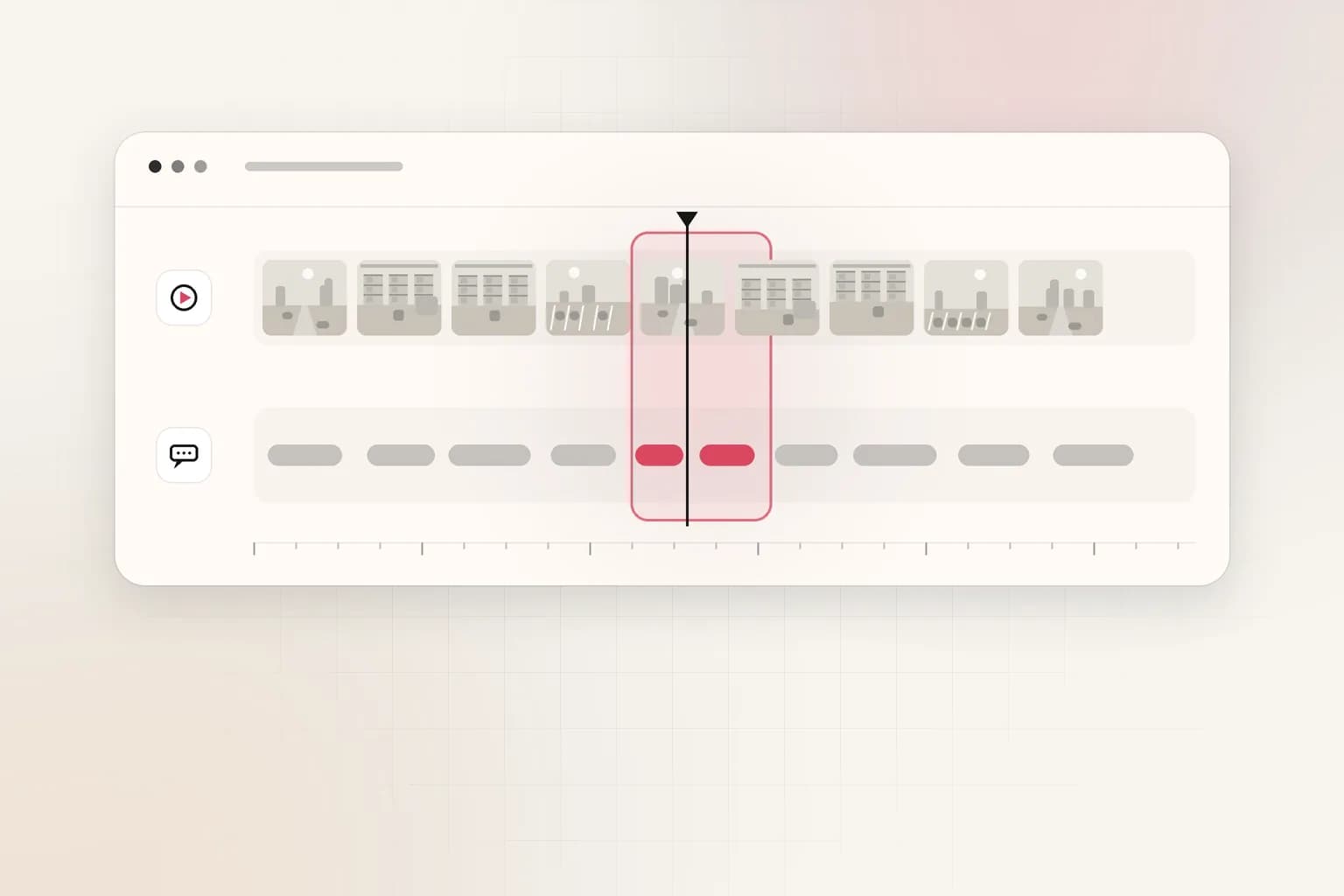
When audio is present, automatic speech recognition produces transcripts aligned to timecode. Search can target spoken keywords, speaker turns, or alarm tones. Operations teams use this for toolbox talks, dispatcher radio on synced feeds, and interview recordings tied to incidents.
For step-by-step workflows that combine both tracks, see how to search a video archive by speech and on-screen text.
On-screen text (OCR)
Security and logistics video often carries licenses, badges, truck numbers, gate codes on displays, and hazard labels. OCR indexing makes those strings searchable without manually pausing every frame—complementary to privacy workflows that blur faces and plates before sharing externally (see BGBlur’s guide to blurring license plates when redaction is required).
Time and structure
Indexing always anchors features to timecode so results jump straight to playable moments. Some platforms also segment video into shots or events to shorten review.
Microsoft’s documentation for Azure AI Video Indexer describes a similar split—visual, textual, and audio insights generated from uploaded media—which is useful as a vendor-neutral picture of what "indexing" means in cloud APIs even if you do not use that product.
What is a video embedding in indexing?
Behind many search boxes sits a video embedding: a numeric representation of frames or short clips that sit close together in vector space when they look or sound similar. Queries embed text (or example images) and retrieve nearest moments in the archive.
Embeddings enable fuzzy search—"person in high-vis near rolling door"—without agreeing on a single object taxonomy upfront. They also power near-duplicate detection when the same incident appears on two cameras.
Embeddings are not magic. Low light, occlusion, and fisheye distortion still break matches. Teams should treat hits as candidates for human confirmation, especially for discipline or legal outcomes.
When should a team index video?
Indexing adds cost and processing time. It pays off when retrieval pain exceeds indexing cost. Use the video review cost calculator to compare analyst hours against automated search.
Strong fits
- Security operations centers with multi-day incident windows across dozens of cameras.
- Drone inspection programs where each flight adds 30–90 minutes of 4K and engineers repeat similar queries weekly.
- Workplace safety reviews that must find PPE or proximity events across shifts.
- Media and newsroom archives where producers hunt quotes or signage in field footage.
Weaker fits
- Single-channel sites with rare investigations and strict short retention.
- Real-time deterrence that must act in sub-second latency at the edge without storage—indexing is usually downstream.
Regulatory retention still belongs to policy, not the indexer. If your jurisdiction mandates 90-day CCTV retention, indexing does not extend that clock unless you also change storage rules.
What does the indexing workflow look like?
A pragmatic enterprise workflow keeps custody clear:
- Ingest — copy or export from VMS, drone dock, or evidence system into an indexing queue.
- Process — run speech, OCR, and visual models; store derived JSON or embeddings with source file IDs.
- Search — analysts query in natural language or structured filters; results return timecoded clips.
- Analyze — optional summaries, comparison across days, or API calls for downstream case systems.
- Share — export subsets with redaction where privacy law requires it.
Ceptory follows that pattern for uploaded or URL-based video via the REST API at https://www.ceptory.com/api/v1. There are no SDKs published; integrations use HTTP with Bearer keys from the dashboard. Indexing pricing is $0.042 per minute plus $0.0015 per minute infrastructure, with search billed at $4 per 1,000 queries and 10 minutes included free on /pricing.
Indexing is not real-time face recognition at a stadium turnstile unless you architect streaming ingestion yourself. Most buyers start with batch archives and expand.
How does indexing relate to AI models like Nemotron or Gemini?
Foundation vision-language models can answer questions about one clip you send inline. That is useful for deep Q&A on a known segment. It is not a substitute for indexing thousands of hours you have not narrowed yet.
Recent cloud releases—such as Nemotron 3.5 Super VL on SageMaker JumpStart—highlight clip-level video inference. Pair them after indexing or manual export, not instead of a retrieval layer. The video intelligence API post walks through composing retrieval plus analysis without duplicating storage.
What governance should legal and IT require?
Indexing touches biometrics-adjacent data, workplace surveillance, and cross-border storage. Before turning indexing on:
- Document lawful basis and retention for each camera source.
- Decide whether faces and plates must be redacted before indexing or only on export.
- Restrict API keys and audit who searched what when investigations involve HR or law enforcement partners.
- Align with union agreements where continuous automated analysis triggers collective bargaining topics.
The U.S. National Institute of Standards and Technology’s work on AI risk management (NIST AI RMF 1.0) is not video-specific, but its govern, map, measure, and manage functions are the right checklist when indexing becomes default rather than episodic.
What should you do next?
- Inventory where footage already lives (VMS, cloud bucket, drone dock) and typical investigation duration.
- Model storage with the CCTV bandwidth and file size tools so processing backlogs are realistic, and pair that with manual video review labor cost when finance asks for SOC headcount.
- Pilot index one high-pain archive—loading dock week, inspection flight set, or training vault—and measure time to first useful clip.
- Write SOPs that say indexed hits are leads, not automatic findings, until a supervisor reviews playable video.
- If search across speech and scenes is the bottleneck, try Ceptory on a small upload batch before committing platform-wide.
Video indexing is the bridge between everything was recorded and we can find the moment that matters. It respects the VMS as recorder, adds multimodal search, and keeps humans in the loop for decisions that count.
How do teams measure indexing success?
Define success before you scale beyond a pilot. Useful metrics include median time to first relevant clip, percentage of incidents where index search beats timestamp guesswork, analyst hours saved per case, and false-positive rate on automated detections. Pair qualitative feedback—"did the safety committee trust the results?"—with quantitative counters from your case system.
Revisit storage math quarterly. Indexing does not shrink files; it adds derived data. If your storage calculator already shows tight margins, fix retention or tiering before doubling metadata volume. Successful programs treat the index as operational infrastructure with owners, uptime targets, and versioned export formats—same discipline as the VMS itself.
Frequently asked questions
What is video indexing in simple terms?
Video indexing is automatic analysis that turns footage into searchable data: detected objects and actions, transcribed speech, recognized on-screen text, and timecodes. Teams query that index instead of watching every hour manually.
How is video indexing different from a VMS?
A VMS records, stores and plays video by camera and timestamp. Indexing adds a semantic search layer on top of stored files. Many teams keep the VMS for live view and retention while indexing exports or archive copies.
Does indexing change original video files?
Typically no. Products store embeddings, transcripts and metadata beside the source file. The master recording stays unchanged for chain of custody; the index is a derived layer used for search and analysis.
What types of video benefit most from indexing?
Long-retention security footage, multi-camera incidents, drone inspection libraries, training archives and compliance reviews benefit when manual scrubbing would take hours. Short clips with known timecodes need indexing less often.
How much does indexing cost at Ceptory?
Ceptory charges $0.042 per minute indexed plus $0.0015 per minute infrastructure, search at $4 per 1,000 queries, with 10 minutes included free. Enterprise private cloud or on-prem is priced separately.
Can indexing run on video from any camera?
Yes for recorded files. Ceptory accepts upload or URL through the API and sells no cameras. You still need legal authority to process the footage and policies for faces, plates and audio where regulations apply.
Ceptory
Search your own footage in plain language. The free tier indexes 60 minutes of video.