Guides
How to Search a Video Archive by Speech and On-Screen Text
Search a video archive by speech or on-screen text: index ASR and OCR first, then query transcripts—not filenames. Steps, tables, and worked examples.

TL;DR
Searching a video archive by what was said or shown on screen requires speech-to-text and OCR indexes tied to timecode, not manual scrubbing. Export bounded clips, run ASR and OCR, then query or describe the moment you need.
How do you search a video archive by speech and on-screen text? You need two searchable layers beside the pixels: a speech transcript with timecodes and an OCR index of visible words, labels, and graphics. Filenames, camera names, and calendar filters only get you to the right hour; they rarely get you to the sentence on the loading-bay sign or the supervisor's verbal warning.
Teams hit this wall in CCTV investigations, drone QA, training libraries, newsroom masters, and body-worn archives. The recording system stores everything; nobody can quote-search or sign-search without extra processing. This guide explains how to build that capability, when keyword search is enough, when natural-language search pays off, and how the workflow connects to tools you may already use.
Why can't a VMS search bar find dialogue or signage?
Most video management systems (VMS) and NVRs index metadata: channel, start time, duration, motion flags, sometimes license-plate or face lists if you bought those modules. They do not, by default, store what was said or what text appeared on screen.
That gap shows up in real investigations. A warehouse reviewer knows the phrase "stay clear of the bay" was spoken near a forklift incident, but the motion search returns 400 events because wind moved a plastic curtain. A compliance officer needs the permit number flashed on a drone overlay for thirty frames. Without OCR, the only option is manual scrubbing.
What is video indexing describes the umbrella process: automatic analysis that turns footage into searchable data. Speech and on-screen text are two of the highest-value tracks. Our video intelligence platforms vs traditional VMS guide places that search layer above storage, not inside the camera bill of materials.
What do you need before you search by speech or text?
You need rights to process the footage, a bounded export, and a consistent time reference.
Rights and policy. Speech and OCR create new derivative data. HR, legal, or union agreements may restrict who may transcribe employee speech or how long transcripts are kept. The U.S. Bureau of Justice Assistance points investigators toward chain-of-custody practice in its guide to video evidence resources. This article is not legal advice; follow your own counsel.
Bounded export. Do not point tooling at a multi-terabyte share without date, site, and camera filters. Use the same narrowing steps as how to search CCTV footage for a person, vehicle or event: shrink the window, export native format, preserve timecode.
Time reference. Speech and OCR hits must map back to a frame or second in the original file. Use the timecode calculator when frame rates differ between export and player.
How do you search a video archive by speech?
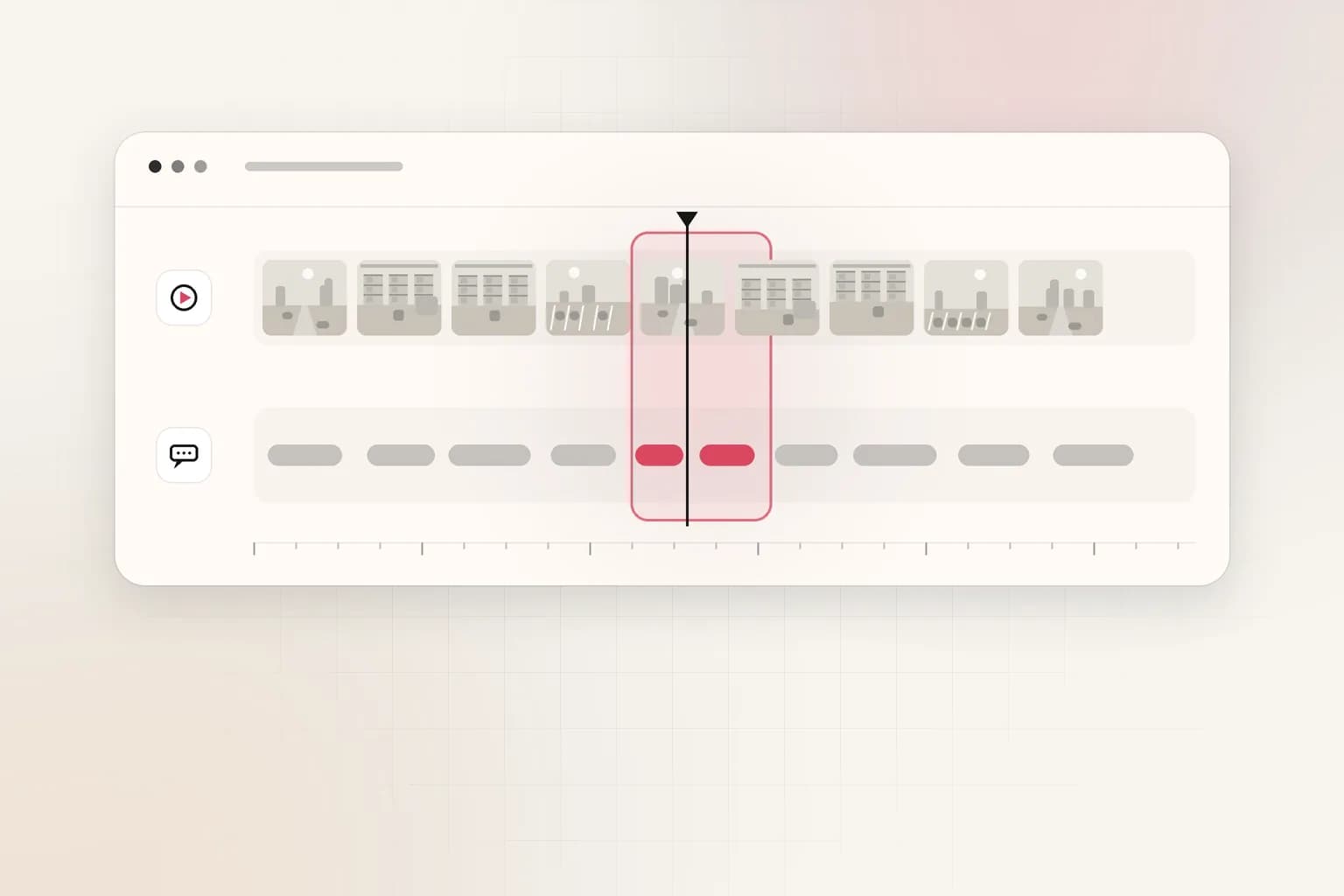
Speech search is a three-step pipeline: ASR, index, query.
Step 1: Generate transcripts (ASR)
Automatic speech recognition turns audio into text. Quality depends on microphone placement, compression, background noise, and language. Security cameras often capture speech from six meters away on a mono, noise-heavy channel; ASR will miss words unless you test on real clips.
Export audio if your toolchain allows it; otherwise run ASR on the video container. Store at minimum:
- Start and end time for each segment (or word-level times if available)
- Confidence score when the engine provides one
- Speaker label only if you have a vetted diarization policy (do not treat a label as identity)
Step 2: Index transcripts
Load transcript JSON into whatever search layer you use: Elasticsearch, a database, or a video intelligence platform. The index should key on file ID + time span, not just plain text in a sidecar file nobody links to the player.
For exact phrase needs ("code seven at dock B"), keyword search with quotes is enough. For paraphrases ("evacuate the loading area"), you need semantic search or embeddings on text segments, described in how video embeddings work for enterprise search.
Step 3: Query and verify
Run the query, open the hit timecode in the original export, and listen to confirm. ASR errors are common on proper nouns and alphanumeric codes. Treat hits as candidates for reports, not findings. How to write an incident report from video footage covers logging timestamps after you verify.
Worked example (speech). You have six hours from Camera 12 on March 4. Keyword search on ASR text for "propane" returns four segments between 02:14 and 04:52. You open each segment, confirm only one shows a propane cylinder near a hot-work area, and attach 02:41:18–02:43:05 to the report. Without ASR, an analyst at $45 per hour scrubbing six hours costs $270 before overtime; the video review cost calculator turns your volumes into dollars.
How do you search a video archive by on-screen text?
On-screen text search uses OCR tied to frames or regions.
What OCR can and cannot do
OCR works well on static graphics: OSD camera labels, digital timestamps, slide titles, packaging labels, vehicle door decals in clear view. It struggles with motion blur, low resolution, glossy reflections, and fonts smaller than a few dozen pixels tall.
Broadcast and post-production teams have long treated on-screen text as a first-class metadata problem; the EBU's metadata practices emphasize structured descriptions of audiovisual content for exchange between systems. Your archive does not need full broadcast ontology to start, but you do need timecoded text events.
Step 1: Decide sampling strategy
Running OCR on every frame of six hours is expensive. Practical options:
| Strategy | When to use | Risk |
|---|---|---|
| Fixed interval (e.g., 1 fps) | Slides, signage, drone overlays | Misses blink-and-you-miss-it flashes |
| Scene-change trigger | Mixed CCTV with static stretches | May skip text on a slow pan |
| Keyframe-only | Long drone cruises | May miss brief defect callouts |
| Full frame rate on a short clip | Incident export | Highest cost, highest recall |
For drone inspection archives, pair this with how to review drone inspection footage faster: sample flight legs, not entire seasons.
Step 2: Normalize and index OCR hits
Store text string, bounding region (if available), timestamp, and file ID. Normalize case and strip obvious OCR noise in a review UI, not silently in production—"O" versus "0" errors matter in permit IDs.
Step 3: Combine with speech when the cue spans both
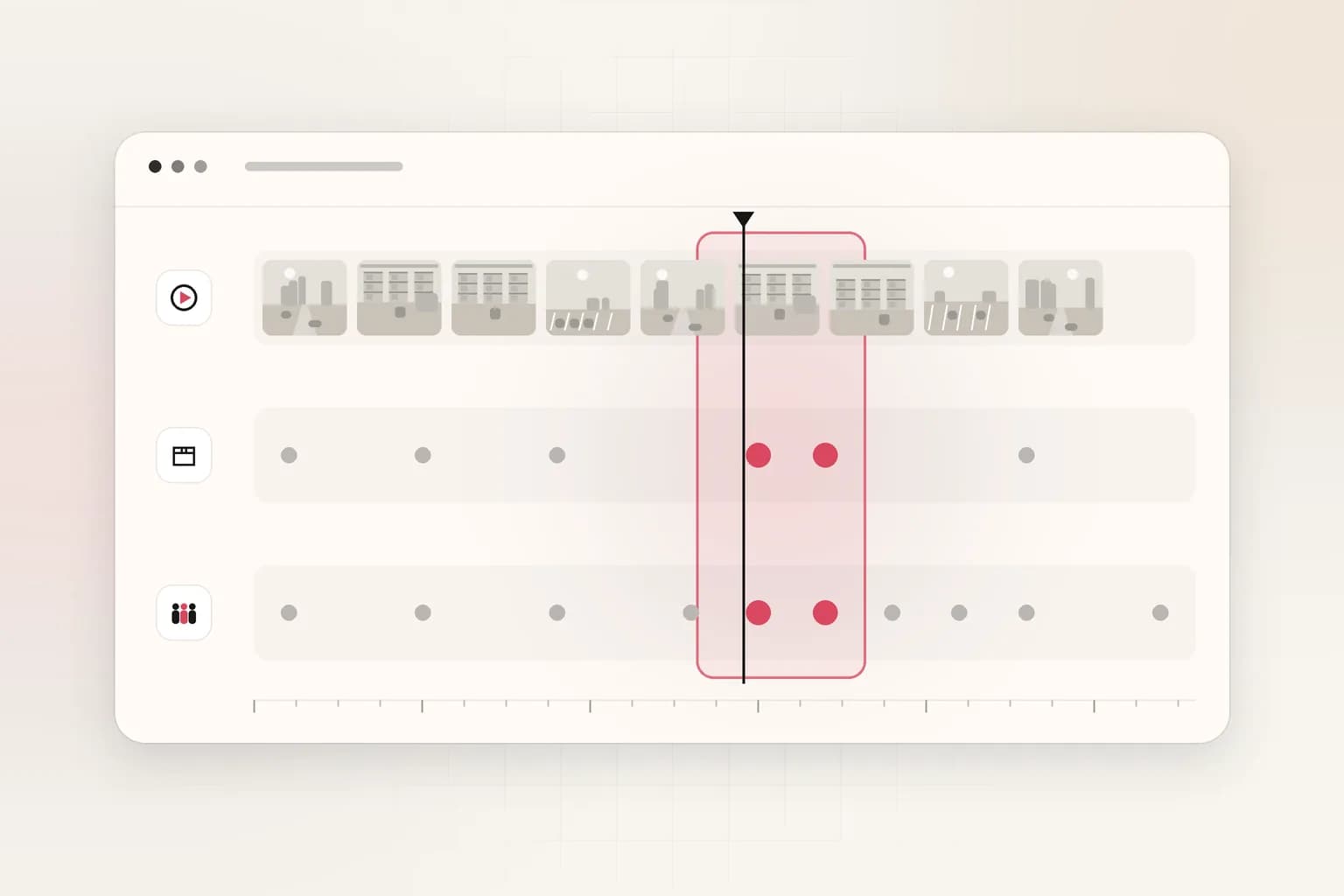
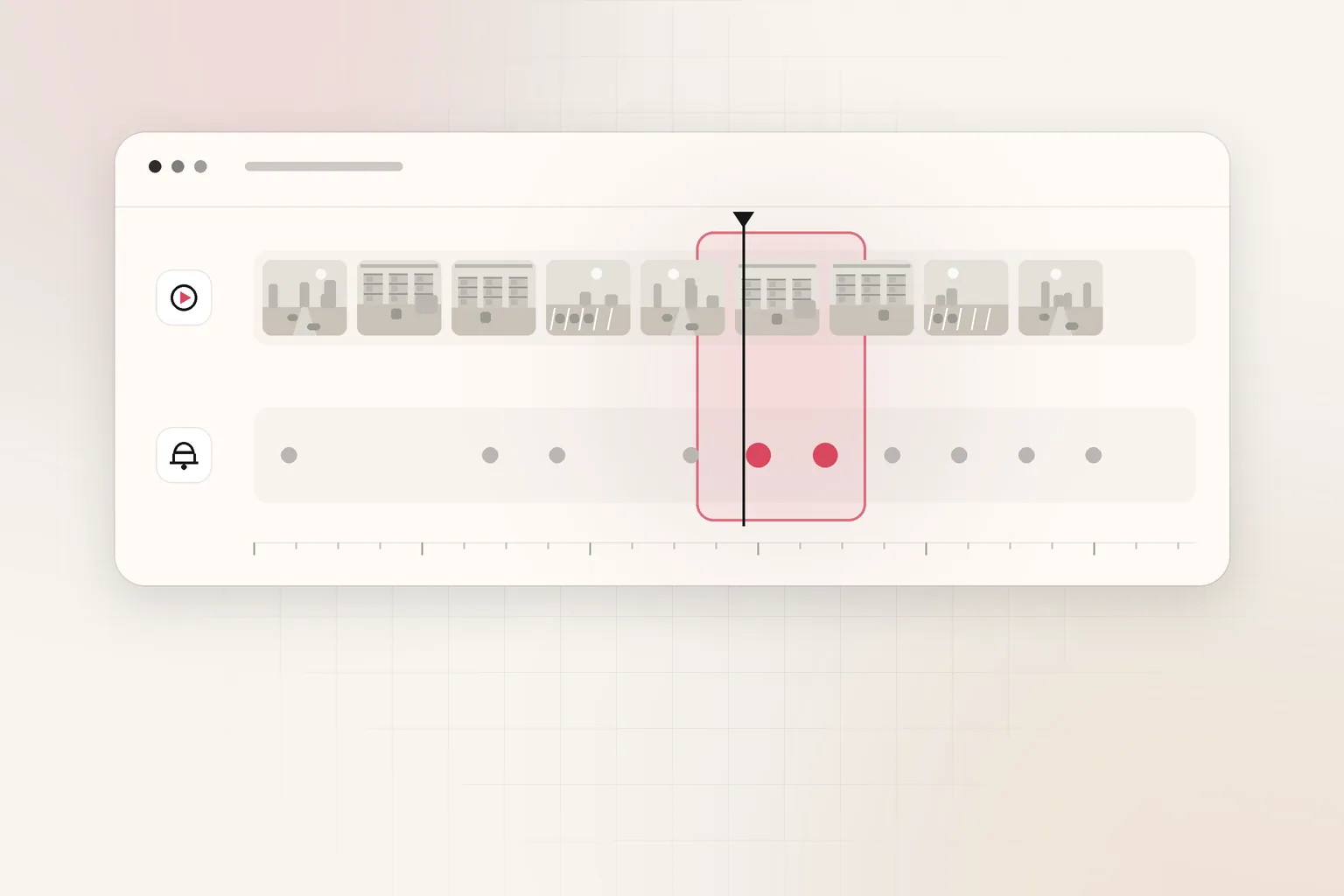
Incidents often have speech and signage together: a supervisor says "read the placard" while the camera shows a four-digit code. Multimodal review means your search can cross tracks. Multimodal video analysis for operational review explains why teams keep parallel indexes instead of hoping one model guesses both modalities from pixels alone.
When should you use natural-language search instead of keywords?
Use keywords when you know the exact wording or ID and ASR/OCR quality is decent. Move to natural-language search when:
- Wording varies ("hard hat" vs "head protection")
- You describe appearance and speech in one sentence
- Investigators are not SQL or regex users
Natural-language search on video usually means embeddings or unified multimodal indexes, not magic. You still index first, then query. Read enterprise video search in natural language for investigator-facing workflows.
The AI video report prompt builder helps analysts phrase consistent questions when testing any tool.
How does this compare to searching only by visuals?
| Search target | Index source | Example query |
|---|---|---|
| Speech | ASR transcript | "evacuate the bay" |
| On-screen text | OCR events | Permit A-44102 on overlay |
| Visual scene | Detections or embeddings | person in orange vest near roller door |
| Metadata only | VMS fields | Camera 7, March 4, 02:00–06:00 |
Visual-only search misses radio-off incidents where the clue is dialogue. Text-only search misses gesture. Security and safety teams typically need at least speech plus visuals; broadcast and compliance teams often need OCR for supers and tickers.
Where does Ceptory fit in this workflow?
Ceptory is a video intelligence platform for recorded video. You upload files or add URLs through the REST API, Ceptory indexes them, and authorized users search in natural language across scenes, speech and on-screen text from the dashboard. See the search feature.
Ceptory does not sell cameras, does not connect to live streams, and publishes no accuracy figures or certifications. Pricing is $0.042 per minute indexed plus $0.0015 per minute infrastructure, $4 per 1,000 searches, with the first 10 minutes of indexing free (pricing). Index windows that matter, not every channel 24/7; how much storage CCTV cameras need shows why exporting the incident slice beats indexing a full rolling buffer.
For a security workflow that ties search to reports, see the security incident report with AI guide and the government and security solution page.
What should you do this week?
-
Pick one real case where someone scrubbed for a phrase or on-screen ID. Measure hours spent.
-
Export a bounded clip (under a day per camera unless you have budget for more).
-
Run ASR and OCR pilots on that export. Log failure modes: noise, blur, small text.
-
Decide keyword vs natural-language search based on how investigators ask questions.
-
Document hits as candidates and route verified clips into your incident report template.
Speech and on-screen text are how humans label reality in video. If your archive cannot search those layers, you are still paying people to listen and squint at scale. Build the indexes once per export, and searches become repeatable. Start exploring on Ceptory if you want a hosted index without assembling ASR, OCR, and search yourself.
Frequently asked questions
How do I search a video archive by what someone said?
Run automatic speech recognition (ASR) on each file, store the transcript with timecodes, then keyword-search or use semantic search on the text layer. You still need the video file path and clock time to open the clip.
Can I find a clip by words visible on screen?
Yes, if you run optical character recognition (OCR) on frames or detected text regions and index the results with timestamps. Plain VMS search bars usually cannot do this without a video intelligence layer.
Do I need AI to search by speech and on-screen text?
Not always. Exact phrase matches work on ASR and OCR text with classic keyword search. AI helps when wording varies, accents are difficult, or you describe a scene in natural language across speech and visuals together.
What is the fastest workflow for a large archive?
Narrow by date, camera or folder first, export only those hours, index speech and text on the export, then search. Trying to OCR an entire multi-year archive without boundaries is slow and expensive.
Does Ceptory search speech and on-screen text together?
Yes. Ceptory indexes recorded video you upload or add by URL and supports natural-language search across scenes, speech and on-screen text. It does not connect to live camera streams or replace your recorder.
How much does indexing cost for a day of footage?
Ceptory charges $0.042 per minute indexed plus $0.0015 per minute infrastructure, with search at $4 per 1,000 queries. One 1,440-minute day from one camera is about $62.64 to index before search fees.
Ceptory
Search your own footage in plain language. The free tier indexes 60 minutes of video.