Security & Surveillance
How to Write an Incident Report From Video Footage: 7 Steps
Learn how to write an incident report from video footage: find the clip, log timestamps, separate fact from opinion, preserve evidence and add root causes.
TL;DR
To write an incident report from video, preserve the original, find the moment, log timestamps, describe only what is visible, add witness and context, find root causes, and attach clips. This guide gives the seven steps with a worked example.
To write an incident report from video footage, preserve the original recording first, then find the moment, log timestamps, describe only what is visible, add context from people, identify root causes and attach the clip with a reference to the original. Most weak reports fail at step one or step three: the original gets overwritten, or the narrative mixes what the camera shows with what the writer assumes. This guide gives the seven steps, a worked example, and the places where search and AI help.
If you want a ready structure, the free incident report template follows the same sections.
What is the first step when video shows an incident?
The first step is to secure the original recording before anyone edits, exports or reviews it. Most recorders overwrite on a loop, so a 30-day retention setting means day 31 is gone. Our CCTV storage guide shows how retention and camera count set that window.
The Scientific Working Group on Digital Evidence (SWGDE) publishes guidance on this. Its best practices for maintaining the integrity of imagery calls for documenting the steps taken to secure evidence, including a chain of custody. For recorders, its recommendations for video security systems say recordings must be preserved so that the original images can be recovered with a documented chain of custody.
Practical actions:
- Export the native file from the recorder, not a screen capture.
- Work only on copies; keep the original untouched.
- Note who exported it, when, and from which device.
- If police or counsel may be involved, stop and ask before doing anything beyond copying.
How do you find the moment in hours of footage?
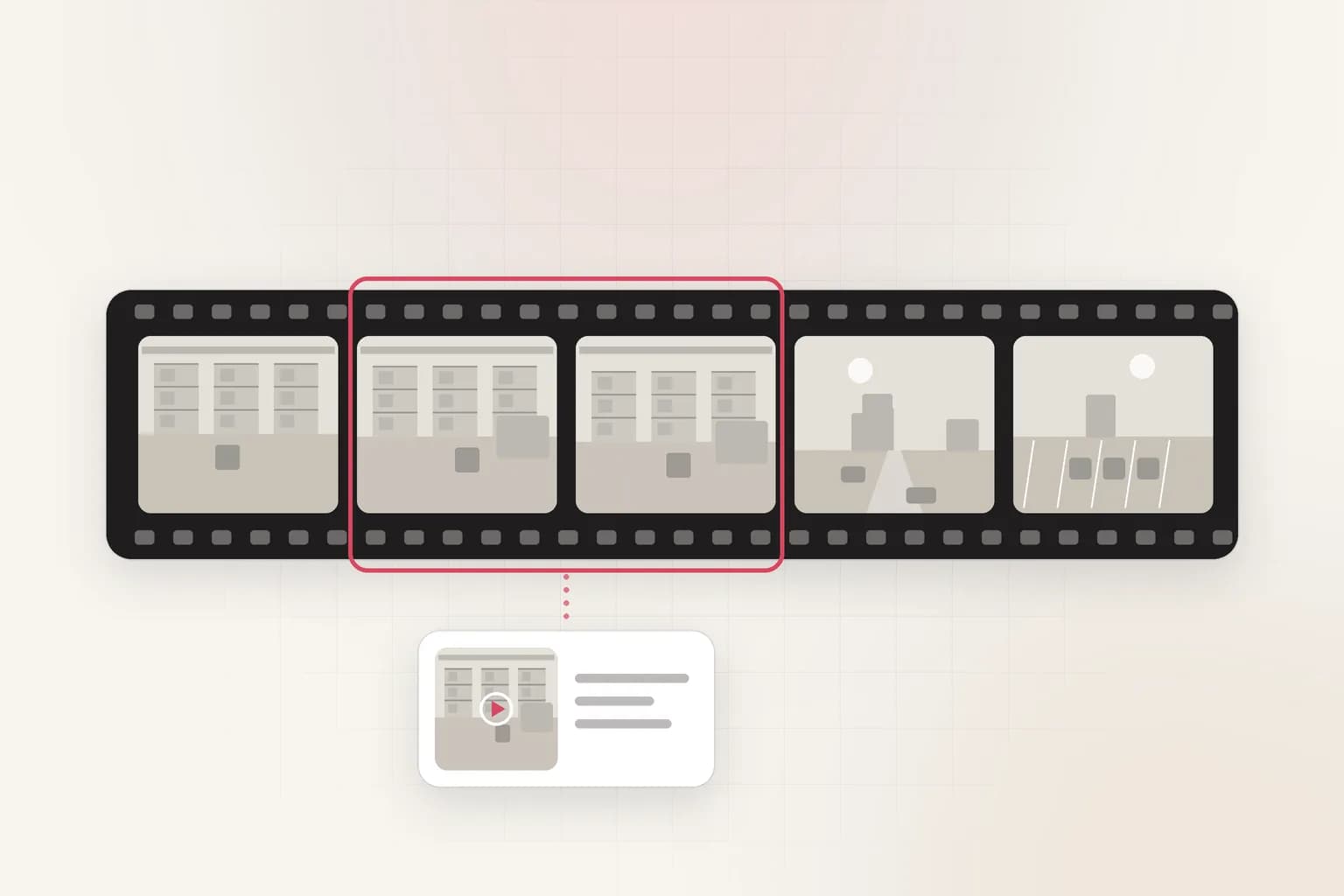
You find the moment by narrowing the camera, the time window and the visual cue, then scrubbing or searching only that slice. A 12-hour overnight recording from one camera is 720 minutes. At a brisk reviewing speed of 4x that is still three hours per camera, and incidents often span several cameras.
Narrow in this order:
- Time window. Use the alarm, the call log or the witness estimate, then add 10 minutes either side.
- Cameras. List every camera whose view touches the path of the people or objects involved.
- Cue. Pick something visible: a vehicle color, a person carrying a box, a door opening, a spill.
When the window is unknown, natural-language search across indexed video does the narrowing for you: you type the cue, and the results jump to matching scenes, speech or on-screen text. Our guide to searching CCTV footage for a person, vehicle or event covers five methods, and the video review cost calculator shows what manual scrubbing costs at your scale.
How do you log timestamps correctly?
Log the start and end of every relevant clip as the recorder displays them, then record how far the recorder clock is from real time. Recorder clocks drift, and a report that says "02:14" without a clock check invites a dispute. Hold up a phone with a known time to the camera, or compare against a logged event such as a door-access record, and write the offset (for example, "recorder clock 3 minutes ahead").
Use one consistent format, such as 2026-11-12 02:14:07 (recorder time, +00:03:00 vs. access log). If you convert between timecode and clock time, the free timecode calculator removes arithmetic errors.
How do you describe what the video shows?
Describe only observable actions in time order, and keep conclusions in a separate labeled section. "At 02:14:07 a person in a dark jacket opens the side door" is a fact. "A thief forces the door" is an inference.
A reliable pattern:
| Time | Camera | Observed action | Notes |
|---|---|---|---|
| 02:14:07 | Side door | Door opens inward; one person enters | Face not visible |
| 02:14:31 | Corridor 2 | Person walks toward stockroom | Carries a bag |
| 02:16:48 | Stockroom | Person lifts a box from shelf 3 | Box labeled on side |
Rules that keep the narrative defensible:
- Use neutral verbs: walked, opened, fell, handed.
- Note what is not visible: "the hand is out of frame" is useful honesty.
- Do not identify people from video alone. Record how identity was established (badge log, witness) and by whom.
- Write what you saw, not what a motion alert said happened.
What context should come from people, not video?
Add witness statements, access logs, work orders and first-aid records, and mark each as a separate source. Video rarely shows why something happened. OSHA's incident investigation guidance says an investigation must look beyond the immediate causes of an incident, warns that concluding carelessness alone was the cause is far too easy and misleading, and calls for identifying root causes and implementing corrective action.
For a workplace injury, the video may show a worker slipping at 02:16, while the facility records show a leak reported two days earlier. The report needs both. See workplace safety monitoring and compliance for how video and other records fit together.
How do you find root causes from video?
Ask why repeatedly until you reach a cause you can fix, and use the video as evidence for each answer. This "five whys" technique is a common root-cause method; OSHA's guidance above urges the same habit of asking why a shortcoming existed. Example for a forklift near-miss:
- Why did the forklift stop short of the pedestrian? The driver braked at 14:03:20 (clip 2).
- Why was the pedestrian in the lane? The marked walkway was blocked by pallets (clip 1, 14:02:50).
- Why were pallets there? Staging space was full (shift log).
- Why was staging full? Inbound deliveries arrived early (receiving record).
- Why was no one told? There is no early-arrival alert (process gap).
The corrective action is a process change, not a reprimand. This is where a report earns its value: it changes something.
How do you export and attach the clip?
Export the shortest clip that shows the event with a few seconds of lead-in and lead-out, name it consistently, and cite the original in the report. A naming pattern such as 2026-11-12_0214_side-door_clip1.mp4 plus the source recorder and the clip's start and end time makes it traceable.
- Keep a hash or file size and date in your log so later copies can be checked.
- Include a still frame only as an illustration; the clip is the evidence.
- Check file size before emailing. The video file size calculator estimates megabytes from bitrate and duration, and the video frame extractor pulls stills for the report.
- Blur faces of bystanders before sharing outside the investigation.
A worked example: after-hours entry
Say a retailer's alarm trips at 02:14 on a Saturday. The manager has 14 cameras and 30-day retention.
- Preserve. Export native files from the entrance, corridor and stockroom cameras for 02:00 to 02:30. That is 3 cameras times 30 minutes, 90 minutes of video.
- Find. Confirm the alarm time, apply a clock offset of +3 minutes, and scan around the adjusted time.
- Log. Fill the table above with the observed actions.
- Context. Pull the door-access log and the alarm panel record. Interview the opening manager.
- Root cause. The side-door sensor was disabled for maintenance on Thursday and not reset.
- Attach. Three clips, a still frame and the logs.
- Act. Add a sensor-reset check to the maintenance close-out checklist.
Done by hand, the review of 90 minutes of video plus writing takes a few hours. With indexed video, the search step shrinks, but verification and writing do not, and should not.
Where can AI help, and where must a person decide?
AI can find candidate moments and draft a neutral summary, but a person must verify every clip and own the conclusions. Ceptory is a video intelligence platform: you upload recorded video or add it by URL through the API, search it in natural language across scenes, speech and on-screen text, and run analysis from the dashboard. See search and the step-by-step security incident report with AI guide. Pricing is $0.042 per minute indexed plus $0.0015 per minute infrastructure and $4 per 1,000 searches, with the first 10 minutes of indexing free; details are on the pricing page. The AI video report prompt builder helps you write consistent prompts.
Caveats: Ceptory works on recorded video, not live feeds; search results are candidates, not findings; and it is not a substitute for chain-of-custody procedures. The original recording stays in your own system. For why a search layer sits beside a recorder, read video intelligence platforms vs traditional VMS.
Common mistakes to avoid
- Reporting from a screen recording. Export the native file instead.
- Skipping the clock check. A three-minute offset can put the wrong person at the door.
- Writing intent. Say what happened, not why the person did it.
- Keeping only the clip. Keep the original recording too.
- Burying the finding. Lead with a one-sentence summary and put the table below it.
- Ending without action. A report with no corrective action will be repeated next quarter.
Residential societies can apply the same steps to parking disputes: see illegal parking in a housing society.
Checklist: what to do now
- Set recorder retention so one weekend never overwrites a Friday incident.
- Write a one-page procedure: who exports, where copies live, who reviews.
- Add a monthly clock-drift check to your camera maintenance.
- Adopt one report template and use it every time.
- Practice on one past incident and time how long it takes.
- Decide where a search layer would save the most hours, and test it on a real clip. You can start on Ceptory with 10 free indexed minutes.
Frequently asked questions
How do you write an incident report from video footage?
Preserve the original recording, locate the incident, log start and end timestamps, describe only what is visible, add witness and context notes, identify root causes, and attach the exported clip with a reference to the original.
What should an incident report based on video include?
Include the date, camera name, clip start and end times, what happened in order, who was involved, a note on clock accuracy, the exported file name, who reviewed it and what action followed.
Should an incident report describe what the person was thinking?
No. Describe observable actions only, such as walked, opened or fell. Intent and cause are conclusions, so label them as assessment and keep them apart from the facts the video shows.
How long should you keep video used in an incident report?
Follow your legal, insurance and policy requirements, and keep the original recording, not just the clip, for as long as the matter is open. Ask counsel for the period that applies to you.
Can AI write an incident report from video?
AI search can find the moment and draft a summary, but a person must verify the clip before it goes in the report. Treat the draft as a starting point, not a finding.
Ceptory
Search your own footage in plain language. The free tier indexes 60 minutes of video.
Related reading
Keep reading
Security & Surveillance · 8 min read
Can Your Wi-Fi Router Stream a Tapo Camera to the Cloud?
Read article
Security & Surveillance · 8 min read
New Castle County DFR: 89.6% First on Scene, No Retention Days
Read article
Security & Surveillance · 8 min read