Security & Surveillance
Can Your Wi-Fi Router Stream a Tapo Camera to the Cloud?
Your Tapo camera streams to the Tapo app over Wi-Fi. Here is why the router can't send that stream to another cloud, and the four setups that work.
TL;DR
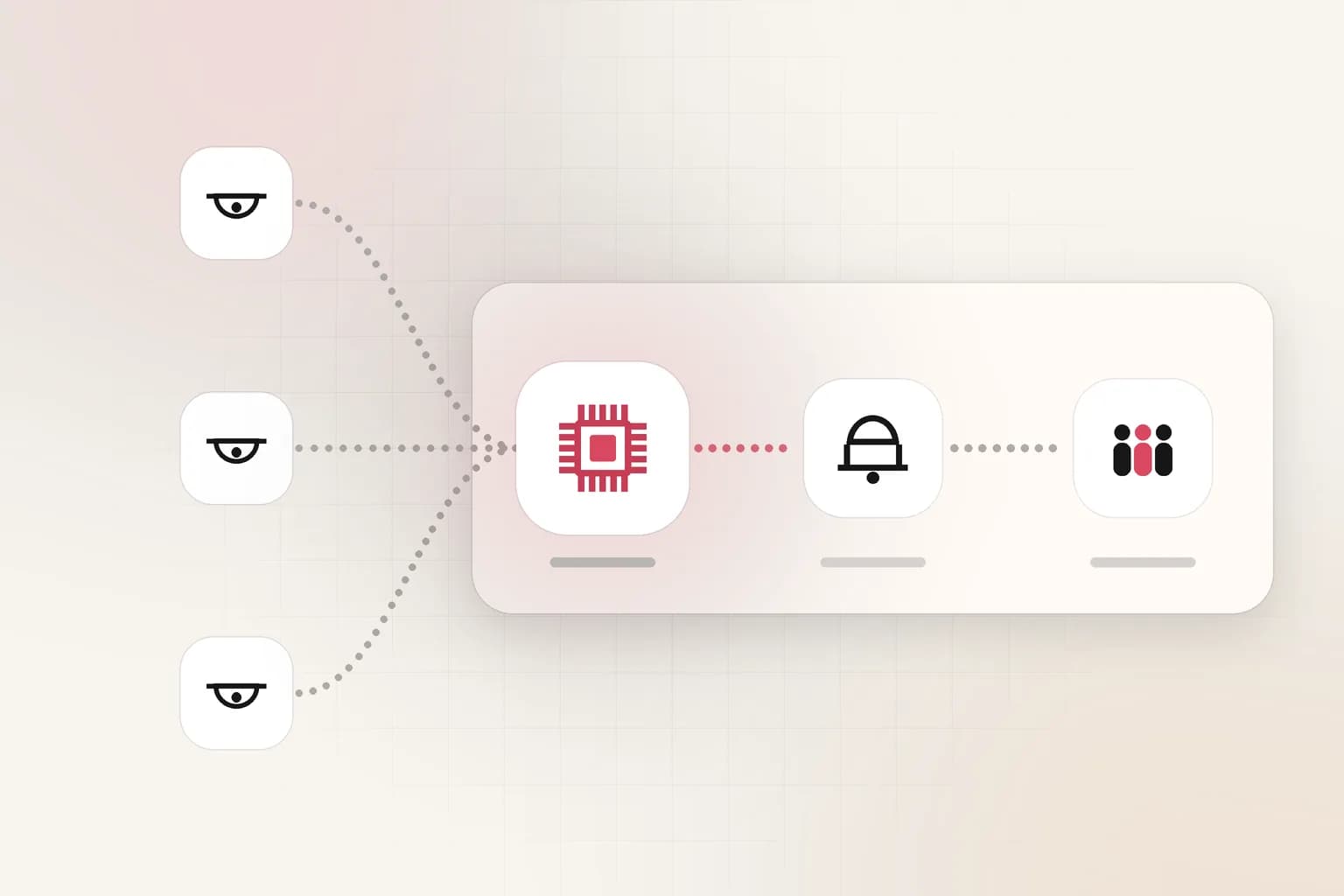
No. A home router only passes the camera's encrypted packets to TP-Link; it can't copy or redirect them. Something on your network must read the camera's local RTSP stream and send it on: a computer, a Raspberry Pi, or a router that runs software.
A normal Wi-Fi router can't send your Tapo camera's stream to another cloud service. The router doesn't hold a stream. It only passes the camera's packets on, and those packets are encrypted and addressed to TP-Link. To send a Tapo camera to a service such as Ceptory, something on your network must read the camera's local stream and send a copy on. That can be a computer, a Raspberry Pi, or a router that can run software. This post explains why, and compares the four setups that work.
What happens when you watch a Tapo camera in the app?
When you open the Tapo app, the camera does almost all the work. It records the video, compresses it, encrypts it and sends it out. Away from home, the video goes through TP-Link's service to your phone. On the same Wi-Fi, the app can get the video from the camera directly.
Tapo camera ──(encrypted, TP-Link format)──▶ your router ──▶ internet ──▶ TP-Link ──▶ Tapo app
Your router is in that path, so it is easy to think the router "is streaming". It isn't. A router reads the address on each packet and sends the packet on. It does not open the packets, and it keeps no copy of the video. When the app shows live video, the work that matters happens in the camera and in TP-Link's service, not in the box on your shelf.
Why can't the router redirect the stream?
The router can't redirect the stream for three reasons:
- The router has nothing to send. It only sees encrypted packets on their way to TP-Link. It can't turn them back into video.
- A redirect wouldn't help. If the router sent those packets to another server, they would still be in TP-Link's own encrypted format. No other service can read them.
- Home routers don't run your programs. Making a second copy of a stream for another server means running a program, such as ffmpeg. The router from your internet provider, and most retail routers, can't install one.
The Tapo app has no setting for this either. Tapo cameras have no RTMP push and no field for a third-party server address. TP-Link's own cloud features, such as Tapo Care, keep the video inside TP-Link's service.
What can a Tapo camera share on your network?
Most mains-powered Tapo cameras share a standard RTSP stream and support ONVIF on your local network. This is the door other software uses. TP-Link documents the setup in its RTSP and ONVIF guide:
- Make a camera account in the Tapo app: camera → Settings → Advanced Settings → Camera Account. This is a separate username and password, not your TP-Link login.
- The high-quality stream is
rtsp://user:pass@CAMERA-IP:554/stream1. - The standard-quality stream is
rtsp://user:pass@CAMERA-IP:554/stream2. It uses much less bandwidth and is enough for AI monitoring. - ONVIF uses port 2020.
Which Tapo models can do this?
Mains-powered indoor and outdoor models generally support RTSP. Most battery models don't, because a constant stream would drain the battery. TP-Link lists a few exceptions for battery models when they are wired to power. Dual-lens models use different stream paths for the second lens. TP-Link also notes that each RTSP or ONVIF viewer counts toward the camera's limit of local viewers (TP-Link: common questions). Check your model in the Tapo app before you plan around it: if Camera Account is missing under Advanced Settings, the model has no RTSP.
RTSP works only inside your network. Something on that network must read it and send it out. That is the job the Ceptory Desktop app or a Raspberry Pi does today.
Can port forwarding replace the extra device?
Port forwarding is the only setting on a normal router that comes close. You tell the router to let the internet reach the camera's RTSP port (554). Then a cloud service could read the stream from your public IP address.
It has real problems:
- It exposes the camera to the internet. Anyone who finds the port can try passwords against it. TP-Link says that exposing the camera to a public IP address long term is not advisable and suggests a VPN instead (TP-Link FAQ).
- The password travels in plain text. RTSP has no encryption by default.
- It often doesn't work. Many home connections sit behind carrier-grade NAT (CGNAT). Then you have no public IP address to forward. Your IP address can also change unless you pay for a static IP or set up a dynamic DNS name.
What about a VPN?
A VPN is the safer way for you to reach the camera from outside, and it is what TP-Link recommends. It doesn't solve the cloud problem by itself. A cloud AI service would have to join your VPN as a client, and you would still need a device at home to run the VPN server. At that point the same device can simply send the stream out.
Ceptory works the other way round. Something on site connects out to Ceptory and sends the stream, so nothing in your network has to be opened to the internet. That is also why it works behind CGNAT.
Which setups work without leaving a computer on?
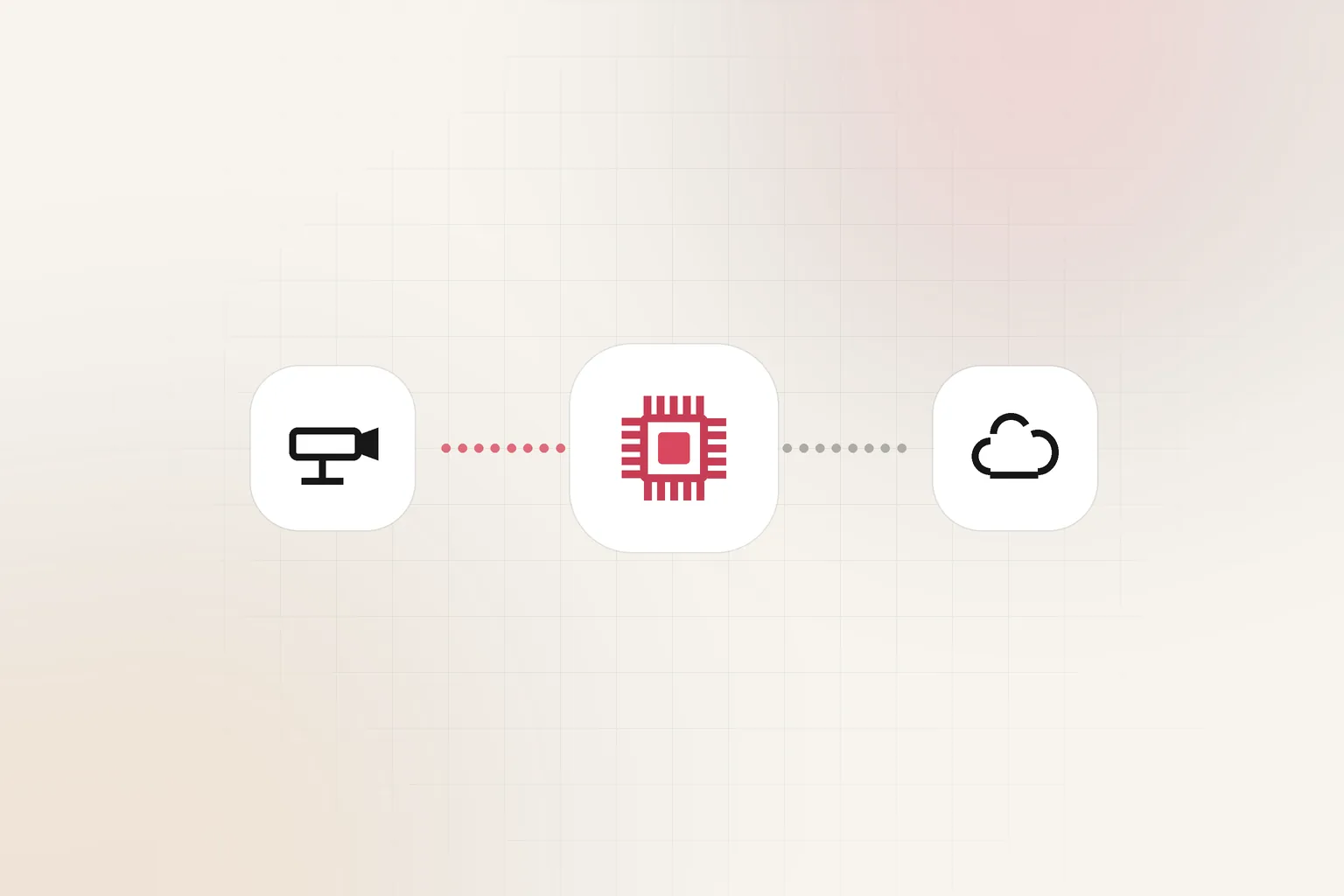
Four setups send a Tapo camera, or any RTSP camera, to Ceptory:
| Setup | Extra hardware | Effort | Good for |
|---|---|---|---|
| Ceptory Desktop on a computer | A computer that stays on | Lowest | Trying it out, offices with an always-on PC |
| Raspberry Pi with Ceptory's stream script | A Raspberry Pi | One command | Homes and small sites with any number of cameras |
| A router that runs software (OpenWrt, GL.iNet) | None, if you already own one | An SSH session and a small script | People who already run OpenWrt, or want one box for router and relay |
| A camera that pushes RTMP itself | A different camera | Paste a server and a key | New installs, 4G and solar cameras, encoders, drones |
The last three send to the same place in Ceptory. In a camera's settings, open Stream from a device, make a stream key, and use the address shown there. One key belongs to one camera. You can revoke or replace it at any time, and devices that use the old key stop at once.
A Raspberry Pi
This is the simplest setup without a computer. On the Pi, one command installs a small service that starts on boot. It reads a frame from the camera's RTSP stream every few seconds and sends it to Ceptory over HTTPS. It only makes outbound connections, so there are no ports to open. Ceptory shows the exact command, with your key, when you make the key. One Pi can serve every camera on the site, with one service per camera.
Your router
If your router can run software, it can do the Pi's job. Routers with OpenWrt, including most GL.iNet models, can install ffmpeg and relay the camera stream with very little CPU, because they copy the video without re-encoding it. We wrote a step-by-step guide: use your router as the camera bridge with OpenWrt.
A camera that pushes
Some cameras can send RTMP to a server on their own. You see this on many 4G and solar cameras, on live-streaming cameras, on hardware encoders and on drones. These need no extra device: paste Ceptory's RTMP server and the stream key into the camera. Tapo cameras can't do this.
If your cameras are a mix of brands, our camera setup guides list the RTSP address for Hikvision, Dahua, CP Plus, Reolink, ONVIF cameras and recorders.
How do you choose the right setup?
Answer these in order:
- Do you already own a router with OpenWrt? Use it. Follow the router guide and skip the extra box.
- Do you have a spare Raspberry Pi or Linux box? Use the one-line stream script. It is the easiest setup to keep running, and it sends frames over HTTPS.
- Is there a computer that stays on at the site? Install Ceptory Desktop and watch the cameras from it.
- Are you buying new cameras anyway? Pick a model that can push RTMP, and no extra device is needed.
- Only if none of these fit, consider port forwarding, and read TP-Link's warning first.
How much bandwidth does it use?
A relay sends the camera's stream to the cloud, so it uses your upload bandwidth. Use the standard-quality stream (stream2 on Tapo) unless you need fine detail. Ceptory analyses one frame every few seconds, so a higher resolution rarely changes what it can see. The Raspberry Pi script uses even less, because it sends single frames instead of a continuous stream. For numbers per camera, see how much bandwidth CCTV cameras need, or work out your own site with the CCTV bandwidth calculator.
What happens once the stream reaches Ceptory?
Ceptory takes a frame every few seconds and runs the camera's rules on it. Each camera runs one workflow, such as intrusion, loitering, a person down, fire and hazards, or illegal parking. A match becomes an alert with a picture, in the dashboard and on your phone, and it can also go to Discord. The camera's frames take the same path whether they come from a Pi, a router or a computer, so the rules and alerts don't change when you change the device. See live camera monitoring for what the rules can do, and how it works for the full path.
For the bigger picture on choosing where processing runs, read cloud, private and on-prem deployment options. To turn camera footage into a written daily record, see the guide to monitoring CCTV footage with AI.
Bottom line
Your Wi-Fi router carries the Tapo stream but can't redirect it. The stream is encrypted for TP-Link, and the router can't run the program needed to make a copy. To get a Tapo camera into Ceptory without a computer, use a small device on the same network. A Raspberry Pi is the easiest choice. A router that runs OpenWrt is the choice with no extra box. Port forwarding works only on some connections, and it puts the camera on the open internet.
Frequently asked questions
Can my Wi-Fi router send my Tapo camera's stream to another cloud service?
Not a normal home router. It only forwards the camera's packets, which are encrypted and addressed to TP-Link, and it can't run the program needed to make a copy. A router that runs software, such as one with OpenWrt, can do it with a small relay.
Does a Tapo camera support RTSP?
Most mains-powered Tapo cameras do. After you make a camera account in the Tapo app, the camera serves rtsp://user:pass@CAMERA-IP:554/stream1 (high quality) and /stream2 (standard quality) on your local network. Most battery models don't support RTSP.
Can a Tapo camera push RTMP to a server?
No. Tapo cameras have no RTMP push setting and no field for a third-party server address. They serve RTSP and ONVIF on the local network only.
Is port forwarding a Tapo camera safe?
TP-Link says exposing the camera to a public IP address long term is not advisable and suggests a VPN instead. Port forwarding also fails behind carrier-grade NAT (CGNAT), which many home connections use.
What is the cheapest way to send a Tapo camera to Ceptory without a computer?
Use a small device that is already on the network and can run software: a Raspberry Pi with Ceptory's one-line stream script, or an OpenWrt or GL.iNet router running an ffmpeg relay. One device can serve every camera on the site.
Ceptory
Search your own footage in plain language. The free tier indexes 60 minutes of video.
Related reading
Keep reading

Security & Surveillance · 8 min read
New Castle County DFR: 89.6% First on Scene, No Retention Days
Read article
Security & Surveillance · 8 min read
Use Your Router as the Camera Bridge: RTSP to Cloud on OpenWrt
Read article
Security & Surveillance · 8 min read