Security & Surveillance
UniFi Protect AI Search: How NeXT AI Works (2026 Guide)
UniFi Protect NeXT AI search runs on the AI Key with a per-key detection cap. Here is Find Anything, hardware rules, limits, and when to add indexing.
TL;DR
UniFi Protect NeXT AI natural language search needs an AI Key (and often an AI Port for G3 or ONVIF cameras). It searches smart detections, not raw timeline video, with throughput limits per key. Teams that need cross-site or speech-heavy review often export clips to a video intelligence platform.
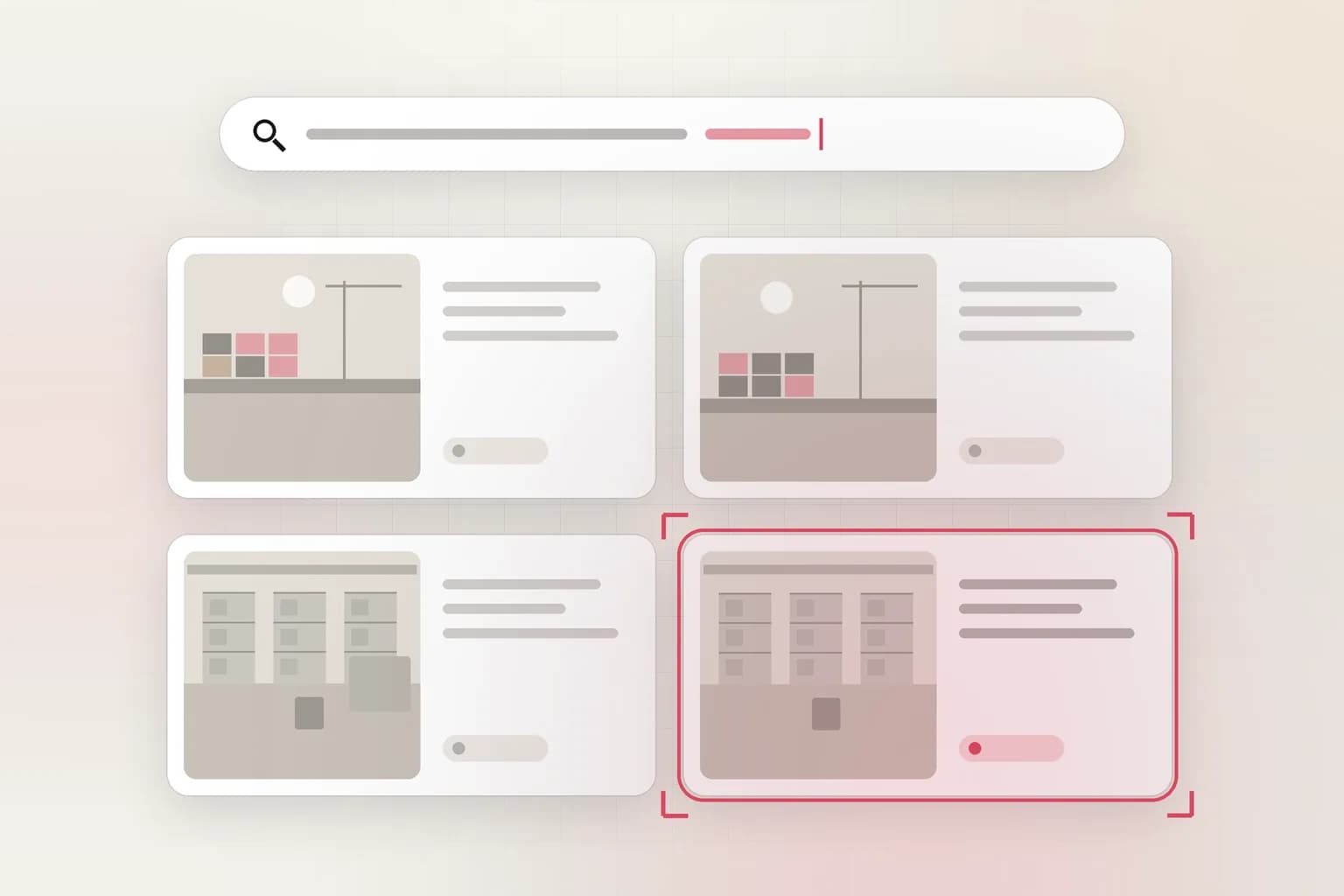
UniFi Protect AI search is NeXT AI Natural Language Search: you type a plain-language description in the Find Anything tab and Protect returns smart detection clips the system already tagged—not every frame on the NVR timeline. Does UniFi Protect include that search out of the box? Not for most installs: Ubiquiti's AI Key setup guide ties natural language search, AI summaries, speech-to-text and AI-enhanced alarms to the AI Key edge appliance, with AI Port often required for G3 or ONVIF cameras. Is UniFi Protect worth it for AI-led investigations? Yes on small UniFi-native sites where smart detections stay within each AI Key's throughput budget (tech specs list 1,800 per hour; the setup guide still tells integrators to plan around 1,000); larger multisite teams frequently pair Protect with export plus indexing so investigators can search hours of retained video the way guides for Hikvision AccuSeek describe for another VMS stack.
What is UniFi Protect AI search in practice?
Ubiquiti brands the feature NeXT AI Natural Language Search. According to the AI Key documentation, each smart detection the key processes is analyzed and categorized in the background, which powers queries in Find Anything. You enter a description; Protect returns matching detection events.
The same article states results work best when queries describe people or vehicles—for example, a delivery truck or a person with a backpack—not abstract scene questions on unprocessed video. That is fundamentally different from enterprise video search in natural language on a full multimodal index of uploaded recordings, where the engine scans visual, spoken and on-screen text signals across the file.
Protect keeps AI on the LAN: Ubiquiti's data protection article stresses that detection and AI-enhanced processing stay on your network, not in Ubiquiti's cloud. For privacy-conscious sites, that is a selling point; for teams that need off-site analysts or API automation, the boundary matters when you design export paths.
Which hardware do you need for AI search?
Ubiquiti publishes a compatibility matrix in the AI Key guide and in AI Detections and Facial Recognition. The pattern for natural language search is consistent:
| Camera family | Smart detections (baseline) | Natural language search |
|---|---|---|
| G6 / AI series | On-camera for many classes | AI Key |
| G4 / G5 series | On-camera person/vehicle; LPR/face often needs AI Port | AI Key |
| G3 / ONVIF third-party | Needs AI Port for smart detections | AI Key plus AI Port |
AI Port ingests streams in real time and adds smart detections that the AI Key can enrich. Without that chain, Find Anything may still offer license plates, object filters and sound classes on supported hardware, but NeXT AI phrasing search will not run.
Setup steps in the AI Key guide:
- Power the AI Key with PoE++ and adopt it to Protect.
- Wait for the initial firmware update.
- Open Settings → Intelligence and choose cameras per feature.
- Enable Computer Vision Enhancement for NeXT AI Search, AI Alerts, and NeXT AI Summary.
Strategically limit cameras: Ubiquiti's AI Key tech specs cite 1,800 smart detections per hour, while the setup guide still cautions planners to stay near 1,000 when enabling Computer Vision Enhancement and NeXT AI Summary. High-traffic gates or parking lanes can saturate that budget quickly, starving less active but higher-risk channels.
How does Find Anything search differ from VMS timeline scrubbing?
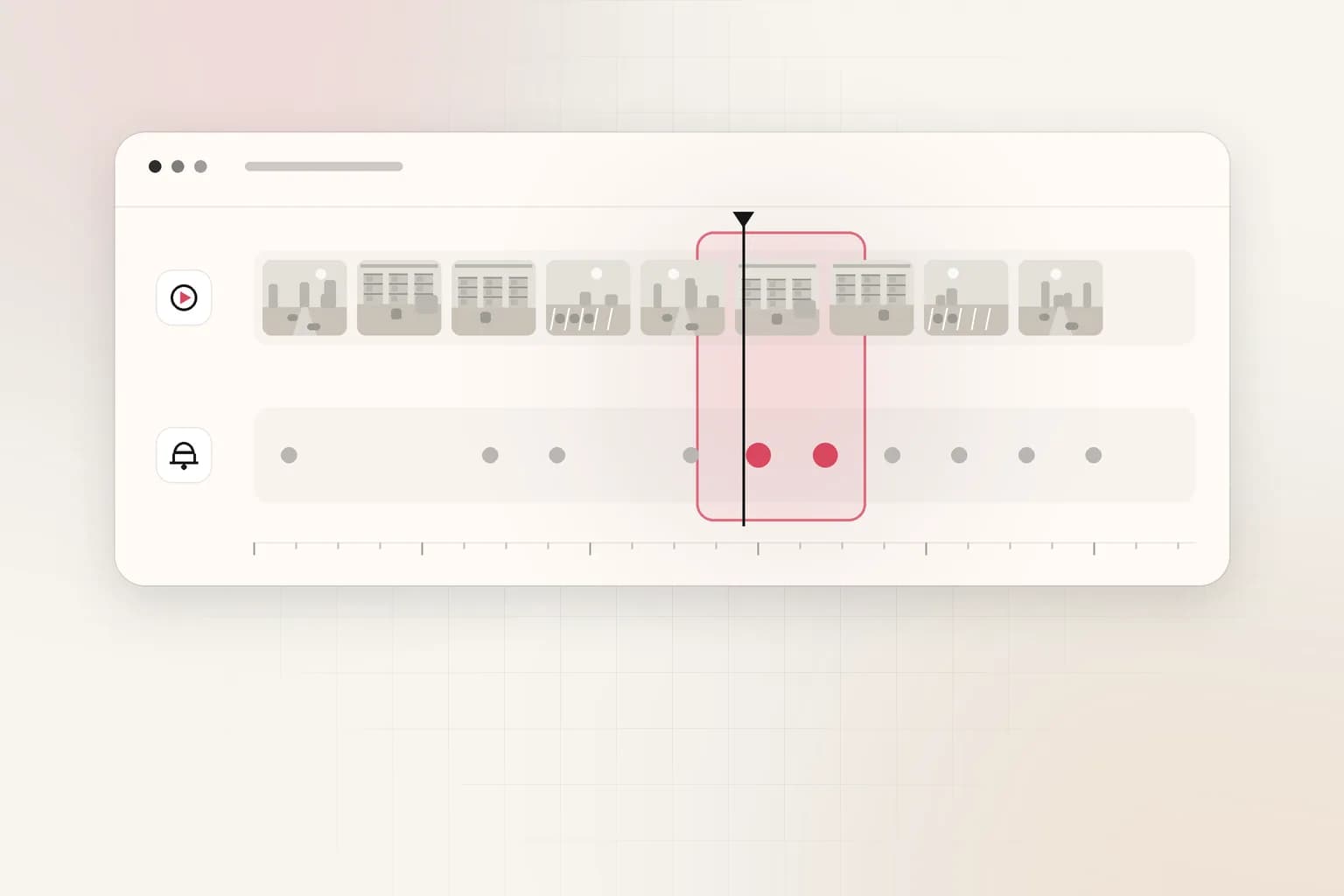
Traditional VMS review—described in video intelligence platforms versus traditional VMS—means scroll the timeline, bookmark motion, and export manually. Find Anything jumps to detection objects Protect already surfaced: person, vehicle, license plate, sound class, and—when the AI Key is active—natural language filters on those detections.
Ubiquiti also documents keyword search and sound classification without repeating the AI Key requirement for every filter; check the AI detections article for which models expose speech, glass break, or line crossing. Speech-to-text, when enabled, appears after you open a detection and select show transcript—useful for intercom or lobby cameras, not a substitute for searching every spoken word in a multi-hour export.
For investigators asking how to find a moment in hours of CCTV, Protect's model works when the event generated a smart detection during the retention window. Missed detections—a faint intrusion, off-angle plate, or rare object class—may never enter the searchable detection pool, which is why some teams still export MP4s into a video intelligence layer.
What are the limits of UniFi Protect AI search?
Honest limits from Ubiquiti's own documentation and architecture:
| Limit | Why it matters |
|---|---|
| Per-key detection throughput (1,800/hr in tech specs; setup guide still says 1,000) | You cannot enable Computer Vision Enhancement on every camera without throttling or buying more keys. |
| Detection-first index | Search runs on smart events, not arbitrary pixel content in continuous recording. |
| Hardware pairing rules | G3/ONVIF needs AI Port + AI Key; forgetting either blocks NeXT AI. |
| Query style | Best for people/vehicle descriptions, not complex multi-camera questions. |
| Cross-console search | Each UniFi console is its own island unless you federate exports externally. |
AI-enhanced alarms via Alarm Manager extend the same engine: you configure up to five predefined queries that trigger when a detection matches, with confidence thresholds and webhook actions—closer to real-time operations than post-incident review.
Ubiquiti notes models may occasionally return inaccurate results and will improve over time. Security teams should spot-check AI alerts before disciplinary or law-enforcement use, the same discipline we recommend when writing incident reports from CCTV.
When should you add a video intelligence platform on top of Protect?
Add indexing when any of these failure modes appear in audits or investigations:
- Detections missed the event but continuous video captured it.
- Investigators ask cross-camera questions Protect cannot phrase in one console ("where did the silver van go after gate 2?").
- Retention exceeds detection storage, and you rely on NVR exports anyway.
- You need API or MCP automation for SOC tickets—not only Protect's UI.
- Speech or on-screen text drives the query more than person/vehicle classifiers.
Ceptory fits the recorded-footage path. You keep UniFi Protect as the VMS. Enable RTSP on selected cameras—see Ubiquiti's stream token flow and Ceptory's UniFi Protect integration guide—or upload NVR exports and incident clips. Ceptory indexes the video, then supports natural-language search across scenes, speech and on-screen text from the dashboard or the video intelligence API, with no camera bundle.
Pricing is published at /pricing: $0.042 per minute indexed, $0.0015 per minute infrastructure, $4 per 1,000 searches, and 60 free indexed minutes to trial a workflow. Compare API-style costs in video intelligence API alternatives when you evaluate build-versus-buy.
Ceptory is not a replacement for AI Key detections on live UniFi hardware; it complements Protect when archive search depth outgrows detection caps. Features such as cross-camera movement tracking apply when you operate Ceptory's camera workflows on streams you connect—not inside Protect's native Find Anything UI.
How do you roll out AI search on a UniFi site step by step?
- Audit camera models against Ubiquiti's detection table. List which need AI Port.
- Size detection volume per hour at busy entrances against the tech-spec throughput (and the lower figure in the setup guide). Split cameras across keys or prioritize risk zones when you exceed budget.
- Adopt AI Key, enable Computer Vision Enhancement only on high-value channels first.
- Pilot queries in Find Anything with realistic phrasing your guards already use.
- Tune Alarm Manager with no more than five AI queries to avoid alert fatigue.
- Define an export path for investigations that outgrow detection search—standardize resolution and retention in the CCTV storage calculator if you expand local buffers.
- Trial Ceptory indexing on one week's exported incident folder to compare time-to-answer against Protect-only review.
How does UniFi Protect AI search compare with a video intelligence API?
Use this table when procurement asks whether NeXT AI replaces a Google-style Video Intelligence API or a platform such as Ceptory. Numbers for Ceptory come from /pricing; UniFi hardware is quote-based on store listings, not included here.
| Question | UniFi Protect plus AI Key | Ceptory (recorded footage) |
|---|---|---|
| What gets indexed? | Smart detections and optional transcripts on those events | Full video minutes you upload or stream in |
| Natural language | Find Anything on categorized detections | Search and chat across scenes, speech, OSD text |
| Throughput cap | 1,800 smart detections/hour per AI Key in tech specs; setup guide still says 1,000 | Indexing billed per minute; search per 1,000 queries |
| Cameras supported | UniFi-native; G3/ONVIF via AI Port | RTSP or upload from many brands, including Protect via integration guide |
| Deployment | On-prem console | Cloud API; desktop agent for site upload |
| Best fit | Single-site UniFi estates with moderate detection rates | Investigations, multisite archives, API or MCP automation |
Neither column wins universally. Protect-first sites should buy the AI Key for reactive detection search; add Ceptory when monthly incident hours exceed what detection filters capture. Our what AI video search is guide walks through that split for mixed VMS environments.
What should buyers ask Ubiquiti and integrators before purchase?
- How many detections per hour do you project at peak, and how many AI Keys are in the BOM?
- Which cameras are G3 or ONVIF, and is AI Port priced in?
- Where does retention live—console disk, NVR, or object storage—and does it cover both detections and continuous video?
- Who owns false positives from AI alerts when match confidence is tuned aggressively?
- Is UniFi NDAA compliant for your federal-adjacent site? Ubiquiti publishes compliance statements separately; verify against your procurement checklist, not reseller marketing alone.
Conclusion
UniFi Protect AI search is a powerful, on-prem detection search layer for sites that already standardized on Ubiquiti and can live within AI Key throughput limits. It is not a full archive intelligence replacement when investigations need arbitrary moments, long-form speech, or multi-site correlation. In those cases, keep Protect for recording and live AI, and add indexing on exports through Ceptory search or your chosen API path.
Start with Ubiquiti's AI Key and AI Detections help articles linked above, pilot Find Anything on two cameras, and measure minutes saved per incident. If gaps remain, index the same exports you would have scrubbed manually—the workflow our CCTV footage search methods guide was written for.
Frequently asked questions
Does UniFi Protect have AI search without extra hardware?
Natural language NeXT AI search requires a UniFi AI Key, per Ubiquiti's AI Key documentation. G6 and AI-series cameras include many smart detections locally, but Find Anything natural language queries run on detections the AI Key processes.
What is UniFi Protect AI search good at?
Ubiquiti documents NeXT AI Natural Language Search in the Find Anything tab for descriptions of people or vehicles, such as clothing or vehicle type. Results depend on smart detections the AI Key has already categorized.
Is UniFi Protect AI search worth it for large camera counts?
Ubiquiti's AI Key tech specs list 1,800 smart detections per hour, while the setup guide still tells integrators to plan around 1,000. Either way, you must choose which cameras feed Computer Vision Enhancement; busy sites may need multiple keys.
Can UniFi Protect search speech in recordings?
With an AI Key, Ubiquiti provides speech-to-text on supported microphone-equipped models. Transcripts appear on Find Anything when you open a detection. It is not a full-archive keyword engine across every minute of retained video.
Do third-party ONVIF cameras get UniFi AI search?
Ubiquiti's compatibility table shows G3 and ONVIF cameras need an AI Port for smart detections before an AI Key can add natural language search, summaries and AI-enhanced alarms.
How does Ceptory differ from UniFi Protect AI search?
UniFi Protect searches indexed smart detections inside Protect. Ceptory ingests recorded clips or streams you export, then runs natural-language search across scenes, speech and on-screen text via the dashboard or API, without replacing your NVR.
Ceptory
Search your own footage in plain language. The free tier indexes 60 minutes of video.
Related reading