Guides
How to Search DFR Drone Footage After a 911 Call
Search DFR drone footage after a 911 call: match CAD IDs, export bounded clips, align thermal and EO tracks, index for search, and log retention.

TL;DR
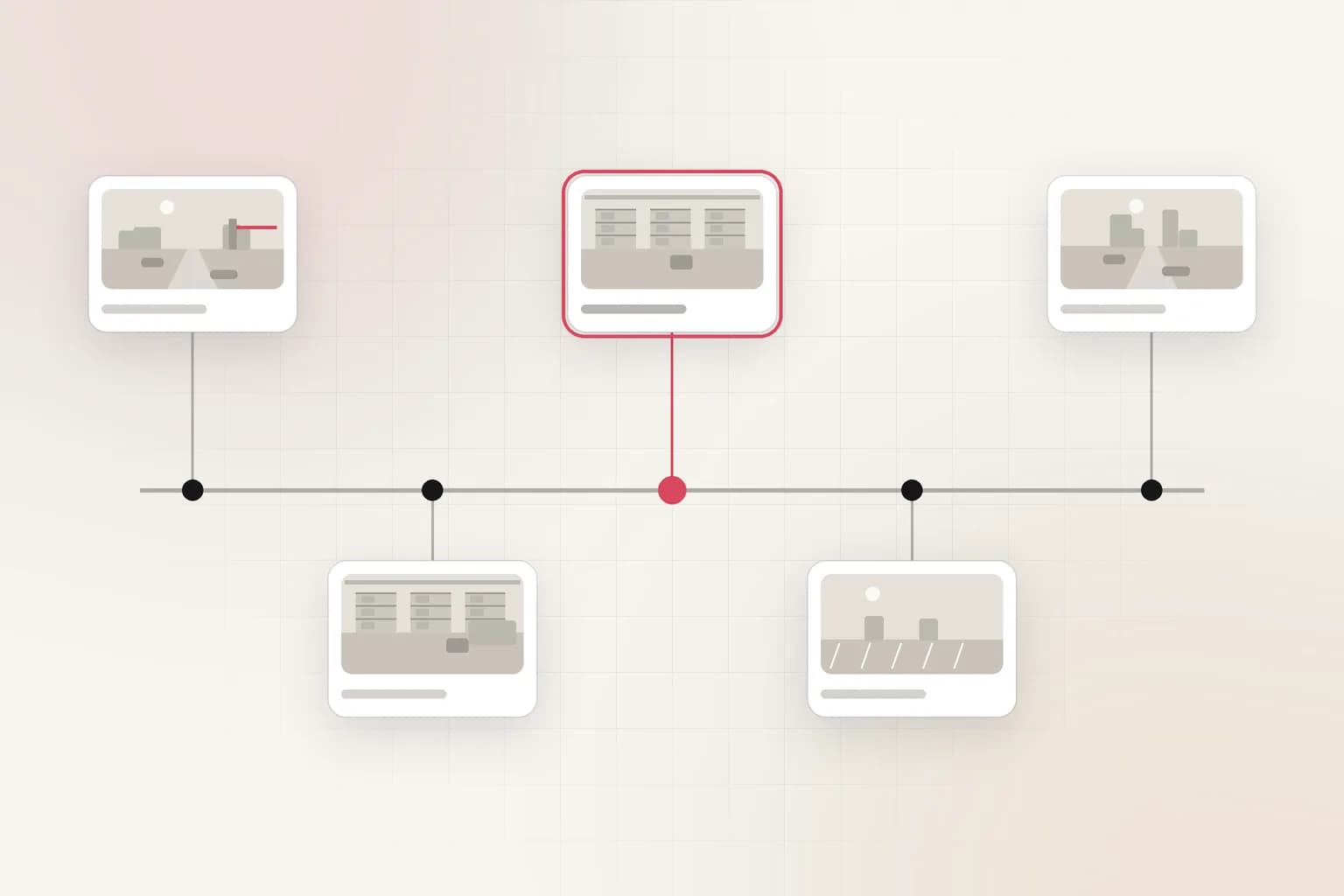
After a DFR launch, search drone footage by locking the CAD time and flight ID, exporting launch-to-land clips, reviewing EO and thermal in parallel, indexing bounded files for natural-language queries, and logging exports before short retention clocks delete non-evidence video.
How do you search DFR drone footage after a 911 call when the aircraft was first on scene but the evidence you need is buried in twenty minutes of hover, split across thermal and zoom files, and your policy may delete non-evidence video in days? Drone-as-first-responder (DFR) programs fix arrival time; they often overload the records unit that must still find the treeline entry, the chase on foot, or the AED drop weeks later. This guide is for watch commanders, digital evidence staff, and PIO teams who already have dispatch IDs and dock video but no repeatable search workflow after the rotor stops.
Why is DFR footage harder to search than CCTV?
Fixed CCTV has a camera name and a channel that barely moves. DFR video is one aircraft, one incident, multiple sensors, and motion by definition:
| Factor | Fixed CCTV | DFR clip |
|---|---|---|
| Camera identity | Stable channel | Dock + aircraft + flight ID per launch |
| Time alignment | NVR timestamp | Must match CAD received vs wheels up |
| Streams | Often one | EO + thermal (sometimes low-light boost) |
| Retention | Weeks on NVR | Agency policies with short non-evidence deletion |
| Public scrutiny | Incident-driven | Flight logs and FOIA pressure |
Recent rollouts make the gap visible. Knoxville's November 2026 policy requires continuous recording, bans face and plate analytics on the drone, and sets aggressive deletion for non-evidence flights while promising a public flight log. New Castle County's November 2026 portal published 89.6% first-on-scene metrics but, on the public site, no retention-day number. Nashville's summer 2026 trial reported two-minute average drone arrival but seven-day deletion for non-evidence video when overtime funding stopped. Forsyth County's A2Z AirDock network adds 500+ miles in early weeks without publishing search or retention SOPs in launch materials.
The pattern: flight ops mature faster than video retrieval.
What should you capture in the first ten minutes after landing?
Speed matters when deletion clocks start at land, not at case closure.
Step 1 — Lock the identifiers
Before anyone closes the CAD screen, record:
- CAD / dispatch number and call-received time
- Drone launch and landing timestamps (UTC or local, but be consistent)
- Dock, aircraft, or flight software ID
- Remote pilot and visual observer names if applicable
- Evidence hold? yes/no — if no, note the policy deletion window in writing
Dispatch-drone integrations (see BRINC LiveOps) reduce copy-paste errors when one event ID flows from 911 to flight software.
Step 2 — Mark the review question
Write one sentence investigators will search later, not a narrative essay:
- "Where did the suspect enter the wood line north of the parking lot?"
- "Did the AED winch drop occur before EMS arrival?"
- "Was anyone on the roof during the alarm window?"
That sentence becomes your natural-language query if you index the clip.
Step 3 — Decide export scope
Export launch to land, not "the whole shift." Bounded exports protect privacy and storage, and they match how AI indexing bills per minute (/pricing).
Use how to find a moment in hours of CCTV footage for windowing discipline—the same math applies to 42 minutes of orbit.
How do you review electro-optical and thermal in parallel?
Most DFR aircraft carry at least two imagers. Investigators who search only the visible MP4 miss heat in brush; teams who search only thermal miss license-plate-grade detail agencies may not be allowed to collect on the drone anyway (Knoxville explicitly bans plate reads on the aircraft).
Manual parallel review workflow:
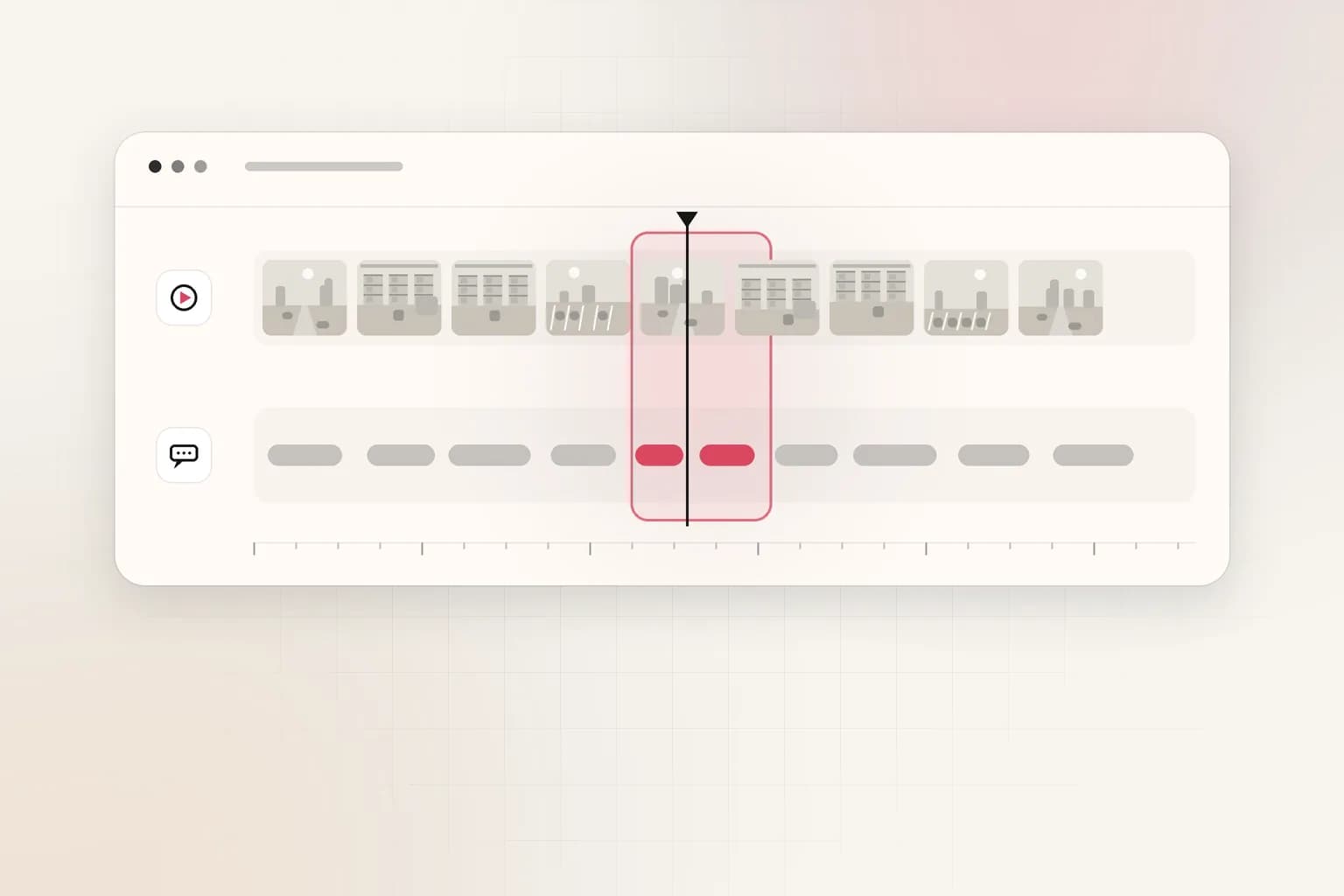
- Open EO and thermal on linked timelines with the same start timecode (fix off-by-one sync in the flight tool before export).
- Scrub call received + 30 seconds through unit on scene first—most DFR value sits in that band.
- Drop bookmarks at motion spikes, megaphone use, or payload drops.
- Export one bounded MP4 per stream if your evidence system requires separate hashes.
For multi-dock programs like Forsyth County's A2Z network, note which dock launched; mis-tagged files are the silent killer of cross-flight search.
When should you use AI video search on a DFR export?
Use semantic search when:
- The clip is longer than you can scrub once before the deletion deadline
- Multiple reviewers need the same moment without re-scrubbing
- You must answer spoken megaphone commands or on-screen telemetry (some flight tools burn GPS or altitude into the frame)
Skip index-everything-day-one until legal and labor sign off on employee and bystander processing—workplace and public-space rules still apply to airborne cameras.
Ceptory fits after lawful export: upload or add by URL via the video intelligence API, index, then query in plain language through search. There are no SDKs; integrations are REST. First 60 minutes of indexing are free on new workspaces; then $0.042/min indexed and $0.0015/min infrastructure, plus $4 per 1,000 searches.
Ceptory does not:
- Pull video from Skydio, A2Z, or Axon clouds without your credentials and policy
- Replace chain of custody forms or prosecutor discovery
- Un-delete files your agency already purged under Knoxville-style clocks
For cost framing, compare analyst hours with the video review cost calculator before you buy more storage without search.
What retention and FOIA mistakes break search later?
Lewisville's November 2026 dashboard mismatch (see Lewisville DFR transparency post) showed flight counts on a public portal drifting from internal totals. When the log lies, investigators open the wrong file.
Common failures:
| Mistake | Why search fails |
|---|---|
| No evidence flag on land | Routine flights delete before anyone requests video |
| Flight log ≠ archive filename | FOIA staff export the wrong hour |
| Separate thermal/EO names | Reviewers search one stream, miss the other |
| Public dashboard without per-flight rows | Transparency exists; retrieval does not |
The U.S. Department of Justice COPS Office and IACP publish DFR implementation guidance agencies cite during rollout; your local policy PDF still wins on retention days. Treat vendor posts like Evolver DFR as hardware checklists, not records policy.
How do you document findings for prosecutors and PIOs?
Investigations that end in court or press release need human-readable packets, not only a search hit.
Use the incident report template and the longer how to write an incident report from video workflow:
- Cover sheet: CAD number, flight ID, sensors exported, retention class
- Narrative: who watched, which queries or bookmarks, utc/local times
- Clip list: hash, duration, start/end timecodes, redaction notes
- Limitations: weather, glare, thermal false positives, megaphone audio gaps
- Distribution log: prosecutor, PIO, IA — each with purpose
When releasing clips publicly, consider BGBlur for faces and plates if your policy allows redacted publication but not re-identification from raw drone video.
What should agencies put in a written DFR search SOP?
Minimum sections legal and records should see before the next New Castle-style dashboard brag:
- Trigger: which call types auto-hold video
- Timelines: export within X hours of land; evidence flag within Y minutes
- Streams: EO, thermal, audio—what must be exported together
- Tools: flight viewer vs indexing platform vs offline player
- Roles: who may search, who approves FOIA release
- Deletion: routine vs evidence vs litigation hold
- Audit: quarterly test — pick a random flight ID and find it end-to-end
Run a tabletop: given only a CAD number, can a records clerk produce the correct MP4 in 30 minutes? If not, fix naming and logs before buying more aircraft.
What to do this week (numbered rollout)
- Read your DFR policy's retention and evidence sections aloud with records staff.
- Map CAD → flight ID → filename for the last ten flights; fix mismatches.
- Export one recent call as dual streams; time-sync and bookmark test.
- Pilot semantic search on that export with two real investigator questions.
- Publish an internal one-pager linking flight log, evidence system, and FOIA queue.
Schedule a quarterly retest after policy changes, dock expansions, or new flight software versions so search steps still match how files are actually named on disk.
How do transparency portals change search workload?
When agencies publish dashboards without per-flight download links, PIO staff still field "show me that flight" emails. The search workflow above is how records answers those requests without asking pilots to re-fly. Train PIOs to collect CAD numbers and approximate times up front—the same fields Lewisville's transparency gap showed missing when portal totals drifted from internal counts.
Overtime-funded trials add another clock. Nashville stopped flying when overtime ran out even though hardware was loaned. Agencies restarting pilots should pre-write what happens to stored video when funding pauses—otherwise search requests arrive after deletion already ran.
Training flights deserve the same naming convention as 911 launches. Reviewers waste hours when test.mp4 files sit beside evidence holds because a cadet launch was never tagged routine.
If your agency is standing up new docks—see Forsyth County's November 2026 A2Z network—schedule records staff in the acceptance test, not only pilots. Ask vendors for a sample export package (EO, thermal, metadata) on day one and run this six-step SOP against it before public launch.
DFR wins minutes to scene; search wins minutes to moment weeks later. Programs that skip the second step discover it during the first high-profile FOIA or first wrongful-deletion allegation. If you want to test natural-language search on your own bounded exports, start at / with the 60 free indexing minutes, keep dispatch in flight software, and treat Ceptory as a review accelerator—not a replacement for policy, logs, or warrants.
Frequently asked questions
How do you search DFR drone footage after a 911 call?
Start from the CAD or dispatch ID and recorded launch time, export a bounded clip from launch to landing, review electro-optical and thermal streams in parallel on a timeline, then index the export for natural-language search if the file is too long to scrub manually. Log who exported and why before sharing.
How long do police DFR programs keep drone video?
It varies by agency. Knoxville's November 2026 policy sets short deletion for non-evidence flights; New Castle County's November 2026 portal required full recording but published no day count; Nashville's 2026 trial used seven-day non-evidence deletion. Read your agency's written policy, not the vendor brochure.
Should DFR search include thermal and zoom cameras separately?
Yes. Many public-safety drones record parallel electro-optical and thermal files. Investigators should search both, because heat signatures may show a person in brush when the visible channel does not, or vice versa during glare or backlight.
What metadata should tie a drone clip to a 911 call?
At minimum: CAD or dispatch number, call received time, launch and land timestamps, dock or aircraft ID, pilot or remote pilot name, and whether the flight is tagged evidence or routine. BRINC LiveOps-style integrations help when dispatch and drone ops share one event ID.
Can AI video search replace the DFR flight log?
No. Semantic search finds moments inside clips you already exported; it does not replace FOIA logs, FAA reporting, or public transparency dashboards. Use the flight log to pick which files to export, then search inside those exports.
Does Ceptory work with DFR footage?
Ceptory indexes recorded video you upload or add by URL through its API. It does not operate drones, docks, or dispatch systems. Pricing is $0.042 per minute indexed plus $0.0015 per minute infrastructure, $4 per 1,000 searches, with 60 free indexing minutes on new workspaces.
Ceptory
Search your own footage in plain language. The free tier indexes 60 minutes of video.