Video Analytics
Meeting Recording Search: How to Find Past Decisions
Meeting recording search finds decisions in past calls: filters, keyword vs semantic queries, and when to index exports in one archive.
TL;DR
Meeting recording search matches spoken content and metadata across stored calls. Use native transcript search first, add semantic queries for themes, then index exports in Ceptory when you need one search box across vendors.
Meeting recording search is how teams find a decision, owner, or date buried in months of calls without replaying every standup. You filter by participant and time, run keyword or semantic queries over transcripts, and jump playback to the matching timestamp. When native platform search stops at one vendor or one workspace, index exported recordings so one query covers Zoom, Teams, and uploaded MP4s.
For operations teams that standardize on Ceptory, the meeting recording search product page describes semantic search across stored calls in a single workflow.
What is meeting recording search?
Meeting recording search matches your query against metadata (title, host, date, attendees) and spoken content (transcripts). Enterprise tools such as Fireflies document search across all transcripts from the home search bar, with filters for host, participant, channel, and date (Fireflies search guide). CallVault indexes every word and supports quoted phrases plus workspace and date filters (CallVault search docs). Hyper combines global keyword search with speaker filters and permission-scoped results (Hyper search documentation).
Semantic or smart search goes further: AudioCodes Meeting Insights Smart Search accepts natural-language sentences up to 500 characters and ranks snippets, action items, and summaries (Smart Search manual). Example queries from that doc include meetings in the last month where two people discussed a product integration or discussions about customer feedback in the last week.
The first two sentences answer the practical question: yes, you can find past decisions if transcripts exist, retention has not expired, and you know rough time or people to filter noise.
How does keyword search differ from semantic meeting recording search?
Keyword search returns meetings where exact words appear. It is fast and predictable for product codes, customer names, and acronyms. Semantic meeting recording search maps intent (“when did we approve the overtime policy?”) to related wording even when no one said approve verbatim.
| Approach | Best for | Weak when |
|---|---|---|
| Keyword / full-text | Names, ticket IDs, quoted policy lines | Paraphrased decisions |
| Semantic / smart | Themes, outcomes, multi-criteria queries | Very short queries with no context |
| Platform filters | Finding which meeting | Finding which minute inside a long call |
Hyper notes that search quality depends on transcript completeness, retention, and visibility rules—empty or partial transcripts produce empty results, not proof that a topic was never discussed (Hyper search documentation).
How do you run meeting recording search step by step?
Step 1 — Check retention. Confirm the quarter you need is still stored. If recordings age out at 90 days, search cannot resurrect them.
Step 2 — Filter first. Apply date range and host or participant before typing a vague topic. Fireflies recommends combining title filters with date to avoid scrolling hundreds of hits (Fireflies search guide).
Step 3 — Choose query type. Use quoted phrases for exact commitments ("pricing discussion" in CallVault). Use semantic search when you remember the outcome, not the words.
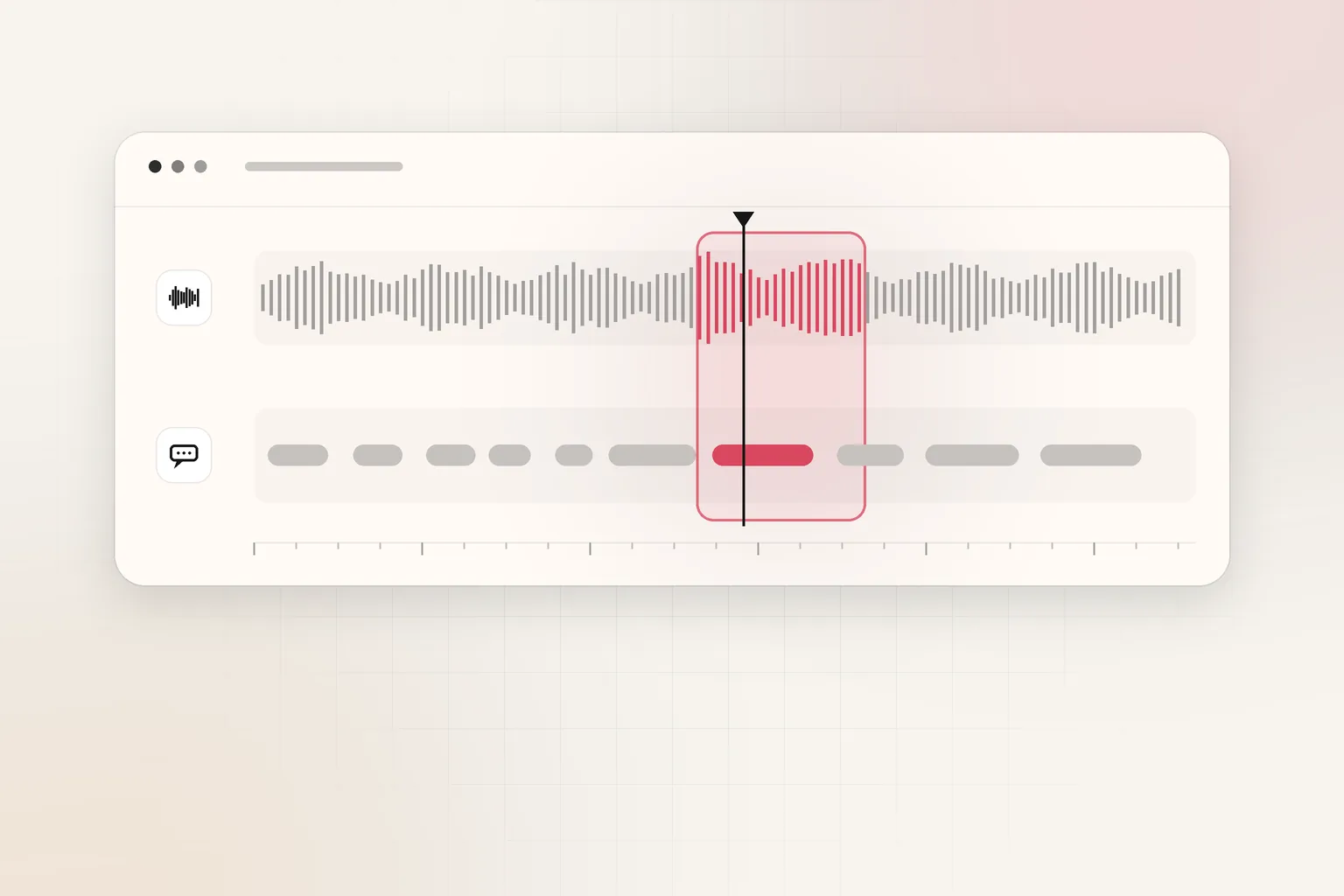
Step 4 — Open the timestamp. Click the time in the result so playback lands on the minute; skim 30 seconds before for context.
Step 5 — Log the citation. Note meeting title, UTC time, speaker, and link in your decision log or ticket. Screenshots alone are weak evidence without timecode.
Step 6 — Escalate tooling if needed. When recordings span multiple platforms, export MP4 or audio and index them in one place—covered below.
When should you use meeting recording search vs reading notes?
Use search when notes were never written, three people disagree on wording, or compliance needs primary source audio. Use shared notes when a facilitator already captured decisions and search is only for color.
Risk: Search highlights snippets, not full debate. A single line about budget may miss conditions stated two minutes later. Always play the surrounding minute before committing spend.
For long calls, pair search with how to find a moment in hours of CCTV footage—the skim discipline is the same even when the content is a board meeting, not a parking lot camera.
Can you search meeting recordings across Zoom, Teams, and exports?
Most native search stops at one tenant. Operations teams that record in Zoom, store in SharePoint, and transcribe in a third tool often lack one index.
Workaround used in practice:
- Export or download recordings your policy allows off each system.
- Name files with date, meeting title, and platform (
2026-11-05_qbr_zoom.mp4). - Upload to a video intelligence index that searches speech and on-screen slides.
- Run natural-language queries such as “who owned the API deadline” or “screen share showing retention table”.
That is where Ceptory’s meeting recording search positioning fits: uploaded recordings, natural-language search over speech and visuals, and analyze for summaries—not a live Teams connector. Pricing remains $0.042 per minute indexed plus $0.0015 per minute infrastructure and $4 per 1,000 searches, with 60 free indexed minutes (pricing). Details on search and understand.
Cross-team readers comparing newsroom archive workflows may like how to search video archive by speech and on-screen text—the multimodal pattern is identical.
What permissions apply to meeting recording search?
Search respects access. Hyper states users only see meetings they joined or were granted (Hyper search documentation). Admin misconfiguration that over-shares transcripts is a data-protection incident, not a search feature.
EU and UK teams should align retention, transcript storage region, and employee notice with GDPR workplace monitoring guidance your counsel selects. India teams face DPDP duties when voice and faces are personal data—document purpose and retention before company-wide search rolls out.
How do teams roll out meeting recording search?
A one-page runbook beats a portal announcement. Publish who may search, which workspaces, default retention, and three worked queries everyone recognizes.
| Week | Activity | Owner |
|---|---|---|
| 1 | Turn on transcription on new meetings only; verify audio quality | IT / conferencing admin |
| 2 | Train keyword search with date + host filters on real tickets | Team leads |
| 3 | Enable semantic search if licensed; compare precision on 10 known decisions | Ops analyst |
| 4 | Decide whether exports need a second index (Ceptory or other) | Security / legal |
Enablement tip: Record a two-minute Loom-style walkthrough inside your org showing one successful citation—meeting title, UTC timestamp, and quote—pasted into a Jira or ERP comment. Adoption jumps when people see the exact click path, not a feature name.
Governance: If works councils or unions restrict recording, search cannot fix missing files—fix policy first. If customers join calls, notice and consent must match your jurisdiction; search does not reduce lawful basis requirements.
Cost control: Semantic features sometimes sit on premium SKUs. Model seats and storage growth before you promise company-wide search. The video review cost calculator helps frame human hours saved when pitching leadership—pair it with one before/after example from week 2 above.
Integration with incident workflows: Security and compliance retros increasingly cite meeting recordings beside CCTV. When a retro references badge or door video, link procedures to how to write an AI security incident report from CCTV so evidence standards stay aligned.
What mistakes break meeting recording search projects?
Assuming every meeting was transcribed. Mute-heavy calls, poor microphones, and non-English code-switching reduce transcript quality.
Searching without date bounds. Topic words like “roadmap” appear weekly; always narrow the window.
Treating semantic rank as truth. Relevance score is not authorization to quote someone; listen before customer email.
Ignoring on-screen decisions. Budgets and OKR tables often live on slides while speakers say “as shown.” Index video, not audio-only exports, when slides matter.
Skipping the rollout. Publish three example queries your org actually uses—pricing exception, hire approval, incident retro—so adoption sticks.
What should you do now?
- Run one real query in your current platform with date + host filters.
- Document retention and who can search what in your runbook.
- Pilot semantic search if your vendor offers it; compare hit quality to keyword.
- Export one cross-platform month and test unified indexing if native search fails.
- Link the meeting recording search workflow for ops leads evaluating Ceptory.
What is meeting recording search good for in compliance reviews?
Audit and compliance teams use meeting recording search to prove who approved controls, when exceptions were granted, and what customers were told about data use. The query is rarely dramatic; it sounds like “Q2 access review decision” or “data processing agreement wording.” Success means timestamped replay, not a paragraph of AI summary.
Build a citation habit: each hit gets meeting ID, UTC time, speaker, and one-sentence paraphrase stored beside your control matrix. When external auditors arrive, you export that clip, not the whole quarter.
If only audio was stored, remember screen-shared policy PDFs will be invisible to audio-only search. Re-index full video exports when compliance language lived on slides. For multinational teams, note which language the transcript used so semantic search in English still finds localized meetings indexed with original speech.
Read next: what AI video search is, enterprise video search in natural language, and what video indexing is.
Conclusion
Meeting recording search turns archived calls into answerable history when filters, transcript quality, and timestamp discipline are in place. Start inside your conferencing tool, add semantic search when keywords fail, and index exports when one vendor is not enough. Explore meeting recording semantic search on the Ceptory home page when you are ready to unify recordings from more than one source.
Frequently asked questions
What is meeting recording search?
Meeting recording search looks through titles, participants, dates, and transcripts to find when a topic, decision, or action item was discussed. Results usually link to a timestamp so playback jumps to that moment.
How do I search meeting recordings for a specific phrase?
Open your platform search, type the phrase in quotes if supported, filter by date or host, and open the hit with the timestamp closest to your memory. Verify wording in the replay before you cite it externally.
Can meeting recording search use natural language?
Yes on platforms with semantic or smart search. You can ask who decided a budget change or which meeting covered retention policy; the system ranks snippets by relevance, not exact keywords alone.
Does meeting recording search include screen shares and slides?
Some enterprise tools index slides and recaps; many only search audio transcripts. Upload a combined recording to a multimodal indexer when on-screen text matters.
How long are meeting recordings searchable?
Retention follows workspace or tenant settings. When a recording is deleted per policy, it drops out of search. Check your admin console for default retention before you rely on old quarters.
Can Ceptory search meeting recordings?
Ceptory indexes uploaded recordings and searches scenes, speech, and on-screen text in natural language. It does not replace Zoom or Teams native search; use it when you need one archive across exported files.
Ceptory
Search your own footage in plain language. The free tier indexes 60 minutes of video.
Related reading
Keep reading
Video Analytics · 8 min read
Roboflow CV API Pricing 2026: Free Tier to Scale
Read article
Video Analytics · 17 min read
Hikvision Video Analysis: Transforming Surveillance with AI-Powered Intelligence
Read article
Video Analytics · 25 min read