Video Intelligence
Pegasus 1.5 in Snowflake Cortex: Video Analysis From SQL
Snowflake made Twelve Labs Pegasus 1.5 and Marengo 3.0 generally available in Cortex AI Functions. Here is what you can do, what is unstated, and who it fits.
TL;DR
On November 18, 2026, Snowflake and Twelve Labs announced that Pegasus 1.5 and Marengo 3.0 are generally available in Snowflake Cortex AI Functions, so teams can embed, search and analyze video with SQL. Pricing and regions were not stated in the sources we read.
On November 18, 2026, Snowflake and Twelve Labs said that Pegasus 1.5 and Marengo 3.0 are generally available in Snowflake Cortex AI Functions. In practice, a data team can now embed video, search it in natural language and ask a video-language model to return timestamped, structured answers from SQL, without exporting footage to a separate service. This post covers what the sources actually say, what they leave out (price, regions, limits), and how a Snowflake-based video workflow differs from a purpose-built video intelligence platform.
What did Snowflake and Twelve Labs announce?
Twelve Labs published Pegasus 1.5 in Snowflake: Video Understanding You Can Query, saying Pegasus 1.5 is now generally available in the Snowflake AI Data Cloud. Its embedding model, Marengo, had already reached Snowflake in June, according to the same post. Snowflake's own blog, Cortex Can Now Watch, Hear and Understand Video: TwelveLabs on Snowflake, is dated November 18, 2026. A summary of that blog by LetsDataScience says Marengo 3.0 and Pegasus 1.5 are both generally available through Cortex AI Functions. We could not load Snowflake's page directly (it returned a 403), so the Snowflake details below come from that secondary summary and from Twelve Labs' own post. The summary's author says they did not test the feature, and the claims all trace back to Snowflake's announcement.
Twelve Labs quotes Michelene Rabbit, Global Head of Sports and Music at Snowflake, saying the integration helps customers:
"turn video into data they can query, govern, and build on."
What does each model do?
Marengo is the embedding model. It encodes video into vectors that capture meaning, so footage can be searched in natural language. Per the LetsDataScience summary of Snowflake's post, Marengo 3.0 produces 512-dimensional embeddings that cover visuals, audio and speech in one representation.
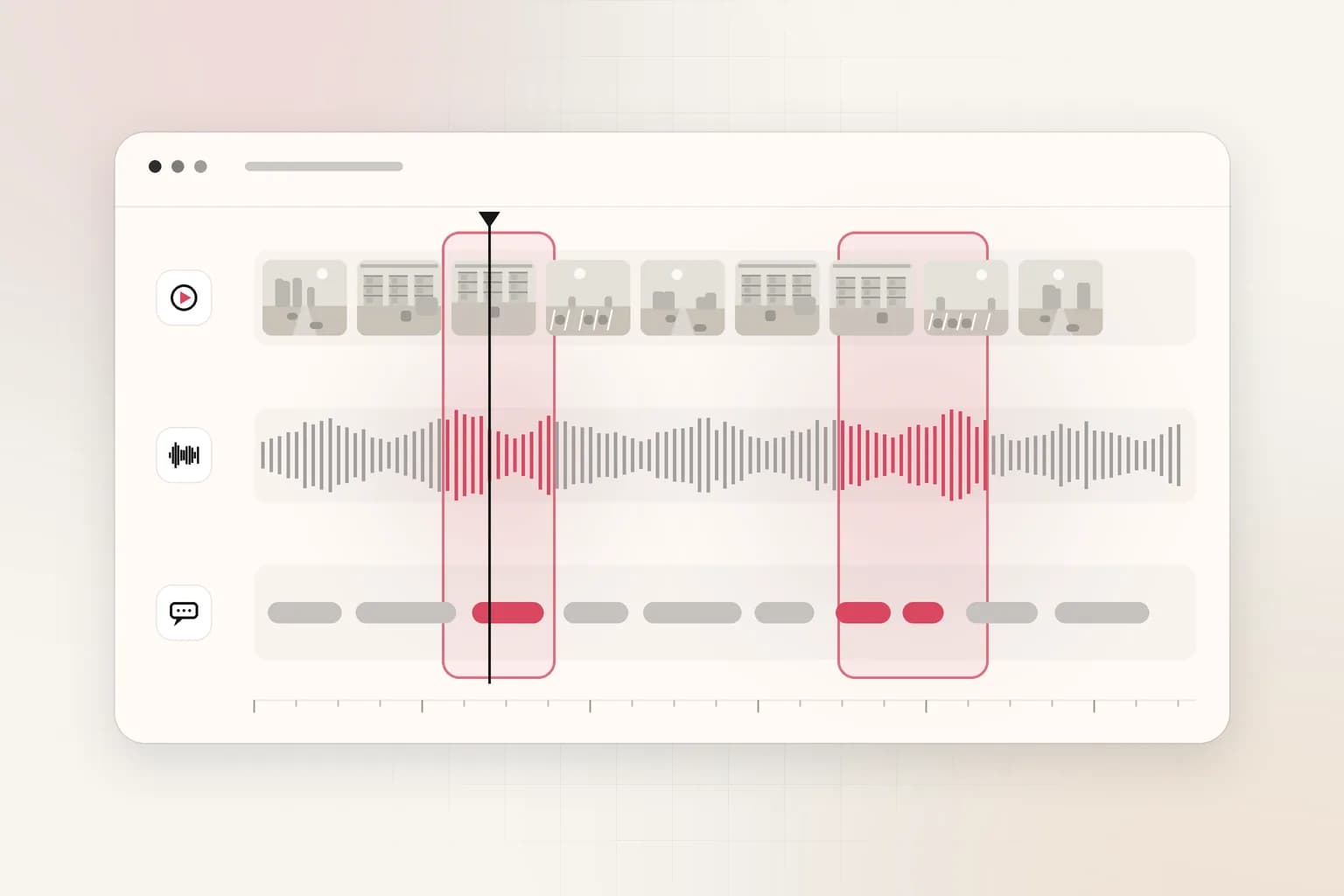
Pegasus 1.5 is the video-language model. It reasons across time, connecting events and interpreting why a moment matters. Twelve Labs lists four capabilities in Snowflake:
| Capability | What Twelve Labs says it does |
|---|---|
| Time-based metadata | Finds every instance of a defined event, such as a brand appearance or a speaker change, with start and end timestamps |
| Multimodal prompting | Uses a reference image to find an entity or action and returns timestamped matches |
| Long video | Analyzes "videos up to two hours long in a single request" without chunking |
| Structured output | Returns JSON that follows a schema you provide, with start and end times, a category and the fields you ask for |
Twelve Labs also reports two benchmarks, both company-reported and not independently verified: Pegasus 1.5 outperforms Gemini 3.1 Pro by 9% on segmentation quality, with boundaries accurate to "within roughly 350 milliseconds", and by 13.1% on its multimodal prompting evaluation.
How do you use it from SQL?
According to the LetsDataScience summary of Snowflake's blog, the workflow has three steps:
- Embed.
AI_MULTI_EMBEDwith the modeltwelvelabs-marengo-embed-3-0processes videos held on internal or external stages (Amazon S3, Google Cloud Storage or Azure). Output covers visual, audio and transcription signals and is split into segments based on video length. - Search. Cortex Search indexes the embeddings so users can search in natural language rather than rely on manual tags and keyword matching.
- Analyze.
AI_COMPLETEwith the modeltwelvelabs-pegasus-1-5returns free-text answers or structured metadata. Snowflake says a separate frame-extraction or transcription pipeline may not be needed, depending on the use case.
For advanced cases, Snowflake says Cortex Agents can run multi-vector search across visual, audio and transcription signals with custom ranking. Treat the function names as reported, and read Snowflake's documentation for exact arguments before you write production queries.
Why does it matter that video lands in a data warehouse?
Video is usually the one data type that sits outside governed analytics. Snowflake's pitch is that row-level policies, role-based access and audit logs can apply to video-derived data stored in Snowflake tables, and that video-derived signals can be queried in the same statements as structured data. That is a real advantage for analysts who already live in Snowflake.
Twelve Labs gives two examples of the joined-up view:
- Media and advertising: linking scene features to viewer retention, ad completion and sponsor exposure, including Data Clean Rooms workflows that avoid sharing the footage itself.
- Robotics and industrial: linking recorded actions to sensor logs, task definitions and outcome data to find failure patterns and step timings.
Snowflake also cites a customer example in its blog, as summarized by LetsDataScience: Challenger School's marketing team built a footage-search tool with AI_MULTI_EMBED that surfaces relevant clips in minutes, replacing a manual search that took weeks. That is the vendor's claim, and we have not verified it.
What did the announcements not say?
Neither the Twelve Labs post nor the secondary summary gives pricing, supported regions, rate limits or limits beyond the two-hour video length. Twelve Labs also does not publish SQL syntax in its post; it points to a quickstart. For a security, safety or archive team, those gaps decide whether a pilot is affordable and whether the footage can legally sit in a given region. Ask for them in writing before you move any evidence footage.
How does this fit with the rest of Twelve Labs' rollout?
Pegasus 1.5 is not new this week; it is reaching a new channel. Our earlier post on Twelve Labs and Pixeltable showed Marengo 3.5 embeddings and Pegasus 1.5 attributes stored beside a catalog, and our look at the Qwen4-Max video API covers another hosted route to video understanding. The pattern is the same: the models ship wherever the customer's data already lives. Snowflake is the warehouse route; Pixeltable and the Twelve Labs API are others. If you are still sorting out what these APIs do, start with our buyer guide to video intelligence APIs.
Who is a warehouse-native video workflow good for?
It suits teams where the analyst is the user: media measurement, sponsorship reporting, robotics and manufacturing analytics, and any group that already governs data in Snowflake and wants video as another column. SQL access, existing roles and audit logs are the draw.
It is less natural for investigators and operators. A security manager looking for a person in a red jacket near a loading dock at 22:40 does not want to write AI_COMPLETE calls; they want a search box, a timeline and clips they can export for an incident report. Someone still has to build the interface, the retention rules and the ingest from cameras or drone exports.
What should you test before trusting timestamped output?
Timestamps are only useful if they are right, so measure them. Twelve Labs claims boundaries accurate to "within roughly 350 milliseconds", but that figure comes from its own evaluation. For an investigation or a safety review, the question is narrower: when the model says an event starts at 00:14:32, does a human reviewer see it there?
A simple test design works for most teams:
- Sample 30 to 50 events that people have already labeled by hand, across several cameras or shows.
- Record the offset between the model's start time and the human's start time, and note misses and false matches separately.
- Split results by condition: daylight versus night, quiet versus noisy audio, close versus distant subjects.
- Check the structured output: does every JSON record follow your schema, and does it stay stable when you rerun the same file?
Use a timecode tool such as our timecode calculator to line up the model's offsets with exported clips. Keep the results with the model name and date, because versions change and a compliance reviewer may later ask which model produced a given finding.
Where does Ceptory fit?
Ceptory is a finished video intelligence platform. You upload recorded video or add it by URL through the API, and teams search it in natural language across scenes, speech and on-screen text from the dashboard or the video intelligence API. Use the search feature for that workflow. Ceptory has no Snowflake integration today, and we do not claim one.
The choice is about who does the work. Choose a Snowflake and Twelve Labs build when your team owns the data platform and wants video next to tables. Choose Ceptory when you want indexing and search on exported footage without building the layer yourself. Pricing is per minute indexed plus per search, on the pricing page, and the neutral fact table is on Ceptory vs Twelve Labs.
What should you do now?
- Ask Snowflake for the missing facts. Request credit consumption for
AI_COMPLETEwith Pegasus 1.5, supported regions and per-request limits in writing. - Pick 50 to 100 hours of real footage. Include the hard cases, such as night, glare, crowded scenes and poor audio, so the vendor-reported 9% and 13.1% gains are tested on your data.
- Define your JSON schema first. Decide the categories and fields (event type, start, end, confidence note) before you prompt, so outputs are comparable across files.
- Check governance. Confirm who can read video-derived rows, how long embeddings are retained and how deletion requests reach them.
- Compare against a search-first platform. Run the same questions in a dashboard tool and note how long a non-technical reviewer takes to reach a clip.
Bottom line
Pegasus 1.5 and Marengo 3.0 in Snowflake Cortex put timestamped video understanding inside a governed data platform, which is useful for analytics teams. Pricing, regions and many limits are still unpublished in the sources we read, so verify before committing. If your goal is to find a moment in footage rather than build a pipeline, see how Ceptory handles it.
Frequently asked questions
Is Twelve Labs Pegasus 1.5 available in Snowflake?
Yes. Snowflake's announcement, dated November 18, 2026, says Pegasus 1.5 and Marengo 3.0 are generally available in Snowflake Cortex AI Functions. Twelve Labs published a matching post saying Pegasus 1.5 is generally available in the Snowflake AI Data Cloud.
How do you call Pegasus 1.5 from Snowflake?
Per Snowflake's description, you call AI_COMPLETE with the model twelvelabs-pegasus-1-5 for free-text answers or structured metadata, and AI_MULTI_EMBED with twelvelabs-marengo-embed-3-0 to embed video from internal or external stages. Check Snowflake's docs for exact syntax.
How long a video can Pegasus 1.5 analyze in Snowflake?
Twelve Labs says Pegasus 1.5 can analyze videos up to two hours long in a single request without chunking. Snowflake's own limits, such as file size or concurrency, were not stated in the sources we read, so confirm them in the Snowflake documentation.
How much does Pegasus 1.5 cost in Snowflake?
The announcements we read do not state a price or a list of supported regions. Check your Snowflake account team and the Cortex AI Functions documentation for credit consumption before you plan a pilot.
Is Snowflake Cortex a replacement for a video search platform?
Not by itself. It gives data teams model functions and governance inside Snowflake. A video intelligence platform such as Ceptory adds indexing, a search interface and an API for investigators and operators who do not write SQL.
Do Twelve Labs benchmark claims hold on my footage?
Treat them as vendor-reported. Twelve Labs says Pegasus 1.5 beats Gemini 3.1 Pro by 9% on segmentation quality and 13.1% on multimodal prompting. Test on 50 to 100 hours of your own footage before you rely on those numbers.
Ceptory
Search your own footage in plain language. The free tier indexes 60 minutes of video.
Related reading
Keep reading
Video Intelligence · 8 min read
Video Intelligence API: Building Multimodal Retrieval and Analysis Workflows
Read article
Comparisons · 8 min read
Video Intelligence API Alternatives: Google, AWS, Azure & More
Read article
Guides · 9 min read