Operations
CCTV Bandwidth Calculator: Uplink and NVR Ingest Limits
A CCTV bandwidth calculator sizes switch uplinks, NVR ingest ratings, and remote viewing upload. Worked Mbps examples for 16 and 48 cameras.

TL;DR
Plan CCTV bandwidth by summing each camera's recorded bitrate on the busiest link, adding live-view streams, then comparing to switch uplink speed and the NVR's incoming bandwidth rating. Use the free CCTV bandwidth calculator for your site.
A CCTV bandwidth calculator totals megabits per second on the busiest network path between cameras, switches, and the NVR, then checks that path against switch uplink speed and the recorder's incoming bandwidth rating. Recording and viewing use different links: sixteen cameras at 4 Mbps load the LAN at 64 Mbps, but two remote guards on sub streams might need only 4 Mbps upload. The free CCTV bandwidth calculator models both; this guide walks formulas, NVR ingest traps, and India broadband realities.
What does a CCTV bandwidth calculator add up?
Bandwidth planning starts with which link you are sizing:
| Path | Traffic included | Typical bottleneck |
|---|---|---|
| Camera → PoE switch | Per-camera stream | Rarely the camera port (100 Mbps) |
| Switch → NVR uplink | Sum of all recording streams | 100 Mbps edge switches, long cable runs |
| Site → internet | Remote live view and cloud relay | Upload, often 10–50 Mbps in India |
| Incident export | Clip download or upload | Burst, not 24/7 |
SentryCAD's bandwidth guide defines the recording baseline as the sum of average bitrates of all recorded streams, then asks you to add live view, playback, and headroom as separate checks. CCTVCalc's planning steps stress that NVR placement changes which uplink carries all camera traffic.
Core formula:
Total Mbps = Σ (cameras × bitrate) × (1 + headroom%)
Convert to MB/s for transfer-time math: divide Mbps by 8.
What is the CCTV bandwidth calculator formula per camera?
When you do not have measured Mbps yet, planners use H.264 baselines at 30 fps, then scale:
| Resolution | Planning H.264 bitrate @ 30 fps | At 15 fps (≈ half) |
|---|---|---|
| 1080p (2 MP) | 4 Mbps | ~2 Mbps |
| 4 MP | ~6 Mbps | ~3 Mbps |
| 4K (8 MP) | 8–16 Mbps (use 12 as midpoint) | ~6 Mbps |
H.265 often needs 30–50% less bitrate at similar quality. The Ceptory CCTV bandwidth calculator applies about 40% reduction when you select H.265.
GaugeCalc's IP camera bandwidth tool shows a worked 16-camera, 4 MP, 15 fps, H.265 example: per-camera bitrate near 1.95 Mbps, total 31.2 Mbps before headroom — underscoring that codec and fps matter as much as resolution labels.
For storage on the same assumptions, pair with the CCTV storage calculator and how much storage CCTV cameras need.
How do I size the switch uplink?
Run the sum on the aggregation point, not each camera port.
Example A — 16 cameras, 4 Mbps, 10% overhead
- Recording: 16 × 4 = 64 Mbps
- With overhead: 64 × 1.1 = 70.4 Mbps
- Two live viewers at 4 Mbps main: +8.8 Mbps → 79.2 Mbps
- Share of 1 Gbps uplink: 7.9% — comfortable if you stay below 70–80% planning ceilings (TNAADO's worked uplink example)
Example B — 48 × 4K @ 12 Mbps
- Recording: 48 × 12 = 576 Mbps
- Exceeds a single gigabit uplink → need 10 Gbps core or edge recorders that keep traffic local
Axis network troubleshooting guidance recommends a gigabit backbone once you pass about twelve devices.
Why must I check NVR incoming bandwidth separately?
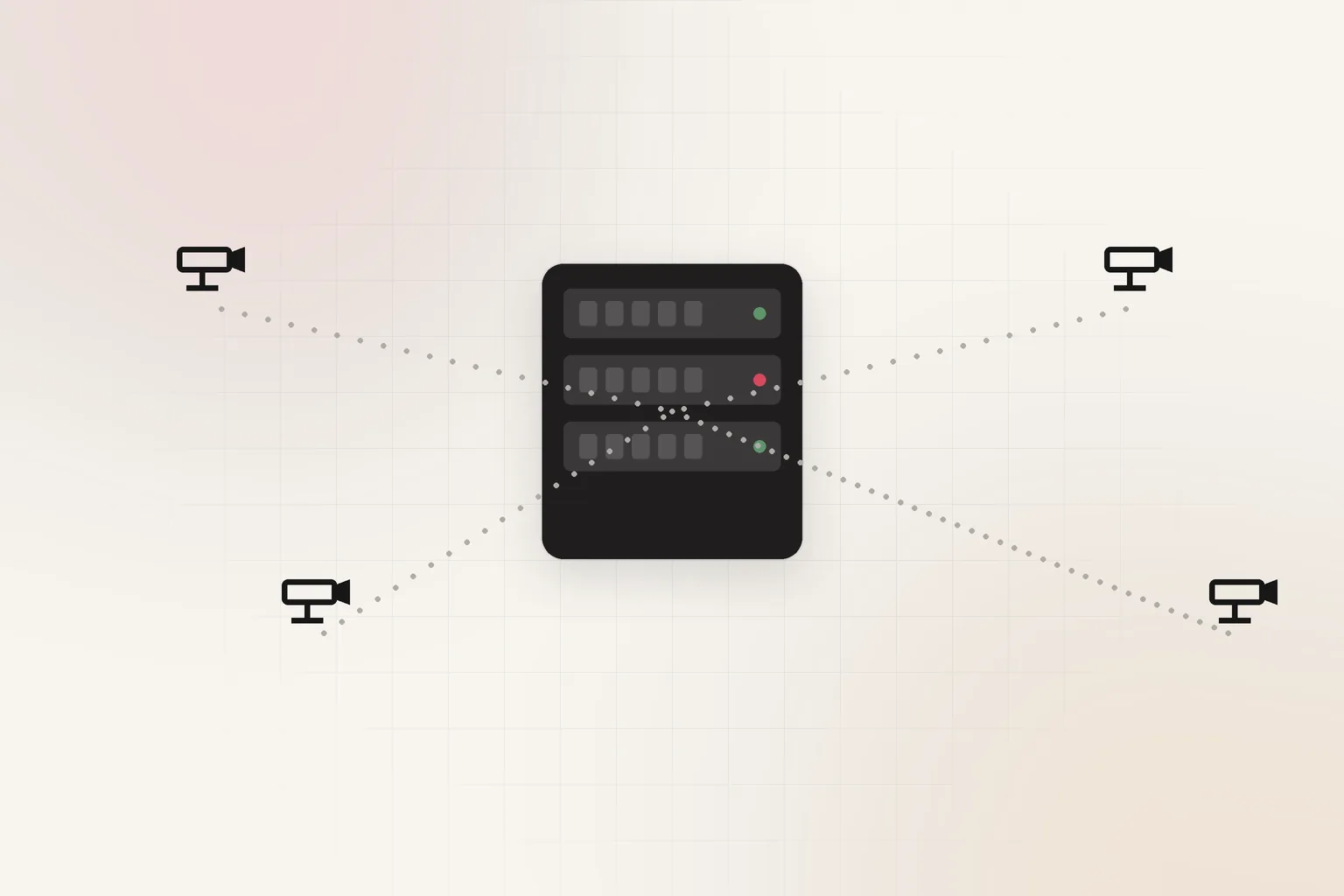
A recorder's network port is often gigabit while its incoming bandwidth specification is lower. GaugeCalc notes entry NVRs may ingest only ~80 Mbps despite a 1 GbE jack; enterprise units reach hundreds of Mbps.
Failure mode: cameras total 128 Mbps, switch is fine, NVR rated 80 Mbps ingest → dropped frames, forced sub-stream recording, or automatic bitrate throttle.
What to do:
- Find Incoming Bandwidth or Total Bandwidth on the NVR datasheet.
- Compare with calculator recording total (with headroom).
- If over limit, split cameras across two recorders, use local recording on camera SD (usually poor for investigations), or lower bitrate on non-critical channels.
Indian buyers comparing CP Plus, Hikvision, and Dahua 16-channel boxes should verify ingest on the exact SKU; channel count marketing does not imply full-bitrate simultaneous ingest.
How much internet upload does remote viewing need?
Remote viewing rarely pulls sixteen main streams. Mobile apps often use sub streams at 512 Kbps to 2 Mbps.
The Ceptory calculator assumes about 80% of advertised upload is usable after TCP overhead — realistic for 50 Mbps fiber (40 Mbps usable) but painful for 10 Mbps asymmetric broadband common at small Indian sites.
| Scenario | Streams | Rough upload need |
|---|---|---|
| Two guards, sub stream | 2 × 1 Mbps | ~2 Mbps + overhead |
| One incident clip upload (1 h @ 4 Mbps) | File transfer | ~1.8 GB; ~6 min at 50 Mbps usable upload |
| Cloud relay of all mains | 16 × 4 Mbps | 64 Mbps sustained — rare except data-centre links |
For clip review without streaming every camera, export a segment and index it. How much bandwidth CCTV cameras need covers LAN versus upload in more depth. Streaming IP cameras from an OpenWrt router explains when relay upload becomes the constraint.
How do Hikvision and Dahua settings affect calculator inputs?
Installers searching cctv bandwidth calculator hikvision or dahua need encoder Mbps, not resolution names.
- Hikvision: Main stream for recording, sub stream for remote preview — size the uplink on main totals; size upload on expected sub viewers.
- Dahua Smart Codec / H.265+: Average Mbps may sit below table presets; measure one week, then type into the calculator.
- Dual-stream recorders: Some VMS record sub locally and main to edge — confirm which stream crosses the wire you are sizing.
Hikvision's H.264 encoding white paper explains why scene complexity pushes bitrates above spreadsheet defaults.
How does bandwidth relate to video intelligence uploads?
Ceptory does not require continuous cloud streaming of every camera. Ceptory Desktop sends frames on workflow intervals (often 3–30 seconds), and footage chats accept uploads or URLs for indexing and natural-language search. That differs from relaying 64 Mbps of live RTSP to a cloud VMS.
When you export incident video for search, the burst is file size, not live Mbps. Use the video file size calculator with duration and bitrate. API indexing is $0.042/min indexed plus $0.0015/min infrastructure, search $4/1,000 queries, 60 free indexed minutes (pricing). What is a video intelligence API compares export-based workflows with always-on cloud analytics.
Sites planning analytics software in India should size wire and disk together via what is video analytics software: India buyer guide.
What should you do now?
- List camera groups with measured or planned Mbps per recording stream.
- Identify the busiest link (switch→NVR, WAN, or Wi‑Fi bridge).
- Run totals in the CCTV bandwidth calculator.
- Compare with switch uplink (stay under ~70% of rated speed for headroom).
- Compare with NVR incoming bandwidth on the datasheet — separate test.
- Model remote viewers on sub streams, not mains.
- Match disk with the CCTV storage calculator on the same bitrates.
When upload is too thin for live everything-at-once review, export the window that matters and try Ceptory search on that clip instead of saturating the link.
How do Wi‑Fi bridges and long cable runs change the math?
Outdoor cameras on Wi‑Fi bridges share airtime with every hop. If four 4 Mbps cameras share a 300 Mbps bridge rated for 100 metres, protocol overhead and retransmits can consume more than spreadsheet Mbps suggest. Plan 25–30% headroom on wireless paths even when wired uplinks use only 10%.
Long copper runs without proper switches may force 100 Mbps edge segments. Sixteen cameras at 4 Mbps (64 Mbps) still fit, but adding POS VLAN traffic or guest Wi‑Fi on the same unmanaged switch creates micro-bursts. Segment CCTV on a dedicated VLAN with a known uplink to the NVR, as described in can a Wi‑Fi router stream a Tapo camera when you weigh consumer gear against enterprise design.
What is the CCTV bandwidth calculator workflow on a greenfield site?
- Bill of materials — list camera model, intended resolution, fps, codec.
- Preset pass — enter counts in the CCTV bandwidth calculator with H.264 defaults.
- Switch design — if any uplink exceeds 70% of 1 Gbps, upgrade that hop or distribute NVRs.
- NVR shortlist — discard recorders whose ingest rating is below step 2 totals.
- ISP order — size upload for expected concurrent remote viewers on sub streams.
- Commissioning — read actual Mbps after two weeks; revisit steps 2–5 if night bitrates spike.
Document results in the handover pack next to storage calculator figures so the next integrator does not re-guess.
How do main stream and sub stream differ in calculator inputs?
Many cameras expose stream 1 (main) for recording and stream 2 (sub) for mobile preview. Recording bandwidth uses main bitrates summed on the switch→NVR path. Remote viewing bandwidth uses sub bitrates multiplied by concurrent viewers.
| Stream | Typical use | Planning bitrate |
|---|---|---|
| Main | NVR recording, evidence | 2–12 Mbps depending on resolution |
| Sub | Phone app, wall monitor grid | 0.5–2 Mbps |
Some VMS clients pull main to the SOC wall, which collapses the distinction — confirm how your operator console behaves before you trust sub-stream upload math.
When should you upgrade from 100 Mbps to gigabit uplinks?
Upgrade triggers:
- Recording total plus headroom exceeds 80 Mbps on a 100 Mbps link
- More than 24 continuous 4 Mbps streams on one edge switch
- Playback while recording — operators scrubbing hours of 4K during an incident can double transient load
CCTVCalc recommends treating other VLAN traffic on the same uplink as additive. A 64 Mbps CCTV load on a 100 Mbps shared uplink with 30 Mbps corporate traffic leaves little burst room.
For 10 Mbps asymmetric broadband common at small Indian retail, assume 8 Mbps usable upload and cap concurrent cloud viewers at one or two sub streams. Heavier review belongs to LAN export, matching how to export CCTV from Hikvision NVR in India.
Frequently asked questions
What is a CCTV bandwidth calculator used for?
It adds the megabits per second of every camera stream that crosses a network link, typically the PoE switch to NVR uplink or the internet upload for remote viewing. It answers whether that link and the NVR ingest rating can carry recording without dropped frames.
How do I use a CCTV bandwidth calculator for 32 cameras?
Multiply 32 by each camera's recording bitrate in Mbps, for example 32 times 4 Mbps equals 128 Mbps on the LAN. Add overhead of 10 to 25 percent, add concurrent remote viewer sub streams, then compare the total to gigabit uplink headroom and the NVR datasheet incoming bandwidth.
Does motion recording reduce CCTV bandwidth?
Usually no on the wire. IP cameras often stream continuously to the NVR; motion mode changes what gets written to disk, not always what is sent. Plan bandwidth as if every camera streams all the time unless your vendor documentation says otherwise.
What is the difference between switch bandwidth and NVR ingest?
A gigabit switch port can pass 1000 Mbps, but an NVR lists a separate incoming bandwidth limit, often 80 to 200 Mbps on entry units. If camera totals exceed that rating, the recorder may drop frames or throttle quality even when the switch is fine.
How much upload bandwidth do I need for remote CCTV viewing?
Add only the sub streams viewers open at once, not every camera's main stream. Two viewers at 1 Mbps sub streams need about 2 Mbps upload plus overhead; sixteen mains at 4 Mbps would need 64 Mbps and often fails on residential broadband.
Is there a free CCTV bandwidth calculator online?
Yes. Ceptory's CCTV bandwidth calculator runs in the browser, models camera count, resolution, codec, remote viewers, and upload overhead, with no signup.
Ceptory
Search your own footage in plain language. The free tier indexes 60 minutes of video.