
Find any scene in natural language.
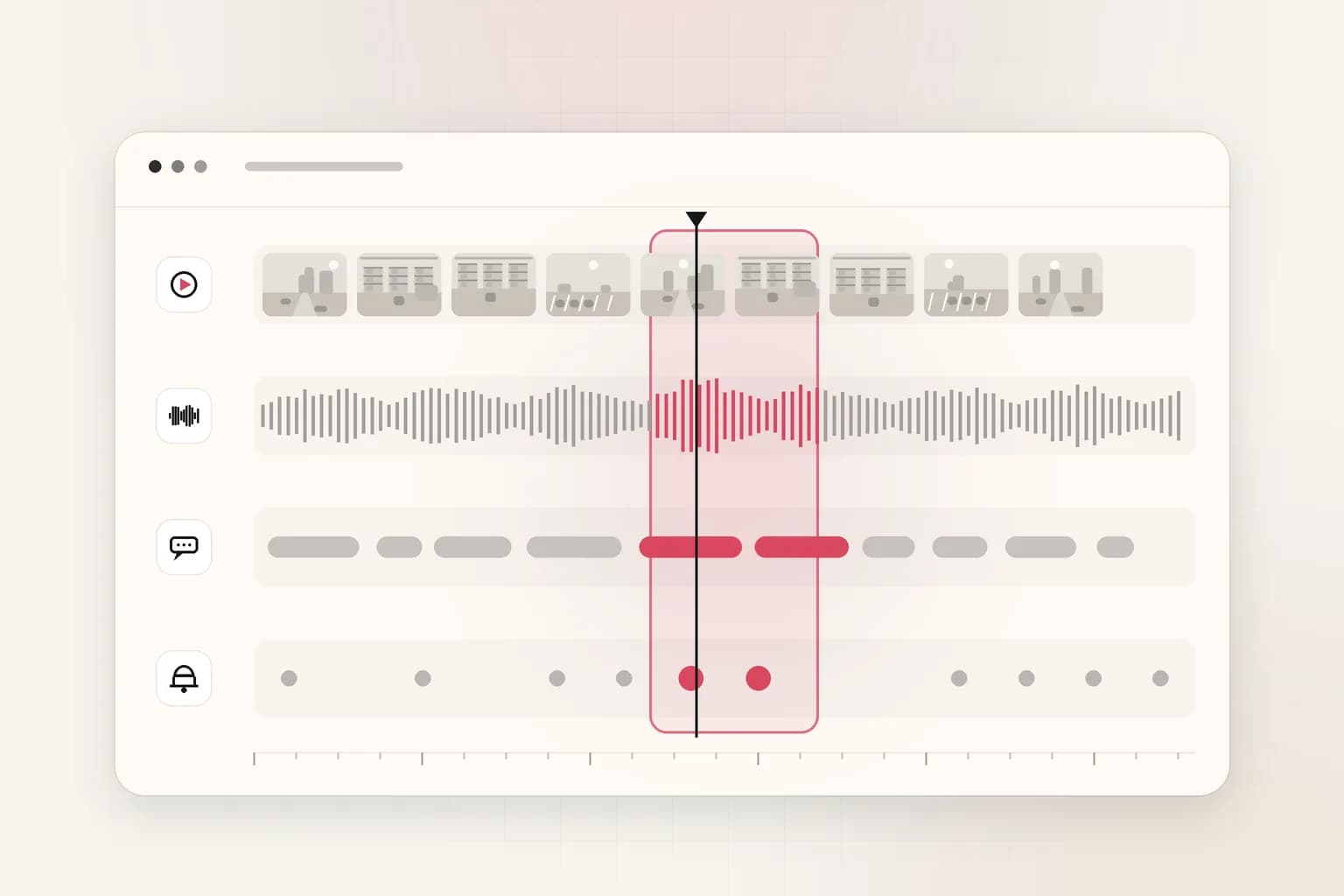
Search across scenes, speech, text, audio, and event sequences without depending on brittle metadata or manual logging.

Query mode
Natural language
Search by scene, spoken phrase, object, person, or event sequence.
Context scope
Multimodal
Unify speech, visuals, time, and action in the same retrieval surface.
Team fit
Analyst to editor
Support security, media, operations, and product review teams.
Capabilities
What this feature unlocks
Ceptory Search gives teams a retrieval layer that understands timing, visuals, speech, and actions together, so users can ask for what happened instead of translating everything into timestamps and tags.
- Scene-level retrieval across archives, meetings, surveillance, and recorded sessions
- Speech-aware search for quotes, topics, and speaker-linked moments
- Event-sequence search when the meaning depends on order and timing
- Search-ready outputs that can feed review queues and internal systems
Workflow
How it fits into Ceptory
- 1
Index video from live streams, archives, recordings, and monitored environments.
- 2
Parse speech, scene changes, objects, actions, and temporal context into one searchable layer.
- 3
Return the most relevant moments with timing, confidence, and review-ready context.
- 4
Push results into analyst, editorial, or operational workflows.
Integration
Built to plug into your stack
- Connect retrieval outputs to internal tooling through APIs and structured responses.
- Use the same search layer across cloud, private cloud, or on-prem deployments.
- Keep review and governance controls aligned with enterprise access boundaries.
FAQ
Search: common questions
What can teams search for with Ceptory Search?
Teams can search for scenes, spoken phrases, objects, people, actions, and multi-step event sequences using natural language instead of timestamps or rigid query syntax.
Does this work only on archived footage?
No. Search can be applied to archives, recorded meetings, support calls, surveillance video, and other indexed video sources.
Why is this different from metadata search?
Metadata search only finds what has already been labeled. Ceptory Search retrieves meaning inside the video itself by interpreting visual, spoken, and temporal context.
Related
Explore more features
Analyze
Turn footage into structured intelligence.
Learn more
Embed
Embed video intelligence into your systems.
Learn more
Detect
Detect anomalies, objects, and events in real time.
Learn more
Track
Track objects, people, and events across recorded video.
Learn more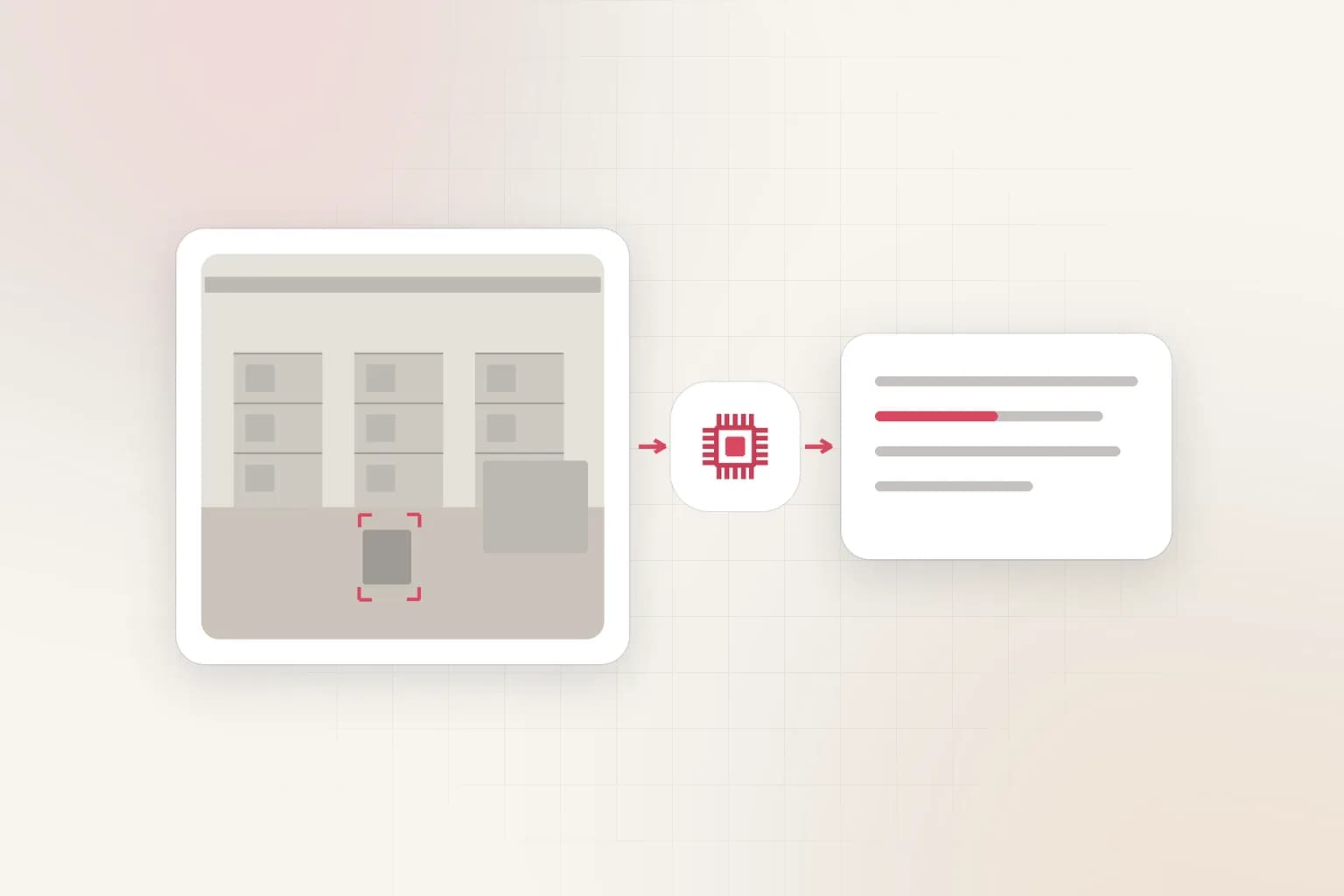
Understand
Understand scenes, intent, and context - not just objects.
Learn more
Monitor
Keep a continuous eye on operations across every camera and location.
Learn moreSearch deployment guidance
This feature is built for enterprise video workflows where teams need reliable outputs at production scale, not isolated experiments.
Use this page to align implementation details with governance requirements and downstream integration needs.
- Feature-level execution steps for production adoption.
- Integration model for search, analytics, and workflow systems.
- Policy and review controls for enterprise operations.
Get started
Put search to work on your footage
Start with this feature, then connect it to Ceptory's search, analysis, and deployment surface.